


ShipOS
One dashboard to compose once, customize per network, and publish everywhere in a single click.



What is ShipOS?
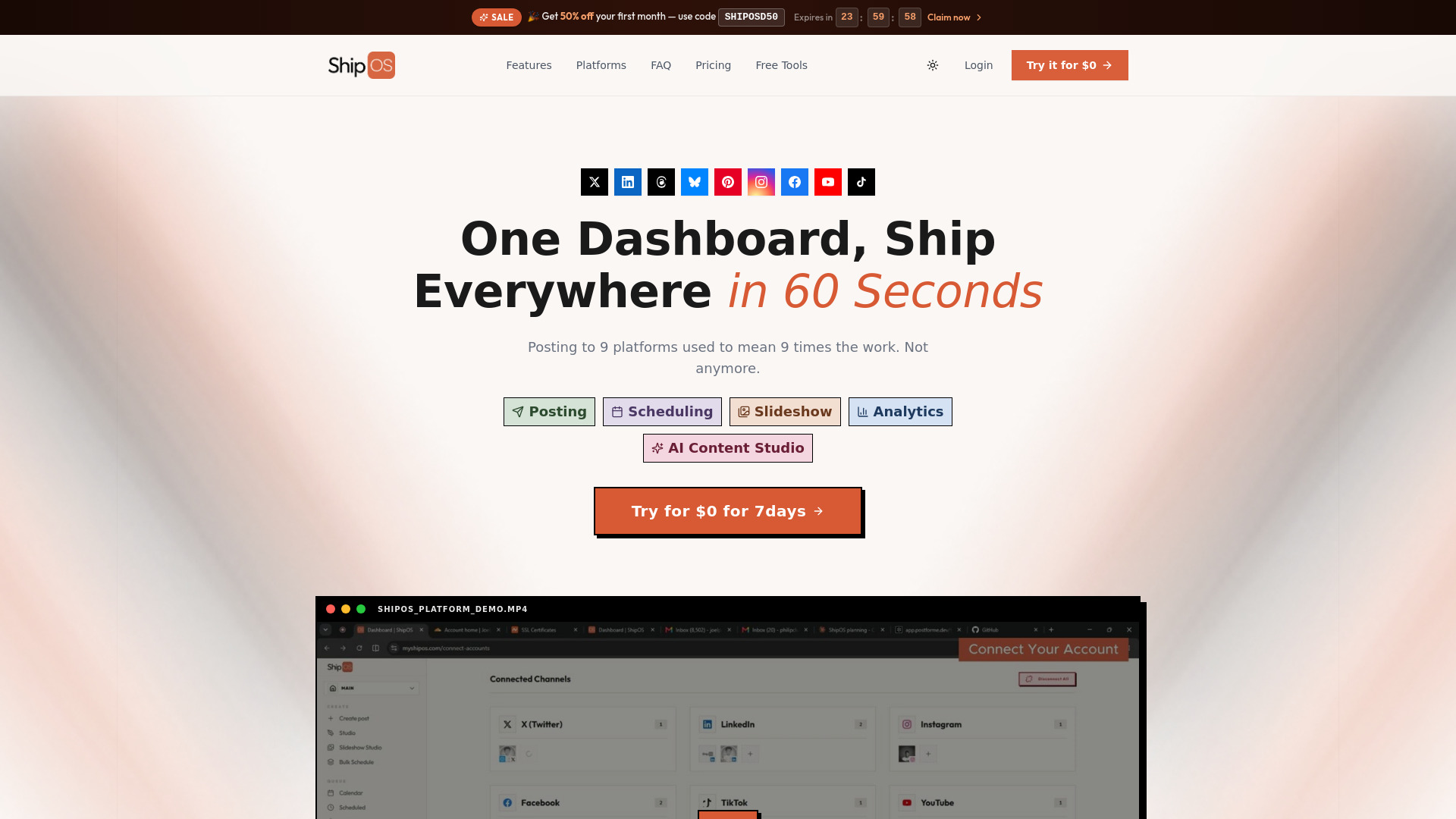
ShipOS is an all-in-one social media scheduling and management platform designed to let users write once and publish everywhere. Instead of juggling nine browser tabs for Facebook, YouTube, Instagram, TikTok, LinkedIn, Pinterest, X, Threads, and Bluesky, ShipOS provides a single dashboard where content can be composed, auto-formatted for each network's rules, and deployed with one click. The platform is pitched as a fast, focused alternative to bloated enterprise tools, built by a solo creator for creators, agencies, and teams that want simplicity without sacrificing power. The workflow centers on a unified composer, a visual drag-and-drop calendar, bulk scheduling, an AI Content Studio, a Slideshow Studio for carousel posts, and cross-platform analytics. Users can paste or upload a month of content, let the bulk scheduler auto-space posts across selected accounts, and preview everything before it goes live. The AI Studio can turn a simple topic into a ready-to-publish post or sharpen an existing draft, while the Slideshow Studio allows on-brand carousels to be designed and scheduled directly from the same workspace. ShipOS is positioned for individuals and organizations that publish frequently across multiple social networks and want to save time without losing platform-specific nuance. It offers three paid tiers—Starter, Creator, and Pro—with a 7-day free trial, and the founder emphasizes direct human support, no per-seat fees, and fast feature requests. Pricing scales from a single-creator workspace to unlimited agency accounts, and the analytics module aggregates likes, comments, views, reach, engagement rate, and best-time-to-post insights across all connected platforms.
SpecificationsAI-estimated
Key Features of ShipOS
Use Cases for ShipOS
Multi-Platform Distribution
Write a post once and publish it to Facebook, Instagram, LinkedIn, X, TikTok, YouTube, and more without opening multiple tabs.
Bulk Content Planning
Upload or paste a month of content and let ShipOS auto-space and schedule hundreds of posts across all selected channels.
AI-Assisted Post Generation
Drop a topic into the AI Studio and get a ready-to-publish post, or paste a draft and let AI sharpen the copy.
Visual Carousel Creation
Design branded visual carousels for LinkedIn and Instagram using built-in fonts, backgrounds, and formatting controls.
Performance Tracking
Monitor views, reach, likes, comments, shares, and engagement rate for all platforms in one analytics dashboard.
Agency Client Management
Manage multiple client workspaces, unlimited connected accounts, and bulk queues using the Pro plan's agency-friendly limits.
How to use ShipOS?
Sign Up for the Free Trial
Create your account and start the 7-day free trial. No credit card is required to begin exploring the dashboard.
Connect Your Social Accounts
Connect your social accounts from LinkedIn, Instagram, Threads, Twitter/X, Bluesky, TikTok, Pinterest, Facebook, and YouTube. Higher plans allow multiple accounts per platform.
Compose or Generate Content
Write a post once in the composer, or use the AI Content Studio to generate drafts from a topic. You can also use the Slideshow Studio to design visual carousels for LinkedIn or Instagram.
Schedule or Bulk Schedule
Choose your target channels, use the visual calendar to drag and drop posts, or use Bulk Scheduling to upload/paste content, set a start time, and auto-space your queue across weeks or months.
Publish and Analyze Performance
Review your scheduled posts, publish with one click, and track performance using the unified analytics dashboard. Adjust future posts based on engagement, reach, and best-time-to-post insights.
Pros & Cons of ShipOS
Pros
- One-click cross-posting to 9 major social networks without manually adapting each post.
- AI Content Studio and Slideshow Studio are built into the same dashboard.
- Bulk scheduling can fill weeks or months of content automatically with auto-spacing.
- Unified analytics aggregates performance across all platforms in a single view.
- Direct founder support and no per-seat fees.
Cons
- No free forever tier; only a 7-day trial is offered and paid plans start at $19/month.
- Advanced Analytics and the Slideshow Studio are locked behind the Creator and Pro plans.
- No dedicated mobile app or offline access is mentioned; the tool appears to be browser-based only.
- As a solo-developer product, enterprise-grade support and security documentation may be more limited than larger competitors.
Frequently Asked Questions
Which social media platforms does ShipOS support?
ShipOS supports 9 major social platforms: LinkedIn, Instagram, Threads, Twitter/X, Bluesky, TikTok, Pinterest, Facebook, and YouTube. You can connect multiple accounts per platform on higher plans.
How does the cross-platform composer handle different network limits?
The cross-platform composer automatically adapts your post to each network's rules, including character limits, image ratios, and spacing, so content looks native on every platform.
How does the visual calendar drag-and-drop scheduling work?
The visual calendar shows your entire posting schedule across every platform in one clean grid. You can drag posts to reschedule, spot gaps in your content, and view your month at a glance without using spreadsheets.
What is Bulk Scheduling and how do I use it?
Bulk Scheduling lets you plan an entire week or month in one sitting. You can upload or paste content, choose target channels, set a start date and time, and use auto-spacing to distribute hundreds of posts automatically. The bulk queue capacity depends on your plan: 10 posts at once for Starter, 25 for Creator, and 50 for Pro.
What are AI Credits and how does the AI Content Studio help me?
AI Credits are used by the AI Content Studio to generate new posts or refine existing drafts. Starter includes 100 AI Credits, Creator includes 400, and Pro includes unlimited Studio Access. Nothing goes live until you review and approve it.
Is it safe to connect my official brand accounts to ShipOS?
The site positions ShipOS as a secure platform for connecting official brand accounts; you connect accounts from your dashboard and remain in control of what gets published. For detailed technical security documentation, you can contact their human support team directly.
Is there a free trial, and can I cancel or change plans?
Yes, ShipOS offers a 7-day free trial for $0. The founder states you can cancel with a single click if the tool doesn't earn its place in your daily stack. Plans can be switched between monthly and annual billing, with annual billing saving 20%.
How much does ShipOS cost?
Pricing starts at $19/month for Starter, $29/month for Creator, and $49/month for Pro. The 7-day free trial gives you access before you pay.
Reviews & Ratings0.0
No reviews yet. Be the first to write one!
Top Alternatives & Similar Software
View all alternatives & similar software→

People also viewed




Related searches
Is this your tool?
Claim this page to update details, reply to user reviews, and drive more traffic to your product.
Claim this Product →
Explore Related Topics
Keep up with ShipOS alternatives
New alternatives, pricing changes and the week's biggest movers - one email every Tuesday.