


Smartrazor
Edit your YouTube videos in five minutes


What is Smartrazor?
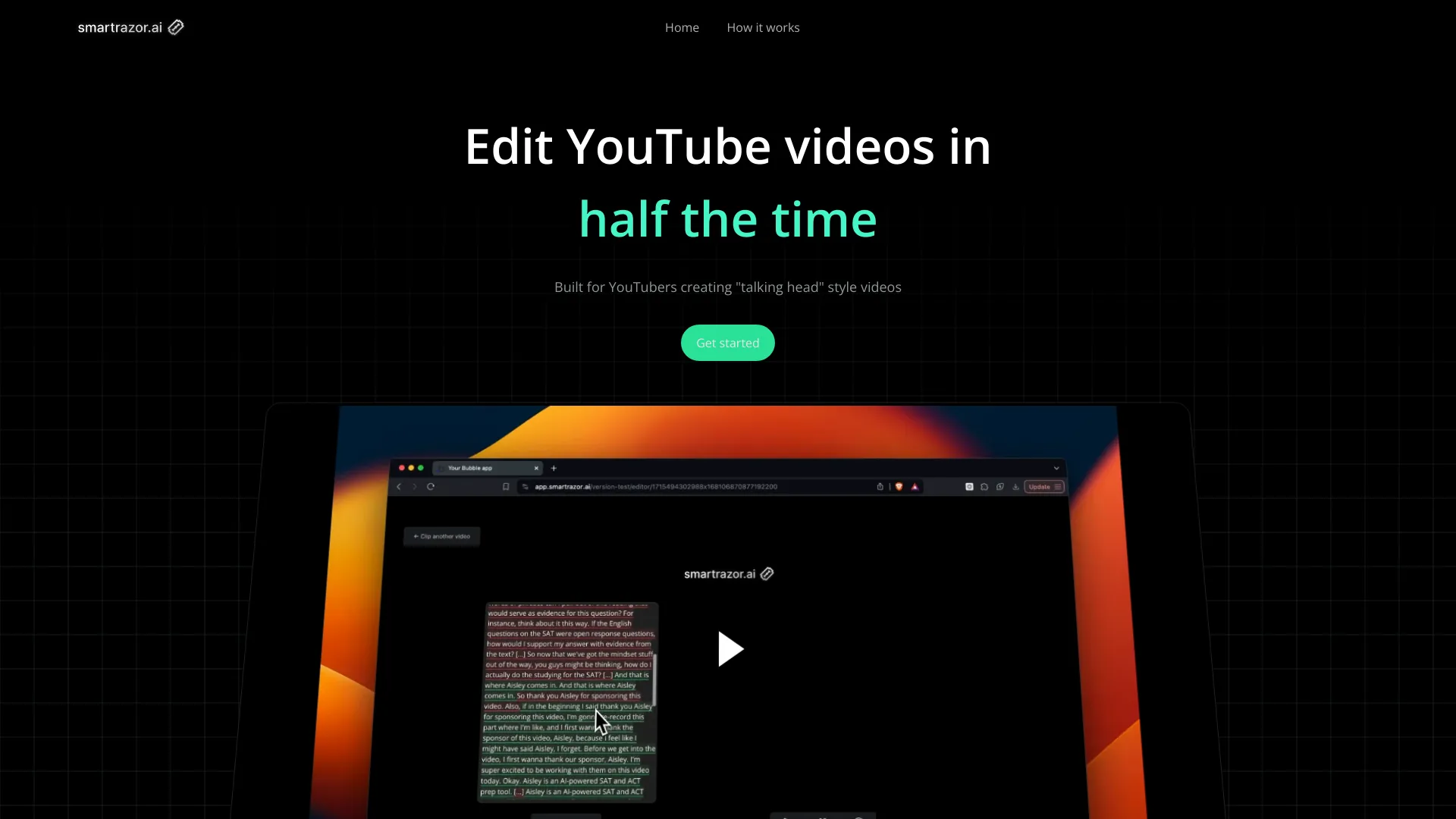
Smartrazor is an AI-powered video editing platform designed specifically for YouTube creators who make talking-head or long-form content. It automatically removes bad takes, pauses, and mistakes from raw footage, then adds engaging elements like animated captions and zooms. Users can record directly in the app or upload raw footage, and the AI handles the editing legwork. A transcript editor lets users make text-based adjustments, and an effects timeline allows quick tweaks to zoom and caption placement.
SpecificationsAI-estimated
Key Features of Smartrazor
Use Cases for Smartrazor
Solo YouTube creator
Creators who want to upload long YouTube videos without spending hours removing mistakes and adding effects.
Content agency
Agencies that produce talking-head content for multiple clients and need efficient, scalable editing.
Online entrepreneur
Entrepreneurs who need to publish videos for sales and ad revenue but want to avoid editing burnout.
How to use Smartrazor?
Record
Open the Smartrazar app and talk directly at the camera.
Upload
Alternatively, upload raw footage you have already recorded.
Let AI edit
Smartrazar's AI processes the video, cuts mistakes and bad takes, and adds effects automatically.
Review and refine
Use the transcript editor and effects timeline to adjust cuts, zoom, and captions if needed.
Export
Export directly to YouTube or download the video/clips to your computer.
Pros & Cons of Smartrazor
Pros
- Saves significant time by automating video editing
- Much cheaper than hiring a human video editor
- Designed specifically for talking-head creators
- Includes captions and zoom effects automatically
- Transcript editor allows quick, non-linear editing
Cons
- Currently only reliably supports English; no multi-language editing mentioned.
- AI can make mistakes, so manual review through the transcript editor is still needed.
- No explicit mention of free trial or free plan on the page.
- Focused on talking-head YouTube videos, not suitable for other video genres.
Frequently Asked Questions
How is Smartrazor.ai different from other video editors?
Smartrazor is built specifically for long-form YouTube editing. It claims to do 100% of the video editing legwork automatically, including cutting mistakes and adding captions and zooms. Users can adjust outputs via the transcript editor if needed.
Who is this for?
Anyone tired of editing videos themselves or paying thousands for a video editor, especially creators making content for ad revenue and sales.
What languages does this support?
Currently Smartrazor only reliably supports English.
What are the export settings?
You can export straight to YouTube, download the full video, or download individual clips to your local computer.
Pricing Overview
View full pricing →Smartrazor offers two monthly subscription plans: Standard at $29/month and Team at $79/month.
Reviews & Ratings0.0
No reviews yet. Be the first to write one!
Top Alternatives & Similar Software
View all alternatives & similar software→No alternatives available yet.
People also viewed


Related searches
About the Product
Is this your tool?
Claim this page to update details, reply to user reviews, and drive more traffic to your product.
Claim this Product →
Tags
Keep up with Smartrazor alternatives
New alternatives, pricing changes and the week's biggest movers - one email every Tuesday.