


Somake AI
Create professional AI headshots, expressive portraits, and stunning video effects all from your browser.
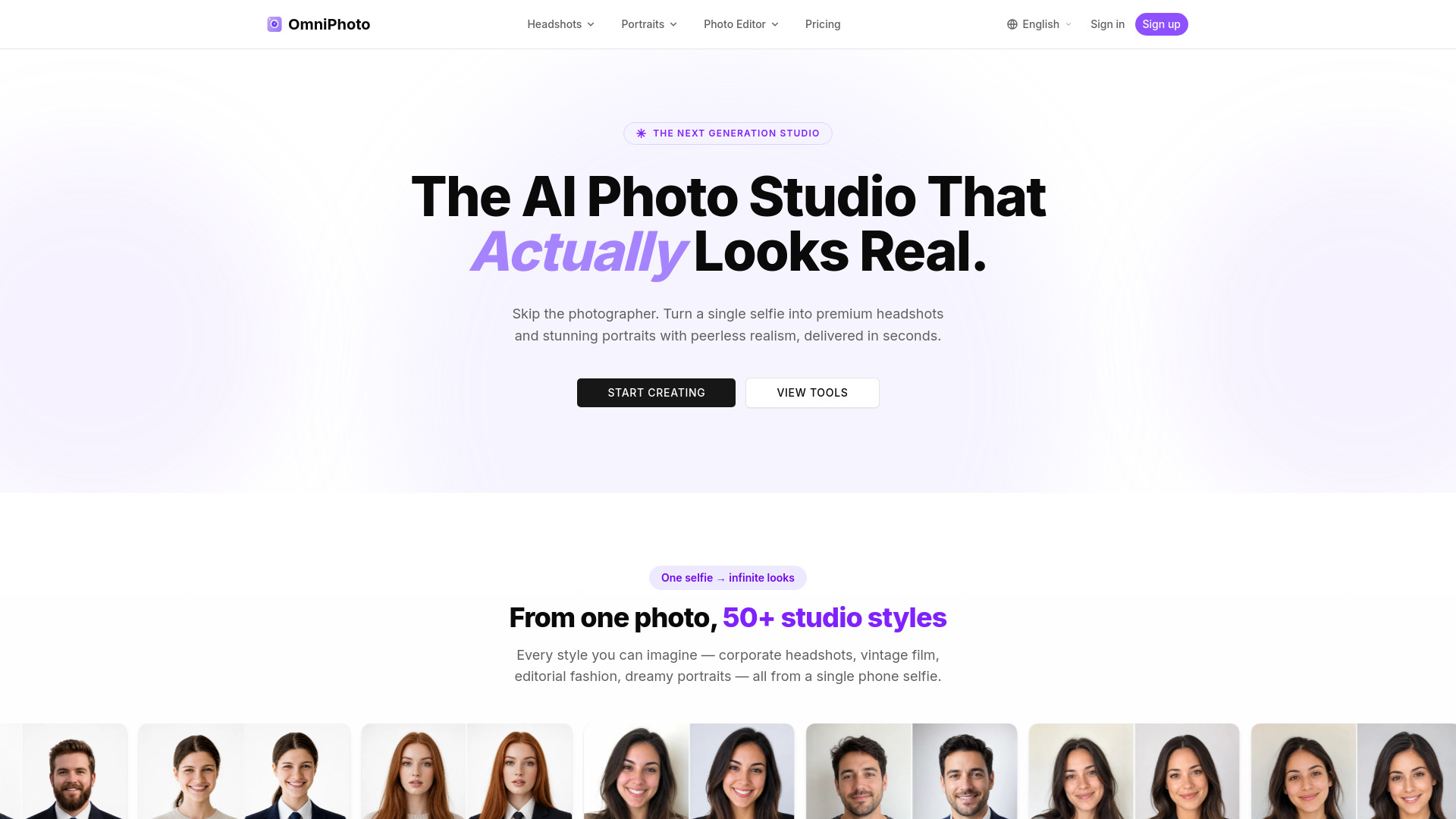
What is Somake AI?
Somake AI is an AI-powered creative platform that helps users turn ideas into visual content. The main offering highlighted on the site is Portrait & Headshots, which lets you create professional headshots and expressive portraits with AI, from polished business photos to creative personal looks. The platform is built around a clean web dashboard with easy access to its generators, making it suitable for both quick edits and more deliberate creative projects. The product is not limited to portraits alone. The site also lists Video Effects as a new feature, along with Image Tools, All-in-One Tools, and Models. This suggests a broader suite for image and video generation, where users can create everything from still images to motion content. The navigation structure points to a growing set of capabilities rather than a single-purpose application, giving creators multiple ways to experiment with AI-generated visuals. Somake AI appears to be designed for professionals, remote workers, content creators, and anyone who needs polished visual assets without using traditional photo editing tools. Because it is web-based, it can be accessed from a browser and does not require heavy software installation. The site is operated under the Somake AI brand and is connected to the omniphoto.ai domain, reflecting a dedicated product family focused on AI-driven media creation.
SpecificationsAI-estimated
Key Features of Somake AI
Use Cases for Somake AI
Professional LinkedIn headshots
Generate a polished, business-ready headshot without booking a photography session.
Personal branding portraits
Create a consistent set of expressive portraits for your website, social profiles, or press kit.
Creative social media avatars
Make unique AI-generated avatars that stand out on Instagram, Twitter, and other platforms.
Video content effects
Use the video effects tool to add AI-generated visual flair to short-form video projects.
Concept and mood visualization
Turn creative ideas into visual references for fashion, art, or design projects.
Quick visual content for blogs and marketing
Produce custom imagery for articles, ads, and social campaigns without needing a designer.
How to use Somake AI?
Open the website
Go to https://www.omniphoto.ai/ from your browser and access the Somake AI dashboard.
Choose your tool
Select Portrait & Headshots from the sidebar, or explore Video Effects, Image Tools, All-in-One Tools, or Models.
Prepare your photos
Upload or provide clear reference photos of the person or subject you want the AI to transform.
Pick a style
Choose a professional headshot style or a creative personal portrait look that matches your goal.
Generate and download
Run the AI generator, preview the results, and download your finished portrait, image, or video.
Pros & Cons of Somake AI
Pros
- AI-powered portrait and headshot generation for professional and creative use
- Includes a new video effects tool for creating motion content
- All-in-one visual creation suite with image tools, models, and generators
- Simple online workflow with a dashboard and clear category navigation
- Backed by a dedicated Somake AI brand with a growing set of features
Cons
- No detailed pricing or subscription information on the landing page
- Limited information about customization controls and style options
- Requires uploading reference photos to an online service, which may raise privacy considerations
- No downloadable desktop or mobile app is mentioned on the page
Frequently Asked Questions
What is Somake AI?
Somake AI is an AI-powered creative platform that lets users create professional headshots, expressive portraits, images, and videos from simple prompts or uploaded photos.
What can I do with the Portrait & Headshots tool?
You can generate polished business headshots, creative personal portraits, and other AI-enhanced images for a variety of personal or professional uses.
Is Somake AI actually AI-powered?
Yes, the platform uses AI generators to create images and videos, turning ideas into visual content.
Do I need to install software to use it?
No, Somake AI appears to be an online web-based tool, so you access it through your browser without installing desktop software.
Can I create video content as well as images?
Yes, the site lists Video Effects as a new feature, which suggests the platform also supports AI video generation and effects.
Does the platform offer more than portrait tools?
Yes, the platform offers Image Tools, All-in-One Tools, and Models, giving users several ways to generate and work with visual content.
Is pricing information available on this page?
The scraped landing page does not include detailed pricing information, so you should visit the official site or dashboard to check current plans and availability.
Reviews & Ratings0.0
No reviews yet. Be the first to write one!
Top Alternatives & Similar Software
View all alternatives & similar software→No alternatives available yet.
People also viewed


Related searches
Is this your tool?
Claim this page to update details, reply to user reviews, and drive more traffic to your product.
Claim this Product →
Tags
Explore Related Topics
Keep up with Somake AI alternatives
New alternatives, pricing changes and the week's biggest movers - one email every Tuesday.