


TalkingAvatar
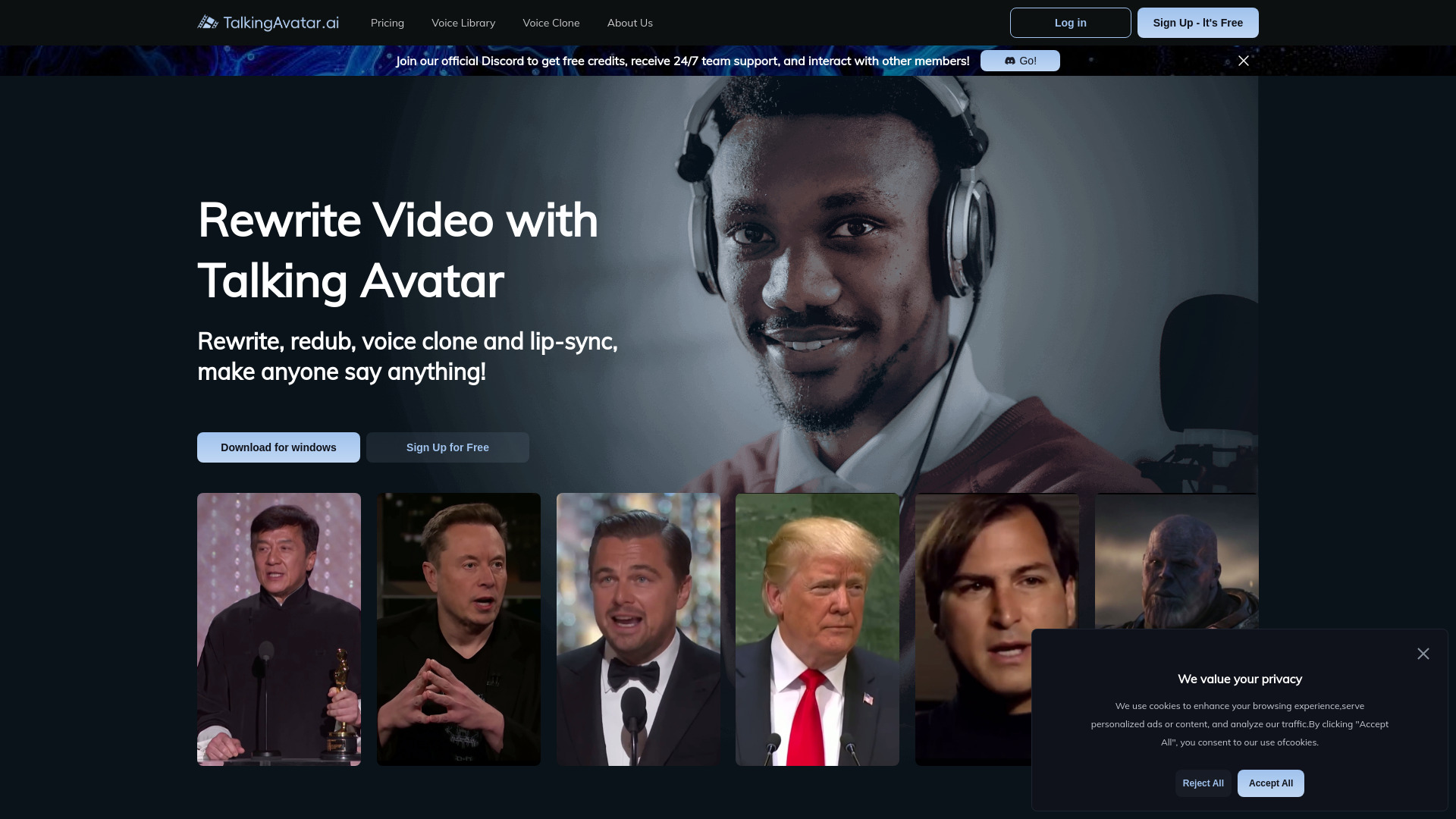
Make anyone say anything with AI avatars, one-sentence voice cloning, and perfect lip-sync video rewriting.



What is TalkingAvatar?
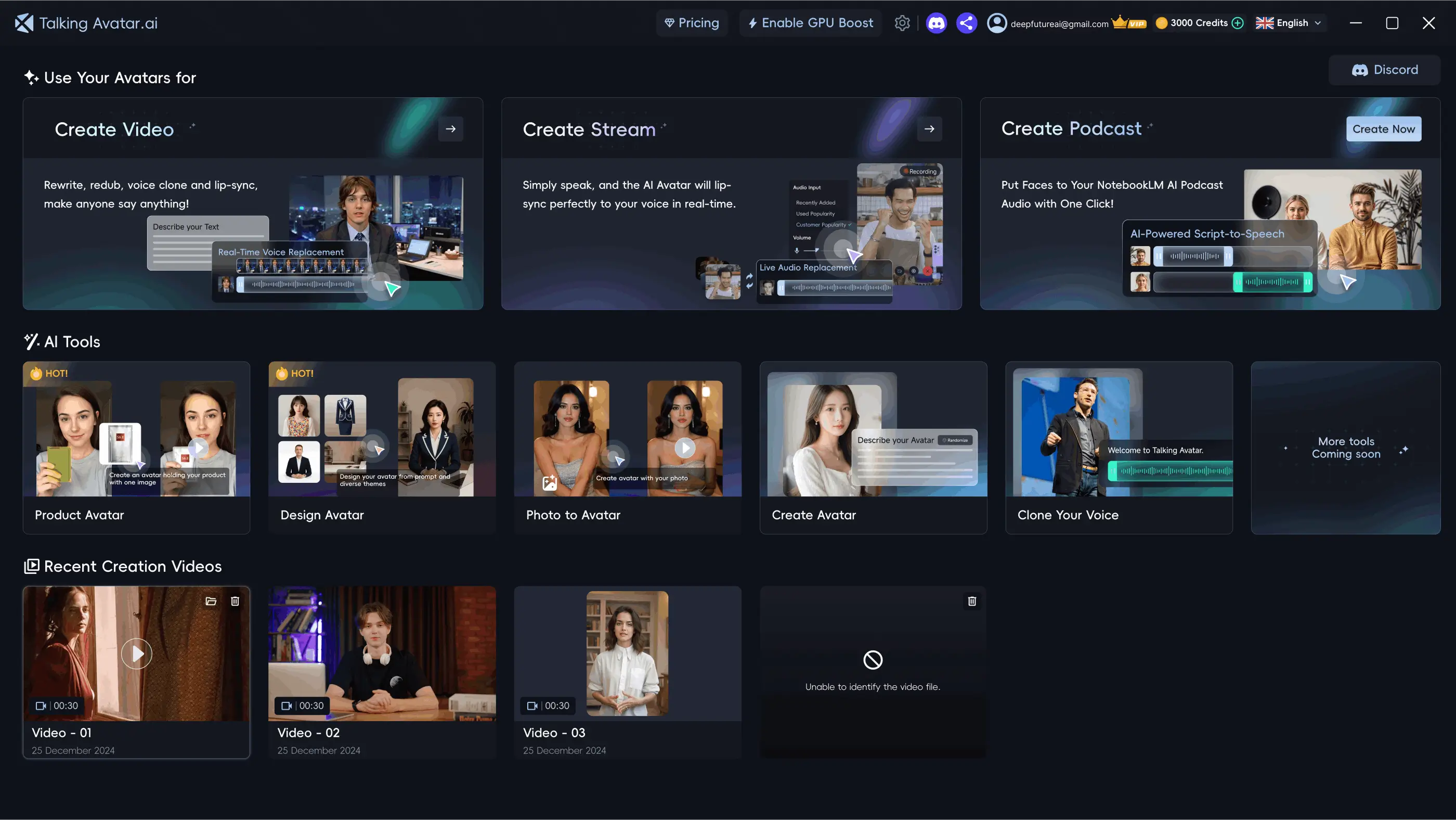
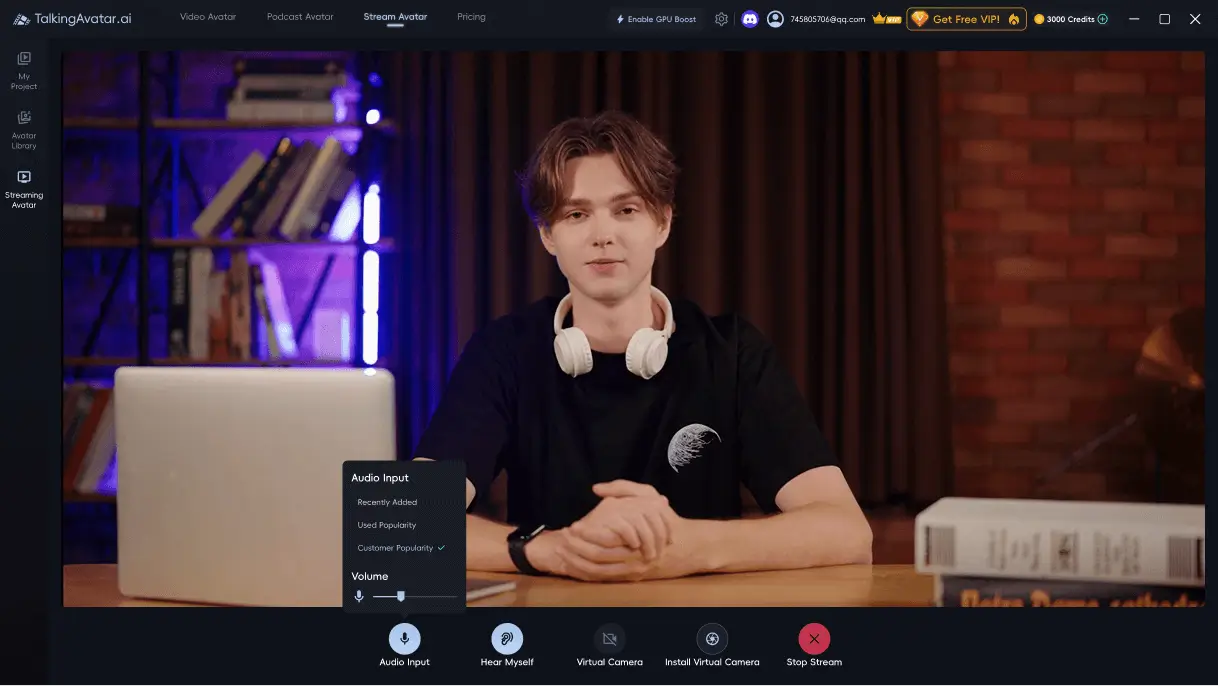
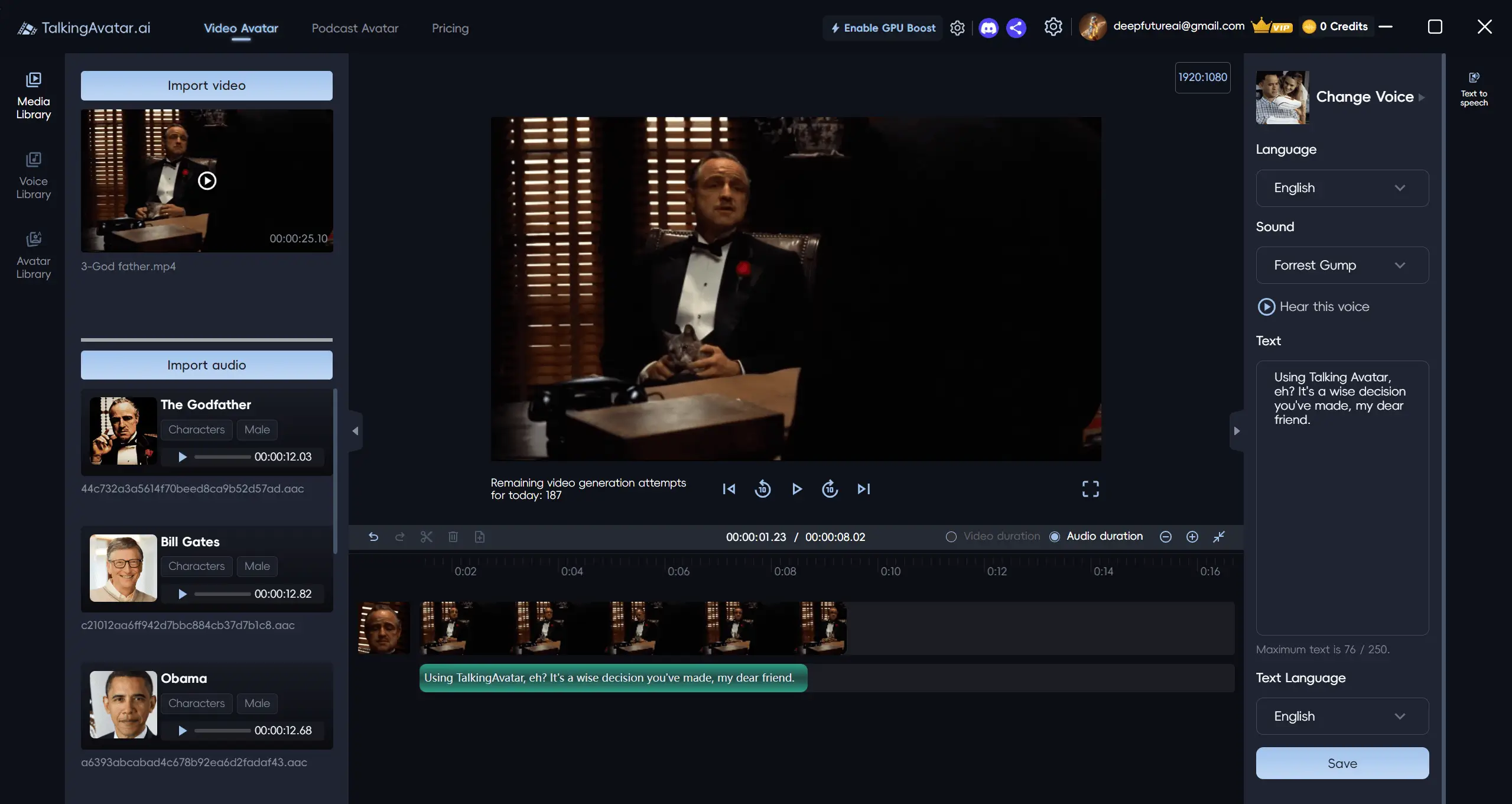
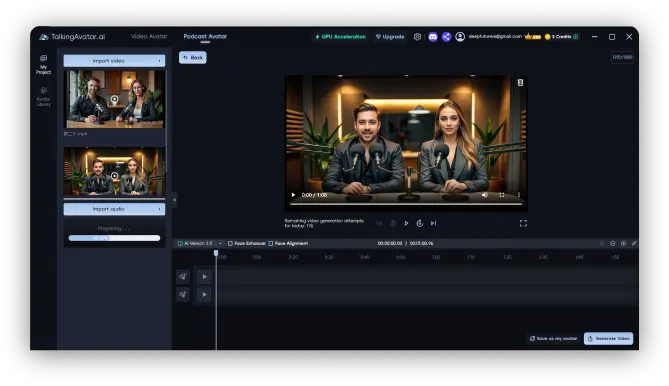
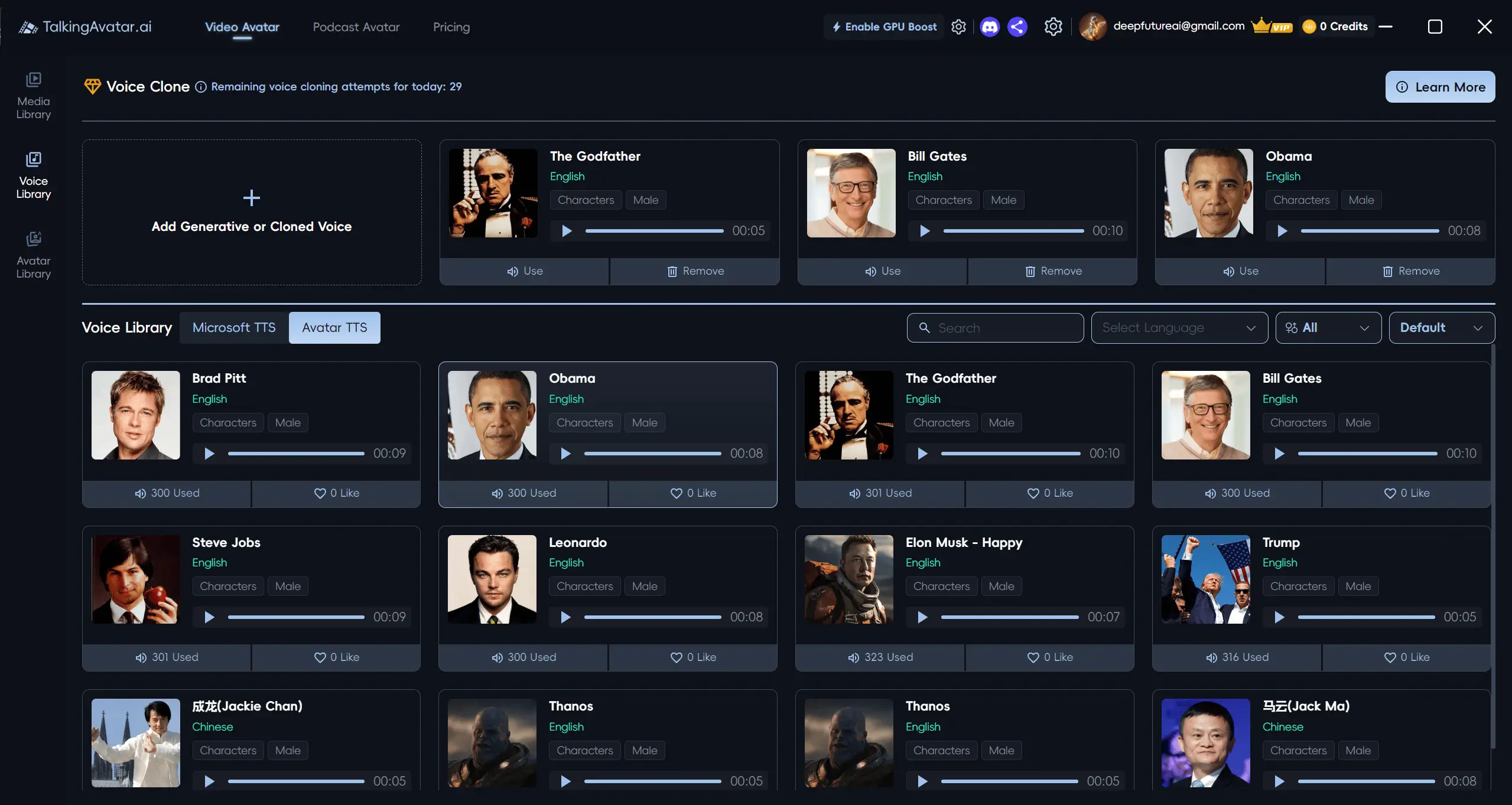
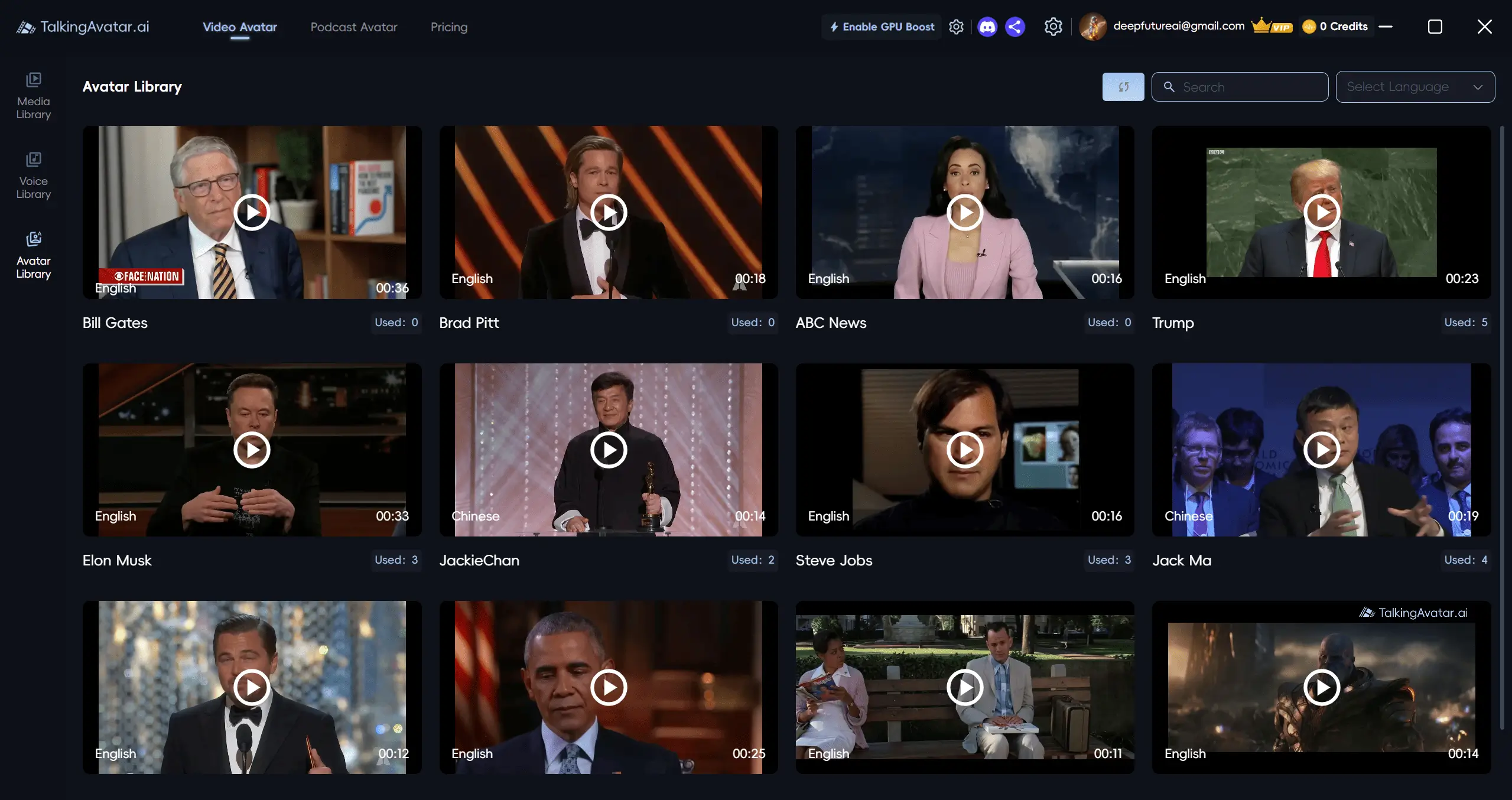
TalkingAvatar is an AI video creation platform that lets you rewrite, redub, voice clone, and lip-sync videos so that any avatar or person can appear to say anything. Instead of reshooting or sitting in front of a camera, you choose an avatar from the library or create your own, generate or upload speech, and the AI matches lip movement to the audio. It is positioned as an all-in-one tool for turning scripts, existing footage, and even podcast audio into polished talking-head video. Beyond simple avatar videos, TalkingAvatar offers a Stream Avatar mode that can replace your camera on live platforms such as Zoom, Twitch, and TikTok. You speak, and your AI body double lip-syncs to your voice in real time. It also includes one-sentence voice cloning, multi-speaker lip-sync for conversations, and a one-click workflow for importing NotebookLM AI podcast audio, automatically identifying speakers and matching each audio segment to the right avatar. TalkingAvatar ships with a collection of creation tools: Design Avatar, Photo to Avatar, Product Avatar, and an AI Creation Library, plus a Voice Library and a Video Avatar Library. The desktop software requires Windows 10 Anniversary Update or newer and a fairly modern CPU and GPU, with recommended specs including an Intel Core i5 11400 or AMD Ryzen 5 3600, 16 GB of RAM, and a GeForce 2070 or Radeon RX 5700. It is aimed at content creators, marketers, podcasters, and streamers who want fast, multilingual video content without production crews or cameras.
SpecificationsAI-estimated
Key Features of TalkingAvatar
Use Cases for TalkingAvatar
Camera-Free Meetings
Use Stream Avatar to join Zoom or other calls while your AI double lip-syncs to your voice in real time.
Live Streaming
Go live on Twitch or TikTok with an AI body double instead of showing your face on camera.
Video Rewriting and Redubbing
Refresh old videos by rewriting scripts and redubbing them with cloned voices.
Multilingual Content Localization
Create translated versions of existing videos while keeping the creator's voice and lip-sync.
AI Podcast Visualization
Turn NotebookLM podcast audio into a talking-head show with one click, including speaker matching.
Marketing and Product Videos
Use Product Avatar and other avatar tools to create commercial-style videos for products.
Personalized Avatar Creation
Turn a single photo into a talking avatar for social content, presentations, or branding.
Voice Cloning for Narration
Clone a voice from one sentence and generate custom narration for any video project.
How to use TalkingAvatar?
Pick or create an avatar
Choose from the Avatar Library or use Design Avatar, Photo to Avatar, or Product Avatar to create a custom avatar.
Prepare the audio
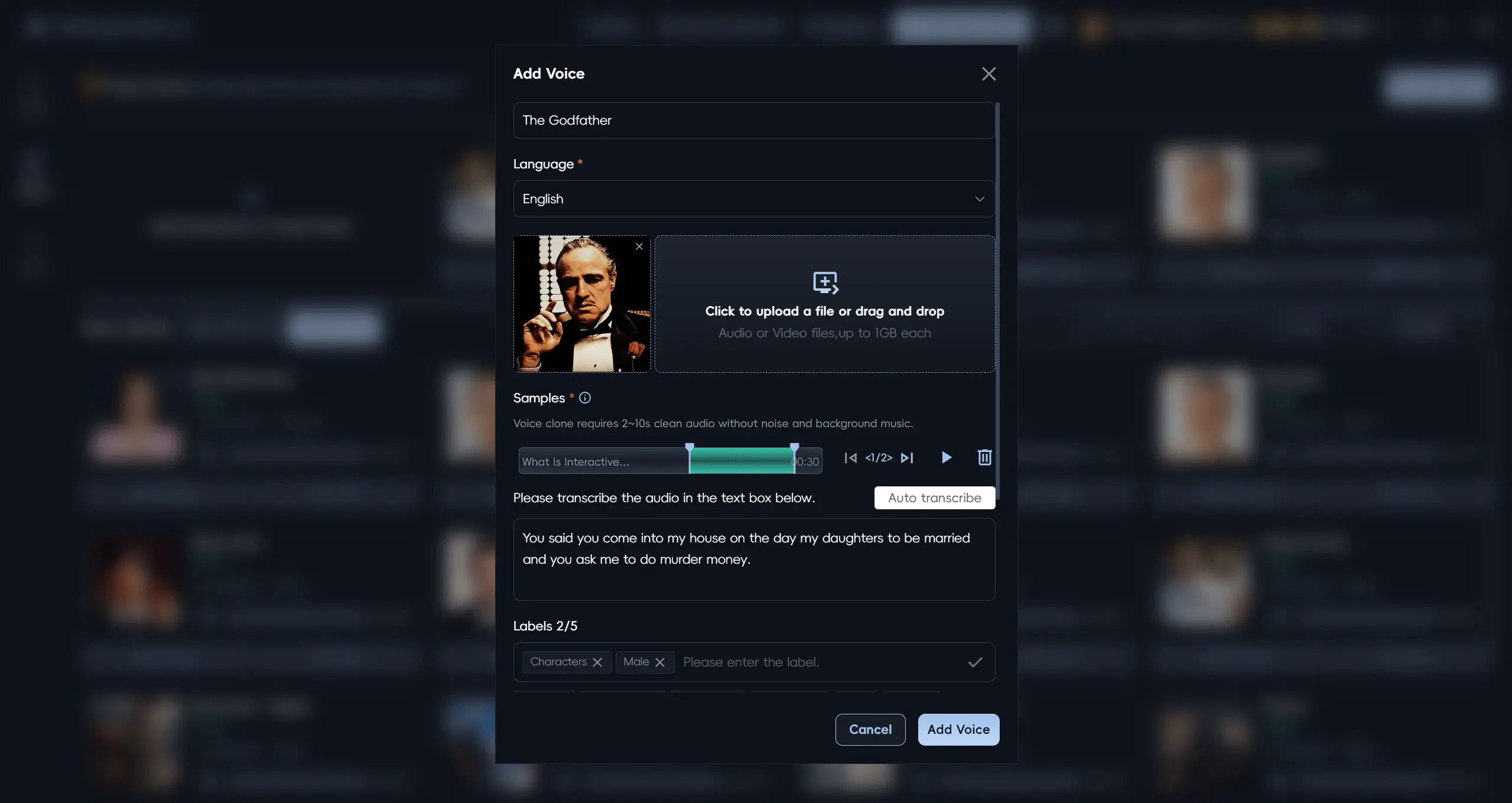
Write a script, upload an existing voice track, or clone a voice using a one-sentence audio sample.
Generate with lip-sync
Click Create or Start and let the AI match the audio to the avatar's lip movements automatically.
Use Stream Avatar if needed
For live meetings or streams, connect the avatar to Zoom, Twitch, or TikTok and speak normally while the AI double performs.
Rewrite, redub, or export
Review the output, use AI rewriting and redubbing to refine or localize it, then export the final video.
Pros & Cons of TalkingAvatar
Pros
- One-sentence voice cloning makes custom voiceover fast and realistic.
- Stream Avatar lets you replace your camera in live meetings and streams.
- Multi-speaker lip-sync plus NotebookLM import automates podcast-to-video production.
- AI rewriting and redubbing help refresh and localize videos without reshoots.
- Multiple avatar creation modes support branded and personalized avatars.
Cons
- Requires Windows 10 Anniversary Update or newer; no macOS or Linux version is mentioned.
- Minimum hardware demands a dedicated GPU, so lower-end PCs may struggle.
- Pricing is not shown on the landing page, so the total cost is unclear upfront.
- The 'make anyone say anything' voice and face cloning features may create consent and deepfake misuse risks if used on real people without permission.
Frequently Asked Questions
What is TalkingAvatar?
TalkingAvatar is an AI-powered video creation tool that lets users rewrite, redub, voice clone, and lip-sync videos, turning scripts, audio, or existing footage into talking-avatar videos.
Can I really clone a voice with just one sentence?
Yes. The site promotes one-sentence voice cloning, producing cloned voices that are virtually indistinguishable from the original and can be used to generate speech.
Can TalkingAvatar replace my camera on Zoom?
Yes. Stream Avatar mode can replace your camera on platforms like Zoom, Twitch, and TikTok while your AI body double lip-syncs to your voice.
How does the NotebookLM podcast feature work?
You import the AI-generated audio from NotebookLM, click Start, and the tool automatically diarizes speakers, matches audio segments to each speaker, and ensures lip-sync.
What are the system requirements?
The software requires Windows 10 Anniversary Update or newer. Minimum hardware is Intel Core i5 9400 or AMD Ryzen 5 2600 with 8 GB RAM and a Geforce 1060 or Radeon RX 580. Recommended hardware is Intel Core i5 11400 or AMD Ryzen 5 3600 with 16 GB RAM and a Geforce 2070 or Radeon RX 5700.
Do I need to show my face in videos?
No. You can choose avatars from the Avatar Library or create custom avatars, then use them for videos, meetings, and streams.
Can I update old videos?
Yes. The Rewrite and Redub feature lets you refresh old videos, tailor content for different audiences, and create multilingual versions.
Is TalkingAvatar free?
The landing page includes a Pricing link but does not state the pricing details in the scraped content, so users should visit the Pricing page for current plans.
Reviews & Ratings0.0
No reviews yet. Be the first to write one!
Top Alternatives & Similar Software
View all alternatives & similar software→No alternatives available yet.
People also viewed


Related searches
Is this your tool?
Claim this page to update details, reply to user reviews, and drive more traffic to your product.
Claim this Product →
Tags
Explore Related Topics
Keep up with TalkingAvatar alternatives
New alternatives, pricing changes and the week's biggest movers - one email every Tuesday.