


TTS Generator
Free browser-based text-to-speech with MP3 and WAV download, no sign-up required.
What is TTS Generator?
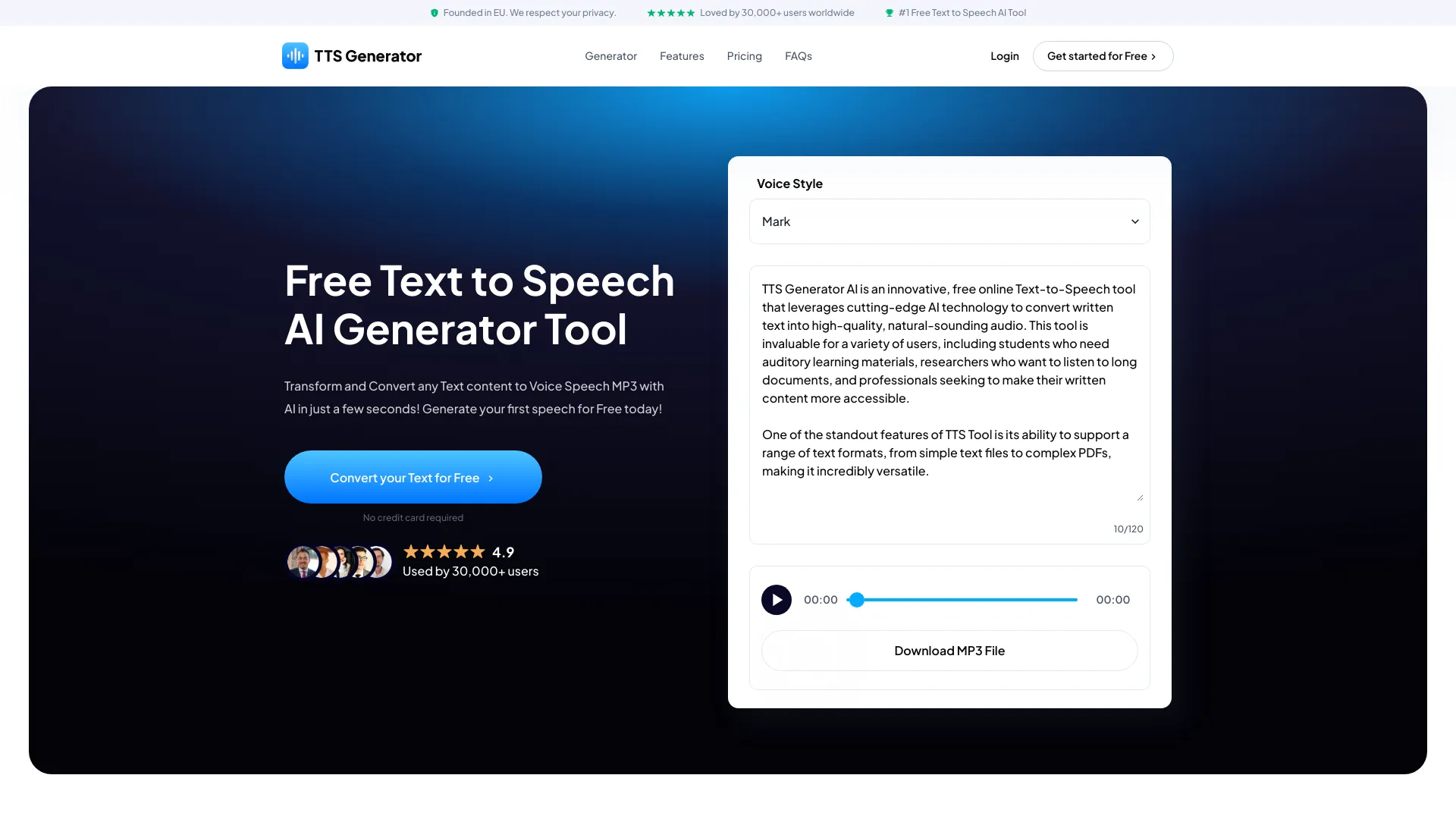
TTS Generator is a free browser-based text-to-speech tool that turns written text into AI-generated spoken audio without requiring an account, payment, or API key. Users paste up to 5,000 characters (on desktop browsers) into the on-page editor, start the AI voice engine, select one of ten preset voice styles, adjust speed, and listen to the result instantly. The finished audio can be downloaded as MP3 for compact sharing or WAV for editing. Unlike many online TTS services, the actual speech generation and audio encoding happen in the user's own browser after the required engine and voice assets load. This means the entered text and generated audio are not sent to a remote speech-generation server, giving users a privacy-friendly option for scripts they prefer not to upload. Language availability depends on the browser: mobile browsers currently offer five languages, while most laptop and desktop browsers offer 31, including English, Spanish, French, German, Japanese, Korean, Arabic, and Vietnamese. TTS Generator is aimed at creators, educators, and general users who need quick narration or spoken versions of written content. It supports personal and commercial projects, as long as users disclose that audio is machine-generated and follow the applicable model-license restrictions. For more complex needs, the site links to optional Creator Tools for custom voices, videos, soundtracks, localization, and podcasts, but those are separate services with their own terms.
SpecificationsAI-estimated
Key Features of TTS Generator
Use Cases for TTS Generator
Create spoken versions of written content
Turn articles, scripts, or notes into audio so people can listen instead of read.
Narrate videos
Generate a clean voiceover from a finished script and build scenes and captions around it.
Test multilingual narration
Generate narrations in one supported language at a time and have fluent speakers check names, numbers, and pronunciation.
Preview script pacing and voice
Hear how a script sounds before committing to a full production.
Produce downloadable voiceovers
Generate and export MP3 or WAV audio for personal projects.
Create commercial audio assets
Use generated speech in commercial work as long as machine-generated audio is disclosed and license rules are followed.
Support accessibility efforts
Provide audio versions of written material for users who prefer hearing content.
How to use TTS Generator?
Add Your Script
Paste the text you want spoken and follow the live limit shown beside the text box.
Load the Voice Engine
Click Start AI Voice Engine; the first start may take a moment while required assets load.
Choose a Language, Voice, and Speed
Pick from the options available on your device, then generate the speech.
Listen, Refine, and Download
Check pronunciation of names, numbers, abbreviations, and specialized vocabulary. Regenerate if needed, then download MP3 or WAV.
Pros & Cons of TTS Generator
Pros
- Free with no account, payment, or API key required.
- Privacy-friendly: entered text and generated audio are not sent to a remote speech-generation service.
- Produces MP3 and WAV files from the same tool.
- Broad language coverage on desktop browsers with 31 languages.
- Audio can be used in commercial projects with proper disclosure.
Cons
- Mobile browsers are limited to 5 languages instead of the 31 available on most desktop browsers.
- A network connection is required to load the site and the engine and voice assets; offline use is not guaranteed.
- Per-generation text limits apply, which may require splitting long scripts into multiple runs.
- First launch can be slow because the AI engine and voice files must be downloaded by the browser.
Frequently Asked Questions
Is ttsgenerator.com free to use?
Yes. You can generate and download speech without an account, payment, or API key. The text, device, memory, and batch limits shown in the tool still apply.
Does ttsgenerator.com send my text to a speech server?
No. After the required engine and voice assets load, text-to-speech generation and audio encoding run in your browser. The site still uses the network to load pages and assets, but those requests do not include your entered text or generated audio.
Can I use audio generated with ttsgenerator.com commercially?
Yes. Audio generated with ttsgenerator.com can be used in commercial projects. Follow the applicable Supertonic OpenRAIL-M use restrictions, clearly disclose that the audio is machine-generated, have the necessary rights to your script and other project materials, and follow applicable law and platform rules.
Why does the voice engine need to download files?
Speech generation runs in your browser, so the browser must first load the engine and voice files needed to create audio. Loading begins after you select Start AI Voice Engine. The files downloaded depend on your browser and chosen voice.
How many languages does ttsgenerator.com support?
Browsers detected as mobile typically offer five languages: English, Korean, Spanish, Portuguese, and French. Other browsers, including most laptop and desktop browsers, offer 31. The tool shows the options available for your current session.
What is the text limit?
Follow the live limit shown beside the text box after the engine starts. Mobile browsers currently allow up to 1,000 grapheme clusters per generation; other browsers allow up to 5,000. A grapheme cluster is approximately one visible character, including a letter with a combined accent or an emoji sequence.
Does the TTS generator work offline?
Offline operation is not guaranteed. A network connection is needed to load the site and required engine and voice assets. Your browser may cache some files for later use, but ttsgenerator.com does not install an offline application or promise that every later session will work without a connection.
Reviews & Ratings0.0
No reviews yet. Be the first to write one!
Top Alternatives & Similar Software
View all alternatives & similar software→




People also viewed



Related searches
Is this your tool?
Claim this page to update details, reply to user reviews, and drive more traffic to your product.
Claim this Product →
Explore Related Topics
Keep up with TTS Generator alternatives
New alternatives, pricing changes and the week's biggest movers - one email every Tuesday.