


UnblurImage AI
A one-click, browser-based AI tool that removes blur, sharpens detail, and upscales photos to 4K without requiring sign-up.


What is UnblurImage AI?
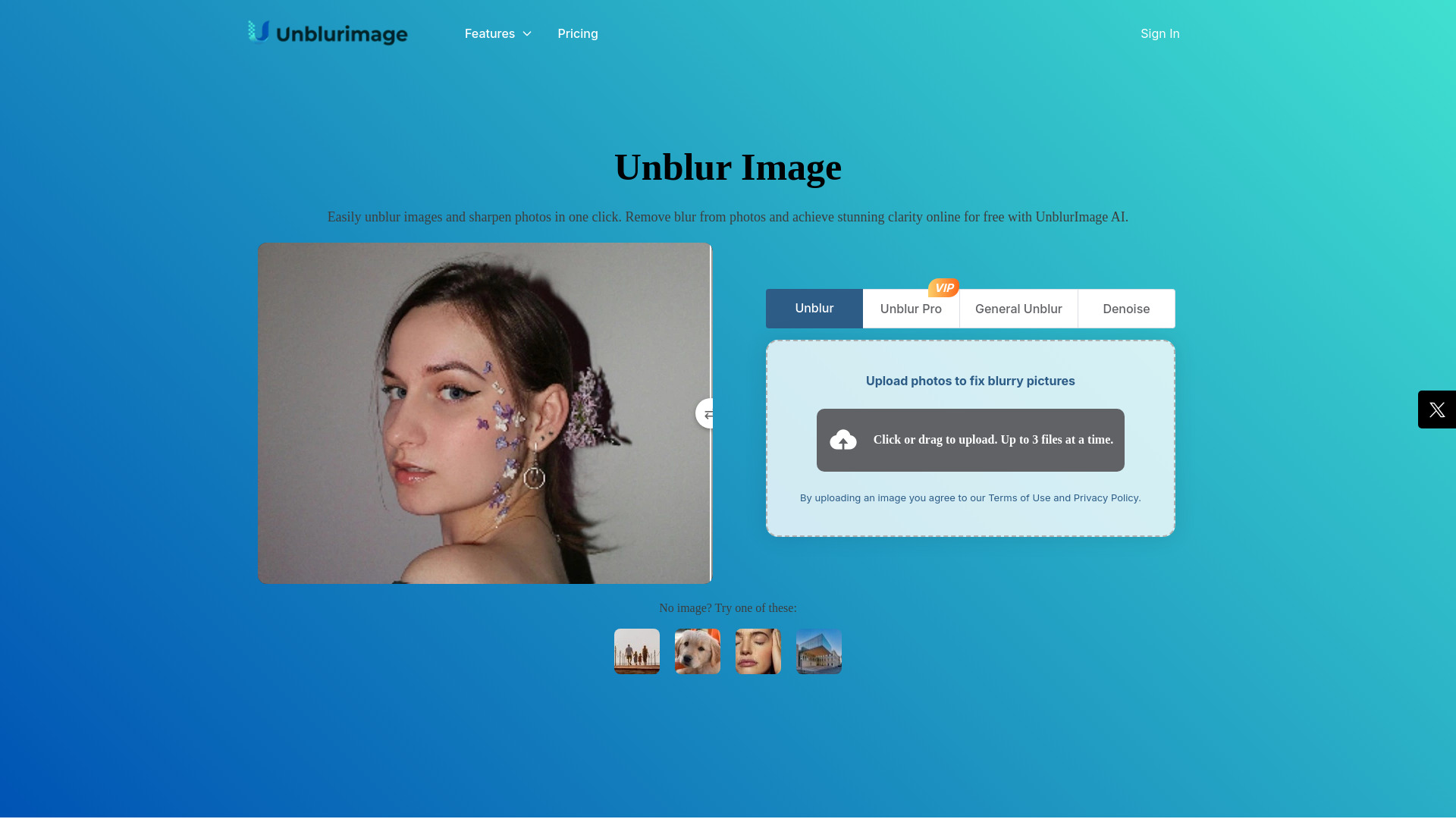
UnblurImage AI is an online, AI-powered image enhancement tool designed to remove blur from photos and sharpen soft or out-of-focus images in a single click. Users upload a photo in a common format such as PNG, JPEG, JPG, or WEBP (up to 18MB), and the service refines fine detail, sharpens edges, and recovers clarity lost to motion blur or poor focus. Beyond unblurring, it also upscales images to 4x and 4K resolution, making it useful for preparing photos for large displays, presentations, or print. The platform goes further than basic sharpening. Its image quality enhancement features make lines crisper, colors more vibrant, and textures clearer, which is valuable for close-up shots, product photography, and any image where detail matters. A noise reduction component identifies and removes high ISO noise, scan noise, and compression artifacts while preserving clarity and detail, so enlarged or printed results hold up better. Together these capabilities position the tool as a general-purpose photo rescue utility rather than a single-purpose filter. UnblurImage AI is aimed at a broad audience, from everyday users who want to salvage vacation or social media photos to graphic designers, artists retouching photographs of their work, and professionals who need clean images for presentations and printing. The workflow is intentionally simple: upload, choose enhancement options, and download the result, with no sign-up required. Note that the Pro version does not support pornographic, political, or copyright-protected material, and the tool is most convincing on moderately blurred images rather than extremely degraded originals.
SpecificationsAI-estimated
Key Features of UnblurImage AI
Use Cases for UnblurImage AI
Rescuing blurry personal photos
Recover sharpness in vacation snapshots or family pictures taken with shaky hands or poor focus.
Preparing social media content
Make photos crisp and vibrant so posts stand out in feeds.
Enhancing product photography
Sharpen close-up and product shots so textures and details are clear for e-commerce listings.
Upscaling for print and presentations
Enlarge images to 4K while maintaining detail for posters, slides, and large displays.
Retouching artwork photographs
Help artists clean up photos of their work so the final reproduction looks sharp.
Cleaning up noisy or compressed images
Reduce ISO, scan, and compression noise to improve overall image quality.
How to use UnblurImage AI?
Upload Your Image
Select a PNG, JPEG, JPG, or WEBP file (up to 18MB) from your device.
Choose Enhancement Options
Select the unblurring, sharpening, upscaling, or noise reduction options that suit the image.
Process the Image
Let the AI refine the photo and review the before-and-after result.
Download the Result
Save the enhanced image in high quality. No account is needed.
Pros & Cons of UnblurImage AI
Pros
- One-click unblurring with no sign-up required, making it fast and accessible
- Combines sharpening, upscaling to 4x/4K, and noise reduction in a single workflow
- Supports common formats including PNG, JPEG, JPG, and WEBP up to 18MB
- Free to try with straightforward, beginner-friendly results
Cons
- The Pro version excludes pornographic, political, and copyright-protected content
- Severely blurred or heavily damaged images may not be fully recoverable
- Supported format list on the page does not explicitly mention HEIC, despite being referenced elsewhere in the copy
Frequently Asked Questions
Is UnblurImage AI free to use?
Yes, the core tool can be used for free, and no sign-up is required. A Pro version with additional capabilities is also offered.
What image formats are supported?
PNG, JPEG, JPG, and WEBP are supported, with a maximum file size of 18MB.
Can it upscale images for printing?
Yes, it can upscale images to 4x and 4K resolution while keeping details sharp for large prints and displays.
Does it remove noise as well as blur?
Yes, its noise reduction feature targets high ISO noise, scan noise, and compression noise while preserving clarity.
What content is not allowed in the Pro version?
The Pro version does not support pornographic, political, or copyright-protected material.
Do I need to create an account to download my image?
No. You can upload, process, and download your unblurred image without signing up.
Pricing Overview
View full pricing →The page describes UnblurImage AI as free to use online with no sign-up required, but lists no specific pricing plans or dollar amounts.
Detailed plans are not listed. Visit the official website for pricing information.
Reviews & Ratings0.0
No reviews yet. Be the first to write one!
Top Alternatives & Similar Software
View all alternatives & similar software→No alternatives available yet.
People also viewed


Related searches
Is this your tool?
Claim this page to update details, reply to user reviews, and drive more traffic to your product.
Claim this Product →
Tags
Explore Related Topics
Keep up with UnblurImage AI alternatives
New alternatives, pricing changes and the week's biggest movers - one email every Tuesday.