


Video2X
Free AI Video Upscaler & Enhancer Online, No Signup


What is Video2X?
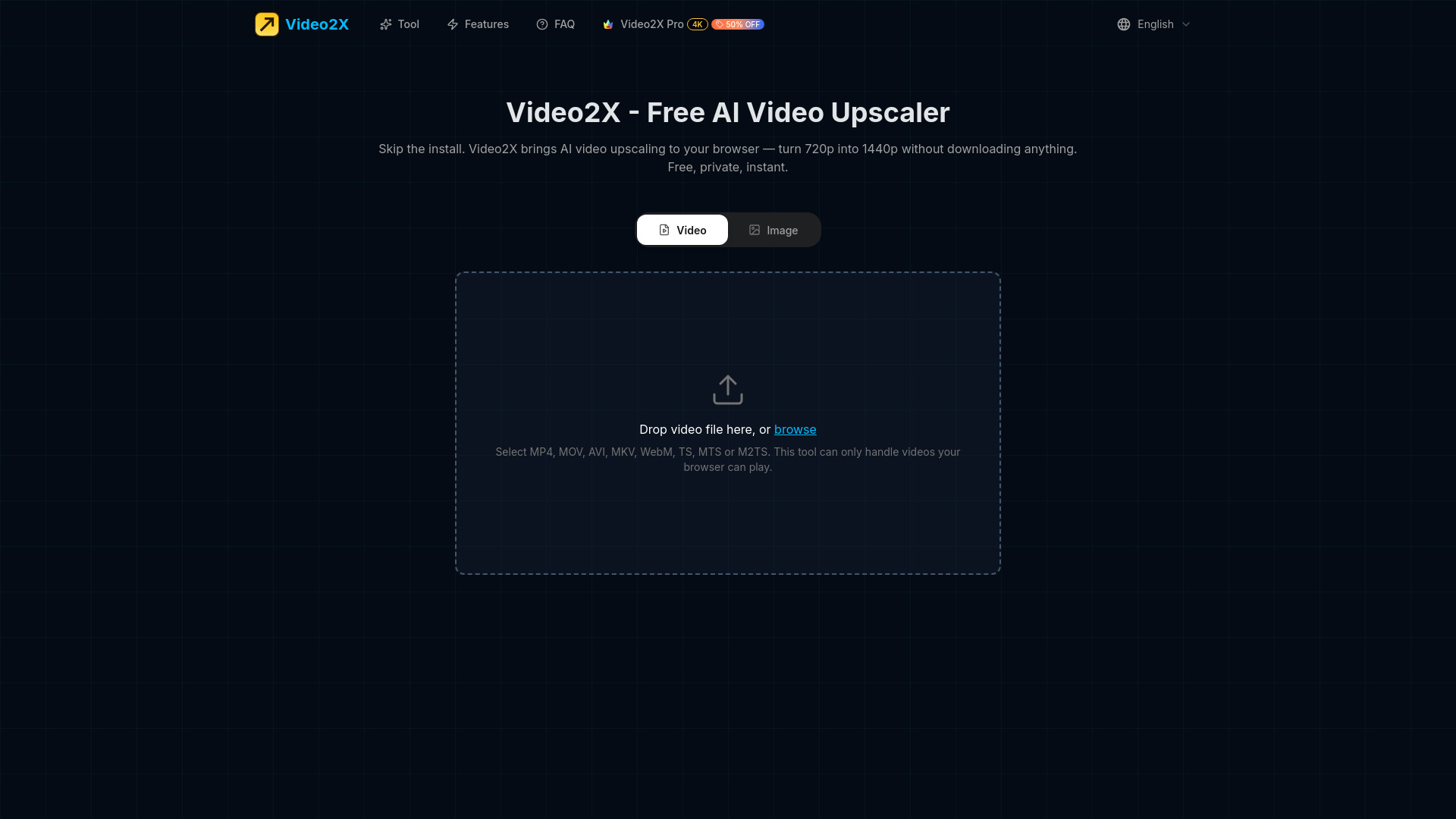
Video2X is a free, browser-based AI video upscaler that enhances video resolution up to 2x using neural networks, with no installation, signup, or file uploads. It runs entirely on the user's device via WebGPU, ensuring privacy and instant processing.
SpecificationsAI-estimated
Key Features of Video2X
Use Cases for Video2X
Restore old SD videos
Upscale 480p or 720p footage to HD for better viewing on modern screens.
Improve low-quality clips
Enhance details in smartphone recordings or screen captures.
Prepare content for presentations
Upscale video frames to 1440p for crisp large-screen display.
How to use Video2X?
Drop Your Video
Choose an MP4, MOV, AVI, MKV, WebM, TS, MTS, or M2TS file. The browser must be able to play the video.
Pick an AI Model
Select Fast, Balanced, or Quality mode. The first frame is previewed to visualize the result.
Download the Result
All frames are upscaled in the browser, audio is preserved, and the finished file is ready for download.
Pros & Cons of Video2X
Pros
- No software installation or system dependencies
- Works on Mac, Windows, Linux via any modern browser
- All processing is local via WebGPU – no server uploads
- Preserves original audio without re-encoding
- Offers multiple AI models (Fast, Balanced, Quality) with preview
- Free with no limitations or watermarks
- Supports a wide range of video formats
- Memory-efficient streaming for long videos
Cons
- Requires a browser with WebGPU support (recent Chrome, Edge, etc.)
- Upscaling is limited to 2x resolution (no 4x or higher)
- Output quality depends on the user's GPU performance
- Only supports videos that the browser can natively play
- Free version may cap video length or resolution (implied)
Frequently Asked Questions
Is Video2X really free?
Yes, the online version is completely free with no signup or watermarks.
Where does my video get processed?
On your own device via your browser's WebGPU. No video is ever uploaded to a server.
What happens to my audio?
The original audio track is preserved byte-for-byte, without any re-encoding.
Does it work on Mac?
Yes, unlike the desktop version, the web version works on any OS with a modern browser.
Pricing Overview
View full pricing →The page explicitly states the tool is free — no cost, no signups, no downloads.
Reviews & Ratings0.0
No reviews yet. Be the first to write one!
Top Alternatives & Similar Software
View all alternatives & similar software→No alternatives available yet.
People also viewed


Related searches
About the Product
Is this your tool?
Claim this page to update details, reply to user reviews, and drive more traffic to your product.
Claim this Product →
Tags
Explore Related Topics
Keep up with Video2X alternatives
New alternatives, pricing changes and the week's biggest movers - one email every Tuesday.