


VideoUpscale.net
AI Video Upscaler Online – Upscale Video to 4K & 1080p
What is VideoUpscale.net?
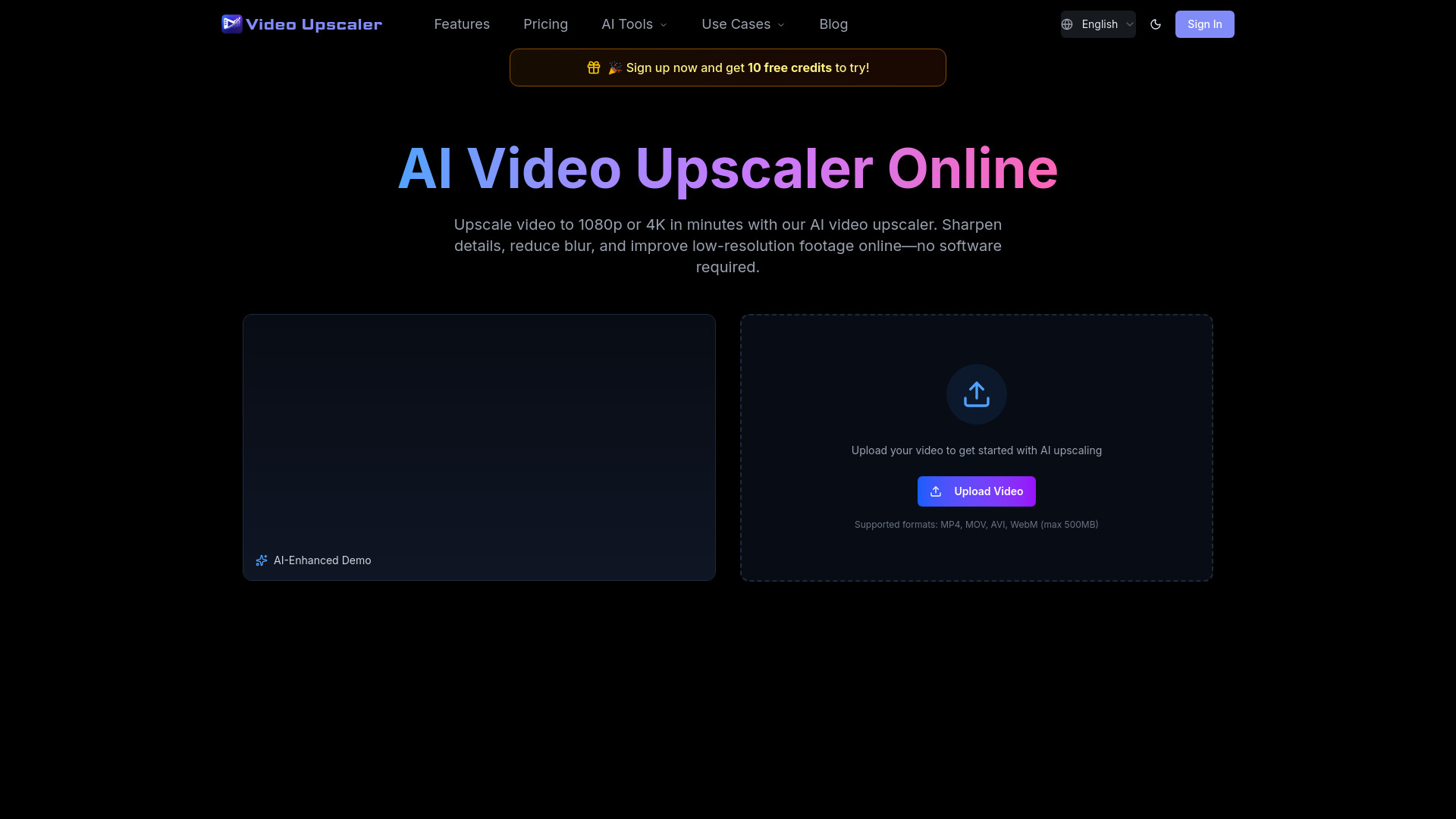
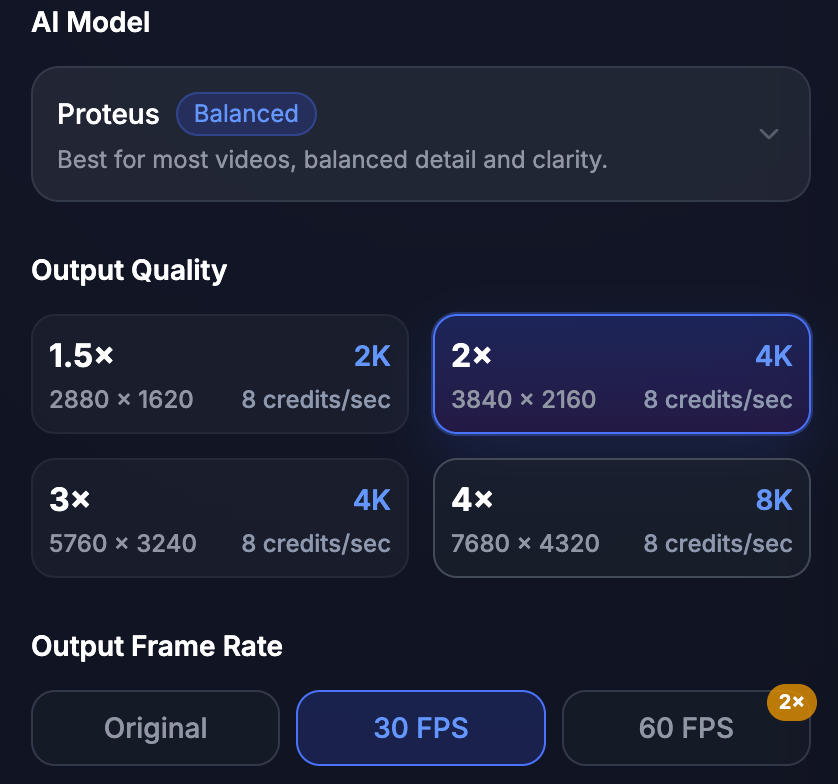
VideoUpscale.net is an AI-powered online video upscaling service that enhances low-resolution videos to HD, 2K, and 4K quality. It uses advanced AI models to improve clarity, reduce blur and noise, and preserve natural motion, making it ideal for creators looking to restore old footage, polish social media clips, or prepare videos for large screens. The platform operates via a credit-based pricing system, where credits are consumed per processed second, and offers multiple AI models tailored to different use cases (e.g., upscaling, denoising, animation). Users can upload videos up to 500MB and process them entirely online without installing software.
SpecificationsAI-estimated
Key Features of VideoUpscale.net
Use Cases for VideoUpscale.net
Old footage restoration
Enhance vintage or low-res video archives for viewing on modern screens.
Social media content
Improve clips for YouTube, TikTok, and Instagram to reduce compression artifacts.
Gaming recordings
Upscale gameplay captures to 4K with 60fps for smoother, sharper videos.
Product demos and ads
Make product videos clearer and more professional for marketing purposes.
Motion graphics and animation
Upscale anime or CG content using specialized Gaia 2 model with lower cost.
Tutorials and educational content
Improve clarity of screen recordings or talking-head videos.
How to use VideoUpscale.net?
Upload Your Video
Sign in and upload a video file up to 500MB.
Select Output Quality
Choose desired resolution (720p, 1080p, 2K, 4K) and AI model based on content type.
Download Upscaled Video
Preview the enhanced result and export the upscaled video.
Pros & Cons of VideoUpscale.net
Pros
- Easy online workflow: upload, select quality, download
- Supports multiple AI models (Proteus, Artemis, Nyx, Gaia, Starlight) tuned for different needs
- Preserves natural motion, reducing jitter and over-processing
- Sharpens details and cleans compression artifacts, not just enlarges pixels
- Offers commercial use license with all paid plans
- Multiple pricing tiers (Basic, Pro, Ultimate) with flexible credit packs
- Priority support included
- Privacy protected and multilingual support
Cons
- Credit-based pricing can become expensive for longer videos or higher resolutions
- Upload limit of 500MB may restrict large files
- Dependent on cloud processing; requires internet connection
- Results limited by original video quality; extremely degraded footage may show limited improvement
- No free tier or trial mentioned (only paid plans with discounts)
- Pricing details unclear for credit overages or custom plans
Frequently Asked Questions
What is AI video upscaling?
AI video upscaling increases video resolution and improves visible detail frame by frame, making low-quality videos look clearer on HD and 4K screens.
Can I upscale videos to 4K online?
Yes, you can upload a video, choose 4K output, preview, and export without installing software.
How does pricing work?
Credit-based pricing. You buy a credit pack and credits are deducted per second of processed video, depending on resolution, model, and FPS.
What video formats are supported?
MP4, MOV, AVI, and WebM. Upload limit is 500MB.
Will the upscaled video look perfect?
AI upscaling reduces blur and improves detail, but results depend on original quality. Extremely compressed or shaky videos may have limited improvement.
Is audio preserved?
Yes, the original audio remains unchanged whenever possible.
Is my video private?
Videos are processed only for enhancement and handled according to the Privacy Policy. Upload only content you own or have rights to.
What types of videos benefit most?
Old footage, social media clips, gaming recordings, product demos, tutorials, ads, and videos with blur, noise, or compression artifacts.
Pricing Overview
View full pricing →Credit-based subscription plans
Reviews & Ratings0.0
No reviews yet. Be the first to write one!
Top Alternatives & Similar Software
View all alternatives & similar software→No alternatives available yet.
People also viewed


Related searches
About the Product
Is this your tool?
Claim this page to update details, reply to user reviews, and drive more traffic to your product.
Claim this Product →
Tags
Explore Related Topics
Keep up with VideoUpscale.net alternatives
New alternatives, pricing changes and the week's biggest movers - one email every Tuesday.