


Vizard
AI video clipping tool that turns long videos into short, social-ready clips with captions and reframing.
Best for
Creators wanting to turn long recordings into short, captioned social clips without manual editing.
Skip if
You need frame-precise, professional-grade video editing rather than automated highlight clipping.
What is Vizard?
Vizard is an AI-powered video editing tool that automatically transforms long-form videos, like podcasts, webinars, or livestreams, into short clips formatted for TikTok, Instagram Reels, and YouTube Shorts. It uses AI to detect the most compelling moments in a video, cut them into clips, and reframe them into vertical format for mobile viewing. The platform also supports text-based editing, where trimming a video is done by editing its transcript rather than scrubbing a timeline, along with AI-generated captions, emoji insertion, B-roll suggestions, and caption translation into 100+ languages. It's positioned for content creators, podcasters, coaches, and marketing teams who want to repurpose long content into short clips without hiring a dedicated video editor.
SpecificationsAI-estimated
Key Features of Vizard
Use Cases for Vizard
Podcast clip repurposing
Turn a full-length podcast episode into several short highlight clips for social media.
Webinar content reuse
Extract key moments from a recorded webinar to promote future events or products.
Coach and creator content
Repurpose long-form coaching or educational videos into shareable short-form clips.
Multilingual clip distribution
Use caption translation to publish the same clip to audiences in different languages.
Pros & Cons of Vizard
Pros
- Automates the time-consuming process of finding and cutting highlight clips from long recordings.
- Text-based editing, where trimming the transcript trims the video, is faster than manual timeline scrubbing for many users.
- Caption translation into 100+ languages helps repurpose content for international audiences.
- Free plan lets you try the full editor and AI clipping before subscribing.
Cons
- Free plan output is capped at 720p with limited monthly credits and only 3-day storage.
- No watermark and 4K export require moving to the Creator plan or higher.
- AI-selected highlights still typically need a manual review pass to catch misjudged cuts.
Frequently Asked Questions
Does Vizard require manual editing skills?
No, it's designed to automatically detect highlights and reframe them for vertical platforms, though a full editor is available for manual adjustments.
Is there a free plan?
Yes, the Free plan includes 60 credits/month, one social account, AI clipping, and 720p export with 3-day storage.
How many languages does caption translation support?
Vizard supports caption translation into more than 100 languages.
Can I edit a video by editing text instead of a timeline?
Yes, Vizard supports text-based editing, where trimming the transcript trims the corresponding video.
Pricing Overview
View full pricing →Reviews & Ratings0.0
No reviews yet. Be the first to write one!
Top Alternatives & Similar Software
View all alternatives & similar software→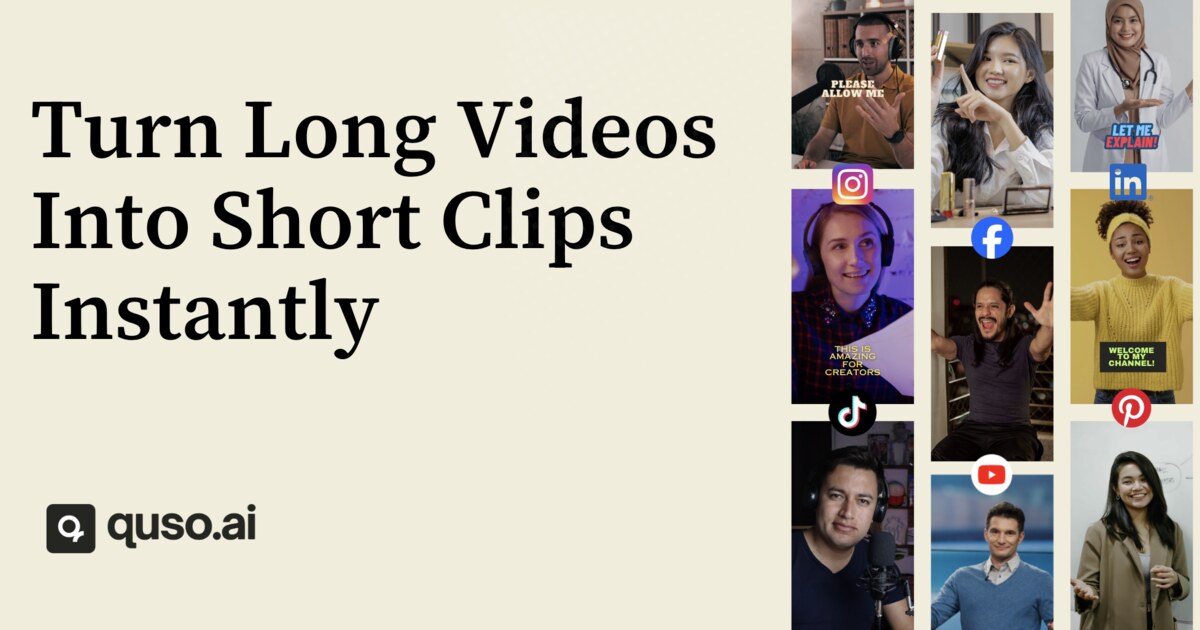

%20(3).png)



People also viewed


Best For
Related searches
About the Product
Is this your tool?
Claim this page to update details, reply to user reviews, and drive more traffic to your product.
Claim this Product →
Tags
Keep up with Vizard alternatives
New alternatives, pricing changes and the week's biggest movers - one email every Tuesday.