


Vmaker AI
Create & Edit Videos in Minutes with AI
What is Vmaker AI?
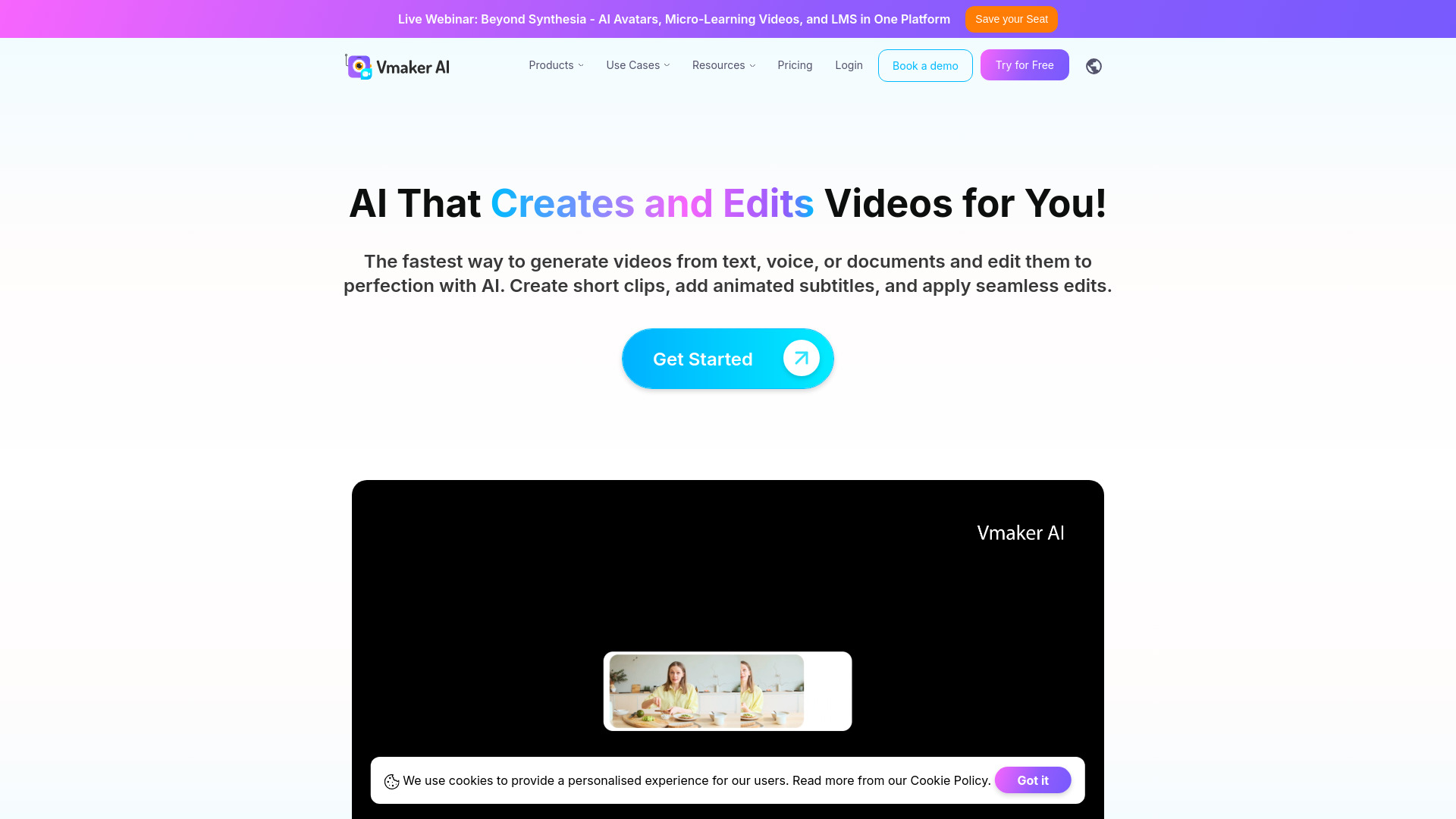
Vmaker AI is an AI-powered video creation and editing platform that helps users create, edit, and repurpose videos quickly. It offers tools like text-to-video, AI avatars, screen recording, auto subtitles, long-to-short clip generation, and more, aimed at creators, marketers, educators, and video editors.
SpecificationsAI-estimated
Key Features of Vmaker AI
Use Cases for Vmaker AI
Repurposing long videos into short clips
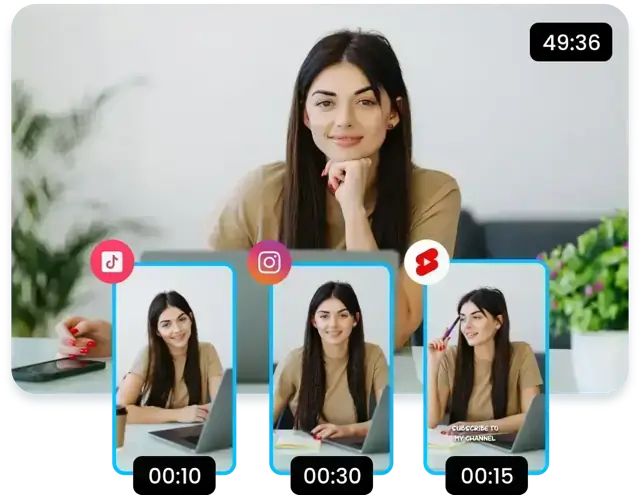
Turn podcasts, webinars, interviews, educational, and gaming videos into multiple short clips for YouTube Shorts, TikTok, and Instagram.
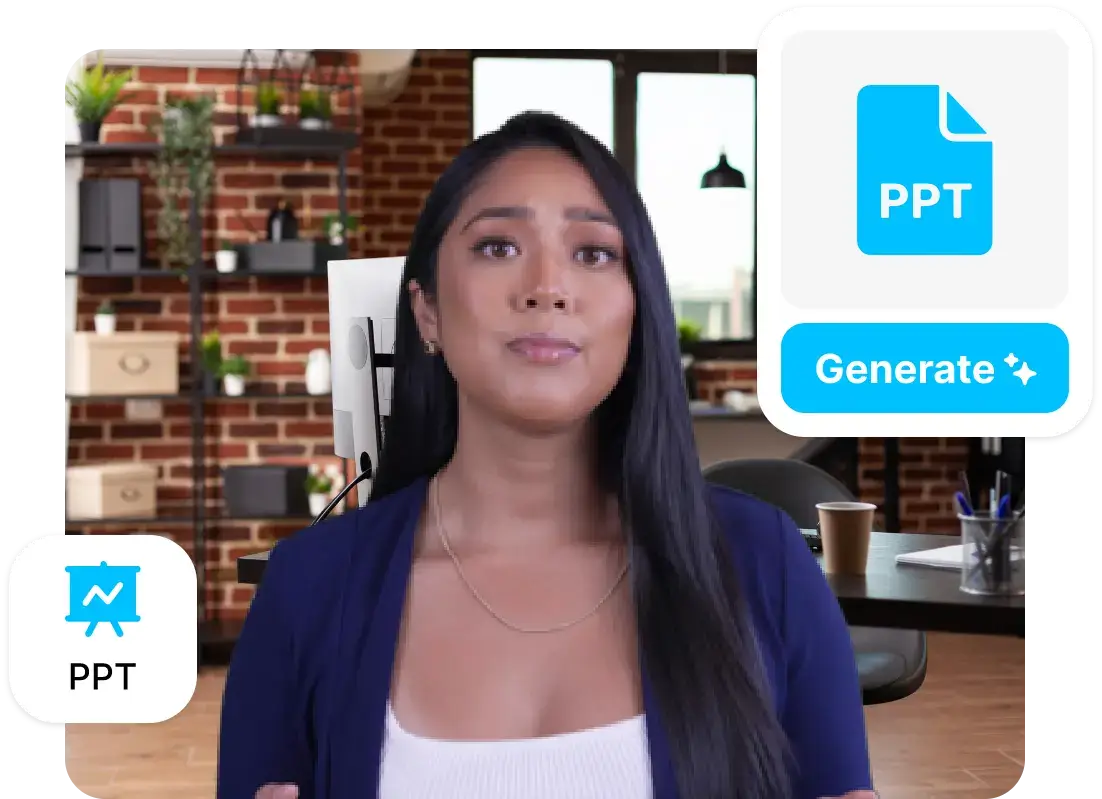
Creating videos from text or documents
Transform blog posts or documents into videos with AI avatars.
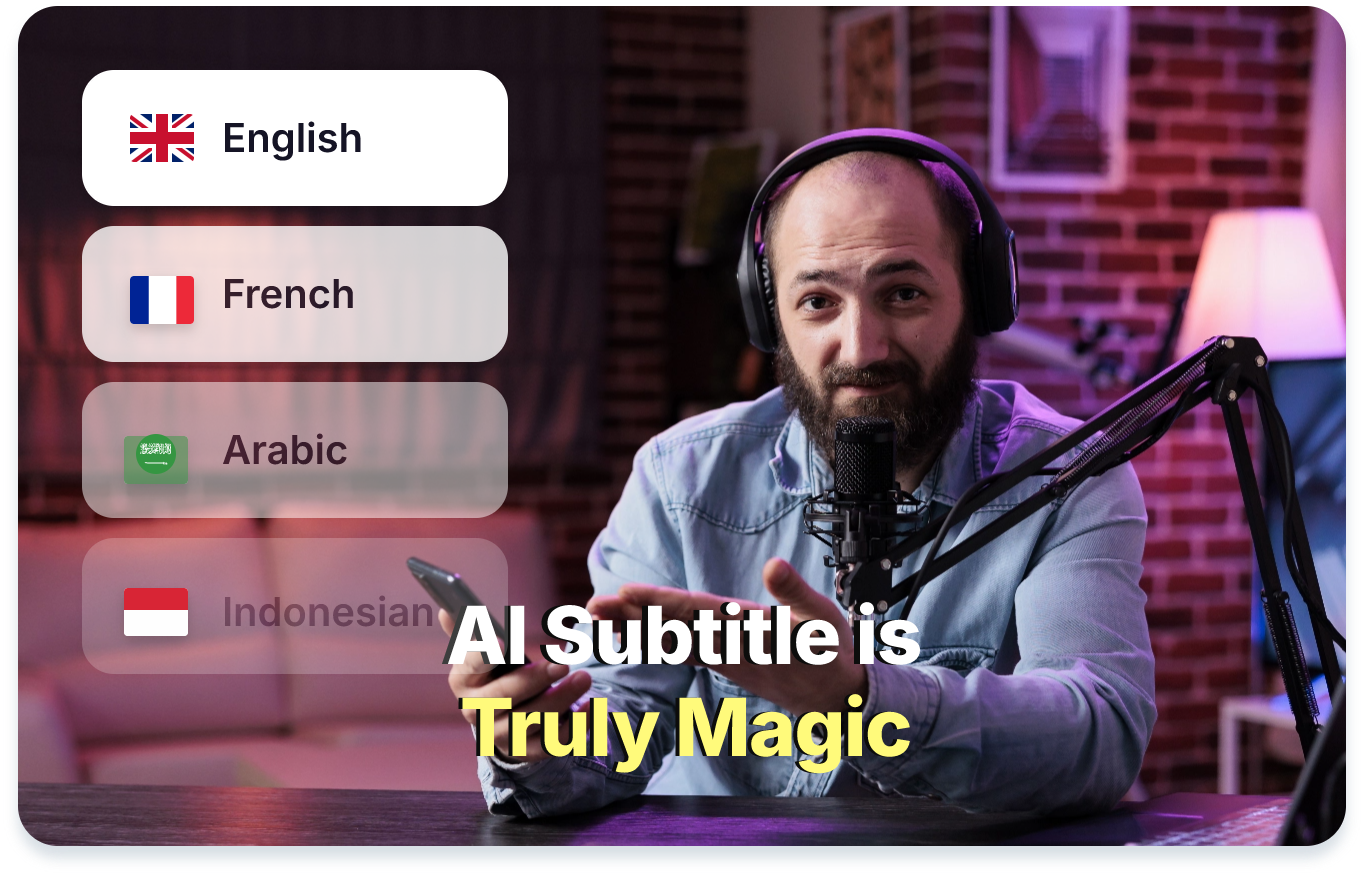
Adding multilingual subtitles
Automatically add accurate styled subtitles to videos in multiple languages.
Creating screen recordings and product demos
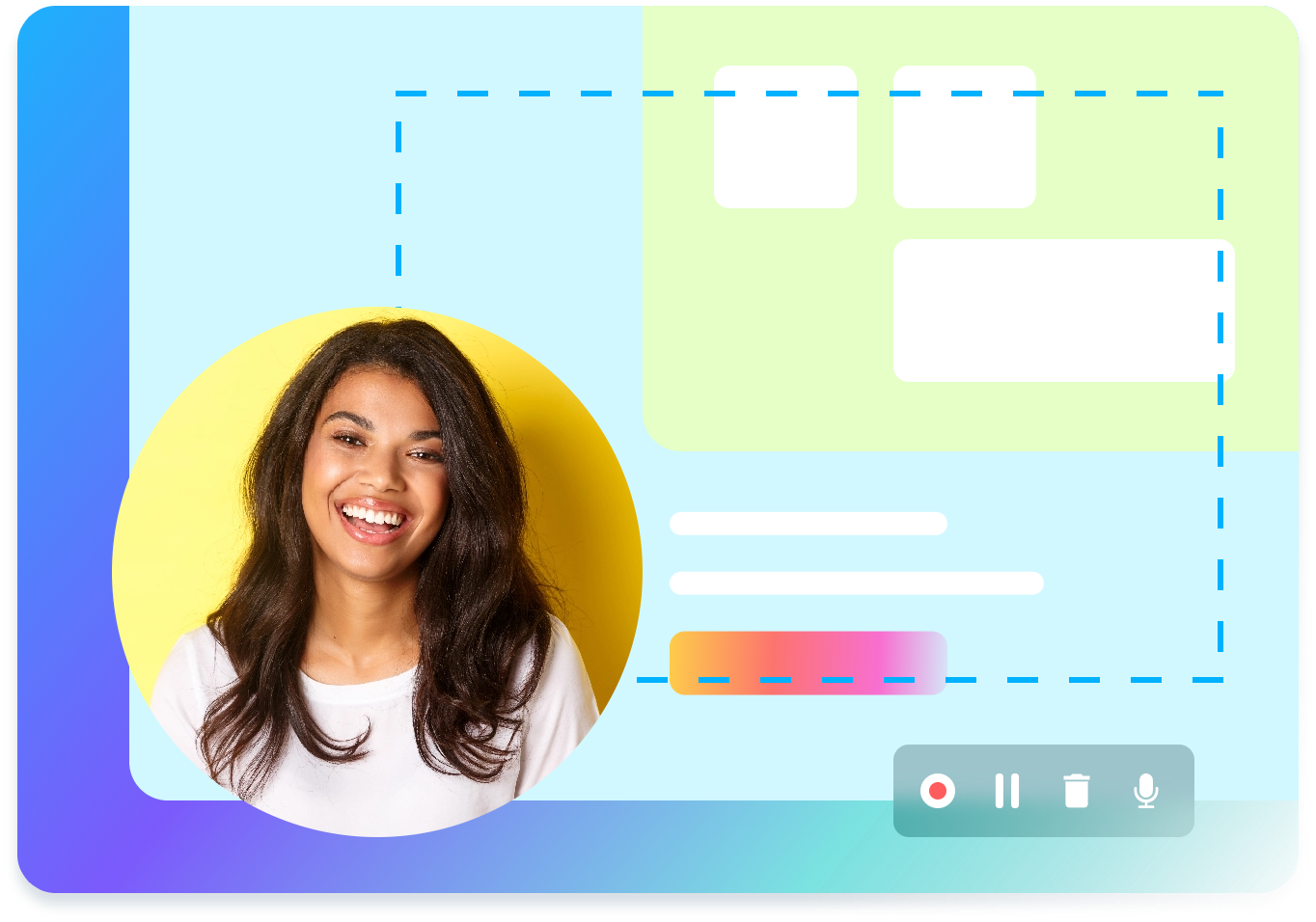
Record tutorials, demos, and walkthroughs with screen and webcam in 4K, then edit with AI.
Turning audio into videos
Convert audio files and voice notes into videos with visuals and subtitles.
Developing educational content
Create professional training videos without editing from scratch.
How to use Vmaker AI?
How to use Vmaker AI?
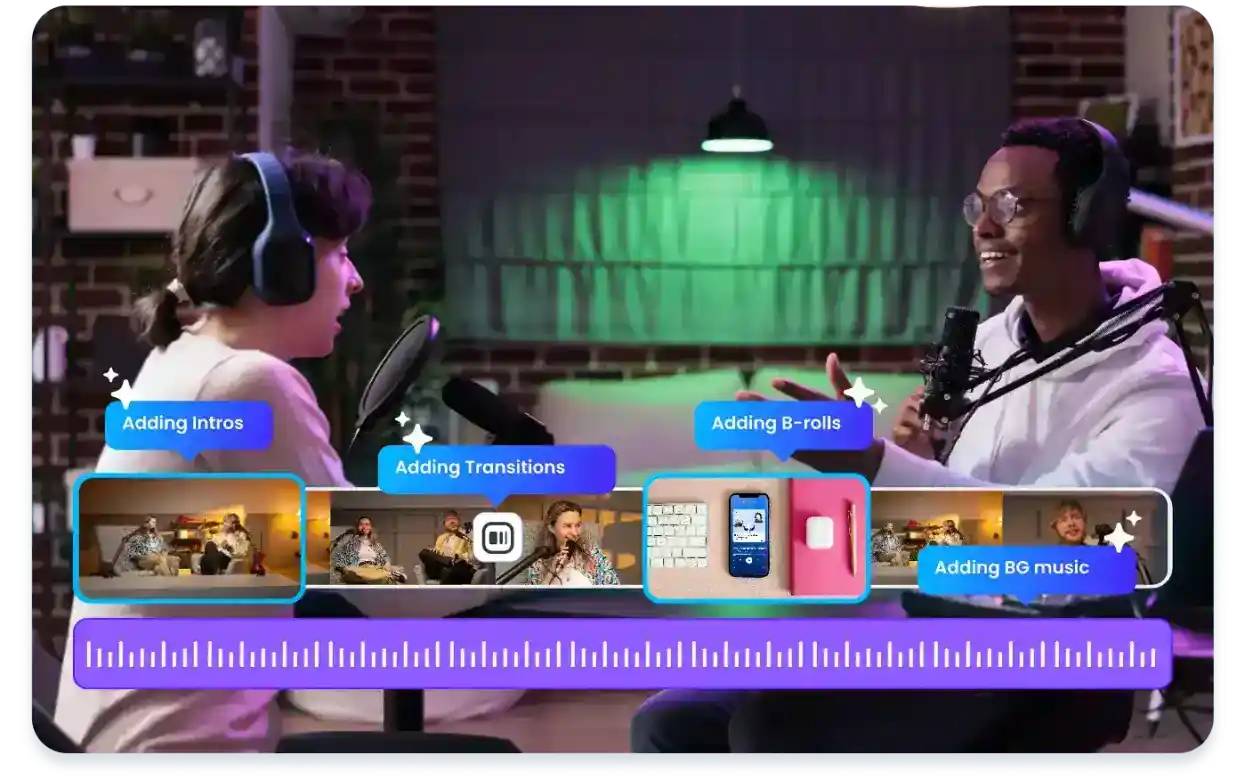
Use the AI editor to create videos from text prompts, audio files, documents, or existing videos with AI avatars.
How to use Vmaker AI?
Record screen and webcam in 4K using the built-in recorder, then import the recording into the editor for enhancement.
How to use Vmaker AI?
Automatically generate subtitles in 35+ languages with animated styles and translation options.
How to use Vmaker AI?
Convert long videos into shorts, apply viral styles, and export ready-to-publish clips for social platforms.
Pros & Cons of Vmaker AI
Pros
- All-in-one AI video creation and editing suite
- Automates subtitles and translations in many languages
- Repurposes long content into social-ready short clips
- No need for a powerful computer for editing
- Built-in 4K screen recorder
Cons
- Potential learning curve for new users unfamiliar with AI video editing tools.
- Advanced features may require a paid subscription; free tier limitations are not specified on the page.
- Heavy reliance on AI could lead to less creative control compared to traditional editing software.
Frequently Asked Questions
What is Vmaker AI?
Vmaker AI is a video creation and editing suite powered by AI. Users can generate videos from text, audio, documents, and existing videos, use AI avatars, auto-generate subtitles, turn long videos into shorts, and record screen and webcam footage.
What are the key features?
Key features include AI text-to-video, audio-to-video, doc-to-video, video-to-video, AI long-to-short clip maker, 4K screen recorder, AI subtitles for 35+ languages, AI video background remover, highlights generator, and a viral styles library.
Who is Vmaker AI for?
It is designed for content creators, YouTube creators, marketing teams, educators, trainers, and video editors who want faster AI-assisted video production.
Pricing Overview
View full pricing →No base subscription prices are shown on the page; only per-download overage fees are listed ($3 per download for Lite and Starter, $2 per download for Teams, Custom for Enterprise).
Reviews & Ratings0.0
No reviews yet. Be the first to write one!
Top Alternatives & Similar Software
View all alternatives & similar software→No alternatives available yet.
People also viewed



Related searches
About the Product
Is this your tool?
Claim this page to update details, reply to user reviews, and drive more traffic to your product.
Claim this Product →
Tags
Keep up with Vmaker AI alternatives
New alternatives, pricing changes and the week's biggest movers - one email every Tuesday.