


VocalRemover
Free Online Vocal Remover
What is VocalRemover?
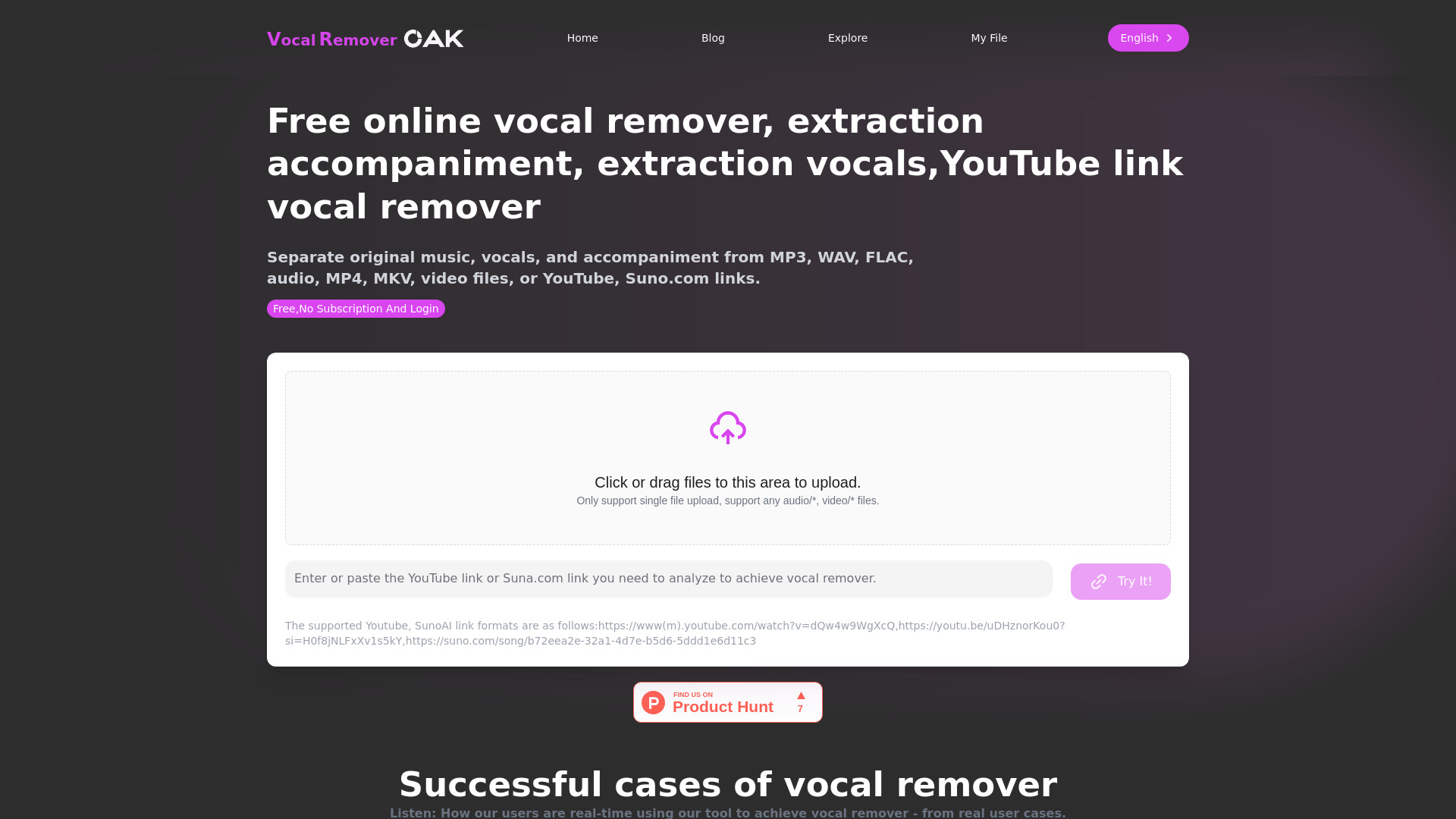
VocalRemover is a browser-based AI vocal separation tool that lets users remove or isolate vocals, extract accompaniment, and split music into stems without installing software. It supports local audio files and YouTube/TikTok links, with GPU-accelerated processing and a credit-based pricing model.
SpecificationsAI-estimated
Key Features of VocalRemover
Use Cases for VocalRemover
Remixing
Separate vocals and instruments to create remixes.
Background music removal
Remove or isolate vocals for clean instrumental tracks.
Practice
Use isolated vocal or instrumental tracks for music practice.
Karaoke sessions
Create karaoke-ready instrumental versions of songs.
How to use VocalRemover?
Upload or paste link
Drop MP3, WAV, FLAC, MP4, or MKV files, or paste a YouTube/TikTok link.
Choose output mode
Select remove vocals, isolate vocals, extract accompaniment, or split music into multiple stems.
Export stems
Download vocal and instrumental files for remixing, background music removal, practice, or karaoke.
Pros & Cons of VocalRemover
Pros
- No installation or setup required
- Works directly in the browser
- Supports MP3, WAV, FLAC, MP4, MKV, YouTube, and TikTok
- Multiple output modes: remove vocals, isolate vocals, extract accompaniment, split stems
- Low-latency GPU processing
- Paid credits never expire
Cons
- Free tier is limited to 15 trial minutes and 8-minute files
- Free upload limit is only 100 MB
- Processing minutes are consumed per audio minute per model
- Free minutes reset every 24 hours
Frequently Asked Questions
Do paid credits expire?
No, Plus/Pro/Studio credits never expire.
What is the billing formula?
Processing minutes = audio minutes × model count.
Is there a free trial?
Yes, new accounts receive 15 free trial minutes. Free minutes reset every 24 hours.
Pricing Overview
View full pricing →Pay by processing minutes, keep credits forever
Reviews & Ratings0.0
No reviews yet. Be the first to write one!
Top Alternatives & Similar Software
View all alternatives & similar software→No alternatives available yet.
People also viewed



Related searches
About the Product
Is this your tool?
Claim this page to update details, reply to user reviews, and drive more traffic to your product.
Claim this Product →
Tags
Explore Related Topics
Keep up with VocalRemover alternatives
New alternatives, pricing changes and the week's biggest movers - one email every Tuesday.