


Weet
Turn static documents into training videos in minutes with AI avatars and voiceovers in 100+ languages.



What is Weet?
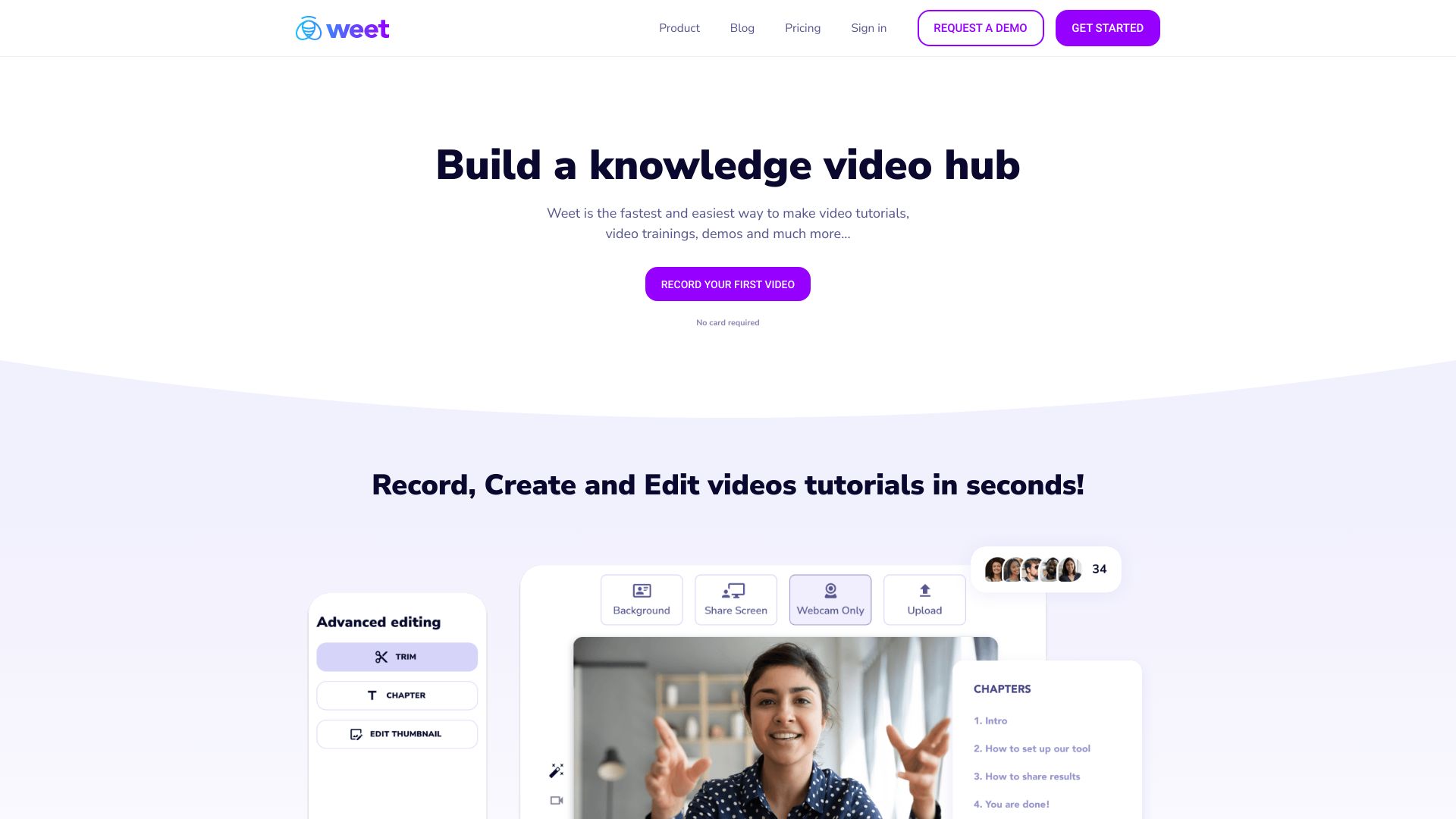
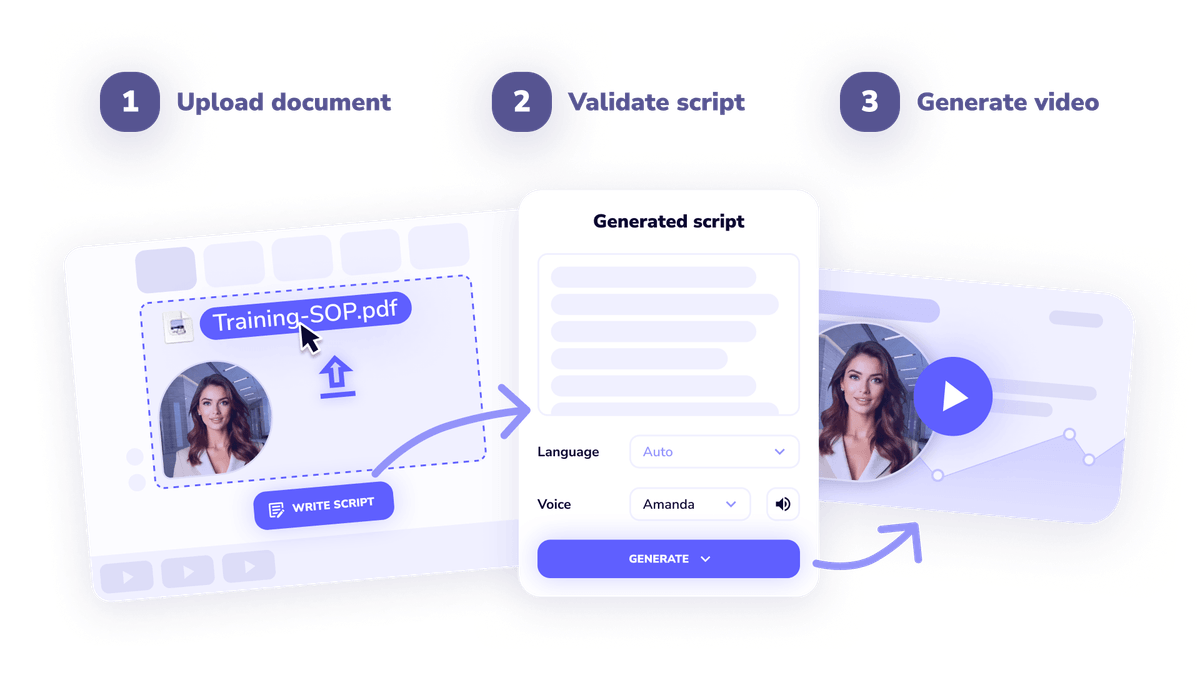
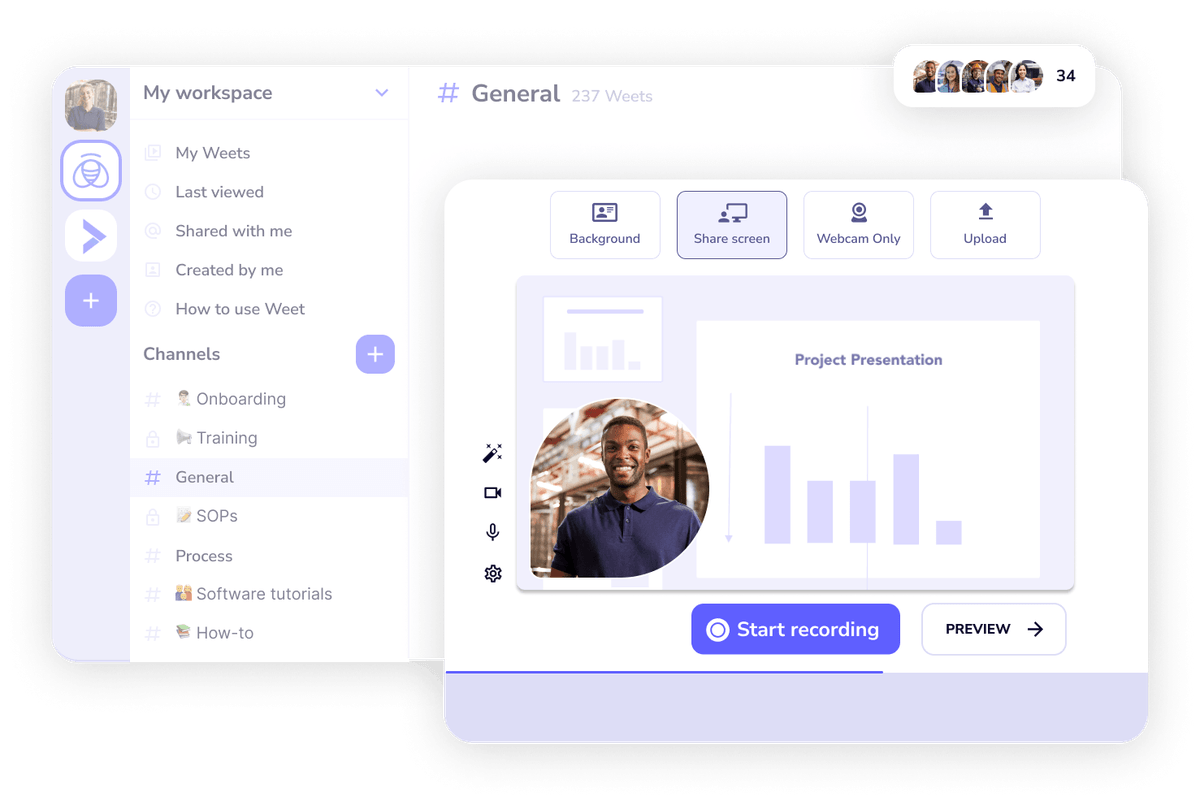
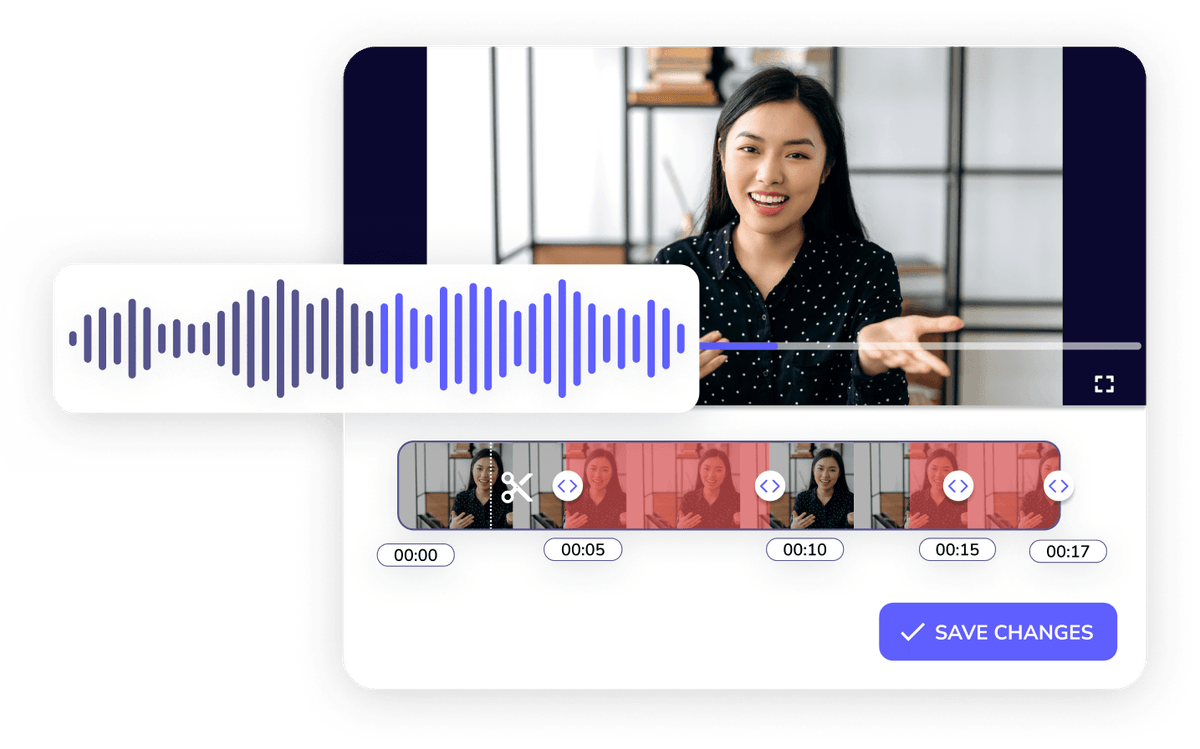
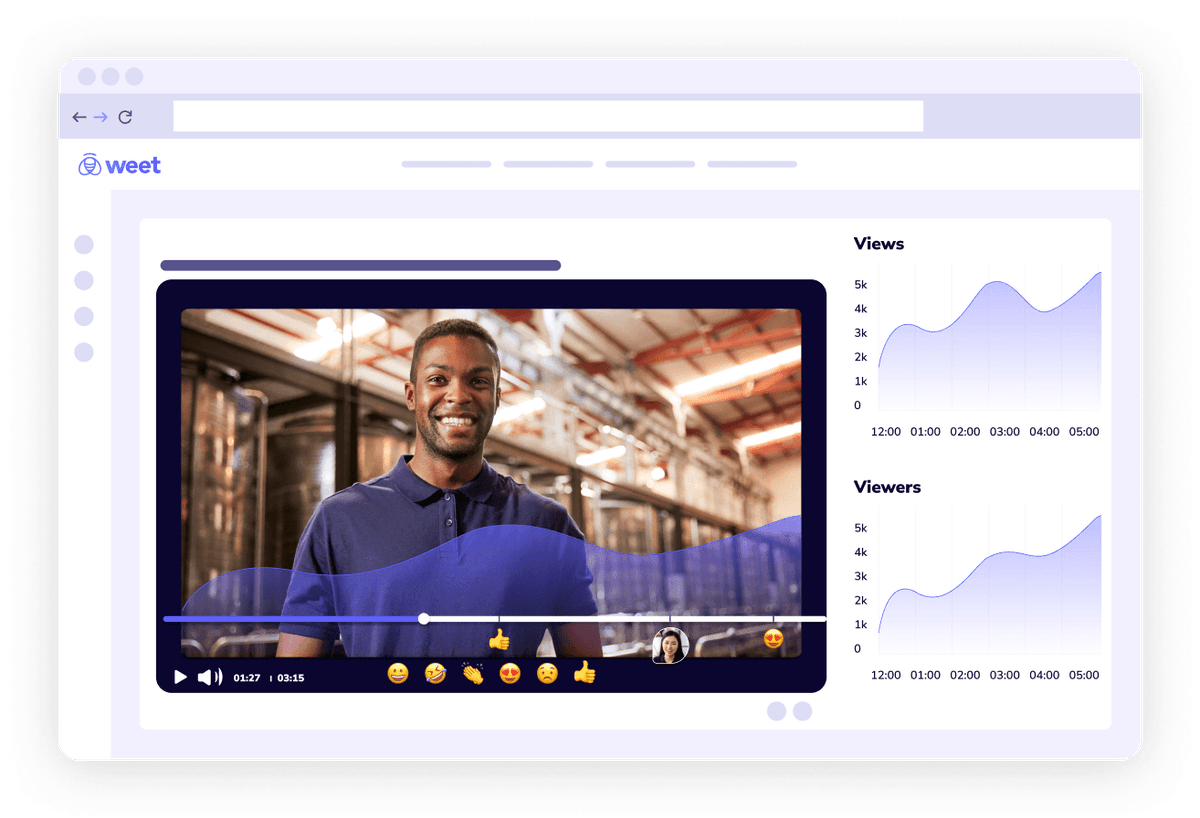
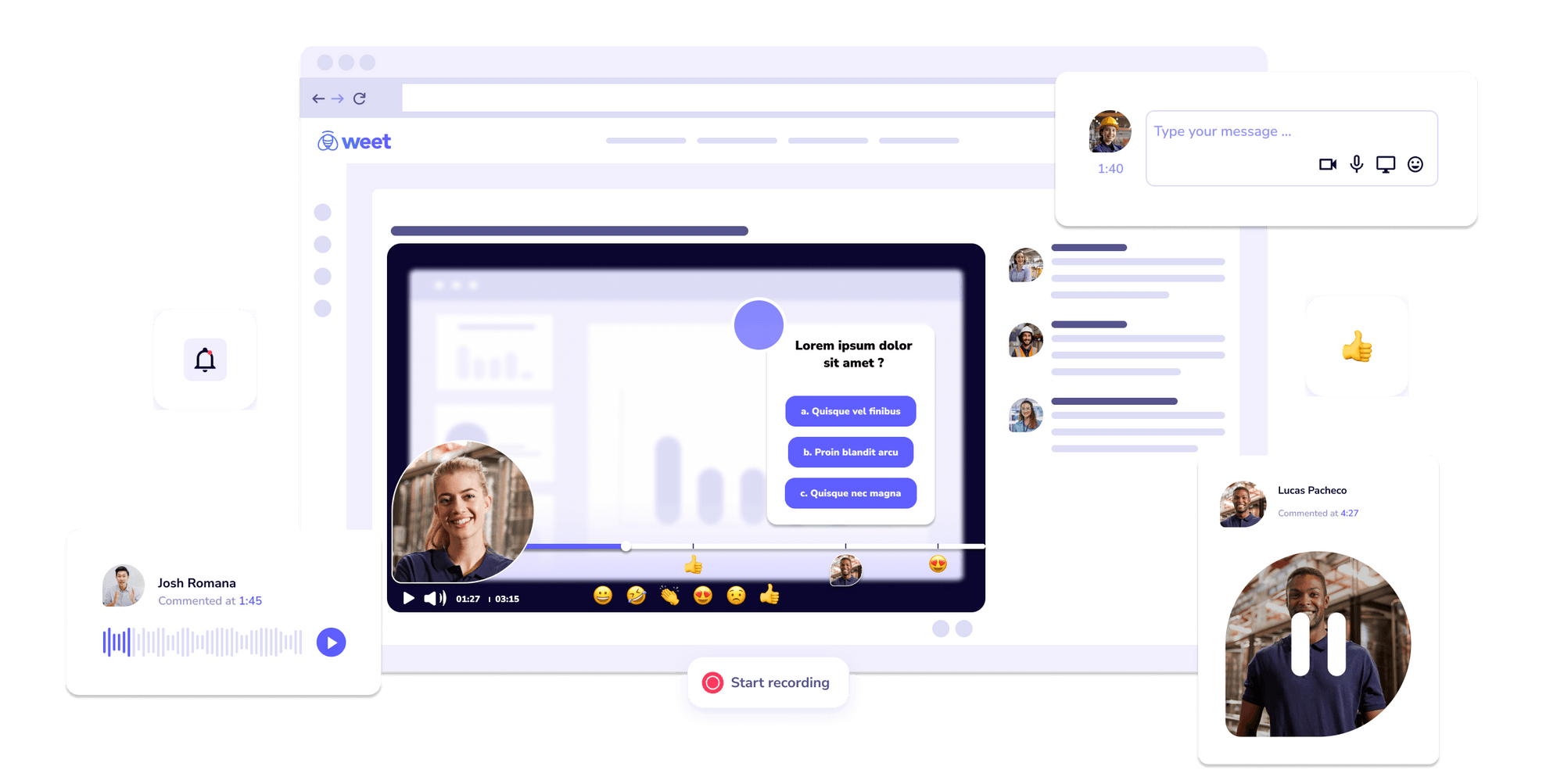
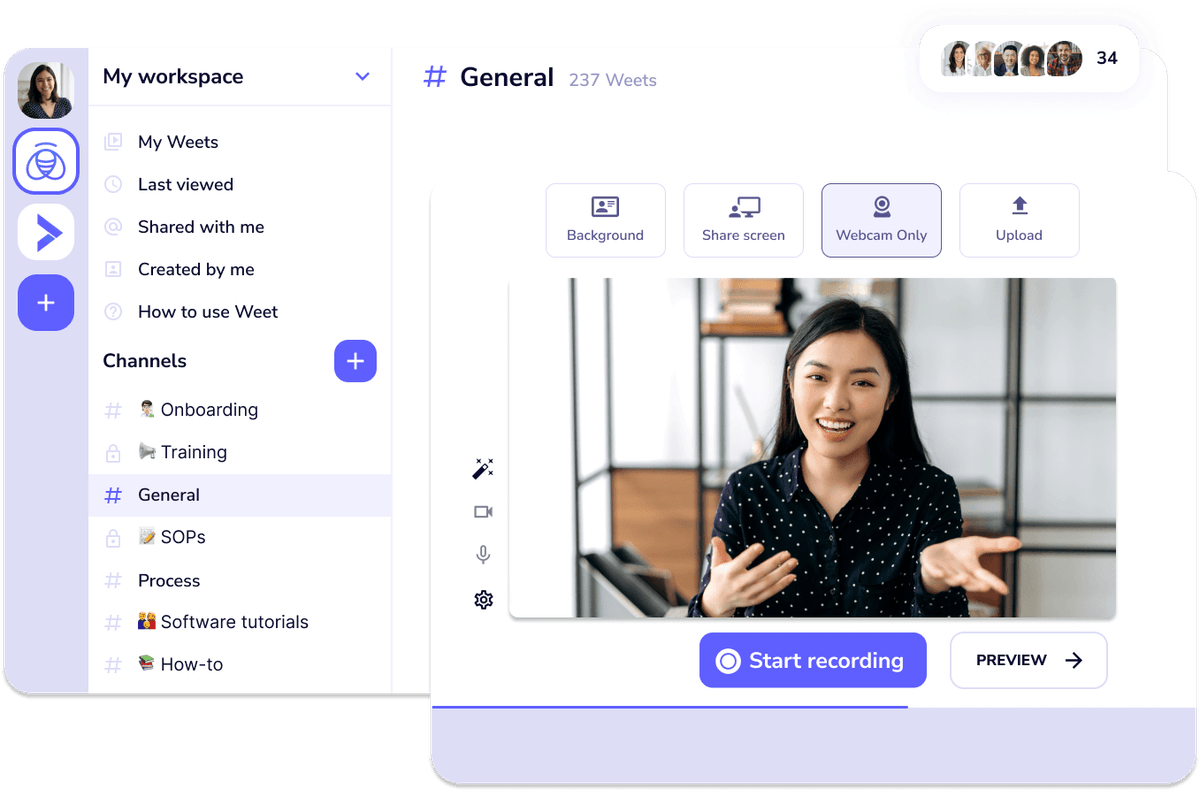
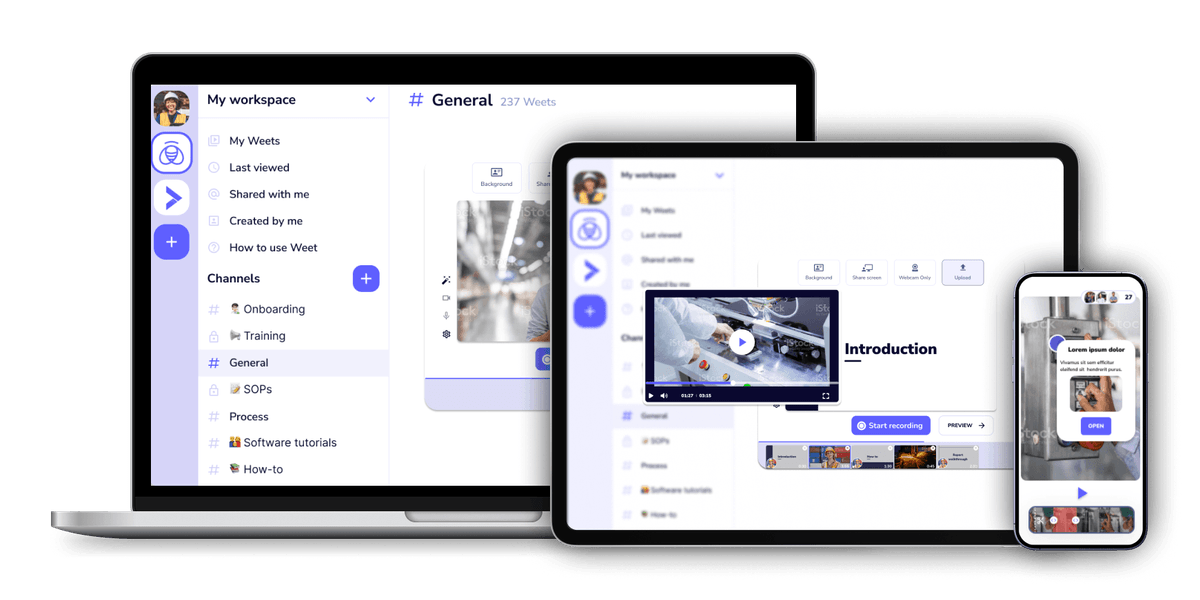
Weet is an AI-powered video creation platform that transforms static documents into studio-quality training videos. Aimed at teams that need to produce instructional content fast, it combines AI avatars, AI voiceovers, automatic subtitles, and translation into a single online workspace. The tool emphasizes speed: upload a document, pick an avatar and voice, and the video is ready in minutes. Beyond document conversion, Weet supports screen and webcam recording, video trimming, one-click background noise removal, and interactive overlays such as links, spotlights, buttons, and chapters. It also generates subtitles automatically and translates both audio and subtitles into more than 100 languages. Real-time collaboration features, comments, workspaces, and detailed viewer analytics make it practical for training managers, educators, and internal knowledge teams. Weet is positioned as a free, no-card-required tool for individuals and organizations, with an enterprise-grade sibling called SPEACH for larger video training needs. Its all-in-one workflow is designed for customer education, employee onboarding, software demos, and standard operating procedures, helping teams maintain and update video content without starting from scratch.
SpecificationsAI-estimated
Key Features of Weet
Use Cases for Weet
Employee training and e-learning
Turn onboarding materials, compliance documents, and course content into engaging video lessons with narration and subtitles.
Demos and tutorials
Record screen and webcam walkthroughs to demonstrate software, features, and workflows step by step.
Standard operating procedures
Convert SOP documents into visual, interactive video instructions that workers can follow more easily.
Product updates and announcements
Create short videos to announce new features, product updates, or internal changes using AI avatars and translated subtitles.
Best practices and knowledge sharing
Capture and share team knowledge with comments, channels, and workspaces so videos are easy to search.
Multilingual training rollout
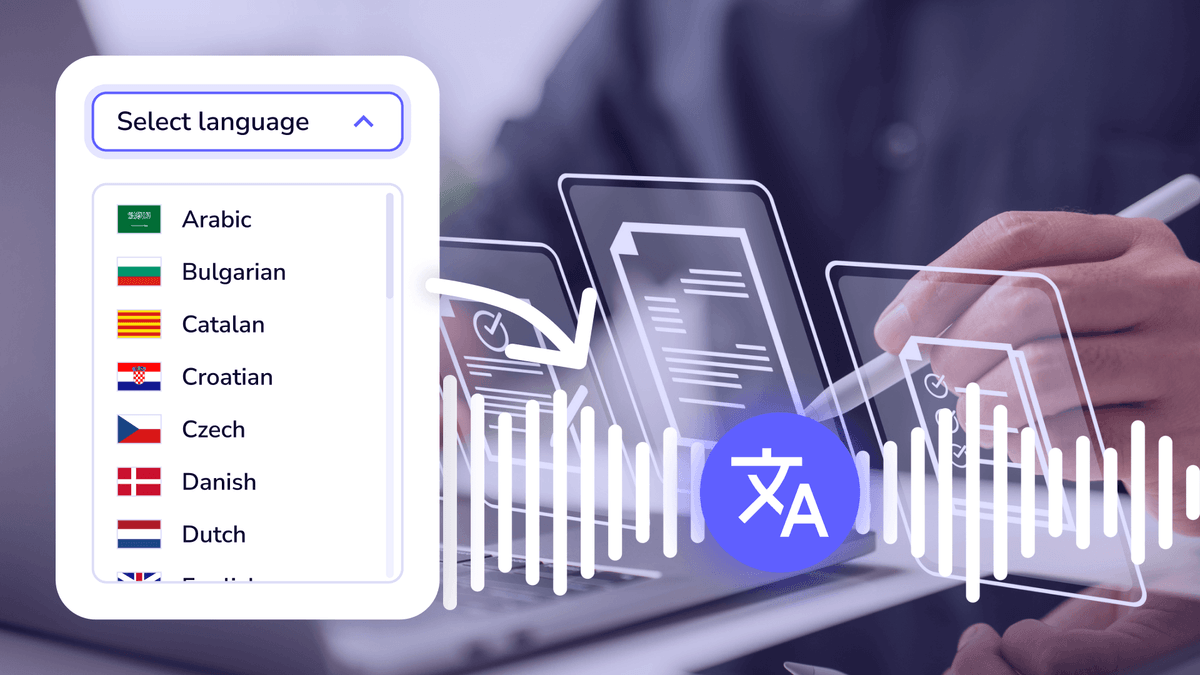
Produce a single training video and translate subtitles and voiceovers into 100+ languages for global teams.
How to use Weet?
Upload your source material
Start a new video by uploading a document or typing the text and script you want converted into a video.
Choose avatar and voice
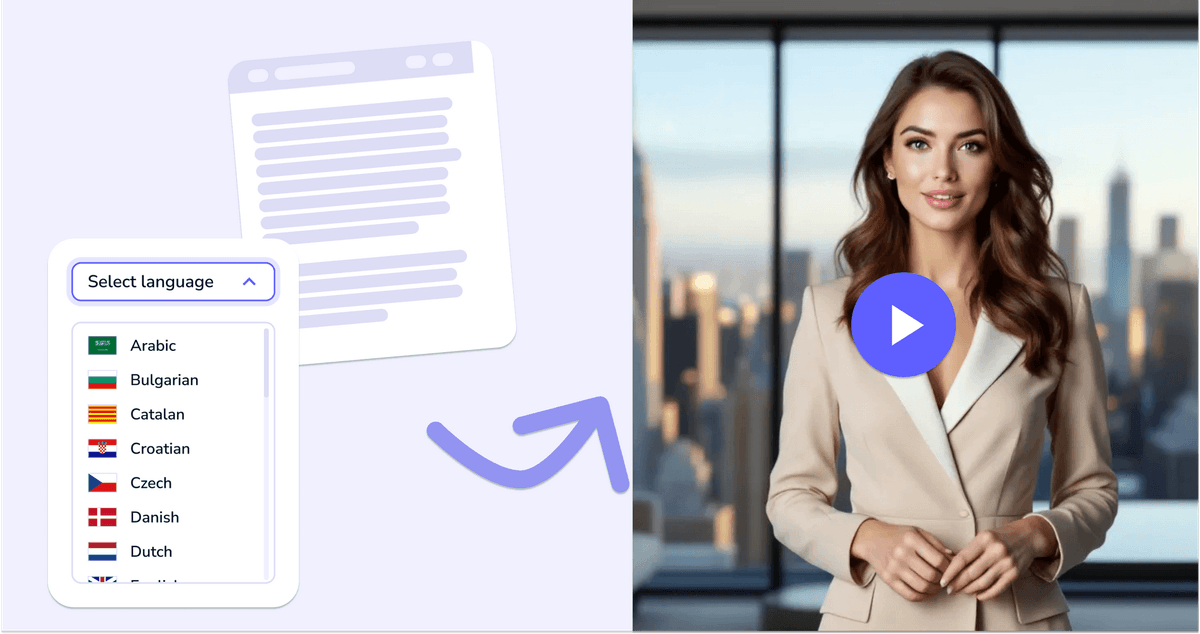
Pick an AI avatar and select a voice and language from 100+ options.
Generate or record
Let the AI generate your video automatically, or record your screen and webcam and add a voiceover.
Edit and enhance
Trim clips, remove background noise, generate and translate subtitles, and add interactive elements.
Publish and track
Share the video with your team or audience, then monitor engagement and effectiveness through analytics.
Pros & Cons of Weet
Pros
- Free to start with no credit card required
- Converts static documents into training videos quickly
- Supports 100+ languages for voiceovers and subtitles
- Includes interactive elements and viewer analytics
- Real-time collaboration for teams
Cons
- Pricing details and free plan limits are not disclosed on this page
- AI-generated avatars may lack the natural expressiveness of a human presenter
- Requires an internet connection; no offline desktop app is mentioned
- Advanced enterprise features are only available through the separate SPEACH product
Frequently Asked Questions
Is Weet really free?
Yes, Weet is free to start and no credit card is required to create videos.
What languages does Weet support?
Weet supports over 100 languages for AI voices, avatars, subtitles, and translation.
Can I turn a document into a video?
Yes, you can upload a document, choose an avatar and voice, and Weet will convert it into a video.
Can I record my screen or webcam?
Yes, Weet lets you record your screen and webcam, and you can also upload existing videos.
Can I add subtitles to my videos?
Yes, Weet automatically generates subtitles and lets you edit them manually and adjust timing.
Can I translate my video into other languages?
Yes, Weet can translate subtitles and audio into more than 100 languages.
Can my team collaborate on videos?
Yes, Weet offers real-time collaboration with comments, workspaces, and channels.
Is there an enterprise version?
Yes, Weet's parent company offers SPEACH, an AI enterprise video training platform.
Reviews & Ratings0.0
No reviews yet. Be the first to write one!
Top Alternatives & Similar Software
View all alternatives & similar software→No alternatives available yet.
People also viewed


Related searches
Is this your tool?
Claim this page to update details, reply to user reviews, and drive more traffic to your product.
Claim this Product →
Tags
Explore Related Topics
Keep up with Weet alternatives
New alternatives, pricing changes and the week's biggest movers - one email every Tuesday.