


AweSun vs LogMeIn Central
Side-by-side comparison of features, pricing, ratings, and alternatives.
AweSun (from AweRay) is a remote desktop application that lets users connect to and control a computer from another device across Windows, Mac, iOS, and Android, with a free-forever personal edition and paid professional tiers for business use. It targets both everyday remote work scenarios, like accessing an office PC while traveling, and higher-performance use cases such as remote gaming and creative design work that need low-latency screen streaming.
LogMeIn Central provides centralized remote access, monitoring, and management of computers and servers across an organization. It combines secure VPN, file transfer, and real‑time monitoring in a single cloud‑based console. Designed for IT administrators and support teams, the platform enables quick troubleshooting, patch deployment, and asset inventory without the need for on‑site visits, improving productivity and reducing downtime.
- Genuinely free tier for personal, non-commercial use
- Broad platform coverage across desktop and mobile
- Low-latency streaming suitable for remote gaming and creative work
- Affordable entry-level paid plans for commercial use
- Strong security with end‑to‑end encryption
- No client installation needed for web access
- Comprehensive monitoring and reporting tools
- Scalable for small teams to enterprise environments
- Brand also operates under the name Aweray, which can cause naming confusion
- Advanced business features require a paid professional plan
- Less established track record than long-standing competitors like TeamViewer or AnyDesk
- Limited Linux client features compared to Windows/Mac
- Higher cost for advanced enterprise plans
- Interface can feel dated for new users
More alternatives & similar tools
Alternatives to AweSun
View all →

Secure remote access and support software for individuals, teams, and IT departments.

Google's free tool for remotely accessing a computer or sharing your screen.
Alternatives to LogMeIn Central
View all →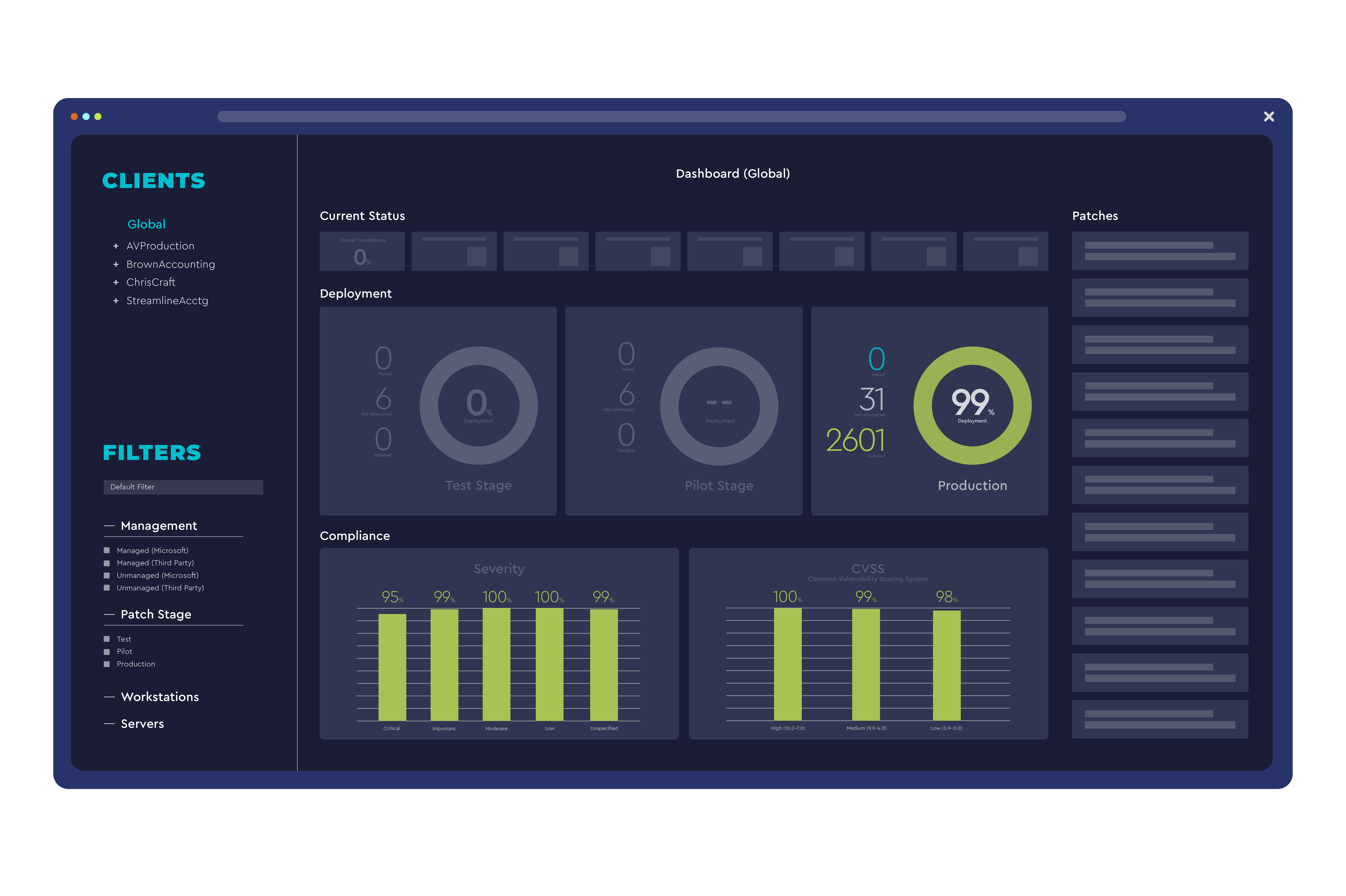


The Verdict
AI-generated from listing dataAweSun offers a genuinely free personal remote‑desktop solution with broad mobile support, while LogMeIn Central provides enterprise‑grade device management, AD integration, and stronger support at higher cost.
Key differences
- •AweSun is a desktop‑app tool with free personal use; LogMeIn is a cloud/SaaS platform requiring paid plans for advanced features.
- •LogMeIn includes built‑in VPN, device health monitoring, and Active Directory/Office 365 integrations; AweSun has no such integrations.
- •AweSun supports two‑way remote control on Windows, macOS, Android, iOS; LogMeIn adds Linux support but focuses on Windows/macOS.
- •Support options differ: AweSun only email/help‑center; LogMeIn adds live chat and phone support.
- •Business‑grade features like role‑based permissions, audit logs, and mass software deployment are native to LogMeIn, while AweSun’s advanced tools require a paid professional plan.
Pricing & value
AweSun provides a free tier for unlimited personal, non‑commercial use; LogMeIn’s advanced features require paid enterprise plans.
Ease of use / learning curve
AweSun is a simple desktop app with straightforward setup; LogMeIn’s cloud console and admin features add complexity.
Features & depth
LogMeIn offers VPN, health monitoring, role‑based permissions, and mass update deployment, which AweSun lacks.
Integrations & ecosystem
LogMeIn integrates with Active Directory, Azure AD, and Office 365; AweSun lists no key integrations.
Scalability
LogMeIn is designed for teams from small to enterprise; AweSun’s free tier is limited to personal use.
Support
LogMeIn provides email, live chat, and phone support; AweSun only offers email and a help center.
Security & privacy
Both claim end‑to‑end encryption for remote sessions; no further security details are provided.
Choose AweSun if…
Individual freelancers or gamers needing free, cross‑device remote control.
Choose LogMeIn Central if…
IT admins or support teams requiring device management, AD integration, and enterprise‑grade support.
Common questions
Can I use the tool for commercial work without paying?
AweSun’s free personal edition is limited to non‑commercial use; commercial use requires a paid professional plan. LogMeIn’s free tier is limited; commercial features need a paid plan.
Do either of the tools support Linux endpoints?
LogMeIn Central supports Linux machines (though client features are limited); AweSun does not list Linux support.
What integration options are available for user management?
LogMeIn integrates with Active Directory, Azure AD, and Office 365 for single sign‑on; AweSun lists no integrations.