


Kaseya VSA vs LogMeIn Central
Side-by-side comparison of features, pricing, ratings, and alternatives.

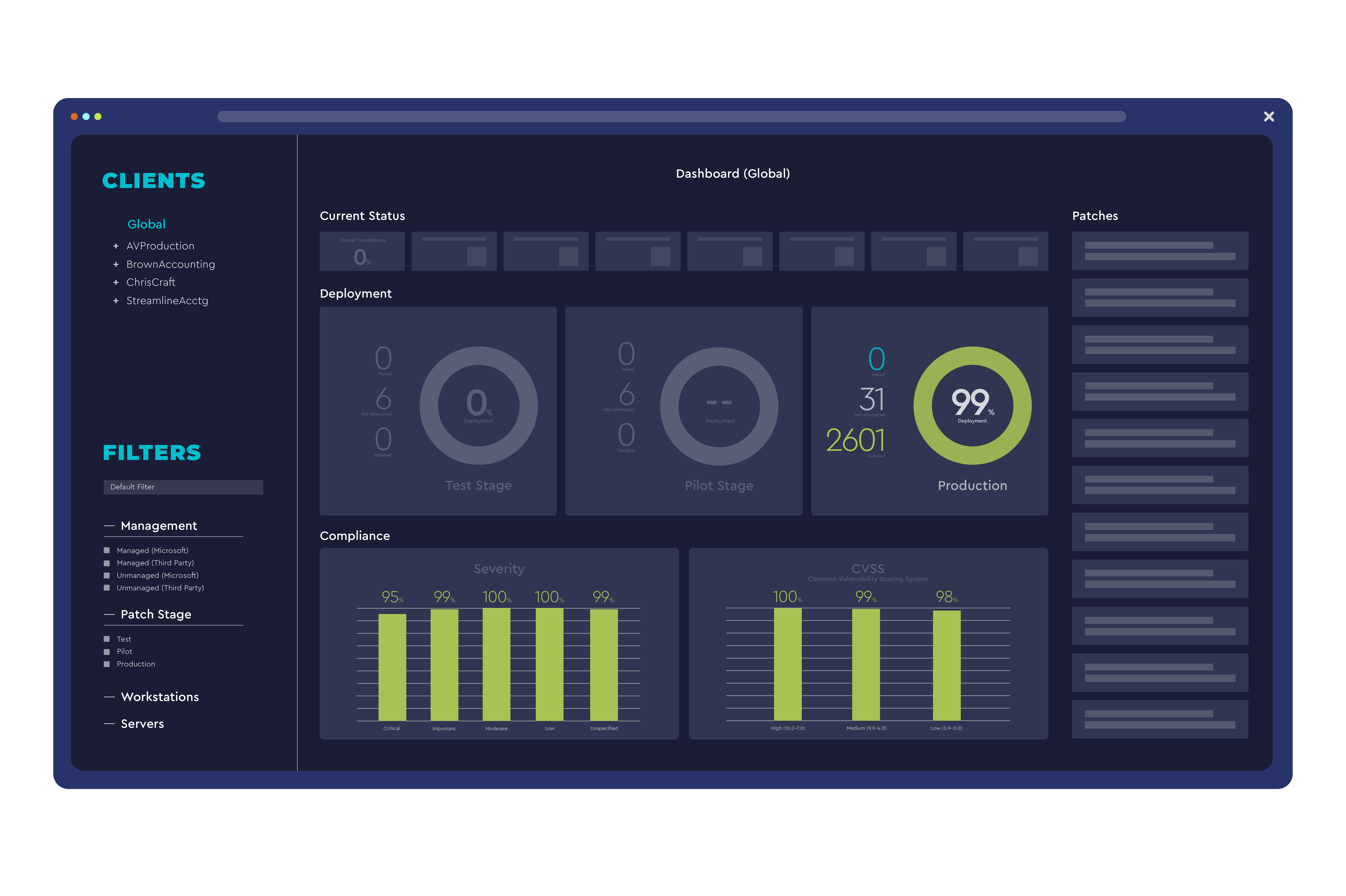
Kaseya VSA is a comprehensive Remote Monitoring and Management (RMM) platform that enables IT service providers and internal IT departments to automate routine tasks, deploy patches, and manage endpoints from a single console. It combines device monitoring, scripting, and integrated ticketing to improve efficiency and reduce downtime across Windows, macOS, and Linux environments. The solution offers real‑time alerts, remote control, and a robust automation engine, allowing organizations to scale support operations while maintaining security compliance. Kaseya VSA integrates with popular PSA, backup, and security tools to provide an end‑to‑end IT management stack.
LogMeIn Central provides centralized remote access, monitoring, and management of computers and servers across an organization. It combines secure VPN, file transfer, and real‑time monitoring in a single cloud‑based console. Designed for IT administrators and support teams, the platform enables quick troubleshooting, patch deployment, and asset inventory without the need for on‑site visits, improving productivity and reducing downtime.
- Extensive automation reduces manual workload
- Supports Windows, macOS, and Linux endpoints
- Integrated ticketing and PSA connectors
- Scalable cloud and on‑premises deployment options
- Strong security with end‑to‑end encryption
- No client installation needed for web access
- Comprehensive monitoring and reporting tools
- Scalable for small teams to enterprise environments
- Steeper learning curve for advanced scripting
- Pricing can be high for small teams
- User interface feels dated compared to newer competitors
- Limited Linux client features compared to Windows/Mac
- Higher cost for advanced enterprise plans
- Interface can feel dated for new users
More alternatives & similar tools
Alternatives to Kaseya VSA
View all →Alternatives to LogMeIn Central
View all →
The Verdict
AI-generated from listing dataLogMeIn Central offers a lower‑cost, easier‑to‑use remote‑access solution, while Kaseya VSA provides deeper automation and broader IT‑SM integrations at a higher price.
Key differences
- •Pricing model: Kaseya VSA is paid subscription only; LogMeIn Central has a freemium tier.
- •Automation depth: Kaseya includes scripted patch deployment and extensive RMM automation; LogMeIn focuses on remote access and basic patch push.
- •Integrations: Kaseya connects with major PSA/ITSM platforms (ConnectWise, Autotask, ServiceNow, SCCM); LogMeIn’s integrations are limited to AD, Azure AD, Office 365.
- •Support availability: Kaseya offers 24/7 phone, email, live chat; LogMeIn provides email, live chat, phone without guaranteed 24/7.
Pricing & value
LogMeIn Central offers a freemium option, making it cheaper for small teams; Kaseya VSA is paid subscription only.
Ease of use / learning curve
Kaseya VSA has a steeper learning curve for advanced scripting; LogMeIn Central’s interface is simpler and requires no client for web access.
Features & depth
Kaseya provides automated patch deployment, custom scripting, ticketing sync, and comprehensive asset inventory; LogMeIn focuses on remote desktop, VPN, and basic health monitoring.
Integrations & ecosystem
Kaseya integrates with ConnectWise, Autotask, ServiceNow, SCCM, Azure AD; LogMeIn integrates only with AD, Azure AD, Office 365.
Support
Kaseya offers 24/7 phone, email, live chat; LogMeIn provides email, live chat, phone but no 24/7 guarantee.
Security & privacy
LogMeIn highlights end‑to‑end encryption and built‑in VPN; Kaseya’s security details are not specified.
Scalability
Both solutions claim scalability from small teams to enterprise; Kaseya adds on‑premise option, LogMeIn is cloud SaaS.
Choose Kaseya VSA if…
Large MSPs or enterprise IT needing deep automation, PSA integration, and 24/7 support.
Choose LogMeIn Central if…
Small to midsize teams wanting low‑cost remote access with strong encryption and simple management.
Common questions
Which tool is cheaper for a team of 10 technicians?
LogMeIn Central offers a freemium tier and lower‑cost plans; Kaseya VSA requires a paid subscription, likely more expensive.
Do both products support Linux endpoints?
Kaseya VSA supports automated patching on Linux; LogMeIn Central’s Linux client has limited features compared to Windows/Mac.
Can the solutions integrate with my existing PSA system?
Kaseya VSA integrates with major PSA platforms like ConnectWise, Autotask, and ServiceNow; LogMeIn Central does not list PSA integrations.