


LogMeIn Central vs LogMeIn Rescue
Side-by-side comparison of features, pricing, ratings, and alternatives.
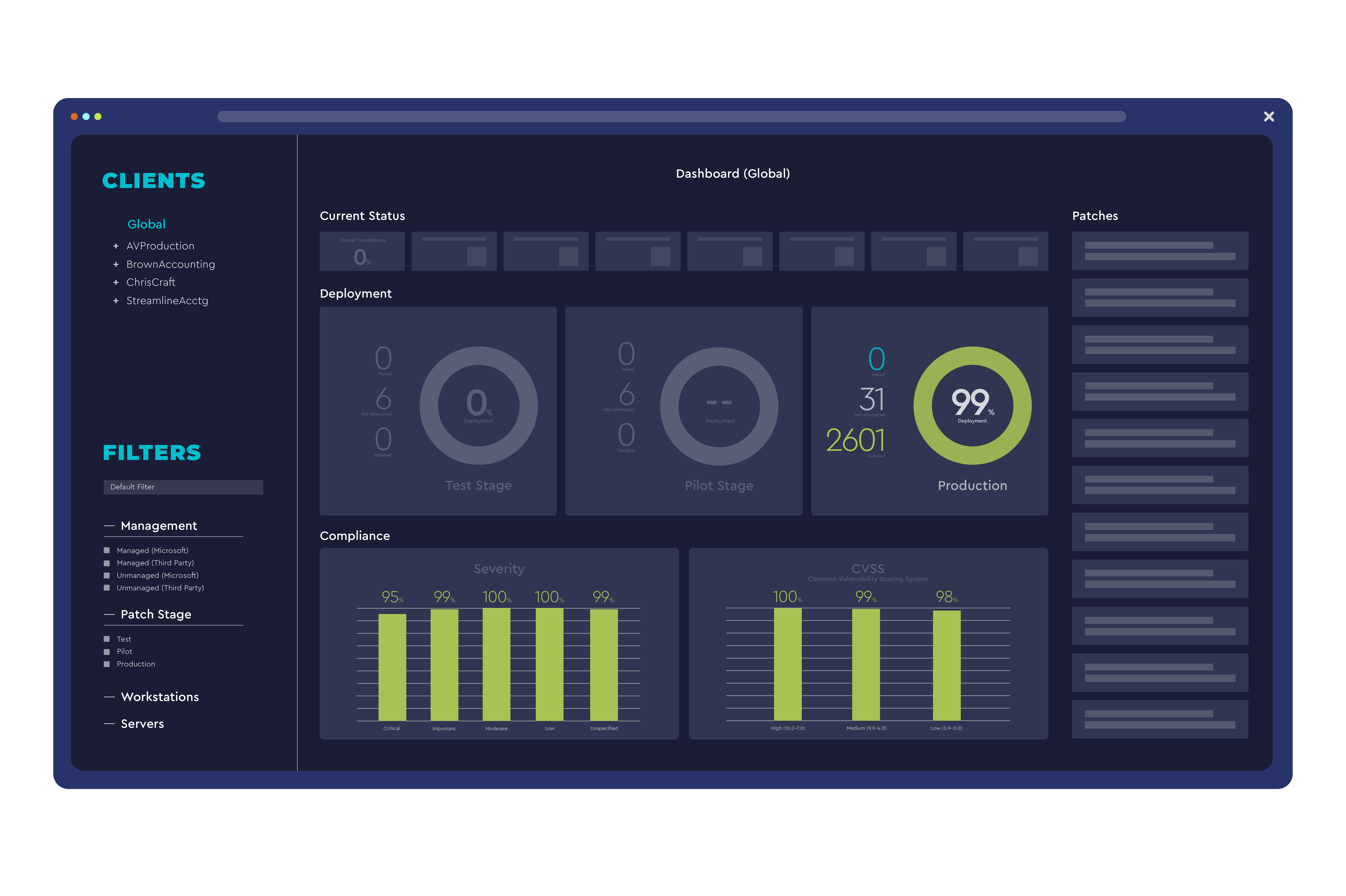
LogMeIn Central provides centralized remote access, monitoring, and management of computers and servers across an organization. It combines secure VPN, file transfer, and real‑time monitoring in a single cloud‑based console. Designed for IT administrators and support teams, the platform enables quick troubleshooting, patch deployment, and asset inventory without the need for on‑site visits, improving productivity and reducing downtime.
LogMeIn Rescue provides secure, cloud‑based remote support that lets technicians connect to any device in seconds. It includes screen sharing, file transfer, and session recording to streamline troubleshooting. The platform integrates with ticketing systems and offers mobile apps so support can be delivered from anywhere, on any device. It is designed for enterprises, MSPs, and internal IT departments that need reliable, compliant remote assistance.
- Strong security with end‑to‑end encryption
- No client installation needed for web access
- Comprehensive monitoring and reporting tools
- Scalable for small teams to enterprise environments
- Highly secure, enterprise‑grade encryption
- Broad device and OS support
- Robust integration with major ticketing systems
- Detailed session analytics and reporting
- Limited Linux client features compared to Windows/Mac
- Higher cost for advanced enterprise plans
- Interface can feel dated for new users
- Higher price point than some competitors
- Complex setup for large organizations
- Limited customization of the UI beyond branding
More alternatives & similar tools
Alternatives to LogMeIn Central
View all →

Alternatives to LogMeIn Rescue
View all →Instant, install-free screen sharing for sales demos, support calls, and online training.

Secure remote access and support software for individuals, teams, and IT departments.
Italian remote desktop and support software with unattended access and HIPAA/GDPR-compliant encryption.
The Verdict
AI-generated from listing dataLogMeIn Rescue (A) offers richer remote‑support features and 24/7 support for enterprises, while LogMeIn Central (B) provides a lower‑cost, easier‑to‑use remote‑access and device‑management platform.
Key differences
- •A includes built‑in session recording, analytics dashboard, and branding; B focuses on VPN, health monitoring, and multi‑user role‑based sessions.
- •Pricing: A is a paid subscription only; B offers a freemium tier.
- •Integrations: A connects to ServiceNow, Zendesk, Salesforce, Jira; B integrates with Active Directory, Azure AD, Office 365.
- •Support: A provides 24/7 phone, chat, email; B offers email, chat, phone without guaranteed 24/7 coverage.
Pricing & value
B offers a freemium model, giving basic remote access at no cost versus A's paid‑only subscription.
Ease of use / learning curve
B requires no client installation for web access, simplifying onboarding compared to A's richer feature set.
Features & depth
A provides session recording, analytics, branding, and deeper ticketing integrations not listed for B.
Integrations & ecosystem
Both have three major integrations; A targets ticketing systems, B targets directory/Office suites—different but equally strong.
Collaboration
A offers session recording for audit; B offers multi‑user sessions with role‑based permissions. Both enable team work.
Scalability
Both are cloud/SaaS and marketed to enterprises, supporting small to large deployments.
Support
A lists 24/7 phone, live chat, and email support; B lists only email, chat, phone without 24/7 guarantee.
Security & privacy
A specifies TLS 1.2 encryption and two‑factor authentication; B mentions end‑to‑end encryption but no 2FA detail.
Choose LogMeIn Central if…
Teams wanting low‑cost remote access, device monitoring, and simple web‑based connections.
Choose LogMeIn Rescue if…
Enterprises needing advanced support analytics, session recording, and 24/7 vendor support.
Common questions
Which product is cheaper to start with?
LogMeIn Central (B) offers a freemium tier, while LogMeIn Rescue (A) requires a paid subscription.
Do both solutions support Linux devices?
A lists broad OS support; B notes limited Linux client features compared to Windows/Mac.
Is session recording available in both?
Only LogMeIn Rescue (A) includes built‑in session recording; B does not mention this capability.