


Beautiful.ai vs DeckBird.ai
Side-by-side comparison of features, pricing, ratings, and alternatives.

Beautiful.ai is presentation software built around Smart Slide templates that automatically adjust layout, spacing, and alignment as content is added or removed, so slides stay visually consistent without manual formatting. An AI workflow can generate a first draft of a deck from a prompt or outline, and built-in brand controls keep fonts, colors, and logos consistent across a team's presentations. The platform includes data visualization tools, viewer analytics, and real-time collaborative editing on team plans, and it imports and exports PowerPoint files so it can slot into existing workflows. It is positioned as a faster alternative to manually formatting slides in PowerPoint, Google Slides, or Keynote.
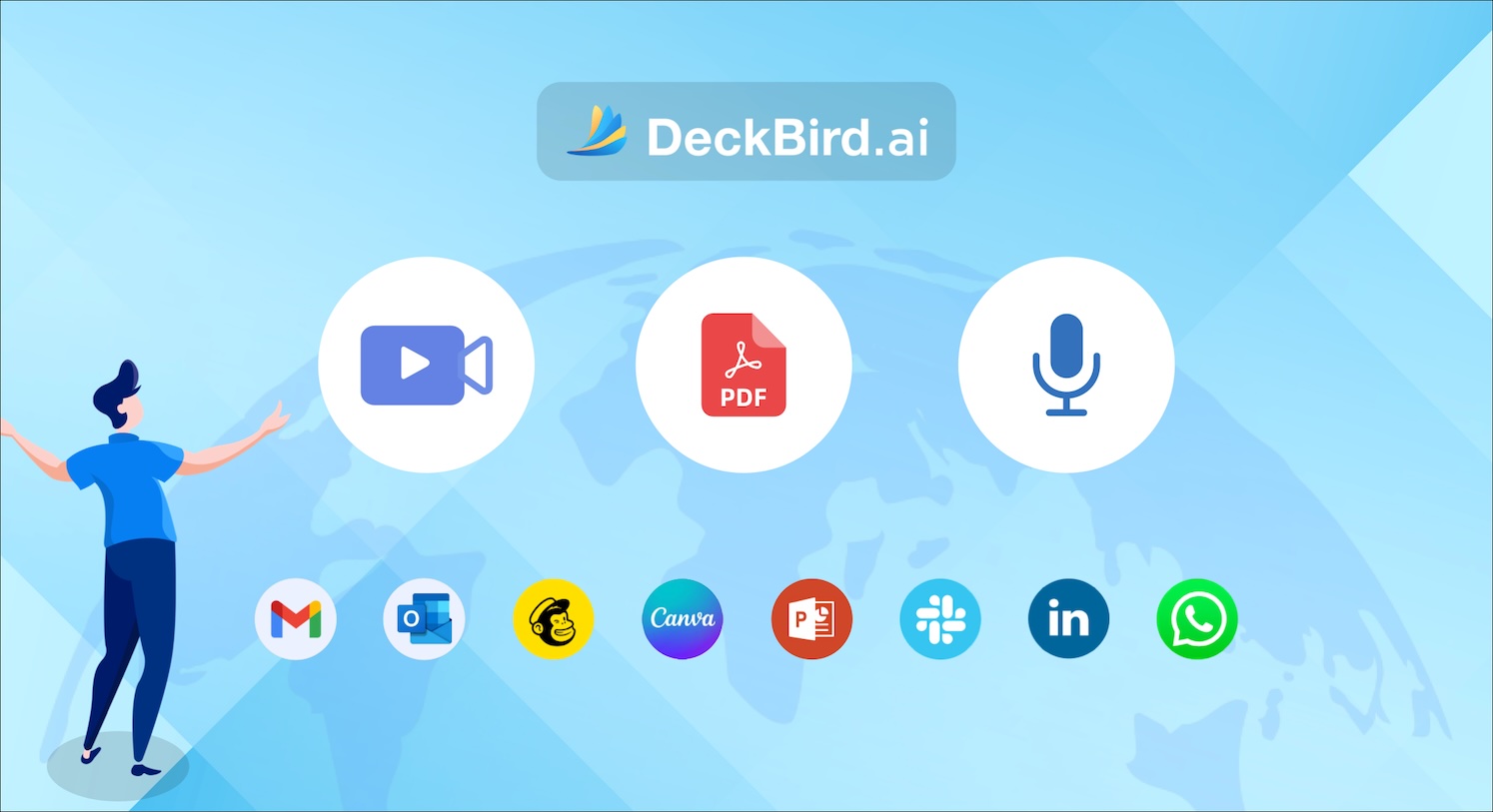
DeckBird.ai is a comprehensive platform designed to enhance the creation, management, and presentation of digital content. It offers a suite of tools aimed at streamlining the workflow for creating professional presentations, videos, and other visual media. The platform appears to cater to a wide range of users, from individuals looking to create engaging personal projects to businesses needing to produce high-quality marketing materials. Its emphasis on simplifying complex tasks suggests a focus on user-friendliness and efficiency, allowing creators to focus on their message rather than the technicalities of production. With features that likely include editing, rendering, and potentially collaboration tools, DeckBird.ai aims to be an all-in-one solution for digital content creation. The presence of video examples and event announcements indicates an active development and community engagement strategy, positioning DeckBird.ai as a dynamic tool for modern digital communication.
- Formatting stays clean automatically without manual slide alignment
- AI draft generation speeds up building a first version of a deck
- Brand controls keep team decks visually consistent
- Viewer analytics show engagement after sharing
- Offers a channel for showcasing presentations and videos.
- Supports various media formats, including video files.
- Features a presentation channel powered by DeckBird.ai.
- Provides a user-friendly interface for content creation.
- No permanent free plan, only a 14-day trial
- Team pricing is significantly higher than the individual Pro plan
- Less design freedom than a fully manual tool like PowerPoint
- Specific details on AI capabilities are not explicitly detailed in the provided content.
- Limited information on advanced collaboration or team features.
- The full scope of file types and integrations is not clear from the scraped data.
More alternatives & similar tools
Alternatives to Beautiful.ai
View all →



Alternatives to DeckBird.ai
View all →AI-guided presentation software with Smart Slides that auto-design decks as you type.

AI presentation generator that builds on-brand decks from a topic description in minutes.
Turn a few simple answers into a polished, presentation-ready deck in seconds with AI.

The Verdict
AI-generated from listing dataBeautiful.ai offers a clear, subscription‑based AI presentation tool with strong brand controls and analytics, while DeckBird.ai is a less‑defined SaaS platform with basic media hosting and unknown pricing.
Key differences
- •Pricing model: Beautiful.ai has a paid subscription; DeckBird.ai pricing is not disclosed.
- •AI capabilities: Beautiful.ai explicitly generates first‑draft decks from prompts; DeckBird.ai’s AI features are vague.
- •Brand management: Beautiful.ai provides lockable fonts, colors, and logos; DeckBird.ai does not mention brand controls.
- •Analytics: Beautiful.ai tracks viewer engagement; DeckBird.ai offers no analytics information.
- •Integrations: Beautiful.ai imports/exports PowerPoint and PDF; DeckBird.ai’s integration details are not provided.
Pricing & value
Beautiful.ai lists a paid subscription; DeckBird.ai pricing is unknown, making cost assessment impossible.
Ease of use / learning curve
Beautiful.ai auto‑aligns slides and generates drafts, reducing manual effort; DeckBird.ai’s UI details are not specified.
Features & depth
Beautiful.ai includes AI draft generation, brand locks, dynamic charts, and analytics; DeckBird.ai only mentions basic media hosting.
Integrations & ecosystem
Beautiful.ai supports PowerPoint import/export and PDF export; DeckBird.ai provides no integration information.
Collaboration
Beautiful.ai offers team brand controls and viewer analytics; DeckBird.ai lacks collaboration or team‑feature details.
Support
Beautiful.ai lists email and priority support tiers; DeckBird.ai’s support options are not mentioned.
Security & privacy
Neither product provides specific security or privacy details in the supplied data.
Choose Beautiful.ai if…
Teams needing brand‑consistent, AI‑assisted presentations with analytics and known pricing.
Choose DeckBird.ai if…
Not recommended until pricing, AI scope, and integration details are clarified.
Common questions
What is the cost to start using each tool?
Beautiful.ai requires a paid subscription (price not specified). DeckBird.ai’s pricing is listed as unknown.
Can I generate a presentation automatically from text?
Beautiful.ai explicitly offers AI‑generated first‑draft decks from prompts; DeckBird.ai’s AI generation capabilities are not detailed.
Does the tool support PowerPoint files?
Beautiful.ai imports and exports PowerPoint (.pptx) files. DeckBird.ai provides no information about PowerPoint compatibility.