


PowerMode AI
Turn a few simple answers into a polished, presentation-ready deck in seconds with AI.

What is PowerMode AI?
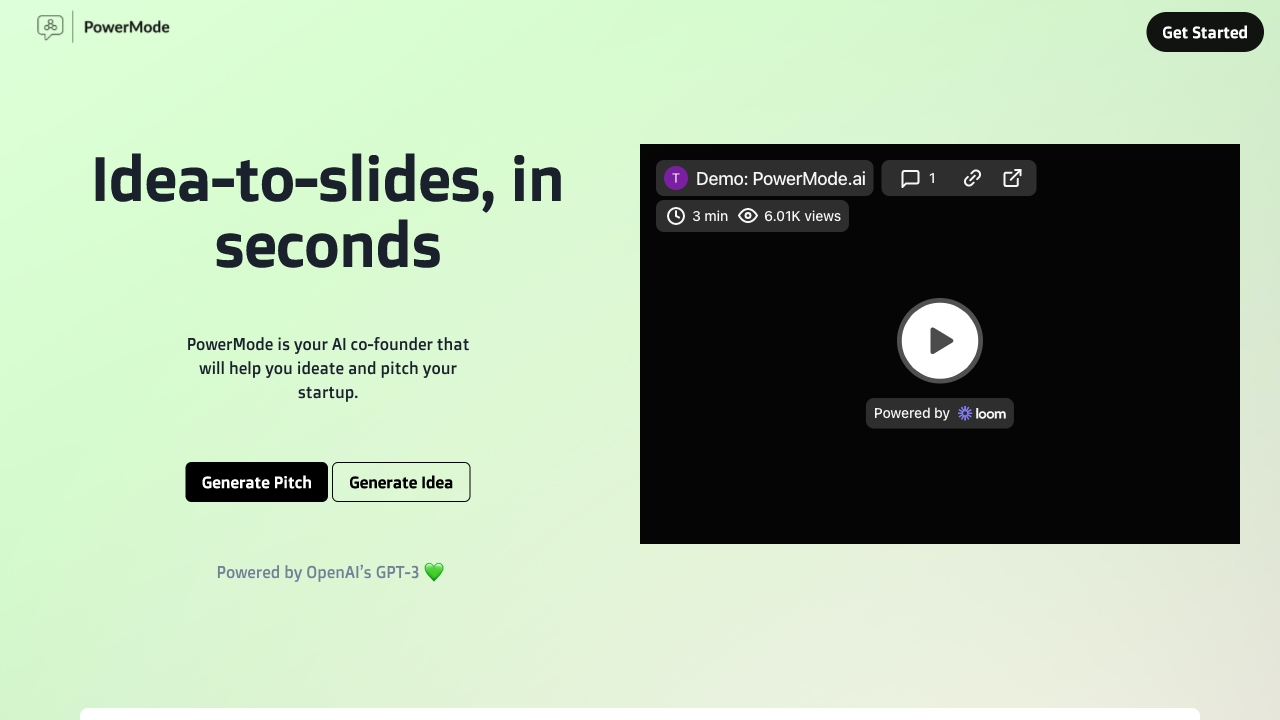
PowerMode AI is an AI-powered presentation builder that turns a few simple answers into a complete slide deck in seconds. Instead of starting from a blank template and wrestling with layout, text, and structure, users answer a short set of prompts and let the platform compose a polished presentation for them. The tool is powered by OpenAI's GPT-3, giving it the ability to generate narrative-driven slides that work whether you're selling, teaching, or presenting to your team. At its core, PowerMode is designed to remove the friction from deck creation. It promises a deck that is "90% there" in around 90 seconds, so users can get past the blank page and start refining rather than building from scratch. Its AI helper also makes iteration easy: instead of manually reworking slides, you can clarify what you want changed and receive options, drastically cutting the time spent on edits and last-minute fixes. PowerMode AI is aimed at professionals who regularly create presentations but don't want to spend hours on formatting and copy. Sales teams can quickly build client-facing pitch decks, educators can assemble lesson materials, and team leads can produce idea-sharing slide decks without needing design skills or a deep technical background. It's a practical tool for anyone who wants to go from an idea to a presentable deck faster.
SpecificationsAI-estimated
Key Features of PowerMode AI
Use Cases for PowerMode AI
Client sales pitch
Create a compelling sales pitch deck faster and focus your energy on closing the deal.
Teaching and training
Quickly assemble lesson slides or educational material to explain topics clearly.
Team idea sharing
Turn a new idea into a structured, narrative-driven presentation for your team.
Business proposals
Build a professional proposal deck for a prospect or new business opportunity.
Investor pitch
Develop a persuasive deck for fundraising or investor conversations.
Last-minute presentation
Produce a presentable deck in about 90 seconds when you're running out of time.
How to use PowerMode AI?
Visit PowerMode AI
Open the PowerMode AI website to start building your presentation.
Answer a few questions
Provide answers to the AI's prompts about your topic, purpose, and presentation goals.
Let the AI create your deck
Let the AI-powered builder generate a complete slide deck for you in about 90 seconds.
Review the draft
Review the generated slides and check that the narrative and content match your needs.
Iterate with the AI helper
Use the AI helper to request changes, clarify edits, and refine your deck until it's ready to present.
Pros & Cons of PowerMode AI
Pros
- Generates a polished presentation deck in about 90 seconds
- No design, coding, or writing experience required
- AI helper supports quick iteration and easy revisions
- Useful for sales pitches, teaching, and team presentations
- Backed by OpenAI GPT-3 for intelligent content generation
Cons
- The site doesn't disclose pricing or plan details, making it hard to assess cost before trying it.
- AI-generated decks may still need fact-checking, brand-specific styling, or manual polish before a high-stakes presentation.
- It relies on OpenAI GPT-3, which may not always produce the most current or context-aware narrative choices.
- Customization and template control beyond AI suggestions aren't described, so users who want fine-grained design control may feel limited.
Frequently Asked Questions
What is PowerMode AI?
PowerMode AI is an AI-powered presentation builder that generates a slide deck from a few simple answers or prompts, powered by OpenAI's GPT-3.
How does PowerMode AI work?
You answer a few questions about your presentation, and the AI builder uses that input to create a fully developed deck in seconds. You can then review and ask for changes.
Who is PowerMode AI for?
It is designed for anyone who needs to present, sell, teach, or share an idea—such as sales professionals, educators, team leads, founders, and business presenters.
Can I edit the deck after it's generated?
Yes. The AI helper lets you clarify what you want changed and gives you options, so editing and revising a deck is fast and simple.
How fast can I get a presentation deck?
PowerMode aims to produce a deck that is around 90% ready in about 90 seconds, allowing you to move quickly from idea to a polished draft.
Do I need design or writing skills to use it?
No. The platform is designed to handle the heavy lifting by generating the structure, narrative, and slides for you, so you don't need design or writing skills.
What kinds of presentations can I build with PowerMode AI?
Yes. The tool is suited for client sales decks, teaching materials, team idea presentations, proposals, and any other presentation where you need a clear narrative quickly.
Reviews & Ratings0.0
No reviews yet. Be the first to write one!
Top Alternatives & Similar Software
View all alternatives & similar software→




People also viewed



Related searches
Is this your tool?
Claim this page to update details, reply to user reviews, and drive more traffic to your product.
Claim this Product →
Tags
Explore Related Topics
Keep up with PowerMode AI alternatives
New alternatives, pricing changes and the week's biggest movers - one email every Tuesday.