


GenPPT
An AI presentation generator that designs every slide.

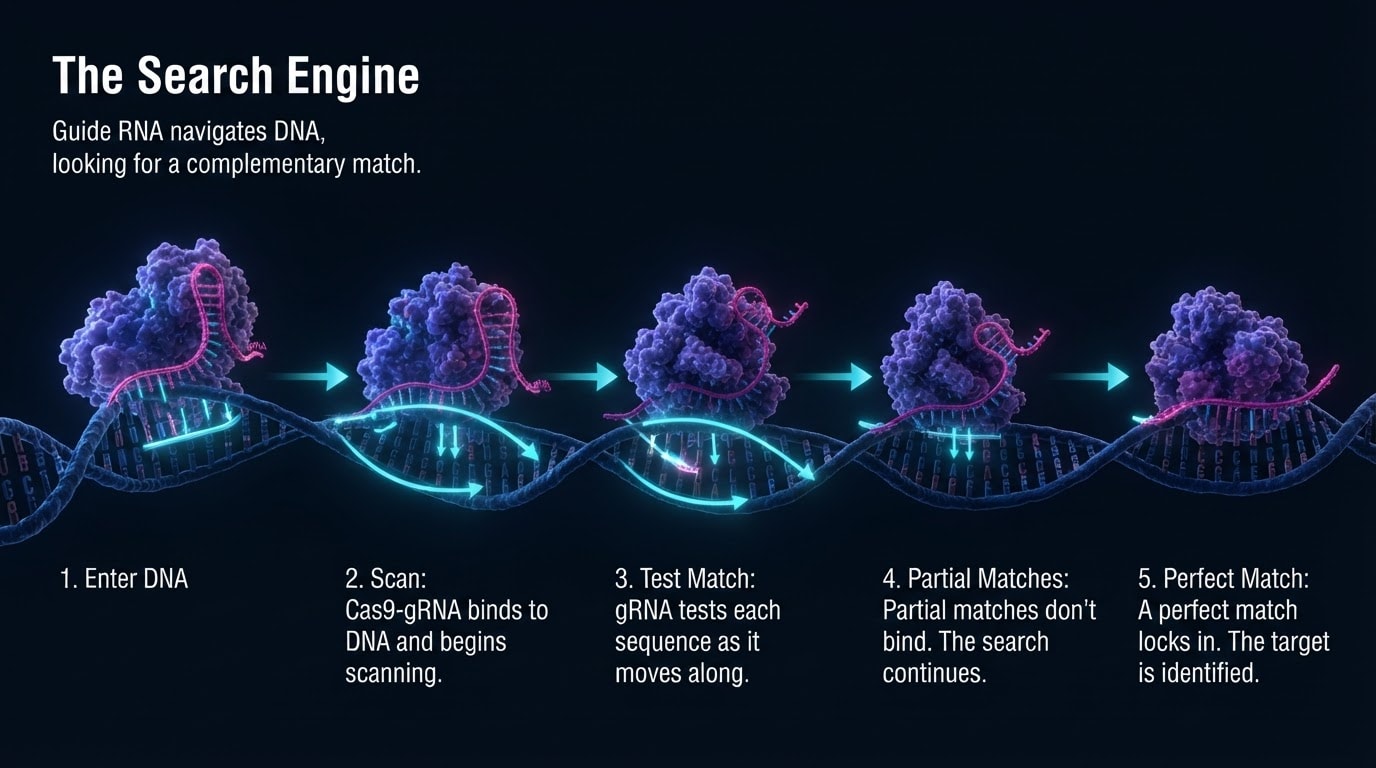
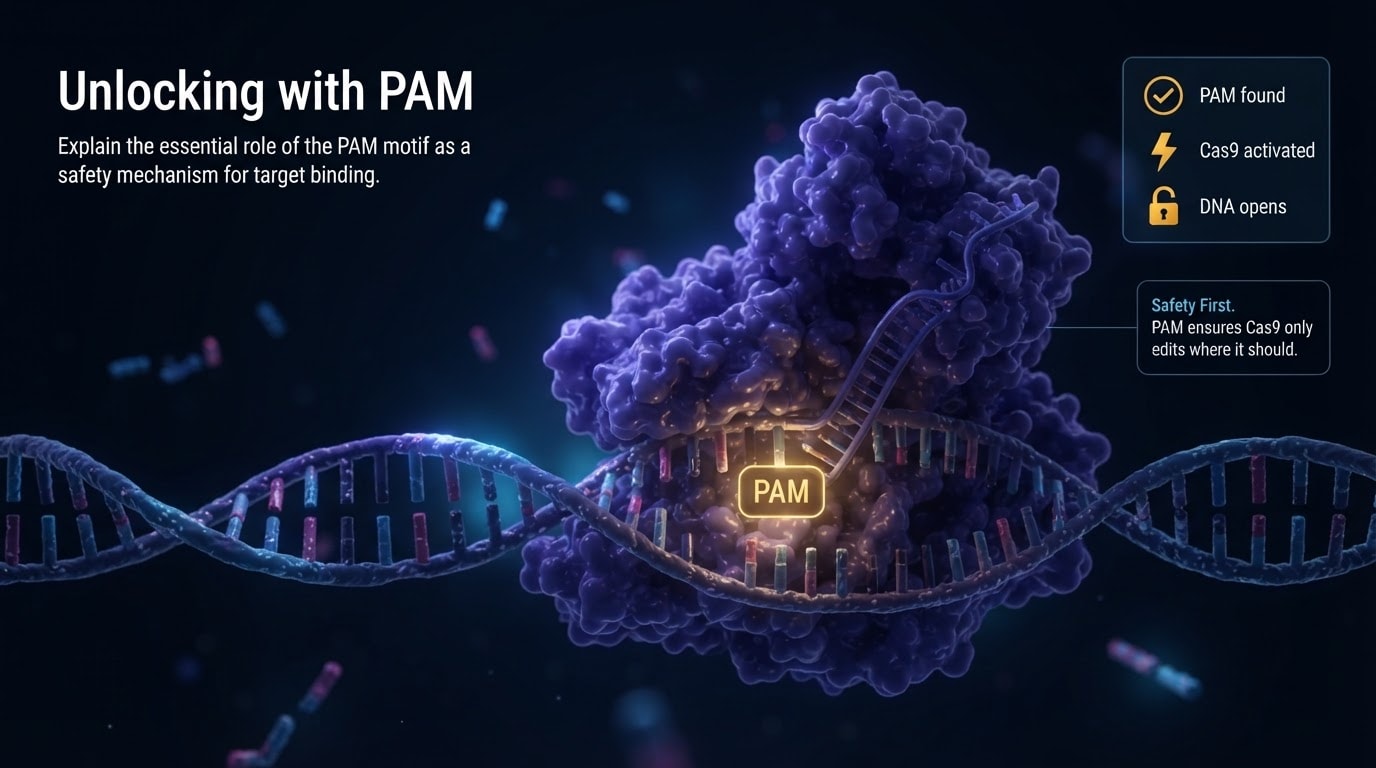
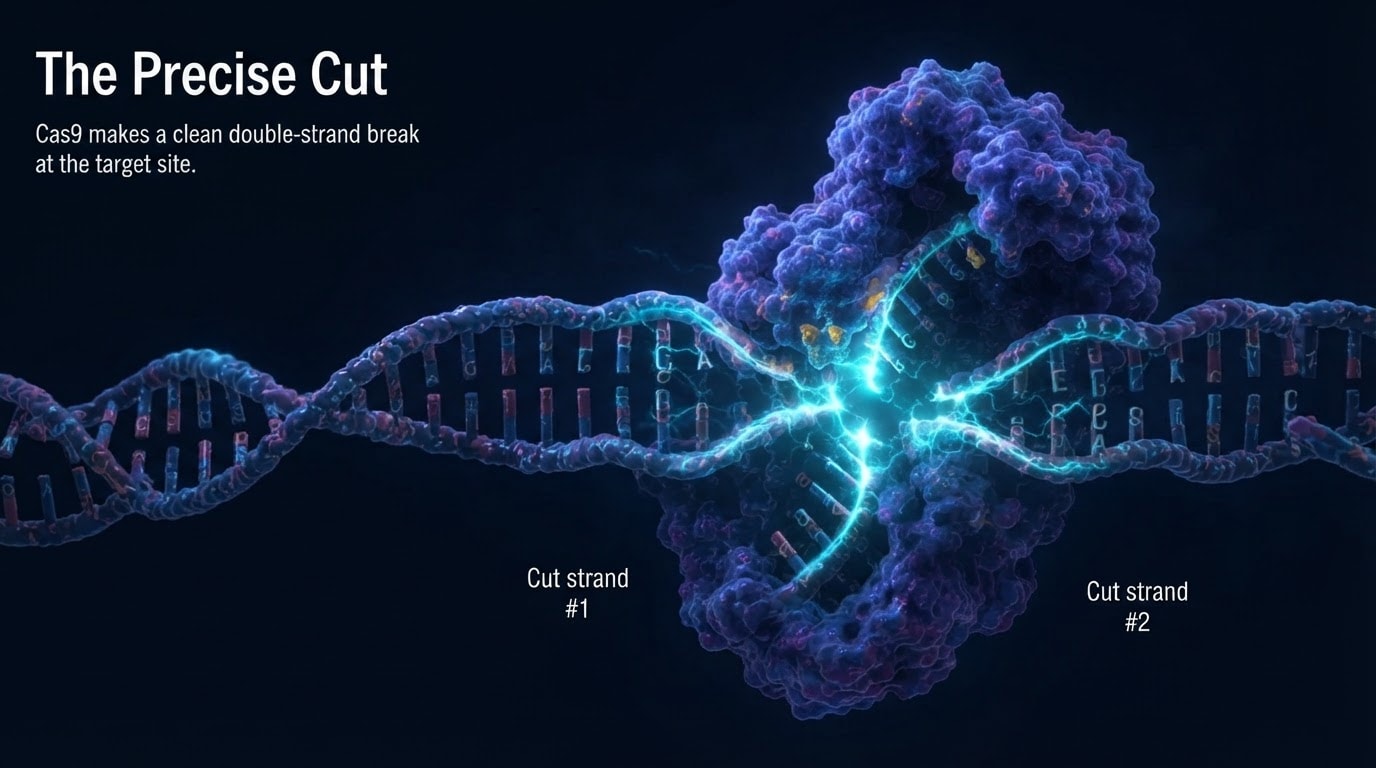
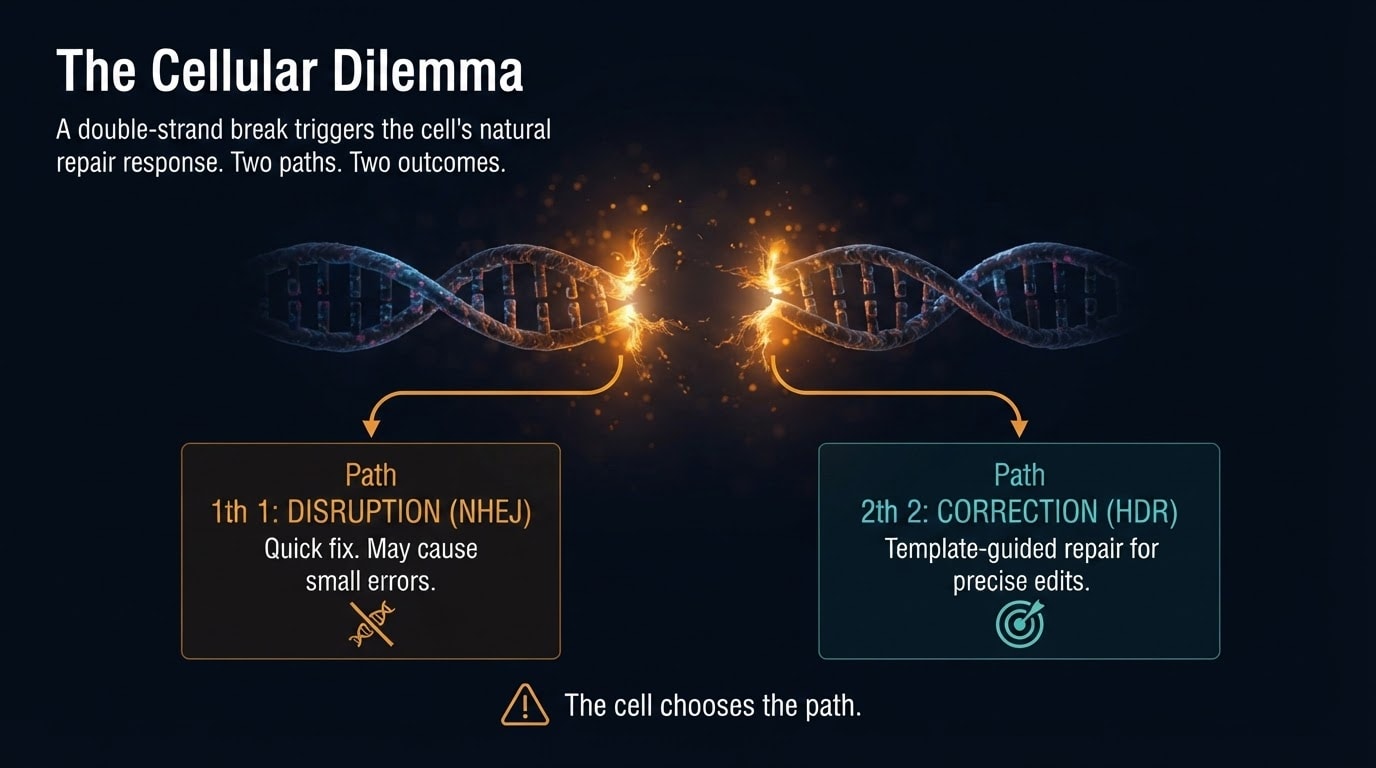
What is GenPPT?
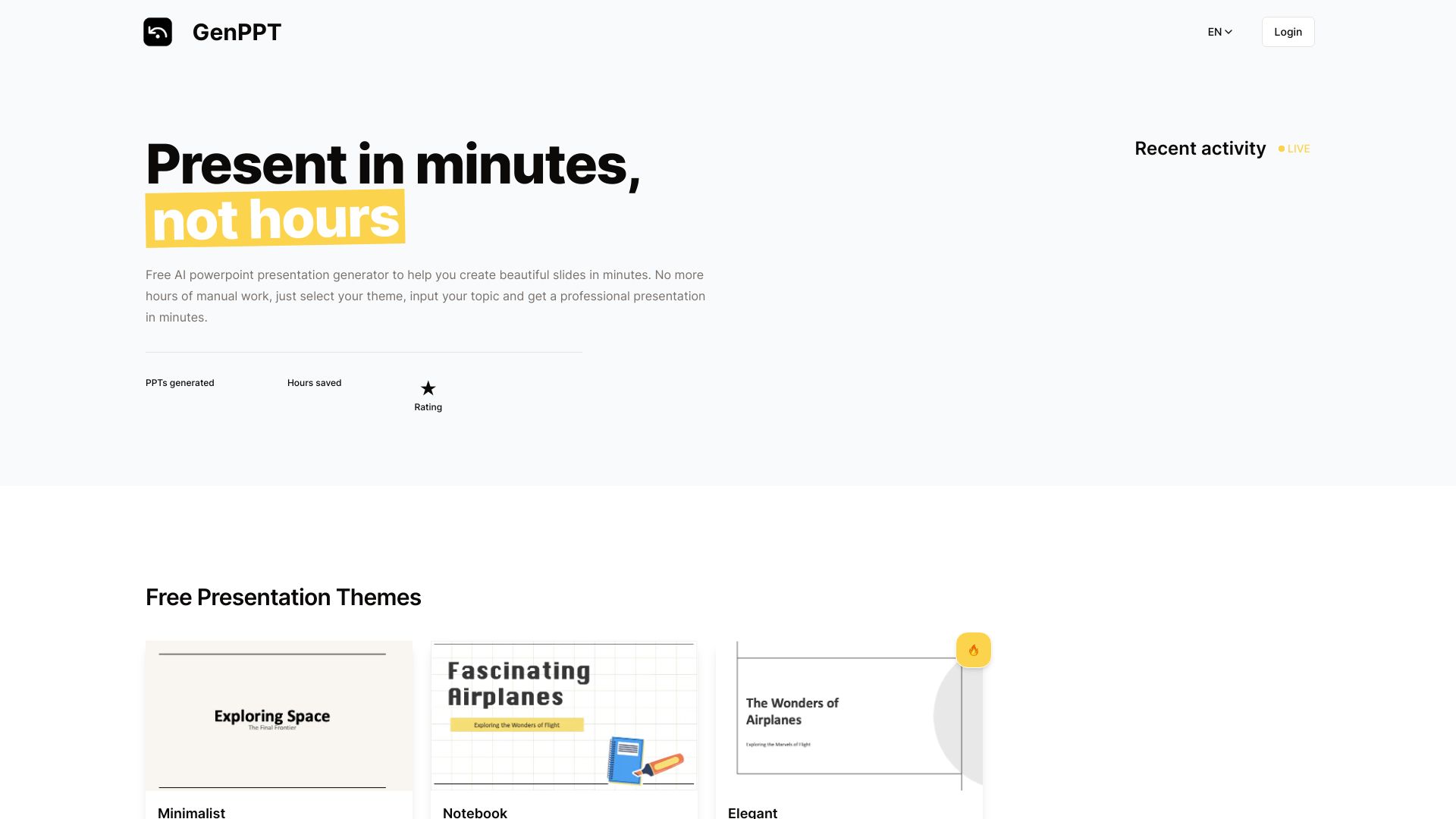
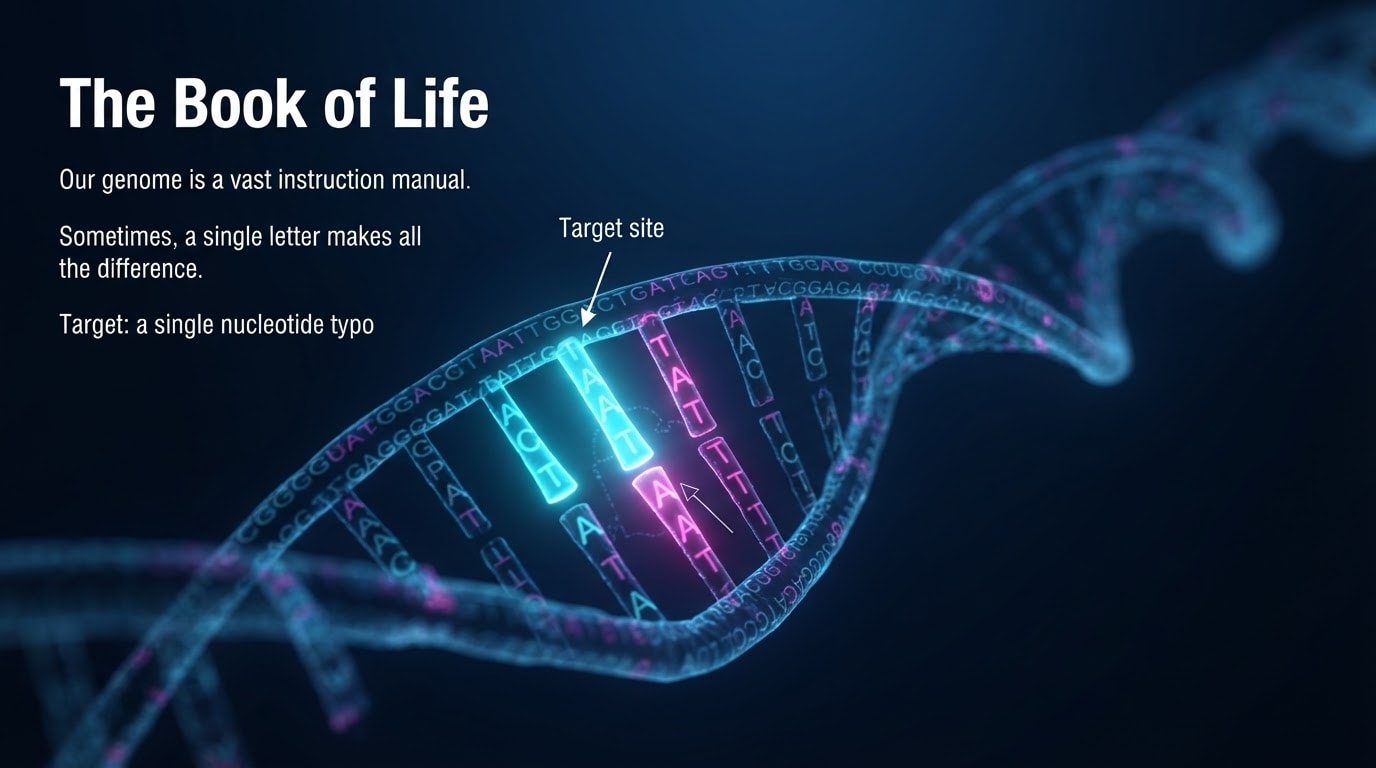
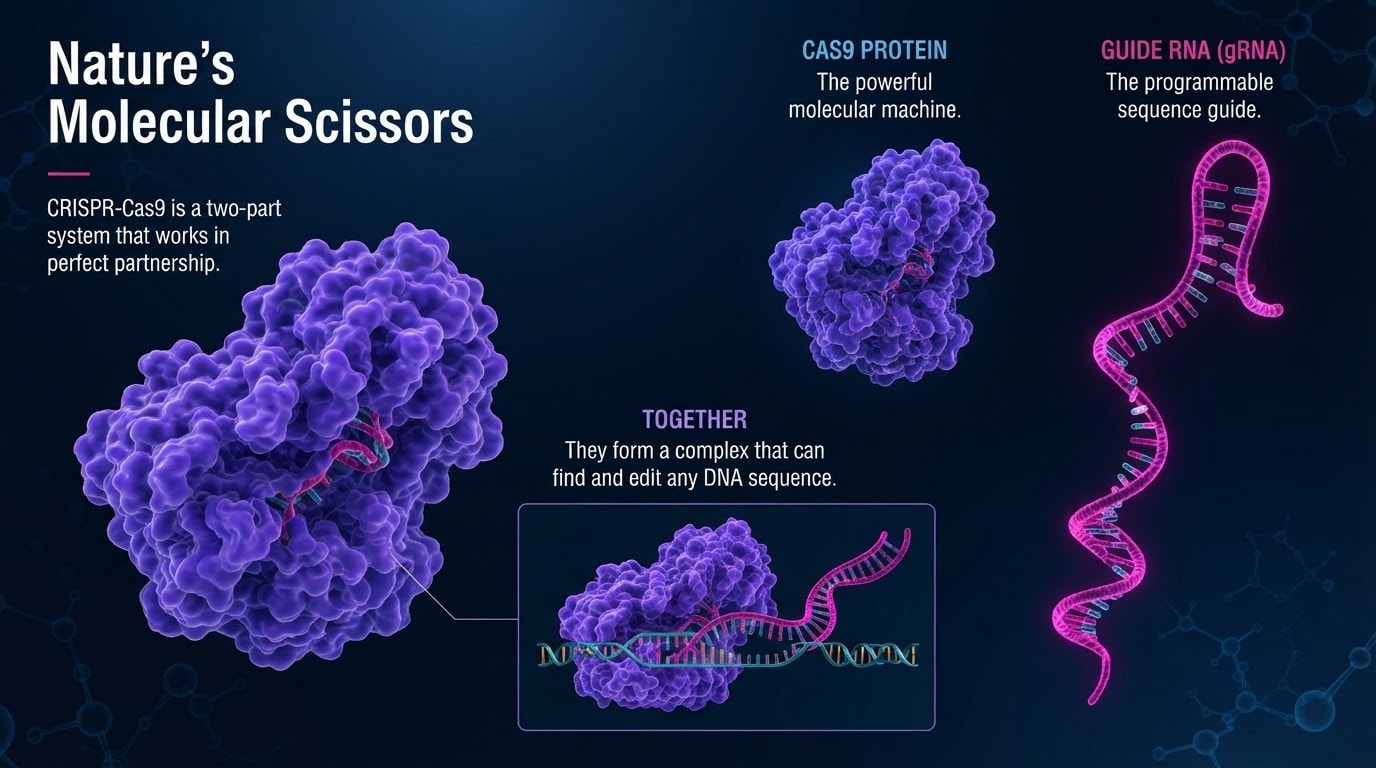
An AI presentation generator that turns outlines, notes, PDFs, or links into designed slides. Users can approve the outline, edit in chat, and export to PowerPoint or PDF. Trusted by 100,000+ professionals, it supports multiple input formats and includes an AI design agent for live editing.
SpecificationsAI-estimated
Key Features of GenPPT
Use Cases for GenPPT
Business presentations
Create pitch decks, quarterly business reviews, and strategy presentations from raw memos or data.
Academic and educational content
Turn research papers, PDFs, and lecture notes into slide decks for classes.
Social media carousels
Generate 1:1 or 9:16 vertical carousels for LinkedIn, Instagram, TikTok, and Reels.
Marketing campaigns
Adapt brand decks into social posts, ads, and other formats.
How to use GenPPT?
Start with your notes or document
Upload a PDF, Word document, research paper, or paste raw notes. GenPPT extracts key points, metrics, and citations.
Review and approve the outline
GenPPT maps material into a slide-by-slide outline. Edit copy and approve the story before slide generation.
Generate slides and export
GenPPT designs slides from the approved outline. Edit via chat, then export to PowerPoint, PDF, or PNG.
Pros & Cons of GenPPT
Pros
- Generates complete presentations from various sources (PDF, Word, notes, links, videos, etc.)
- Editable outline approval before slide generation
- AI design agent for live chat-based edits (e.g., change slide to dark mode, update charts)
- Export to PowerPoint (.pptx), PDF, and PNG; supports aspect ratios for social media (1:1, 9:16)
- Used by major companies and universities; strong social proof
- Includes 3-step workflow: upload, approve outline, generate/export
- Offers a $1 trial for 3 days
Cons
- Requires a card for trial (not free forever)
- May rely heavily on AI accuracy for complex or niche topics
- Pricing beyond trial not clearly listed on homepage
Frequently Asked Questions
Can I export and open my slides in Microsoft PowerPoint or Google Slides?
Yes, GenPPT exports to .pptx which can be opened in both PowerPoint and Google Slides.
What makes GenPPT different from traditional PowerPoint templates or ChatGPT?
GenPPT designs every slide with visual consistency, offers an AI design agent for live edits, and supports many input formats beyond plain text.
Can I edit the text or layout after it's generated?
Yes, you can edit any slide via chat or directly in the outline phase.
How does GenPPT handle my sensitive PDFs and company data?
GenPPT encrypts private data and protects uploaded documents.
Can I create vertical videos or social media carousels?
Yes, you can export in 1:1 or 9:16 aspect ratios for social media.
Pricing Overview
View full pricing →No free plan. 3-day trial for $1 today; cancel anytime. Card required. Cancel in 3 days and you are not billed the plan price.
Reviews & Ratings0.0
No reviews yet. Be the first to write one!
Top Alternatives & Similar Software
View all alternatives & similar software→



People also viewed


Related searches
About the Product
Is this your tool?
Claim this page to update details, reply to user reviews, and drive more traffic to your product.
Claim this Product →
Tags
Explore Related Topics
Keep up with GenPPT alternatives
New alternatives, pricing changes and the week's biggest movers - one email every Tuesday.