


Decksy vs GenPPT
Side-by-side comparison of features, pricing, ratings, and alternatives.

Decksy is an AI-powered presentation maker that helps users create professional, polished slides quickly from a topic, text outline, or uploaded document. It uses generative AI to research, structure, and design entire presentations, offering hundreds of pre-made templates and flexible export formats. Designed for business users and individual presenters, Decksy eliminates the need for design skills and significantly reduces time spent on creating
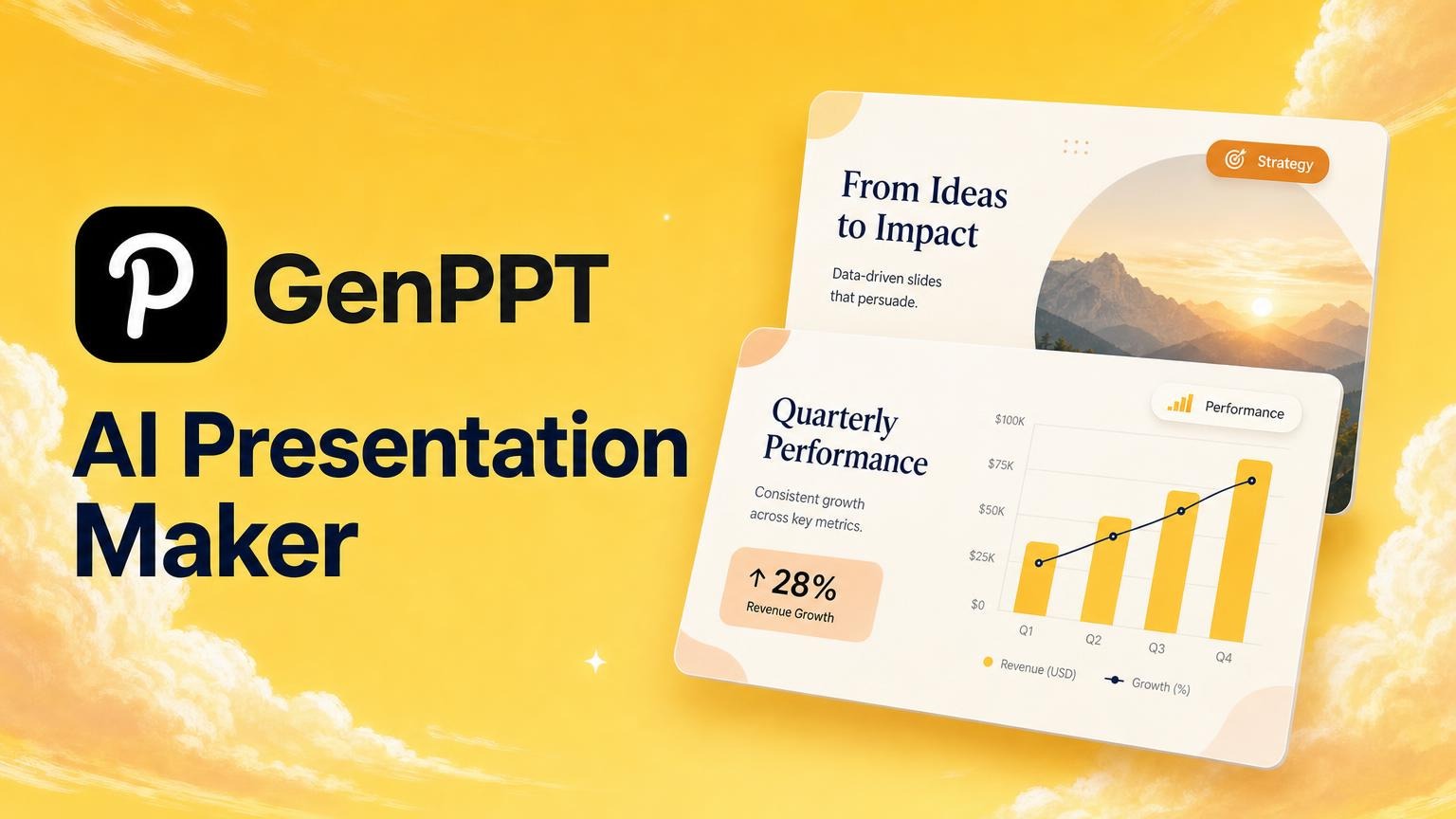
An AI presentation generator that turns outlines, notes, PDFs, or links into designed slides. Users can approve the outline, edit in chat, and export to PowerPoint or PDF. Trusted by 100,000+ professionals, it supports multiple input formats and includes an AI design agent for live editing.
No free plan. 3-day trial for $1 today; cancel anytime. Card required. Cancel in 3 days and you are not billed the plan price.
- No design skills required—AI handles layout and styling
- Multiple input methods: topic, text outline, or document upload
- Fast generation—turns a concept into a complete deck in minutes
- Hundreds of professional pre-made templates
- Generates complete presentations from various sources (PDF, Word, notes, links, videos, etc.)
- Editable outline approval before slide generation
- AI design agent for live chat-based edits (e.g., change slide to dark mode, update charts)
- Export to PowerPoint (.pptx), PDF, and PNG; supports aspect ratios for social media (1:1, 9:16)
- Full features and pricing details not fully disclosed on the landing page
- AI-generated content may require manual review for errors
- Limited customization options are mentioned—advanced designing likely requires manual editing
- No privacy concerns with many AI products, but data encryption is not a full guarantee
- Requires a card for trial (not free forever)
- May rely heavily on AI accuracy for complex or niche topics
- Pricing beyond trial not clearly listed on homepage
More alternatives & similar tools
Alternatives to Decksy
View all →
Turn any idea into a polished, audience-tailored presentation in minutes—free, with unlimited PPTX exports.

AI presentation generator that builds on-brand decks from a topic description in minutes.

AI-guided presentation software with Smart Slides that auto-design decks as you type.
Alternatives to GenPPT
View all →AI-guided presentation software with Smart Slides that auto-design decks as you type.
AI presentation generator that builds on-brand decks from a topic description in minutes.
Turn any idea into a polished, audience-tailored presentation in minutes—free, with unlimited PPTX exports.
Turn a few simple answers into a polished, presentation-ready deck in seconds with AI.
The Verdict
AI-generated from listing dataDecksy offers a free‑to‑start, template‑focused AI slide builder with basic input options, while GenPPT provides a richer, paid subscription with broader source formats and an interactive AI design agent.
Key differences
- •Decksy’s pricing is freemium with no credit card required; GenPPT requires a $1 trial card and a paid subscription thereafter.
- •GenPPT supports 15+ input types (PDF, Word, video, audio, URLs, etc.) whereas Decksy only mentions topic, outline, or document upload.
- •GenPPT includes an AI design agent for live chat‑based slide edits; Decksy relies on automatic layout without interactive editing.
- •Export options: both offer PPTX and PDF, but GenPPT also exports PNG with multiple aspect ratios for social media.
- •GenPPT provides explicit branding/template customization; Decksy’s customization is described as limited and may need manual editing.
Pricing & value
Decksy is freemium with no credit card needed; GenPPT requires a $1 trial and paid subscription.
Ease of use / learning curve
Decksy’s single‑step generation (topic/outline/upload) is simpler than GenPPT’s three‑step workflow with outline approval.
Features & depth
GenPPT offers 15+ input formats, live AI design agent, and aspect‑ratio exports; Decksy provides fewer input types and limited customization.
Integrations & ecosystem
GenPPT lists many formats (Google Docs, Excel/CSV, audio/video, YouTube) whereas Decksy only mentions generic document upload.
Collaboration
Neither product’s facts mention real‑time collaboration features; both appear focused on individual creation.
Security & privacy
Decksy explicitly states data encryption for AI generation; GenPPT provides no specific privacy details.
Choose Decksy if…
Users who need a quick, free AI slide generator and prefer minimal setup without a credit card.
Choose GenPPT if…
Teams that require diverse source material, interactive AI editing, and branding control, and are willing to pay for a subscription.
Common questions
Is there a free version of either tool?
Decksy offers a freemium plan with no credit card required; GenPPT only provides a $1 trial and then requires a paid subscription.
Can I upload video or audio to generate slides?
GenPPT supports video and audio uploads; Decksy’s specifications do not mention these formats.
What export formats are available?
Both export PPTX and PDF; GenPPT additionally exports PNG with multiple aspect ratios, while Decksy’s export formats are not detailed beyond “major formats.”