


SketchBubble AI Presentation Maker
Free AI Presentation Maker: Generate Slide Decks with AI
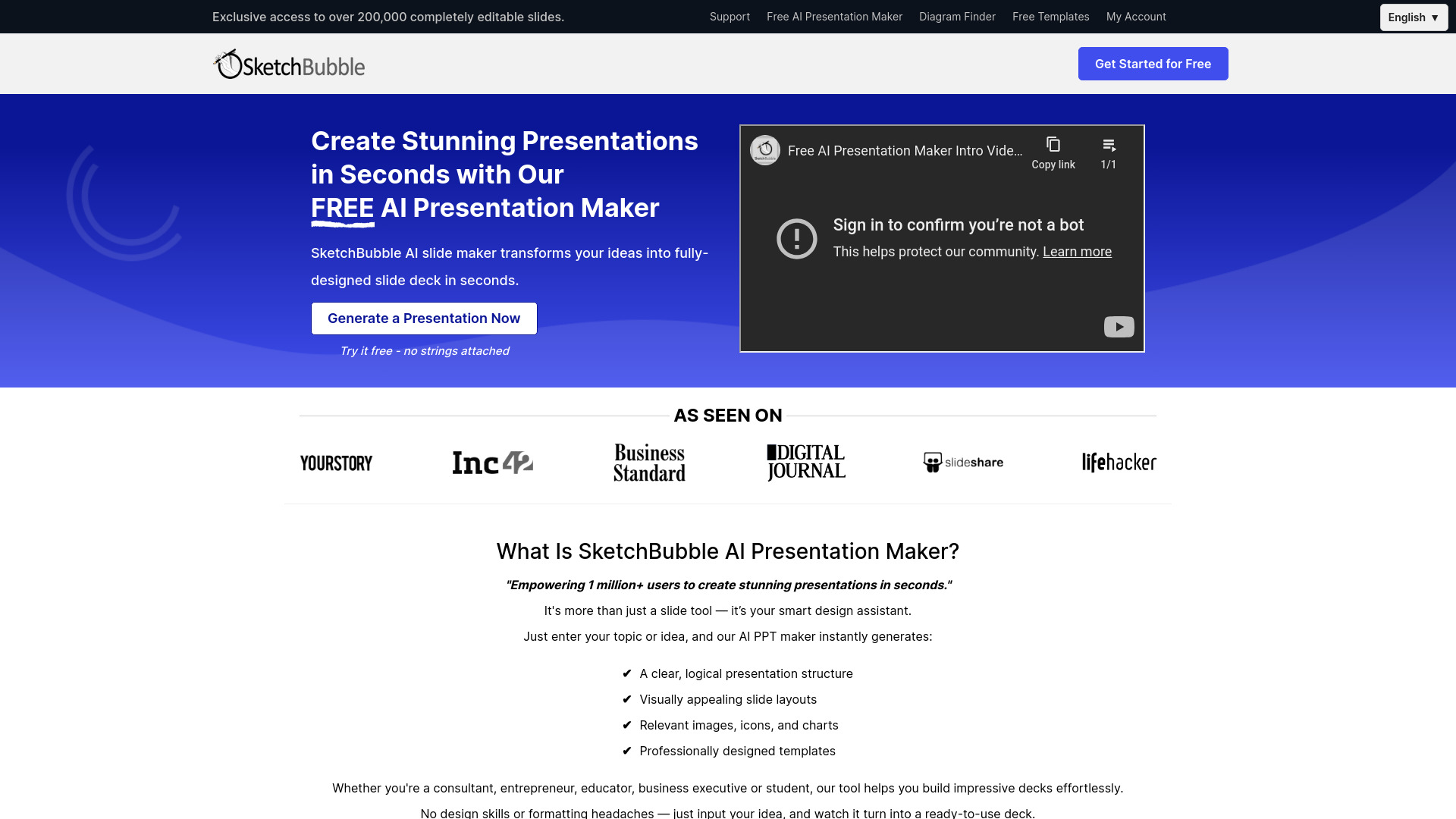













What is SketchBubble AI Presentation Maker?
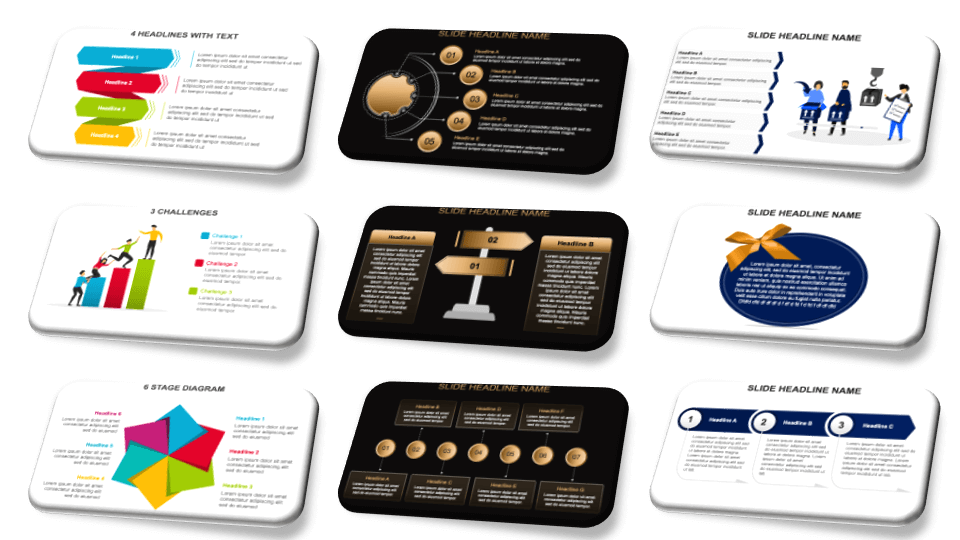
SketchBubble AI Presentation Maker is a web-based AI presentation generator that creates complete slide decks from a topic or idea. It automatically builds logical presentation structures, chooses visually appealing layouts, and adds relevant images, icons, charts, and templates. Users can customize the output in PowerPoint or Google Slides and export in multiple formats.
SpecificationsAI-estimated
Key Features of SketchBubble AI Presentation Maker
Use Cases for SketchBubble AI Presentation Maker
Corporate Presentations
Create polished corporate reports, project proposals, and business updates quickly.
Pitch Decks
Build professional investor pitch decks with visually appealing layouts.
Academic Presentations
Generate informative and engaging educational or research slide decks.
Market Research Presentations
Turn data-heavy research into clear, presentation-ready slides.
How to use SketchBubble AI Presentation Maker?
Input Your Vision
Enter your presentation topic or idea. More details lead to better generated slides.
Pick Your Style
Review the AI-generated outline and select from a range of AI-curated designs and themes.
Present Excellently
Download the presentation with a single click and present using Microsoft PowerPoint or Google Slides.
Pros & Cons of SketchBubble AI Presentation Maker
Pros
- 50x faster presentation generation
- No design skills or formatting experience needed
- No software installation required
- Highly customizable output
- Multilingual support
- Export to PDF, PNG, PowerPoint, and Google Slides
Cons
- Online-only, no offline access
- AI-generated content may still need manual review and refinement
- Pricing and free-tier limitations are not fully detailed on the page
Frequently Asked Questions
What is an AI-generated presentation?
The page does not provide a detailed answer beyond describing the AI presentation maker as a smart design assistant that generates presentation structures, slides, images, icons, charts, and templates from a topic.
Do I need to install anything?
No. SketchBubble AI Presentation Maker is fully online and requires no download or installation.
Can I customize the AI-generated presentation?
Yes. Users can easily change colours, themes, content, and other aspects with a few clicks.
What languages are supported?
English, Chinese, French, Portuguese, German, Hindi, Swedish, and more.
What export formats are available?
PDF, PNG, Microsoft PowerPoint, and Google Slides.
Who is this tool suitable for?
Consultants, business professionals, students, teachers, marketers, executives, project managers, HR managers, and graphic designers.
Reviews & Ratings0.0
No reviews yet. Be the first to write one!
Top Alternatives & Similar Software
View all alternatives & similar software→




People also viewed




Related searches
About the Product
Is this your tool?
Claim this page to update details, reply to user reviews, and drive more traffic to your product.
Claim this Product →
Tags
Explore Related Topics
Keep up with SketchBubble AI Presentation Maker alternatives
New alternatives, pricing changes and the week's biggest movers - one email every Tuesday.