



Deckster
Turn any idea into a polished, audience-tailored presentation in minutes—free, with unlimited PPTX exports.
What is Deckster?
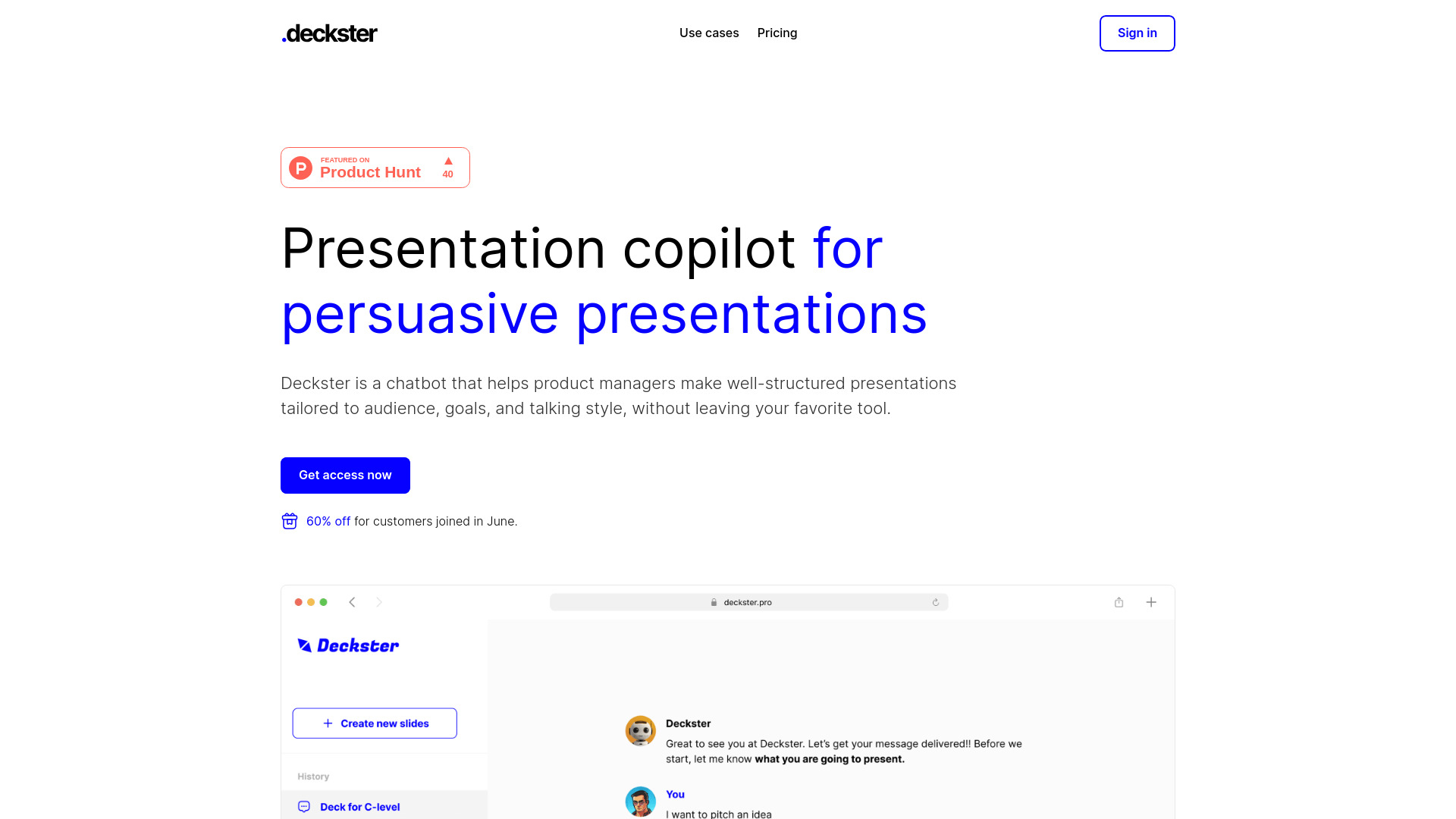
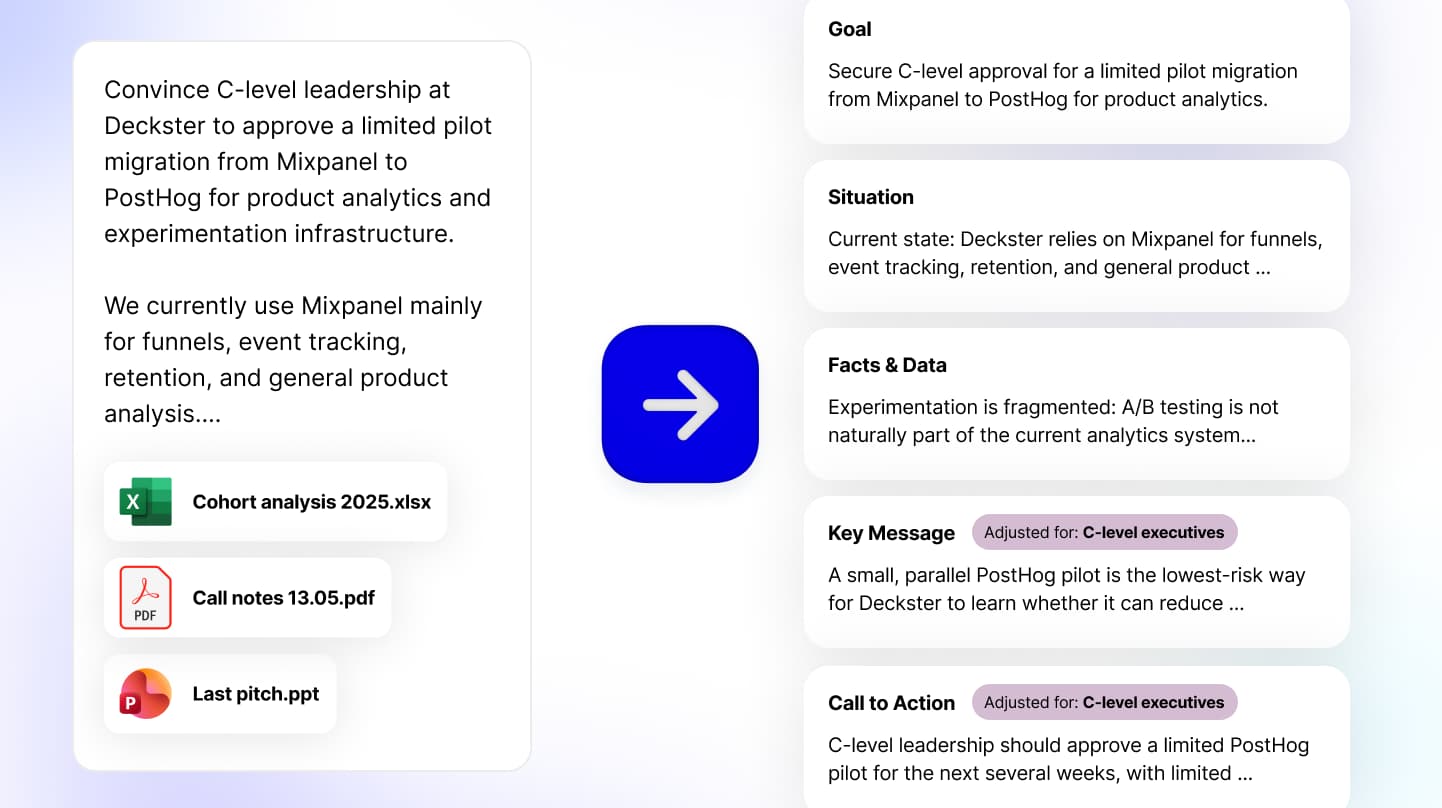
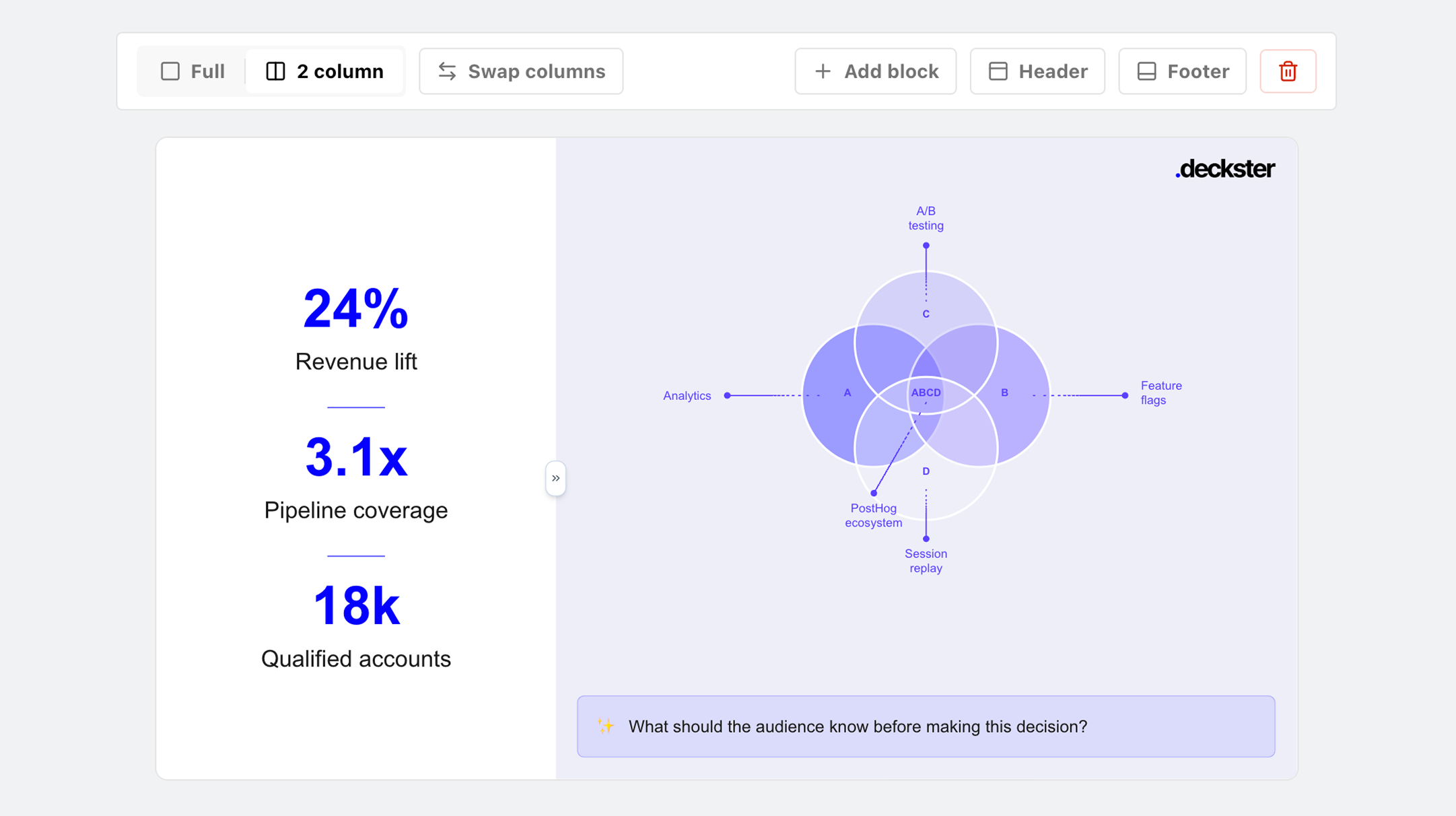
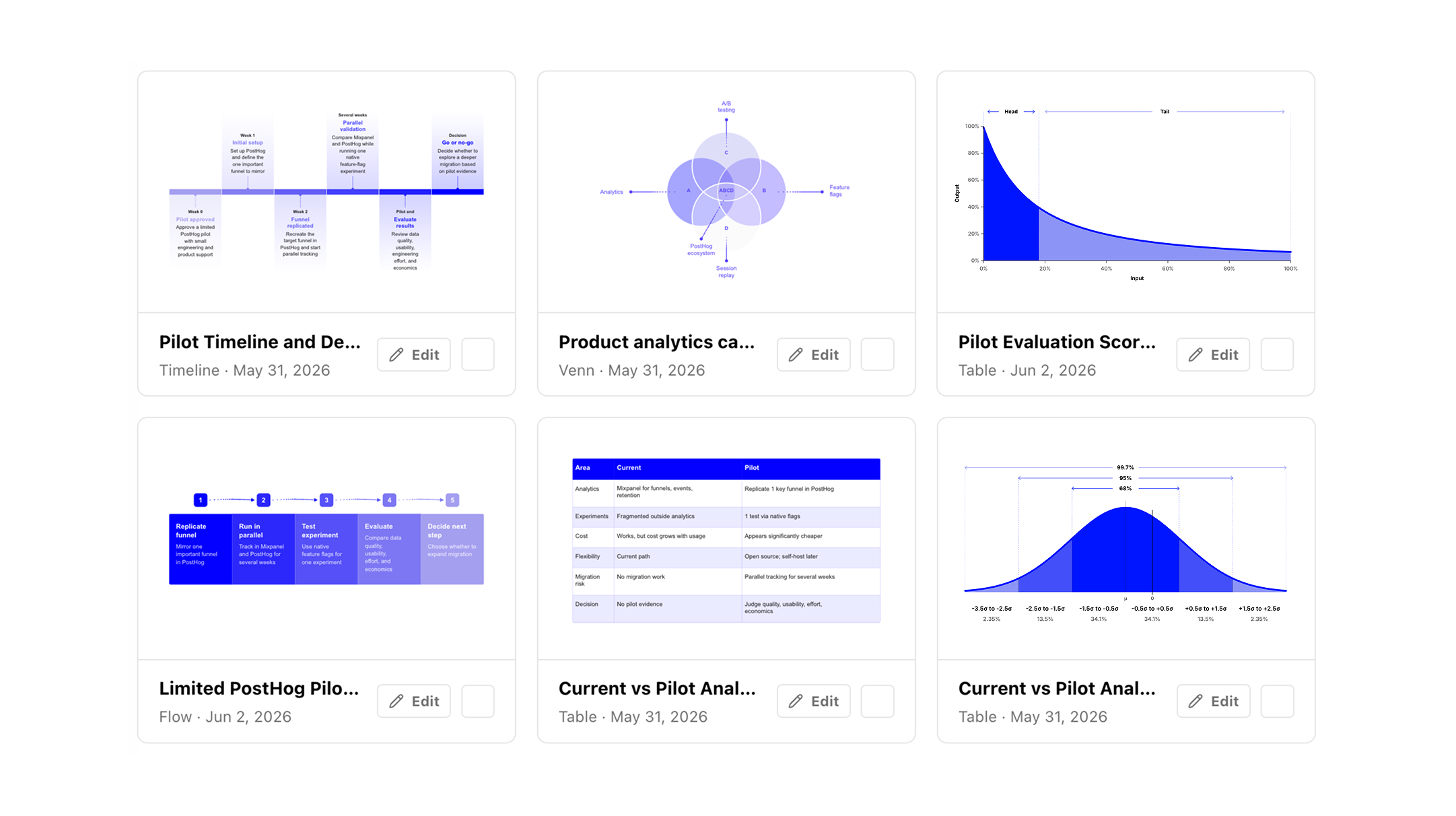
Deckster is a free, content-focused AI presentation maker designed to turn raw ideas, notes, and files into professional, audience-tailored presentations in minutes. Rather than simply generating generic slide decks, Deckster emphasizes clear, relevant content that fits the specific audience, situation, and goal—whether it's a sales pitch, an investor update, or an internal report. The platform handles the heavy lifting of structuring arguments, refining language, and visualizing data, so users can focus on delivering with confidence. The workflow is intentionally simple: start with a prompt, and Deckster first shapes an underlying presentation foundation that captures the core ideas and key message. Next, it turns that structure into polished, consistent slides featuring intuitive visualizations of ideas, concepts, and data. Users can refine everything in a super-simple, bounded slide editor that avoids layout drift, then either present directly from Deckster or export a fully editable PPTX file with layouts and design intact. Deckster is free to use with unlimited presentations and free PPTX exports—no credit card, credit limits, or pay-per-export fees. For those who need higher-quality content, the Pro plan at €20/month adds best-quality AI generation, stronger storytelling, more precise writing, better handling of complex prompts, and more varied layouts. It is a practical tool for professionals, students, and teams who want to win the room without spending hours on deck-building chores.
SpecificationsAI-estimated
Key Features of Deckster
Use Cases for Deckster
Sales Decks
Create compelling, audience-specific sales presentations quickly with clear structure and persuasive content.
Investor Pitches
Structure investor decks with strong narrative flow and polished slides that highlight key messages.
Internal Updates
Turn notes and raw data into clean internal status updates or project review decks.
Client Presentations
Generate client-ready decks with consistent branding, clear data visualizations, and professional writing.
Leadership Reporting
Build leadership reports that clearly communicate metrics, insights, and recommended actions.
Data-Driven Reports
Upload CSV, XLSX, or text files to automatically generate charts and data-driven slide content.
How to use Deckster?
Start with a Prompt
Enter your raw idea, notes, or upload files such as CSV, XLSX, or text documents to get started.
Review the Structure
Deckster shapes your input into a structured presentation foundation, defining the core ideas, language, and key message for your audience.
Edit and Customize Slides
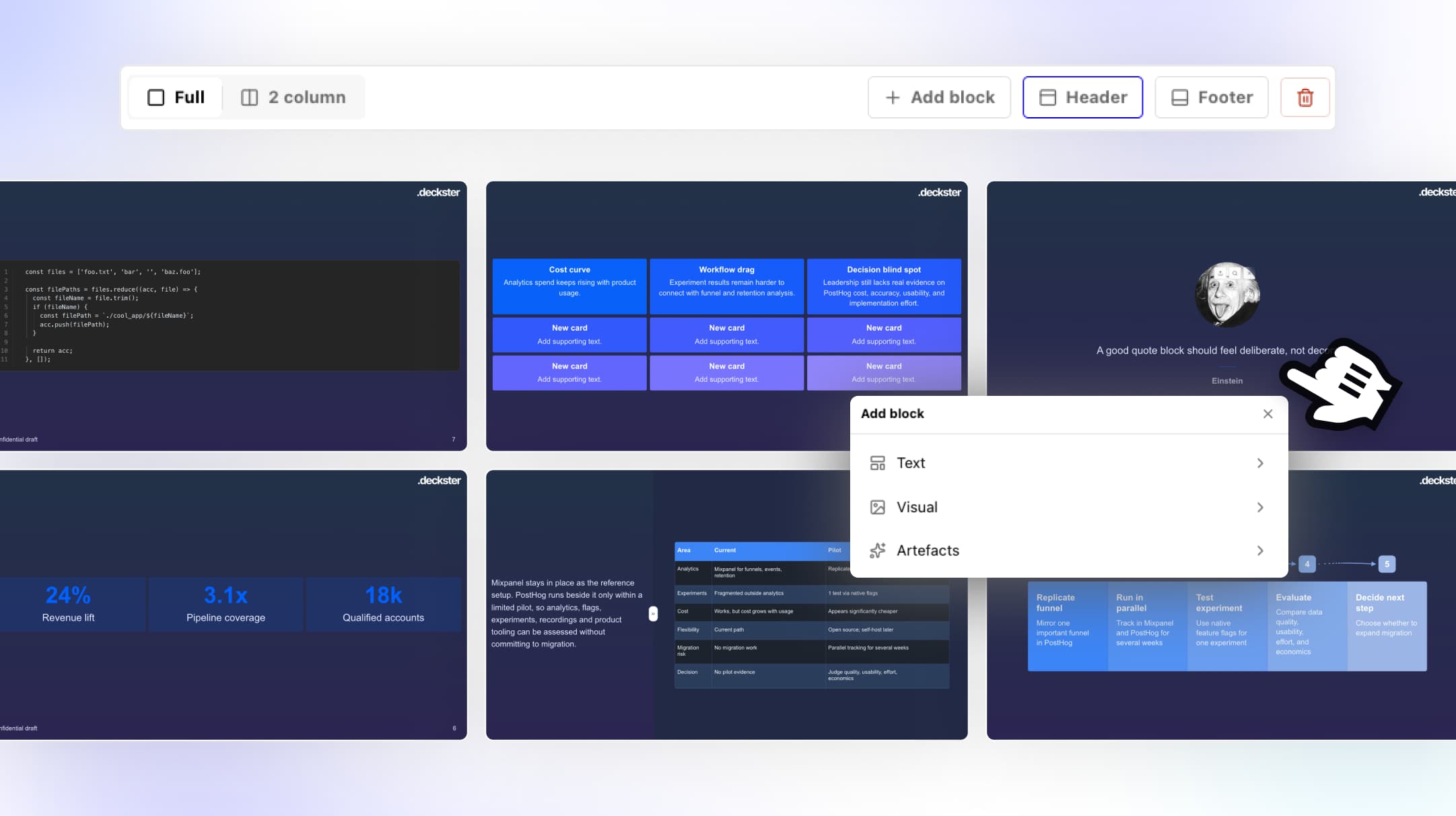
Use the super-simple slide editor to refine slides, change layouts, and customize visual content without layout drift.
Visualize Your Data
Generate charts and data visualizations automatically from your uploaded CSV, XLSX, or text files.
Export or Present
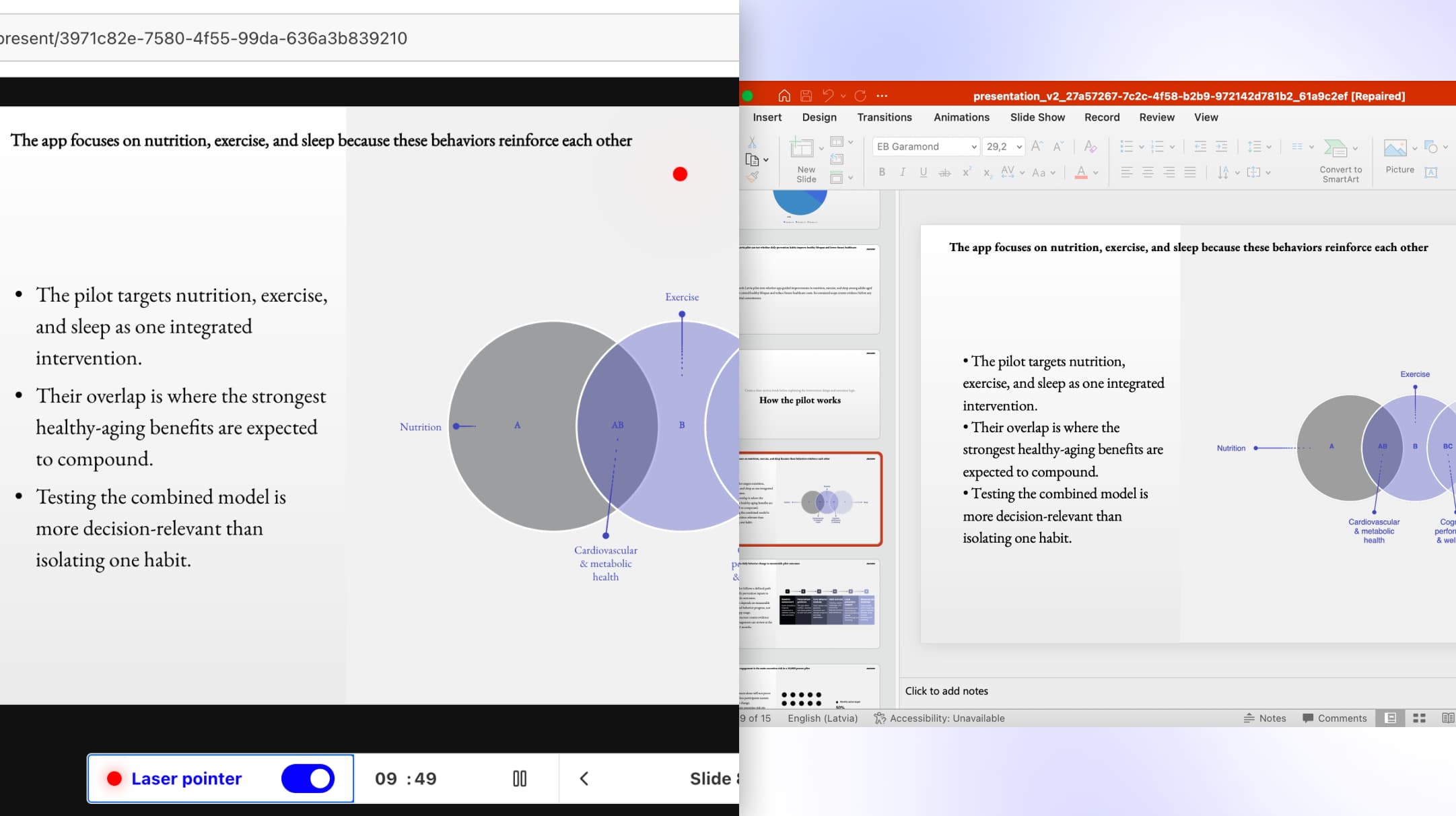
Present directly from Deckster or export a fully editable PPTX file with layouts and design intact.
Pros & Cons of Deckster
Pros
- Free unlimited presentations and PPTX exports with no credit limits
- Audience-tailored content generation from prompts, notes, and files
- Super-simple, bounded slide editor that avoids layout drift
- AI auto-generates charts and data visualizations from CSV, XLSX, and text
- No card required to get started
Cons
- The free tier only provides standard-quality AI generation; premium content quality requires the €20/month Pro plan.
- No desktop or offline apps are mentioned; the product is web-based only.
- Collaboration and team-sharing features are not described on the product page.
Frequently Asked Questions
Is Deckster free?
Yes, Deckster has a free plan that includes unlimited presentations and free PPTX exports with no credit limits, usage tokens, or pay-per-export fees.
Do I need a credit card to start using Deckster?
No, the free plan does not require a credit card. You can create unlimited presentations and export them to PPTX without providing payment details.
What file formats can I use for data visualizations?
Deckster can generate charts and data visualizations from CSV, XLSX, and text files using AI.
Can I edit slides after the AI generates them?
Yes, Deckster includes a super-simple slide editor that allows you to refine and customize slides without experiencing layout drift.
What does the Pro plan include?
The Pro plan costs €20/month and adds best-quality AI generation, stronger storytelling and narrative flow, more precise writing, better handling of complex prompts, more varied layouts and charts, and more polished presentation-ready output.
Can I export my presentations to PowerPoint?
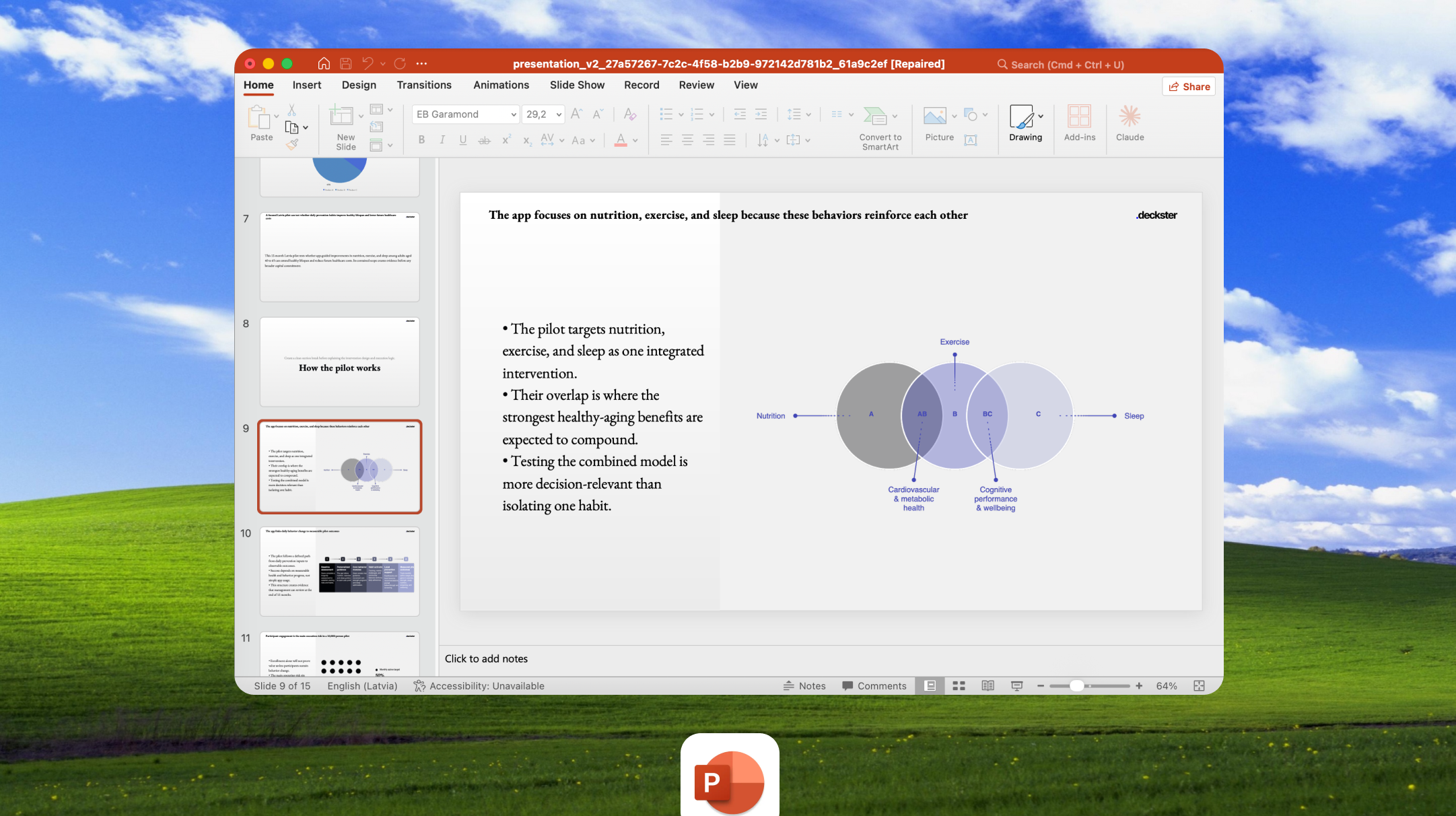
Yes, Deckster exports native PowerPoint (PPTX) files that remain editable, structured, and ready to use outside the platform.
Who is Deckster aimed at?
Deckster is best for anyone who needs professional presentations quickly—including students, employees, sales teams, leaders, and professionals creating client, investor, or internal decks.
Reviews & Ratings0.0
No reviews yet. Be the first to write one!
Top Alternatives & Similar Software
View all alternatives & similar software→



People also viewed



Related searches
Is this your tool?
Claim this page to update details, reply to user reviews, and drive more traffic to your product.
Claim this Product →
Tags
Explore Related Topics
Keep up with Deckster alternatives
New alternatives, pricing changes and the week's biggest movers - one email every Tuesday.