


BlueMail vs Thunderbird
Side-by-side comparison of features, pricing, ratings, and alternatives.

BlueMail is a cross-platform email client from Blix that unifies multiple accounts into a single inbox across iOS, Android, macOS, Windows, and Linux. It groups incoming mail into Clusters to surface important messages, syncs settings across devices with MagicSync, and combines mail with an integrated calendar. The app includes GemAI, a generative AI layer that can summarize threads, draft replies, and translate messages while trying to preserve the sender's tone. Security-conscious users get end-to-end PGP and S/MIME encryption with self-managed keys, and teams can move up to paid Plus, Team, or Enterprise tiers for AI usage limits, custom domain mailboxes, and SSO/MDM support.
Thunderbird is a free and open-source desktop email client developed by the Mozilla-backed Thunderbird project, combining email, calendar, and contacts management in one cross-platform application. It supports a unified view across multiple accounts, tagging and advanced filters, and an extensive add-on ecosystem for customization. Funded primarily by user donations rather than ads or data collection, Thunderbird is positioned for privacy-conscious users and organizations who want to own their email experience. It runs on Windows, macOS, and Linux, with an official Android app available through Google Play and F-Droid.
- Free Personal tier includes unlimited accounts and core encryption features.
- Truly cross-platform across mobile, desktop, and Linux, unusual among modern mail clients.
- Built-in AI features for summarizing and drafting reduce time spent triaging email.
- Supports self-managed PGP/S-MIME encryption for privacy-sensitive users.
- Completely free with no premium tier gating core features.
- Open-source codebase is auditable and modifiable by the community.
- Extensive add-on ecosystem rivals browser extension marketplaces for customization depth.
- No ads or data monetization; funded transparently through donations.
- Exact pricing for Plus and Team tiers is not published, requiring sign-up to see costs.
- Heavy feature set (AI, clustering, encryption) can feel overwhelming for users who just want simple mail.
- AI features depend on cloud processing, which may concern strict privacy purists.
- Interface feels less modern than newer AI-assisted email clients.
- Mobile experience (Android-only, no official iOS app) lags behind desktop maturity.
- Add-ons can occasionally break across major version upgrades, requiring maintenance.
More alternatives & similar tools
Alternatives to BlueMail
View all →

The ultimate AI email template generator for creating, previewing, and reusing campaign-ready emails.
Mozilla's free, open-source email client with built-in calendar and deep add-on customization.

Alternatives to Thunderbird
View all →

A free cross-platform email client with AI writing tools, unified inbox, and PGP encryption.
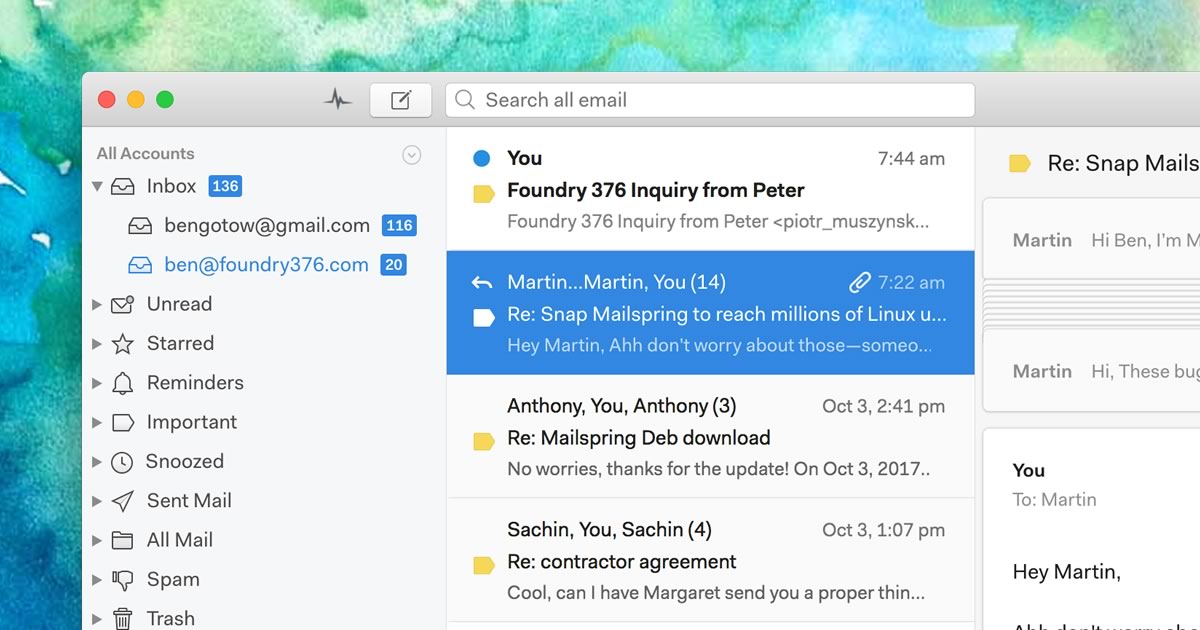
A native desktop email client for Mac, Windows, and Linux with read receipts and send-later.
The Verdict
AI-generated from listing dataThunderbird offers a completely free, open‑source, privacy‑focused client with deep customization, while BlueMail adds AI tools and built‑in encryption but moves to a freemium model.
Key differences
- •Thunderbird is fully free and open‑source; BlueMail uses a freemium model with paid tiers
- •Thunderbird only supports Android mobile; BlueMail provides iOS, Android, desktop, and Linux clients
- •BlueMail includes AI writing and clustering features; Thunderbird has no AI
- •BlueMail offers built‑in PGP/S‑MIME encryption; Thunderbird relies on add‑ons for encryption
- •Thunderbird’s add‑on ecosystem can break after upgrades; BlueMail’s feature set is more integrated but potentially overwhelming
Pricing & value
Thunderbird is completely free with no premium tier; BlueMail’s advanced features require paid Plus/Team plans.
Ease of use / learning curve
BlueMail’s unified inbox, AI assistants, and clustering simplify triage; Thunderbird’s extensive add‑ons can increase complexity.
Features & depth
BlueMail provides AI drafting, clustering, and built‑in encryption; Thunderbird lacks AI and native encryption.
Integrations & ecosystem
Thunderbird’s open‑source add‑on marketplace offers deep customization; BlueMail has fewer extensibility options.
Collaboration
BlueMail offers Team and Enterprise tiers with custom domains, SSO, and MDM; Thunderbird has no collaboration‑focused plans.
Scalability
BlueMail’s paid tiers support teams and enterprise features; Thunderbird is aimed at individual users.
Support
BlueMail provides priority support on paid plans; Thunderbird only offers community forums.
Security & privacy
Thunderbird is open‑source, no data monetization, funded by donations; BlueMail’s AI uses cloud processing, raising privacy concerns.
Migration / lock‑in
Thunderbird stores data locally and uses standard protocols; BlueMail syncs settings via proprietary “Magic” service.
Choose BlueMail if…
Users or small teams needing AI assistance, unified inbox, and built‑in encryption, and willing to pay for advanced features.
Choose Thunderbird if…
Privacy‑focused individuals or orgs wanting a free, fully open‑source client with extensive customization.
Common questions
Is there any cost to use either client?
Thunderbird is completely free; BlueMail’s core is free but advanced features require paid Plus/Team tiers.
Does either client support iOS devices?
Thunderbird only offers an Android app; BlueMail provides both Android and iOS apps.
Which client offers built‑in encryption?
BlueMail includes native PGP/S‑MIME encryption; Thunderbird relies on add‑ons for encryption capabilities.