


Spark Mail vs Thunderbird
Side-by-side comparison of features, pricing, ratings, and alternatives.


Spark Mail is an email client designed to simplify email management with AI-assisted email writing and smart inbox prioritization. It offers shared team inboxes for collaborative email management, making it an ideal solution for teams and individuals looking to streamline their email workflow.
Thunderbird is a free and open-source desktop email client developed by the Mozilla-backed Thunderbird project, combining email, calendar, and contacts management in one cross-platform application. It supports a unified view across multiple accounts, tagging and advanced filters, and an extensive add-on ecosystem for customization. Funded primarily by user donations rather than ads or data collection, Thunderbird is positioned for privacy-conscious users and organizations who want to own their email experience. It runs on Windows, macOS, and Linux, with an official Android app available through Google Play and F-Droid.
- AI-assisted email writing saves time and increases productivity
- Smart inbox prioritization helps users focus on important emails
- Shared team inboxes enable seamless collaboration
- Cross-platform compatibility makes it accessible to users across different devices
- Completely free with no premium tier gating core features.
- Open-source codebase is auditable and modifiable by the community.
- Extensive add-on ecosystem rivals browser extension marketplaces for customization depth.
- No ads or data monetization; funded transparently through donations.
- Limited customization options for the interface
- No built-in calendar integration
- Limited integration with other productivity apps
- Interface feels less modern than newer AI-assisted email clients.
- Mobile experience (Android-only, no official iOS app) lags behind desktop maturity.
- Add-ons can occasionally break across major version upgrades, requiring maintenance.
More alternatives & similar tools
Alternatives to Spark Mail
View all →
The ultimate AI email template generator for creating, previewing, and reusing campaign-ready emails.



Alternatives to Thunderbird
View all →

A free cross-platform email client with AI writing tools, unified inbox, and PGP encryption.
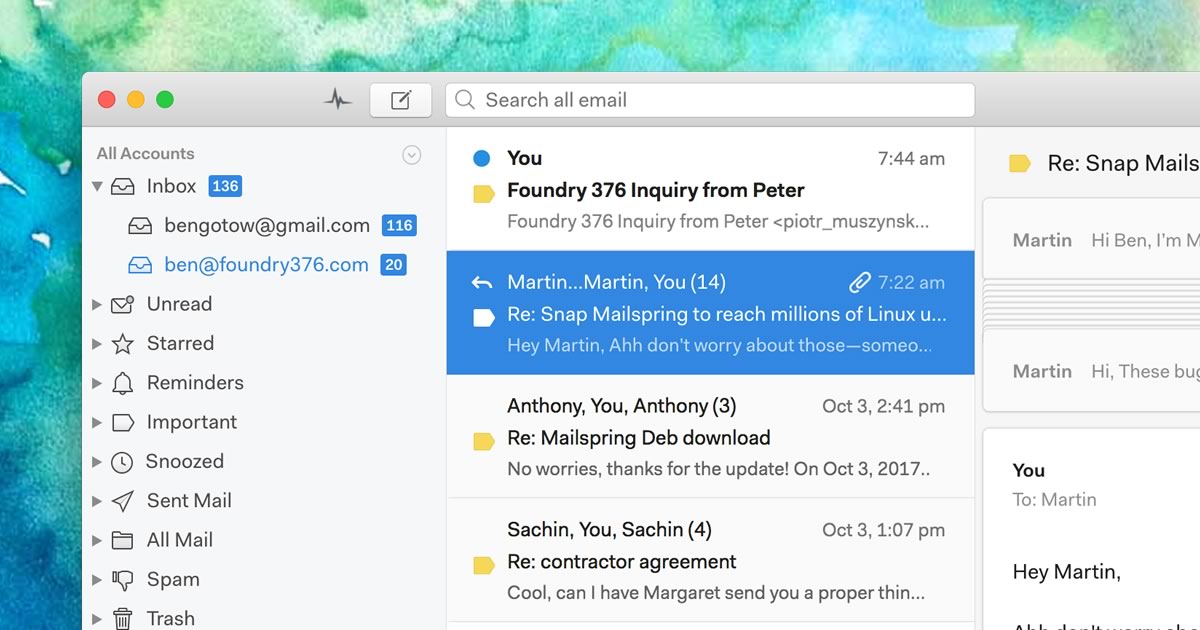
A native desktop email client for Mac, Windows, and Linux with read receipts and send-later.
The Verdict
AI-generated from listing dataSpark Mail offers AI‑assisted writing and shared inboxes on a freemium model, while Thunderbird provides a fully free, open‑source client with deep add‑on customization but no AI features.
Key differences
- •AI assistance: Spark Mail includes AI‑driven reply suggestions; Thunderbird has none.
- •Collaboration: Spark Mail has built‑in shared team inboxes; Thunderbird relies on add‑ons.
- •Open‑source vs proprietary: Thunderbird’s code is open and auditable; Spark Mail is closed source.
- •Platform coverage: Spark Mail runs on iOS, Android, macOS, Windows; Thunderbird lacks an official iOS app.
- •Customization depth: Thunderbird supports extensive add‑ons and themes; Spark Mail offers limited customization.
Pricing & value
Thunderbird is completely free; Spark Mail uses a freemium model that may require paid upgrades for full features.
Ease of use / learning curve
Spark Mail’s clean, intuitive interface is highlighted as easy to navigate, whereas Thunderbird’s interface feels less modern.
Features & depth
Spark Mail provides AI‑assisted writing and smart inbox prioritization; Thunderbird lacks AI but offers robust filtering and tagging.
Integrations & ecosystem
Thunderbird supports IMAP/POP3/Exchange, CalDAV, and a large add‑on marketplace; Spark Mail lists limited integrations.
Collaboration
Spark Mail includes native shared team inboxes; Thunderbird requires add‑ons and has no built‑in team collaboration.
Support
Thunderbird offers community forums and donation‑funded support; Spark Mail provides no specified support options.
Security & privacy
Thunderbird is open‑source and privacy‑focused; Spark Mail’s privacy details are not specified.
Choose Spark Mail if…
Teams needing AI‑drafted emails and shared inboxes across iOS/Android/macOS/Windows.
Choose Thunderbird if…
Privacy‑focused users or organizations preferring a free, open‑source client with extensive add‑on customization.
Common questions
Is there any cost to use the core features of each product?
Thunderbird is completely free; Spark Mail is freemium, with core features available for free but premium upgrades may be required.
Can I collaborate on email with teammates directly in the app?
Yes, Spark Mail offers shared team inboxes; Thunderbird does not have built‑in collaboration, relying on add‑ons.
Which client offers AI assistance for writing emails?
Spark Mail includes AI‑assisted email writing; Thunderbird does not provide AI features.