


SeaMonkey vs Thunderbird
Side-by-side comparison of features, pricing, ratings, and alternatives.


SeaMonkey is a free, open‑source internet suite that combines a web browser, email client, HTML editor, IRC chat client, and newsreader into a single cohesive application. It is maintained by the SeaMonkey community and follows the same standards as the classic Mozilla suite. Designed for power users who prefer an integrated environment, SeaMonkey runs on Windows, macOS, and Linux, offering cross‑platform consistency and a classic user interface that emphasizes control and customization.
Thunderbird is a free and open-source desktop email client developed by the Mozilla-backed Thunderbird project, combining email, calendar, and contacts management in one cross-platform application. It supports a unified view across multiple accounts, tagging and advanced filters, and an extensive add-on ecosystem for customization. Funded primarily by user donations rather than ads or data collection, Thunderbird is positioned for privacy-conscious users and organizations who want to own their email experience. It runs on Windows, macOS, and Linux, with an official Android app available through Google Play and F-Droid.
- All essential internet tools in one application
- Free and open‑source with community support
- Consistent UI across Windows, macOS, and Linux
- Highly customizable through extensions and themes
- Completely free with no premium tier gating core features.
- Open-source codebase is auditable and modifiable by the community.
- Extensive add-on ecosystem rivals browser extension marketplaces for customization depth.
- No ads or data monetization; funded transparently through donations.
- Limited modern extension ecosystem compared to Chrome/Firefox
- Interface may feel dated to new users
- No official mobile versions
- Interface feels less modern than newer AI-assisted email clients.
- Mobile experience (Android-only, no official iOS app) lags behind desktop maturity.
- Add-ons can occasionally break across major version upgrades, requiring maintenance.
More alternatives & similar tools
Alternatives to SeaMonkey
View all →Mozilla's free, open-source email client with built-in calendar and deep add-on customization.

Alternatives to Thunderbird
View all →

A free cross-platform email client with AI writing tools, unified inbox, and PGP encryption.
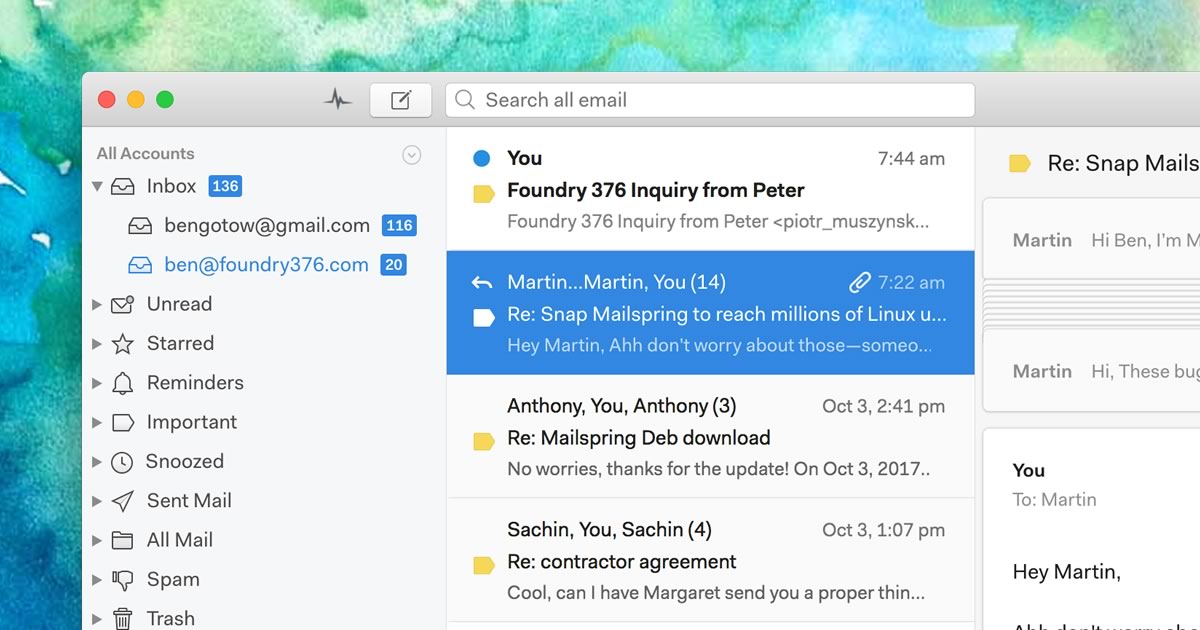
A native desktop email client for Mac, Windows, and Linux with read receipts and send-later.
The Verdict
AI-generated from listing dataSeaMonkey is the safer default if you need an integrated browser, email, chat and editor in one free desktop app; Thunderbird is better if you only need a dedicated, highly customizable email client with calendar and strong privacy focus.
Key differences
- •Scope: SeaMonkey bundles browser, email, IRC, newsreader, and HTML editor; Thunderbird provides only email, calendar, and contacts.
- •Extension ecosystem: Thunderbird has an extensive add‑on marketplace; SeaMonkey’s extensions are limited and dated.
- •Mobile support: Thunderbird offers an official Android app; SeaMonkey has no mobile version.
- •Feature depth: Thunderbird offers advanced email filtering, tagging, and search; SeaMonkey’s email features are basic.
- •Audience focus: SeaMonkey targets power users wanting an all‑in‑one suite; Thunderbird targets privacy‑concerned users needing robust email.
Pricing & value
Both are free and open‑source, offering comparable cost‑free value.
Ease of use / learning curve
Thunderbird’s focused UI is simpler for email tasks than SeaMonkey’s multi‑tool suite.
Features & depth
Thunderbird provides advanced email filtering, tagging, and a large add‑on ecosystem; SeaMonkey’s email features are basic.
Integrations & ecosystem
Thunderbird integrates IMAP/POP3/Exchange, CalDAV and has a rich add‑on marketplace; SeaMonkey’s integrations are limited to LDAP, CalDAV, IMAP.
Collaboration
SeaMonkey includes IRC chat and newsreader, enabling real‑time group communication; Thunderbird lacks these.
Scalability
Thunderbird’s add‑on model scales better for large email volumes and enterprise needs.
Support
Both rely on community forums and email support; no official paid support listed.
Security & privacy
Thunderbird emphasizes privacy‑focused design, no ads, and donation funding; SeaMonkey has no specific privacy claims.
Migration / lock‑in
Thunderbird’s standard IMAP/POP3/CalDAV support eases migration; SeaMonkey’s suite format can lock users into its all‑in‑one app.
Choose SeaMonkey if…
Power users who want a single desktop app for browsing, email, chat, news and web editing.
Choose Thunderbird if…
Individuals or organizations needing a dedicated, privacy‑focused email client with calendar and extensive customization.
Common questions
Can I use SeaMonkey for email only?
Yes, SeaMonkey includes an email client, but it is part of a larger suite and lacks Thunderbird’s advanced email features.
Does Thunderbird work on mobile devices?
Thunderbird offers an official Android app; there is no iOS app and SeaMonkey has no mobile version.
Which product has more extensions for customization?
Thunderbird has an extensive add‑on marketplace; SeaMonkey’s extension ecosystem is limited and dated.