


FaceSwapAI vs Livideo
Side-by-side comparison of features, pricing, ratings, and alternatives.


FaceSwapAI is a browser-based AI face swap platform supporting photos, group photos, videos, and GIFs. It also offers AI image editing and 8K upscaling. Users can browse examples without signing up, but generating requires a verified account and consent for every face. Paid outputs have no trial watermark, and task files are deleted after 24 hours.
Livideo is a desktop AI face-swapping application that lets you put any face onto any video with unlimited swaps — completely free. Designed for fun, viral content, and privacy-conscious creators, it turns wedding slideshows into laugh-out-loud moments or drops you into superhero blockbuster scenes. The core pitch: no subscriptions, no credits, no queuing, and no cloud uploads.
No dollar-based pricing or named subscription plans (e.g., Free/Starter/Pro/Business/Enterprise) appear on the page. The only pricing language is credit-based: Photo Face Swap 3 credits, Multiple Face Swap 3 credits per selected face, Video/GIF Face Swap 1 credit per second with a 3-credit minimum, AI Image Edit Pro 2K 8 credits, and Ultimate Image Upscale 8K 6 credits. No currency conversion or plan tiers are stated, and the page links to a separate 'Live credit pricing' page without listing amounts here.
- Free access to examples and before/after comparisons without sign-up
- Supports multiple media types: photo, group photo, video, and GIF
- Clear credit pricing and file limits published upfront
- Browser-based, no app installation required
- Truly free unlimited face swaps on the Basic plan
- No subscriptions or recurring fees — Premium is a one-time payment
- On-device processing keeps your videos completely private
- No cloud queues or wait times for processing
- Sign-in and verified email required to generate
- Consent required for every face used
- Trial result includes a watermark with the full account email
- Credit packs and actual monetary prices are not listed in the scraped content
- Basic plan limits videos to 10 seconds and 512x512 resolution.
- Desktop-only app with no mobile or web version mentioned.
- Premium requires a $97 one-time upfront payment for full features.
- Face selection and customer support are only available in the Premium plan.
More alternatives & similar tools
Alternatives to FaceSwapAI
View all →
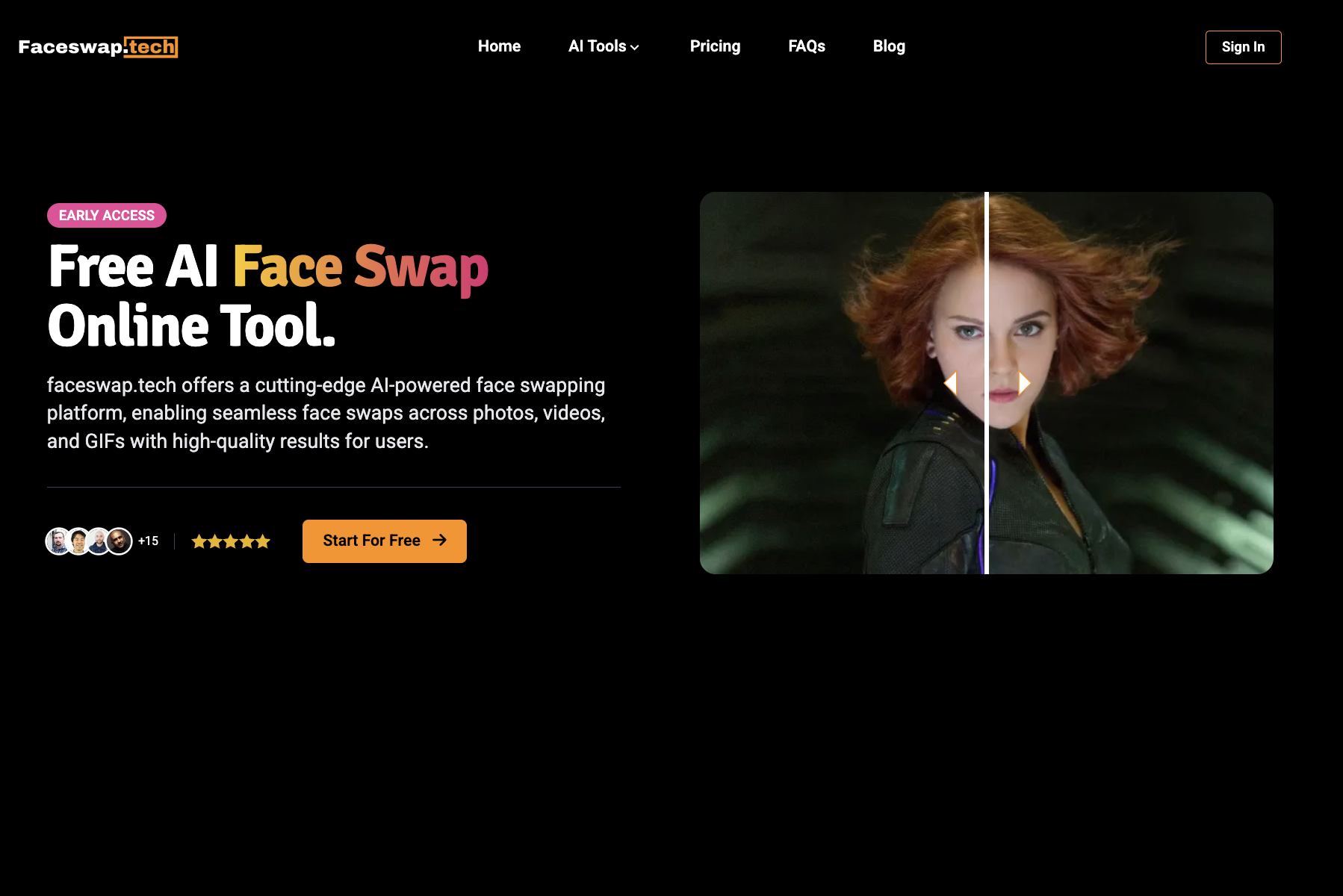
Swap faces in photos, videos, and GIFs with AI in seconds—free, watermark-free, and entirely online.


Alternatives to Livideo
View all →

The Verdict
AI-generated from listing dataFaceSwapAI offers a free‑trial web tool with pay‑per‑use credits and broader media support, while Livideo provides a truly free desktop app with limited basic features and a one‑time $97 upgrade for unlimited high‑resolution swaps.
Key differences
- •FaceSwapAI is browser‑based and charges per use (credits), Livideo is a desktop app with a free basic tier and a one‑time premium fee.
- •FaceSwapAI supports photos, group photos, videos, and GIFs; Livideo currently only handles video swaps.
- •Livideo processes data entirely on‑device for privacy; FaceSwapAI uploads files to cloud servers.
- •FaceSwapAI imposes file‑size and duration limits per job (e.g., 600 s video, 30 MB files); Livideo’s basic tier limits video length to 10 s but premium removes limits.
- •FaceSwapAI requires sign‑in and consent for each face, while Livideo does not require an account for basic use.
Pricing & value
Livideo’s basic tier is free with unlimited swaps (10 s limit); premium is a single $97 payment versus FaceSwapAI’s unknown credit costs.
Ease of use / learning curve
FaceSwapAI works in a browser with no installation; Livideo requires downloading and installing a desktop app.
Features & depth
FaceSwapAI handles photos, group photos, videos, and GIFs; Livideo currently only supports video swaps.
Integrations & ecosystem
FaceSwapAI is web‑based, allowing easy access from any device; Livideo is desktop‑only with no mentioned integrations.
Collaboration
FaceSwapAI stores results temporarily (24 h) and offers before/after sliders for sharing; Livideo has no collaboration features noted.
Scalability
Livideo’s premium removes video length and resolution limits, enabling unlimited high‑res processing; FaceSwapAI metered per second costs may limit large projects.
Support & security
Livideo’s premium includes customer support and on‑device processing ensures videos never leave the computer; FaceSwapAI uses cloud processing with no support details.
Choose FaceSwapAI if…
Buyers needing quick, no‑install swaps across photos, videos, and GIFs and willing to pay per use.
Choose Livideo if…
Buyers prioritizing privacy, unlimited high‑resolution video swaps, and prefer a one‑time desktop solution.
Common questions
What are the total costs for each tool?
FaceSwapAI requires credits for each swap; exact prices aren’t listed. Livideo is free for basic swaps and $97 one‑time for premium unlimited features.
Can I use the tools on mobile devices?
FaceSwapAI works in any web browser, so it can be used on mobile. Livideo is only a desktop application; no mobile version is mentioned.
How is my video data handled?
FaceSwapAI uploads files to cloud servers and deletes them after 24 hours. Livideo processes videos entirely on‑device, never uploading them.