


Google Earth Flight Simulator vs Microsoft Flight Simulator 98
Side-by-side comparison of features, pricing, ratings, and alternatives.

Google Earth Flight Simulator lets you pilot aircraft over the planet's actual satellite images, offering a unique blend of flight simulation and geographic exploration. Accessible via simple keyboard shortcuts, the feature integrates directly into Google Earth on Linux, PC, and Mac, providing a free, single‑player experience.
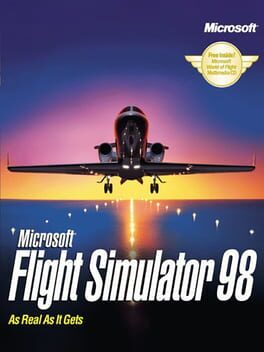
Microsoft Flight Simulator 98 builds on its predecessor with expanded aircraft options, including helicopters and an aerial stunt plane. The game uses actual NASA satellite photos to render terrain, giving pilots a more authentic visual experience. Players can input precise GPS coordinates to navigate directly to any location, making exploration and navigation highly accurate. Designed for single‑player enjoyment, it offers a deep simulation experience on PC.
- Free to use with Google Earth
- Accurate satellite-based terrain
- Two distinct aircraft with different handling
- Cross‑platform support on Linux, PC, and Mac
- Wide variety of aircraft including helicopters
- Accurate satellite‑based terrain maps
- Precise GPS navigation system
- Rich single‑player content
- Limited to only two aircraft models
- No multiplayer or advanced mission content
- Controls can be unintuitive without a dedicated controller
- Graphics are dated by modern standards
- Limited multiplayer options (single‑player only)
- System requirements high for 1997 hardware
More alternatives & similar tools
Alternatives to Google Earth Flight Simulator
View all →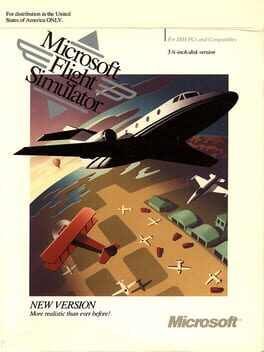
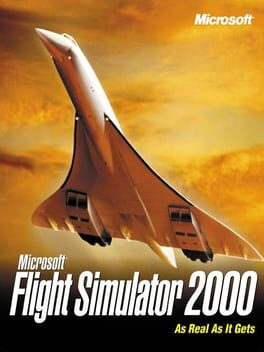
Experience the world from the cockpit in stunning 1999 realism
Fly helicopters, stunt planes, and realistic scenery with NASA satellite maps
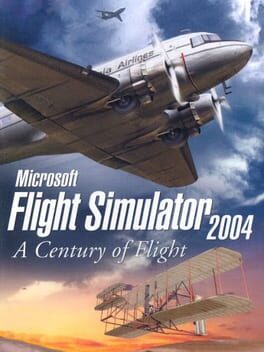
Fly the skies of a century of aviation history in stunning realism.
Alternatives to Microsoft Flight Simulator 98
View all →Experience the world from the cockpit in stunning 1999 realism
Fly the skies of a century of aviation history in stunning realism.
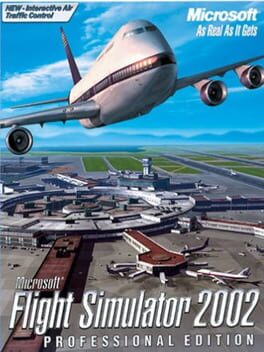
Fly the world with unparalleled realism on your PC