


Google Earth Flight Simulator vs Microsoft Flight Simulator 4.0
Side-by-side comparison of features, pricing, ratings, and alternatives.

Google Earth Flight Simulator lets you pilot aircraft over the planet's actual satellite images, offering a unique blend of flight simulation and geographic exploration. Accessible via simple keyboard shortcuts, the feature integrates directly into Google Earth on Linux, PC, and Mac, providing a free, single‑player experience.
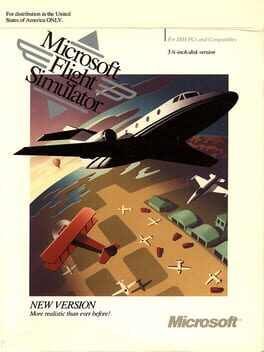
Microsoft Flight Simulator 4.0 brings early digital aviation to life with detailed scenery for five major U.S. cities, including New York and Los Angeles. It supports CGA through VGA graphics and offers multi-user play for shared experiences. The version also integrates add‑on support such as Microsoft's Aircraft & Scenery Designer and Sublogic's USA scenery series, expanding the simulation's depth for hobbyists and aspiring pilots.
- Free to use with Google Earth
- Accurate satellite-based terrain
- Two distinct aircraft with different handling
- Cross‑platform support on Linux, PC, and Mac
- Authentic retro graphics and sound.
- Rich city scenery for five major locations.
- Extensible with add‑ons and custom content.
- Supports both single-player and multi-user modes.
- Limited to only two aircraft models
- No multiplayer or advanced mission content
- Controls can be unintuitive without a dedicated controller
- Limited to DOS/PC hardware of its time.
- No modern graphics or VR support.
- Multiplayer requires manual setup.
More alternatives & similar tools
Alternatives to Google Earth Flight Simulator
View all →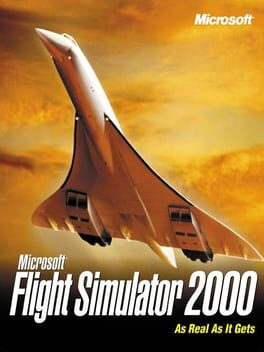
Experience the world from the cockpit in stunning 1999 realism
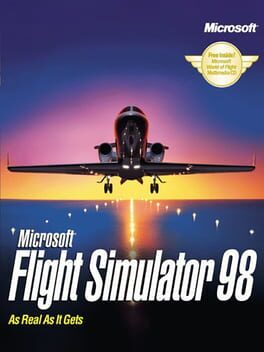
Fly helicopters, stunt planes, and realistic scenery with NASA satellite maps
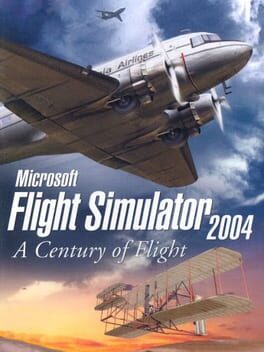
Fly the skies of a century of aviation history in stunning realism.
Alternatives to Microsoft Flight Simulator 4.0
View all →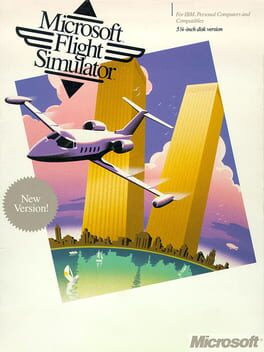
Experience realistic flight with satellite scenery and dynamic weather on classic DOS.
A pioneering 1984 flight sim with expanded hardware support and deeper realism.