KDE Plasma 6 vs Krusader
Side-by-side comparison of features, pricing, ratings, and alternatives.
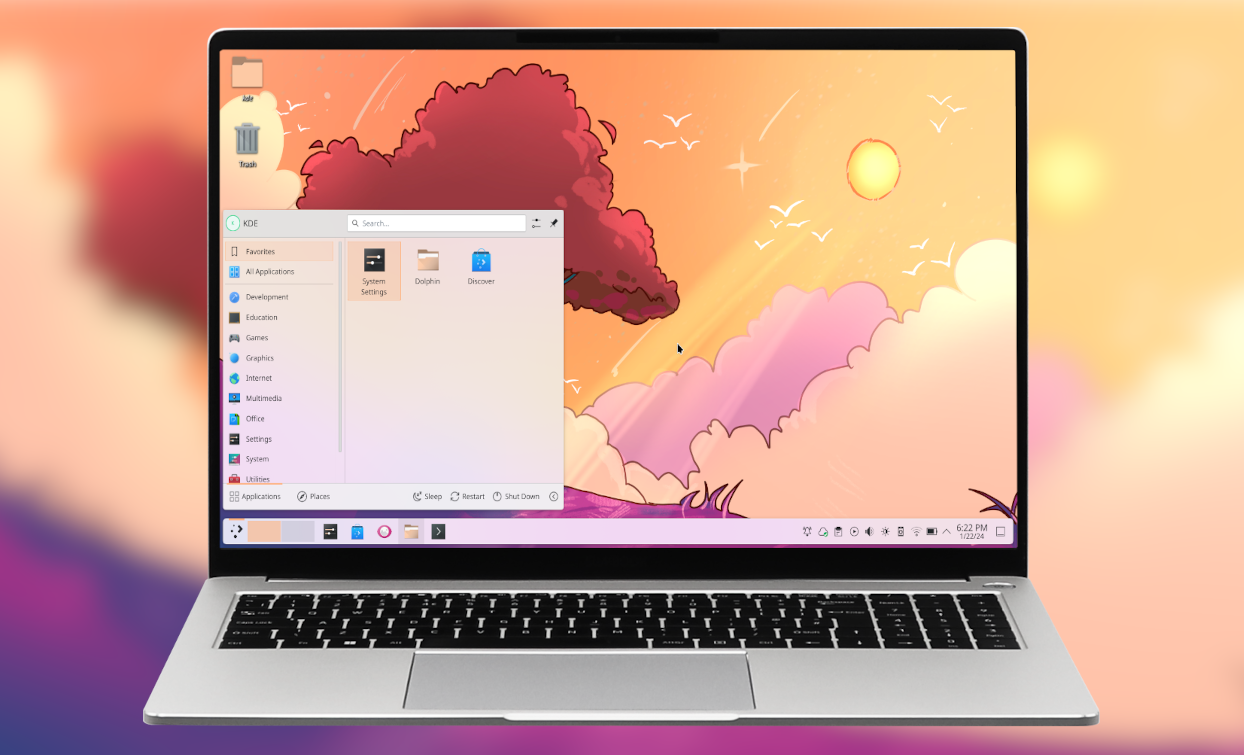
KDE Plasma 6 delivers a sleek, highly configurable desktop experience built on Qt 6, offering smooth animations and low resource usage. It integrates tightly with KDE applications while remaining flexible for power users and newcomers alike. The release introduces improved Wayland support, a revamped system settings UI, and new widgets that enhance productivity across a wide range of hardware configurations.
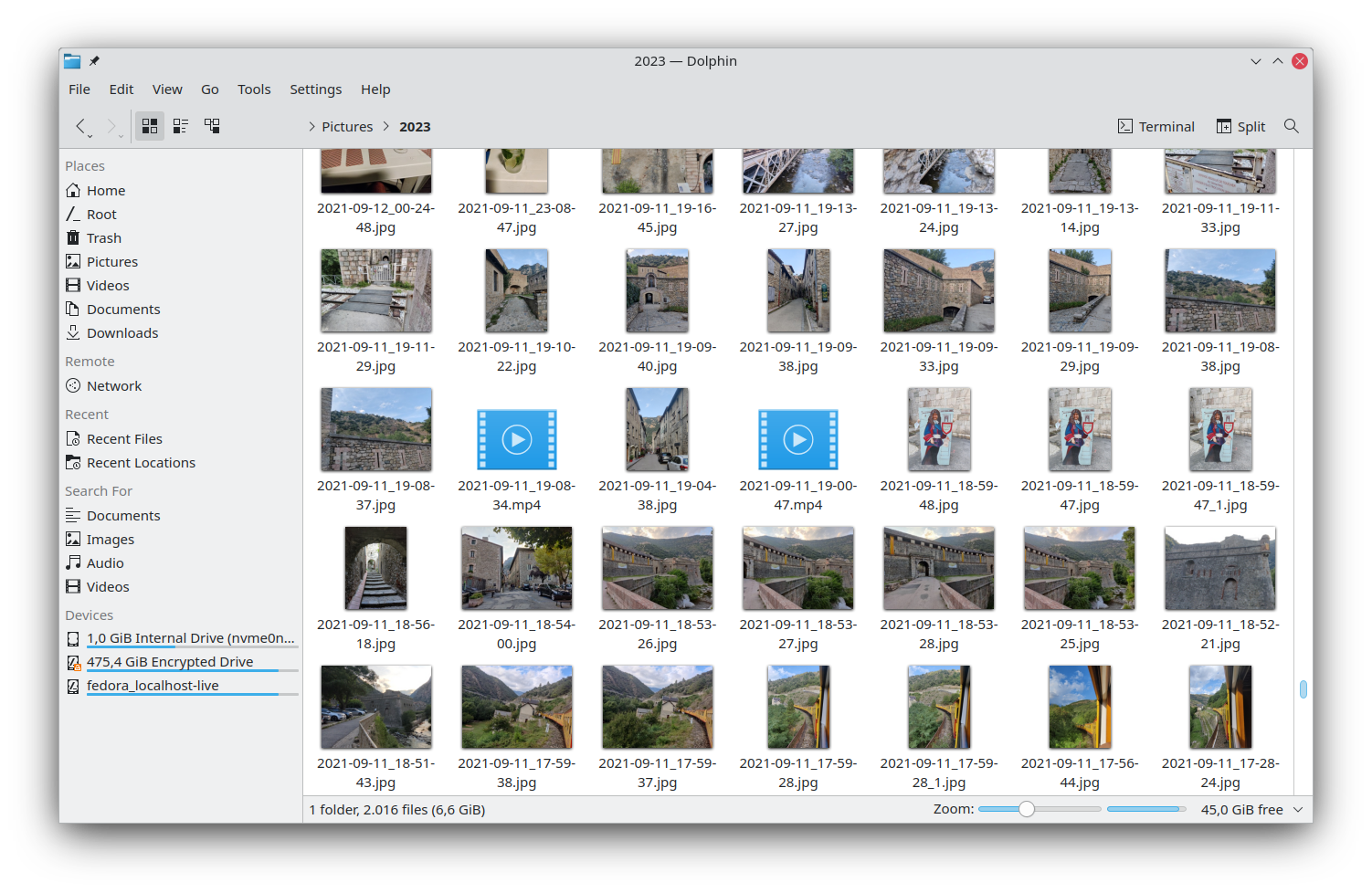
Krusader is a powerful dual‑pane file manager designed for KDE Plasma and other Unix‑like desktops. It offers extensive archive handling, network protocols, and batch operations, making file manipulation fast and efficient. The interface mimics classic commander‑style tools while adding modern features like customizable commands and integrated terminal support.
- Highly configurable without extensive scripting
- Excellent Wayland performance
- Low memory footprint compared to other full‑featured desktops
- Strong integration with KDE ecosystem
- Highly customizable with user‑defined actions.
- Excellent support for many archive and network protocols.
- Integrates tightly with KDE and the Linux desktop.
- Free and open‑source with active community.
- Steeper learning curve for deep customization
- Occasional incompatibilities with older X11 applications
- Limited official support on non‑Linux platforms
- Limited to Linux; no native Windows or macOS builds.
- Steeper learning curve for newcomers to commander‑style UI.
- No built‑in cloud storage integration.