


Mailbird vs Superhuman
Side-by-side comparison of features, pricing, ratings, and alternatives.


Mailbird is a desktop email client that consolidates Gmail, Outlook, Yahoo, iCloud, Exchange and any IMAP/SMTP account into a single unified inbox. It layers on productivity features like email tracking, a built-in AI writing assistant, one-click unsubscribe, and integrations with apps such as Slack, Google Calendar, Dropbox and Asana without leaving the inbox. The app is built around a customizable interface, with theming, keyboard shortcuts and layout options, and claims around 4.4 million users. It ships as a one-account free version alongside a paid Premium tier that unlocks unlimited accounts and the full integration set, sold as either a one-time lifetime purchase or an annual subscription.
Superhuman is a premium email client designed to make inbox management lightning‑fast. It combines aggressive caching, keyboard‑first navigation, and smart features like read receipts and snooze to help professionals handle high volumes of email efficiently. Available on web and mobile, Superhuman syncs with Gmail and Outlook, offering a unified experience across devices while keeping the focus on speed and productivity. Its subscription model includes dedicated support and continuous feature updates.
- Genuinely unifies many account types into one clean inbox
- One-time lifetime purchase option avoids ongoing subscription cost
- Deep third-party app integrations reduce app-switching
- Actively supports both Windows and Mac
- Blazing fast email loading and navigation.
- Extensive keyboard shortcut support.
- Read receipt and send‑undo features.
- Snooze and split inbox for better organization.
- Future major-version upgrades may require an extra purchase without the Lifetime Updates add-on
- Free tier is limited to a single account
- Mac version trails the Windows app in feature parity
- High monthly subscription cost.
- Limited to Gmail and Outlook accounts.
- No public API or extensibility.
More alternatives & similar tools
Alternatives to Mailbird
View all →
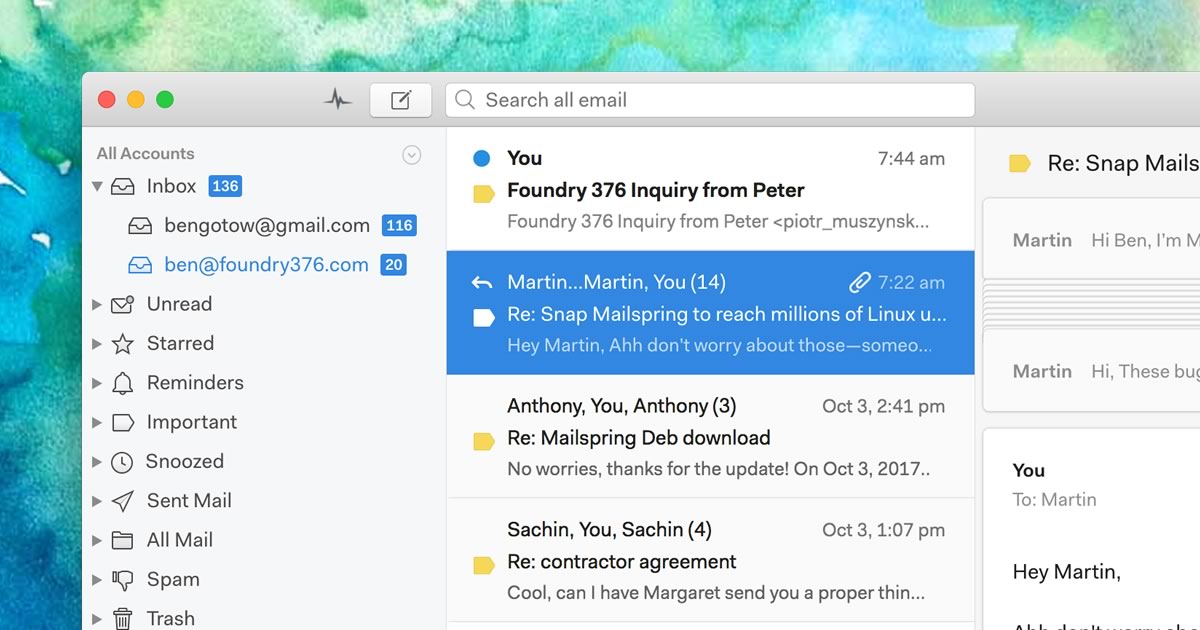
A native desktop email client for Mac, Windows, and Linux with read receipts and send-later.


Alternatives to Superhuman
View all →

The Verdict
AI-generated from listing dataMailbird offers a unified, cross‑platform desktop client with a one‑time purchase option, while Superhuman focuses on speed for Gmail/Outlook power users at a higher subscription cost.
Key differences
- •Mailbird supports many account types (Gmail, Outlook, Yahoo, iCloud, Exchange, IMAP/SMTP) vs Superhuman only Gmail and Outlook.
- •Mailbird is a desktop app for Windows and Mac; Superhuman is a cloud/SaaS service accessed via browser.
- •Pricing model: Mailbird has a freemium tier and optional lifetime license; Superhuman requires a monthly subscription.
- •Speed focus: Superhuman preloads messages and offers aggressive caching for instant loading; Mailbird does not claim such performance.
- •Integration breadth: Mailbird connects to 30+ third‑party apps (Slack, Dropbox, Asana, etc.) whereas Superhuman only integrates Gmail/Outlook and basic calendar.
Pricing & value
Mailbird offers a free tier and a one‑time lifetime license; Superhuman only has a paid subscription.
Ease of use / learning curve
Superhuman is built around keyboard shortcuts and instant loading, targeting power‑users who prefer minimal clicks.
Features & depth
Mailbird includes email tracking, AI writing assistant, block/unsubscribe, custom themes, and 30+ app integrations.
Integrations & ecosystem
Mailbird lists Slack, Google Calendar, Dropbox, Asana, WhatsApp and many more; Superhuman only integrates Gmail, Outlook, Calendar.
Collaboration
Mailbird’s third‑party app integrations (e.g., Slack, Asana) support team workflows; Superhuman lacks collaboration extensions.
Scalability
Superhuman’s cloud SaaS model scales without local installation limits; Mailbird is a desktop app per device.
Support
Both provide email support; Superhuman adds live chat, Mailbird offers a help center.
Choose Mailbird if…
Professionals needing multiple account types, desktop app, and lower cost.
Choose Superhuman if…
High‑volume email power users who prioritize speed and keyboard‑driven workflow.
Common questions
Can I use Mailbird for free?
Yes, Mailbird has a freemium tier limited to a single email account.
Does Superhuman work with Yahoo or iCloud email?
No, Superhuman only supports Gmail and Outlook accounts.
Which client offers more third‑party integrations?
Mailbird lists 30+ integrations such as Slack, Dropbox, Asana, while Superhuman only integrates Gmail, Outlook, Calendar.