


MapsGPT vs Ultimaps
Side-by-side comparison of features, pricing, ratings, and alternatives.

MapsGPT is an AI-powered map generator that lets users create custom maps with pins in seconds from natural language prompts. It turns queries like 'secret societies near washington dc' into shareable maps with pins, categories, and short descriptions. Users can claim maps in Proxi workspace to edit, restyle, and collaborate.
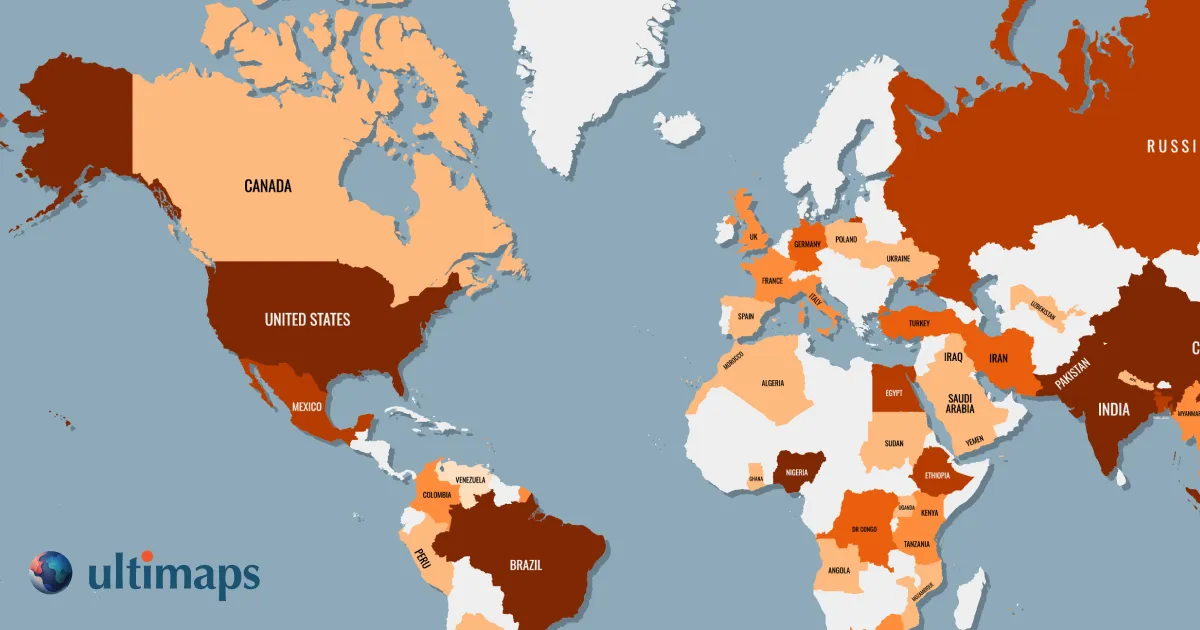
Ultimaps is a browser-based map visualization tool that lets users turn spreadsheet data into beautiful color-coded maps, export high-resolution PNG/SVG/PDF files, or embed interactive maps on websites without writing code.
MapsGPT offers three pricing plans: Free, Pro, and Business. The Free plan includes 10 map credit per month, 3,000 character prompts, and 1,000 characters per prompt. The Pro plan costs $9.99 per month and includes 300 map credits per month, 20,000 character prompts, and 5,000 characters per prompt. The Business plan costs $19.99 per month and includes 1,000 map credits per month, 100,000 character prompts, and 10,000 characters per prompt. Annual plans are available with a 20% discount.
- Fast: generates maps from natural language prompts in about a minute
- Easy to use: fill-in-the-blank and example prompts make it beginner-friendly
- Editable: claimed maps can be customized in Proxi workspace
- Collaborative: friends can add places once the map is claimed
- Very easy to create maps without GIS or design skills
- Directly imports data from Excel, CSV, Google Sheets, and Notion
- Generous free tier with no sign-up required to start
- Interactive map embeds with tooltips, popups, and click-through links
- Limited free maps: each map holds up to 25 places until claimed
- Accuracy not guaranteed: AI uses public data and may include outdated or incorrect places
- Requires claiming to unlock full editing and collaboration features
- Free exports include attribution and are standard resolution only
- Attribution-free and vector exports require Pro subscription
- Not a street-level map tool, more of a regional data visualization tool
- Custom maps and advanced features cost extra
More alternatives & similar tools
Alternatives to MapsGPT
View all →
Alternatives to Ultimaps
View all →

The Verdict
AI-generated from listing dataMapsGPT is a quick, AI‑driven map creator for small‑scale, collaborative travel or event maps, while Ultimaps is a data‑visualization platform for larger, region‑level maps with richer export and embedding options.
Key differences
- •MapsGPT generates maps from natural‑language prompts; Ultimaps imports data from spreadsheets or Notion.
- •MapsGPT limits unclaimed maps to 25 pins; Ultimaps supports unlimited pins and large choropleth datasets.
- •Collaboration: MapsGPT allows claimed‑map editing by friends; Ultimaps focuses on publishing interactive embeds, not real‑time co‑editing.
- •Export: MapsGPT offers no export details; Ultimaps provides PNG/SVG/PDF exports, with vector only on paid plans.
- •Pricing transparency: MapsGPT lists free, Pro, Business plans; Ultimaps pricing is mostly unknown except for Pro tier.
Pricing & value
MapsGPT offers a free tier and clear subscription tiers; Ultimaps pricing is largely unspecified beyond a €49/mo Pro plan.
Ease of use / learning curve
MapsGPT uses fill‑in‑the‑blank natural language prompts, described as beginner‑friendly; Ultimaps requires data import setup.
Features & depth
Ultimaps provides choropleth mapping, vector exports, and extensive data import; MapsGPT focuses on simple pin maps only.
Integrations & ecosystem
Ultimaps integrates Excel, CSV, Google Sheets, Notion and offers web embeds; MapsGPT only mentions Proxi workspace tools.
Collaboration
MapsGPT allows claimed maps to be edited collaboratively in real time; Ultimaps lacks collaborative editing, only publishing.
Scalability
Ultimaps supports unlimited maps and large regional datasets; MapsGPT caps unclaimed maps at 25 pins.
Support & security
Neither product provides specific support or security details in the supplied facts.
Choose MapsGPT if…
Travel planners, event organizers, or small teams needing quick, shareable pin maps with minimal setup.
Choose Ultimaps if…
Businesses, researchers, or educators needing data‑driven regional visualizations, exports, and embed capabilities.
Common questions
Can I use either tool for free?
MapsGPT has a free tier with limited pins; Ultimaps offers a free tier for unlimited maps but exports include attribution.
Which tool supports collaborative editing?
MapsGPT lets friends add places on claimed maps; Ultimaps does not provide real‑time collaborative editing.
What export options are available?
MapsGPT does not specify export formats; Ultimaps offers PNG, SVG, PDF exports, with vector files on paid plans.