


Opus Clip vs quso.ai
Side-by-side comparison of features, pricing, ratings, and alternatives.

OpusClip is an AI video repurposing tool that ingests long-form video such as podcasts, webinars, or YouTube videos and automatically identifies the most engaging moments to generate short vertical clips with captions, virality scoring, and reframing for TikTok, Instagram Reels, and YouTube Shorts. Its ClipAnything model works across genres from interviews to gaming footage, and ReframeAnything uses AI object tracking to reframe shots for different aspect ratios. Beyond clipping, the platform offers text-based video editing, brand templates, auto-captioning claimed at over 97% accuracy across 25+ languages, and direct publishing to social platforms. It is used by individual creators and media teams -- the site cites creators like Logan Paul and Mark Rober alongside enterprise customers such as Visa and Nvidia -- who need to turn one long recording into many short clips without manual editing.
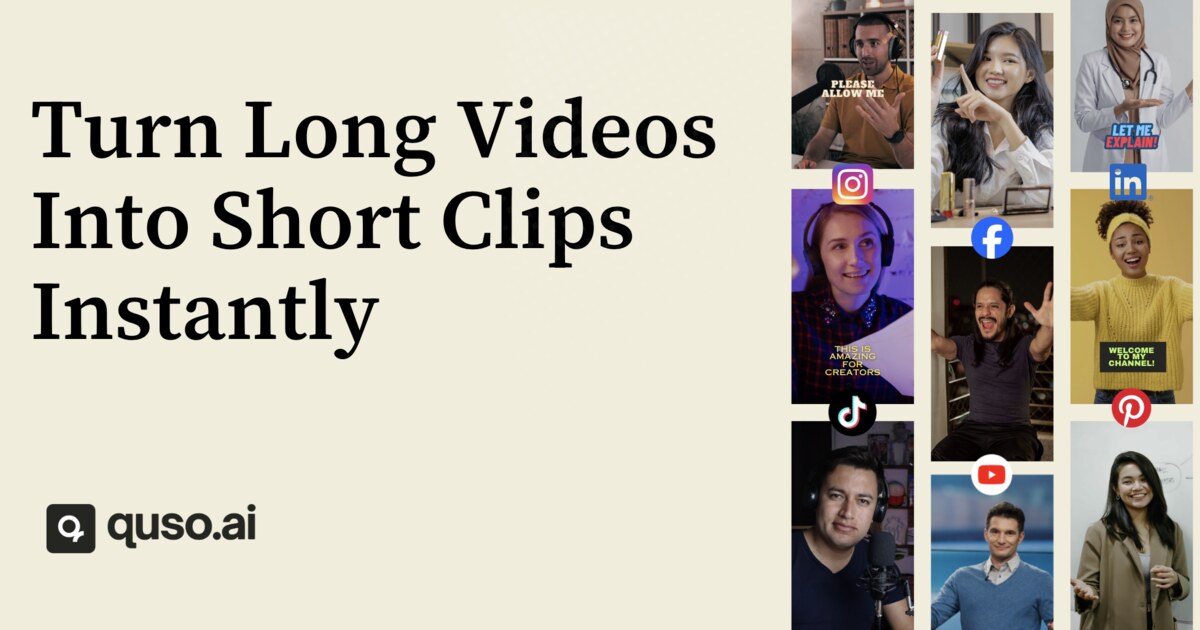
quso.ai automatically extracts the most engaging moments from long‑form videos, reformats them vertically, adds captions, and readies them for TikTok, Instagram Reels, YouTube Shorts, LinkedIn, Facebook, and X. It works with uploads from YouTube, Vimeo, Zoom, Google Drive, Dropbox and many other sources, letting creators turn podcasts, webinars, streams and more into short, publish‑ready clips without any editing experience. Beyond clipping, quso.ai bundles a social media calendar, scheduler, analytics, and a text‑based video editor that lets you delete words, remove silences, and insert B‑roll like editing a document. With AI subtitles in 100+ languages, brand kit support, and a virality score that predicts performance, it replaces separate clipping, captioning, editing, and scheduling tools for busy content teams.
- Significantly cuts manual editing time for long-to-short repurposing
- Virality scoring gives a data point for which clips to prioritize
- Free tier is usable for testing before subscribing
- Direct social publishing removes an extra export/upload step
- Fully automated clipping and captioning saves hours of manual work.
- All‑in‑one platform eliminates the need for separate editing, captioning, and scheduling tools.
- Supports 100+ languages for subtitles, expanding global reach.
- Free tier available with no credit‑card requirement.
- Free and Starter tiers carry a watermark or limited processing minutes
- AI-selected clips still typically need manual review before publishing
- Higher-end AI editing features are reserved for the Pro tier and above
- Advanced features require a paid subscription starting at $29/month.
- Limited customization for advanced video effects beyond basic B‑roll insertion.
- No self‑hosted or on‑premise deployment option.
More alternatives & similar tools
Alternatives to Opus Clip
View all →
Alternatives to quso.ai
View all →AI video clipping tool that turns long videos into short, social-ready clips with captions and reframing.
AI-powered short video maker that turns any long video into viral-ready clips for Shorts, TikToks, and ads.

The Verdict
AI-generated from listing dataQuso.ai offers a broader, all‑in‑one suite (editing, captions in 100+ languages, scheduling) at a clear $29/mo paid tier, while Opus Clip provides core clip generation with fewer languages and limited free‑tier features.
Key differences
- •Quso supports 100+ subtitle languages vs Opus 25+.
- •Quso includes built‑in social calendar/scheduling; Opus requires separate upload.
- •Quso offers B‑roll insertion and filler‑word removal; Opus focuses on basic clipping.
- •Quso lists many output platforms (TikTok, Instagram, LinkedIn, Facebook, X); Opus lists only three.
- •Quso’s free tier has no stated watermark; Opus free tier adds a watermark and limits minutes.
Pricing & value
Both provide freemium plans; Quso’s paid tier starts at $29/mo, Opus pricing not disclosed.
Ease of use / learning curve
Quso combines editing, captioning, and scheduling in one UI, reducing tool‑switching.
Features & depth
Quso offers word‑level captions, B‑roll, filler removal, 100+ languages, and virality scoring; Opus has fewer advanced tools.
Integrations & ecosystem
Quso integrates with YouTube, Vimeo, TikTok, Instagram, LinkedIn, Facebook, X, Zoom, Google Drive, Dropbox; Opus lists a smaller set.
Support
Quso provides email, live chat, and knowledge base; Opus support details not specified.
Collaboration
Neither product mentions collaboration features.
Choose Opus Clip if…
Creators who only need quick clip generation and can tolerate watermarks or limited free processing.
Choose quso.ai if…
Creators or teams needing full editing, multilingual captions, scheduling, and analytics in one platform.
Common questions
What subtitle language support do the tools offer?
Quso.ai provides AI subtitles in 100+ languages; Opus Clip supports 25+ languages.
Can I schedule and publish clips directly from the platform?
Yes, Quso.ai includes a built‑in social calendar; Opus Clip only publishes to three platforms without scheduling.
Is there a watermark on the free version?
Opus Clip’s free and Starter tiers add a watermark; Quso.ai’s free tier does not mention a watermark.