


VideoFaceSwap vs VideoMaker AI
Side-by-side comparison of features, pricing, ratings, and alternatives.

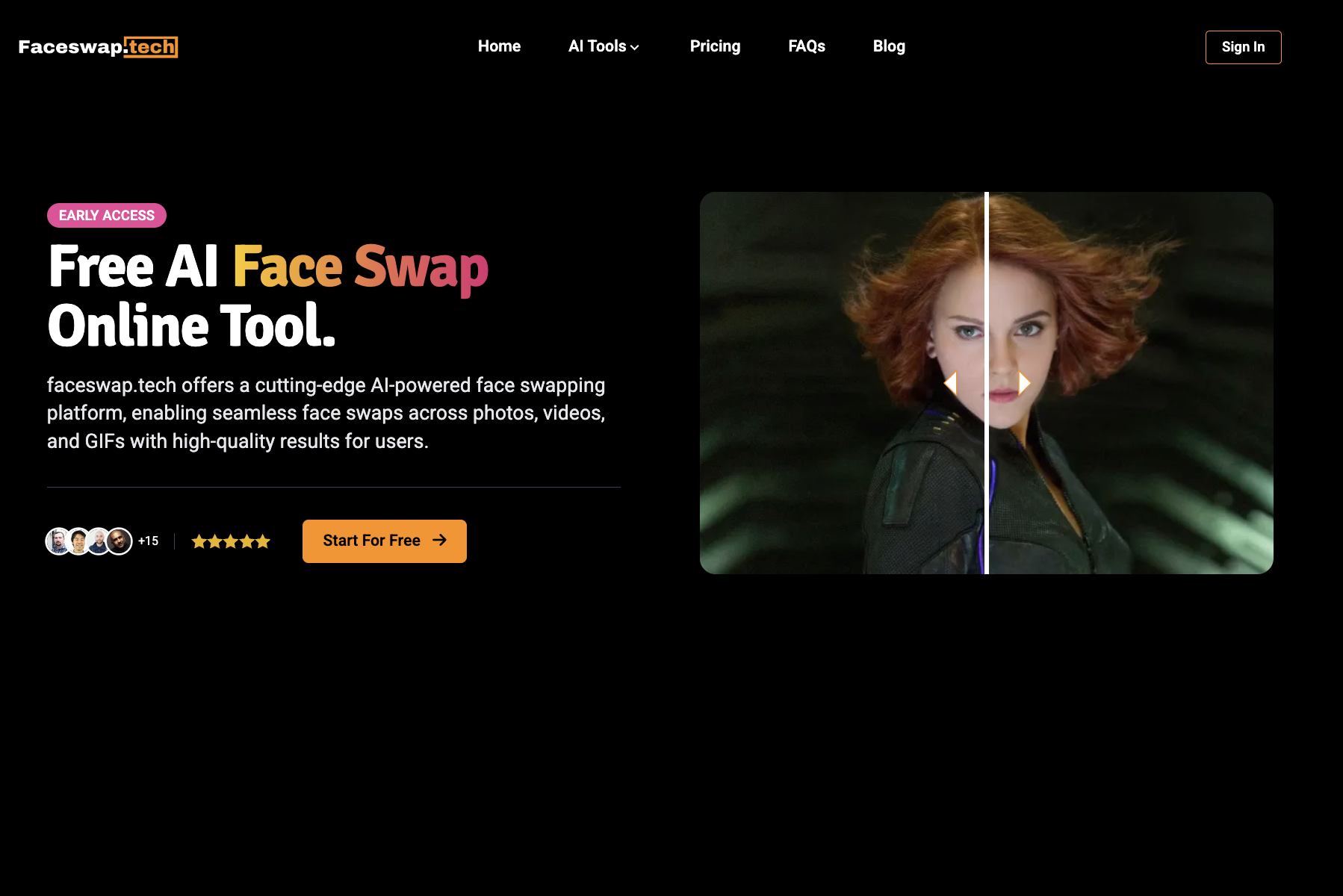
VideoFaceSwap is a free, browser-based AI face swap tool that creates realistic video face swaps from a source video and target face photo. It supports single and multiple face swaps, GIF swaps, and image-to-video face swaps with no registration or payment required.
VideoMaker AI is a cloud-based AI video generation platform that turns text, photos, and images into professional-looking videos. It combines multiple AI models such as Google Veo3, Runway ML, Kling AI, OpenAI Sora, and Seedream 4.0 to offer text-to-video, image-to-video, photo animation, AI avatars, lip sync, and video dubbing capabilities in one hub.
- 100% free and unlimited
- No registration or login required
- Beginner-friendly three-step workflow
- Supports single-person and multi-person face swaps
- Free tier available with no downloads or powerful hardware needed
- Supports multiple input types: text, JPG, PNG, MP4
- Uses multiple leading AI models for diverse video generation
- Commercial rights included for generated content
- Browser-based only; no offline desktop app mentioned
- Face swap accuracy depends on video quality and clear face photos
- No explicit file size or duration limits disclosed
- No API, batch processing, or team features mentioned
- Specific model availability and actual output quality may vary
- Free tier likely limited in monthly video generations and advanced features
- Marketing claims like 'Sora 2' need real-world verification
- No desktop editor/offline workflow; requires internet connection
More alternatives & similar tools
Alternatives to VideoFaceSwap
View all →


Alternatives to VideoMaker AI
View all →
Generate video content from text prompts and images with Meta's early-preview AI model.
The Verdict
AI-generated from listing dataVideoMaker AI offers a broader AI video creation suite with commercial rights but limited free tier, while VideoFaceSwap is a completely free, unlimited face‑swap tool with a narrower focus.
Key differences
- •Scope of functionality – VideoMaker AI handles text‑to‑video, avatars, lip‑sync, dubbing, etc.; VideoFaceSwap only swaps faces.
- •Pricing model – VideoMaker AI’s pricing is unknown and likely tiered; VideoFaceSwap is explicitly free and unlimited.
- •Output & quality – VideoMaker AI supports 4K export and multiple formats; VideoFaceSwap only mentions MP4/MOV support.
- •Commercial usage rights – VideoMaker AI includes rights for generated content; VideoFaceSwap does not specify any licensing.
- •Platform limits – Both are web‑based, but VideoMaker AI may impose generation limits per plan, whereas VideoFaceSwap claims no limits.
Pricing & value
VideoFaceSwap is explicitly free and unlimited; VideoMaker AI’s pricing is unknown and likely tiered.
Ease of use / learning curve
VideoFaceSwap requires no registration and offers a three‑step workflow; VideoMaker AI has multiple modes and may need more learning.
Features & depth
VideoMaker AI provides text‑to‑video, avatars, lip‑sync, dubbing, multi‑photo videos, and 4K output; VideoFaceSwap only does face swaps.
Integrations & ecosystem
VideoMaker AI lists several AI models (Google Veo3, Runway ML, etc.) suggesting broader ecosystem; VideoFaceSwap lists none.
Collaboration
Neither product mentions collaboration features; both are single‑user web tools.
Scalability
VideoFaceSwap claims unlimited free usage; VideoMaker AI likely limits video length and monthly generations per plan.
Security & privacy
VideoFaceSwap highlights privacy controls and manual history deletion; VideoMaker AI provides no specific privacy details.
Choose VideoFaceSwap if…
Users who only need simple, unlimited face‑swap videos without cost or registration.
Choose VideoMaker AI if…
Creators needing full‑featured AI video generation, commercial rights, and high‑resolution output.
Common questions
Is there any cost to use either tool?
VideoFaceSwap is free and unlimited; VideoMaker AI’s pricing is not disclosed and likely involves paid tiers.
Can I use the videos commercially?
VideoMaker AI explicitly includes commercial usage rights; VideoFaceSwap does not specify any licensing for its output.
What types of video creation can each tool do?
VideoMaker AI supports text‑to‑video, avatars, lip‑sync, dubbing, and multi‑photo videos; VideoFaceSwap only swaps faces in existing videos or GIFs.