


Meta Muse Video
Generate video content from text prompts and images with Meta's early-preview AI model.
What is Meta Muse Video?
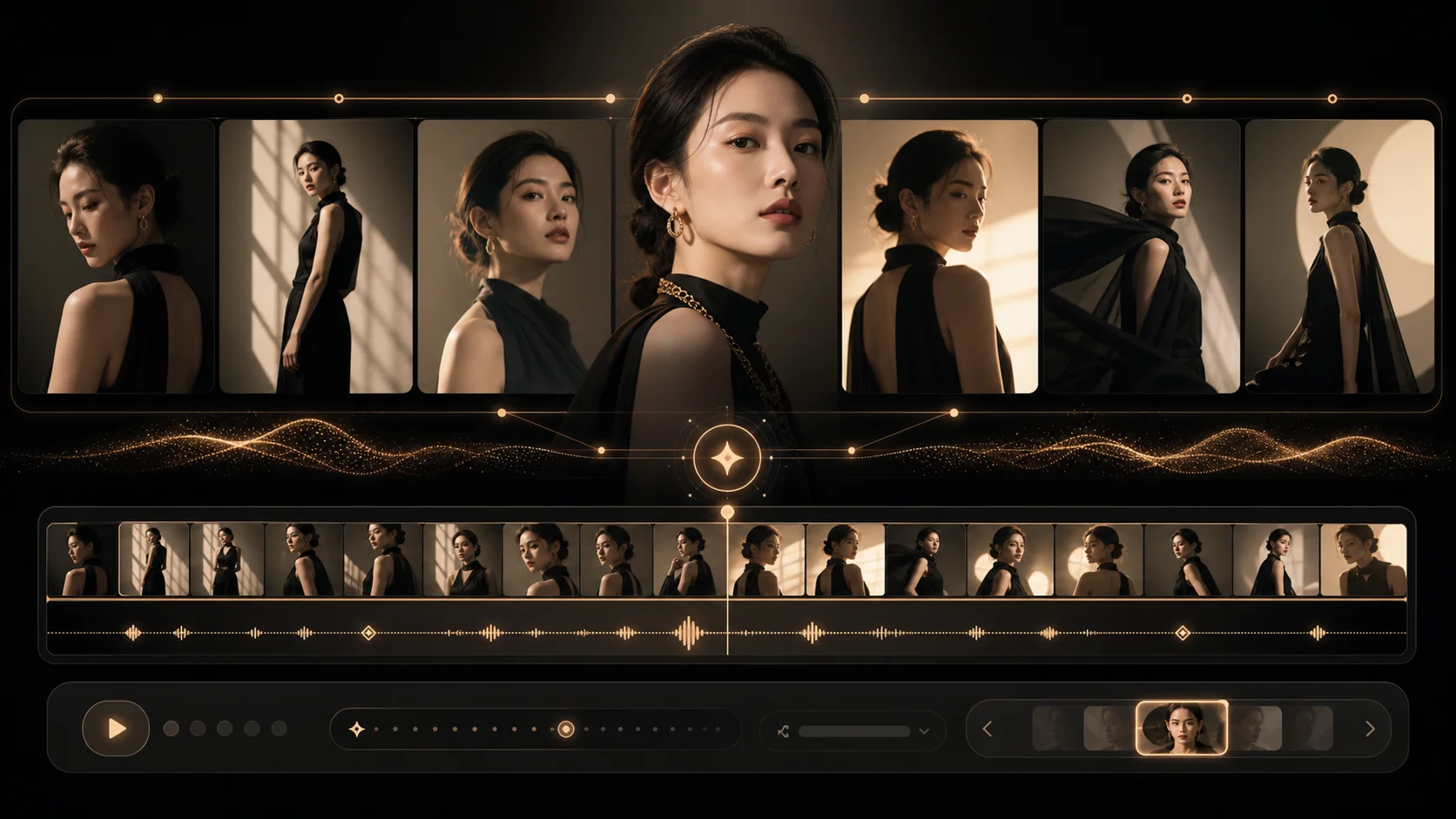
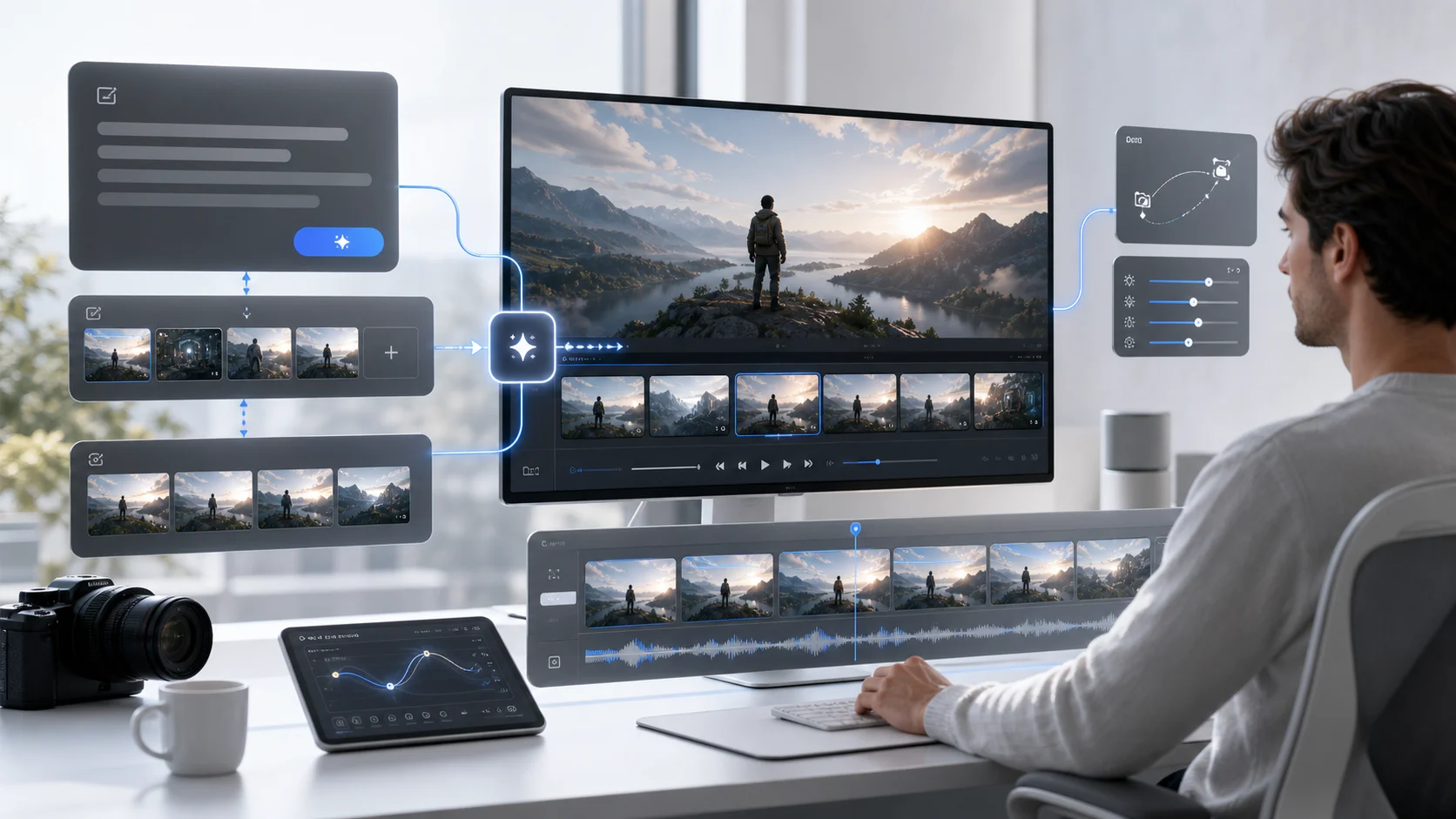
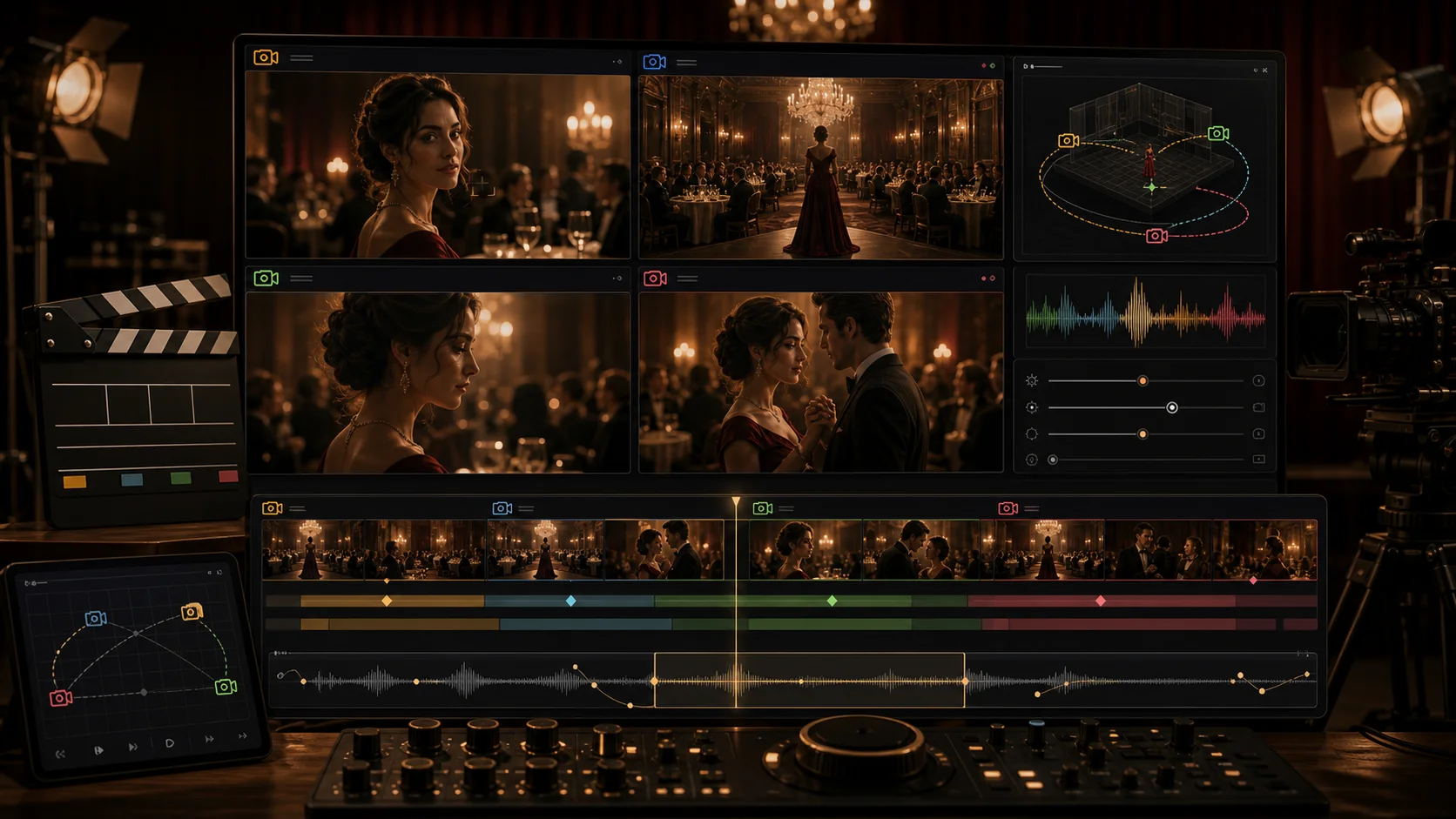
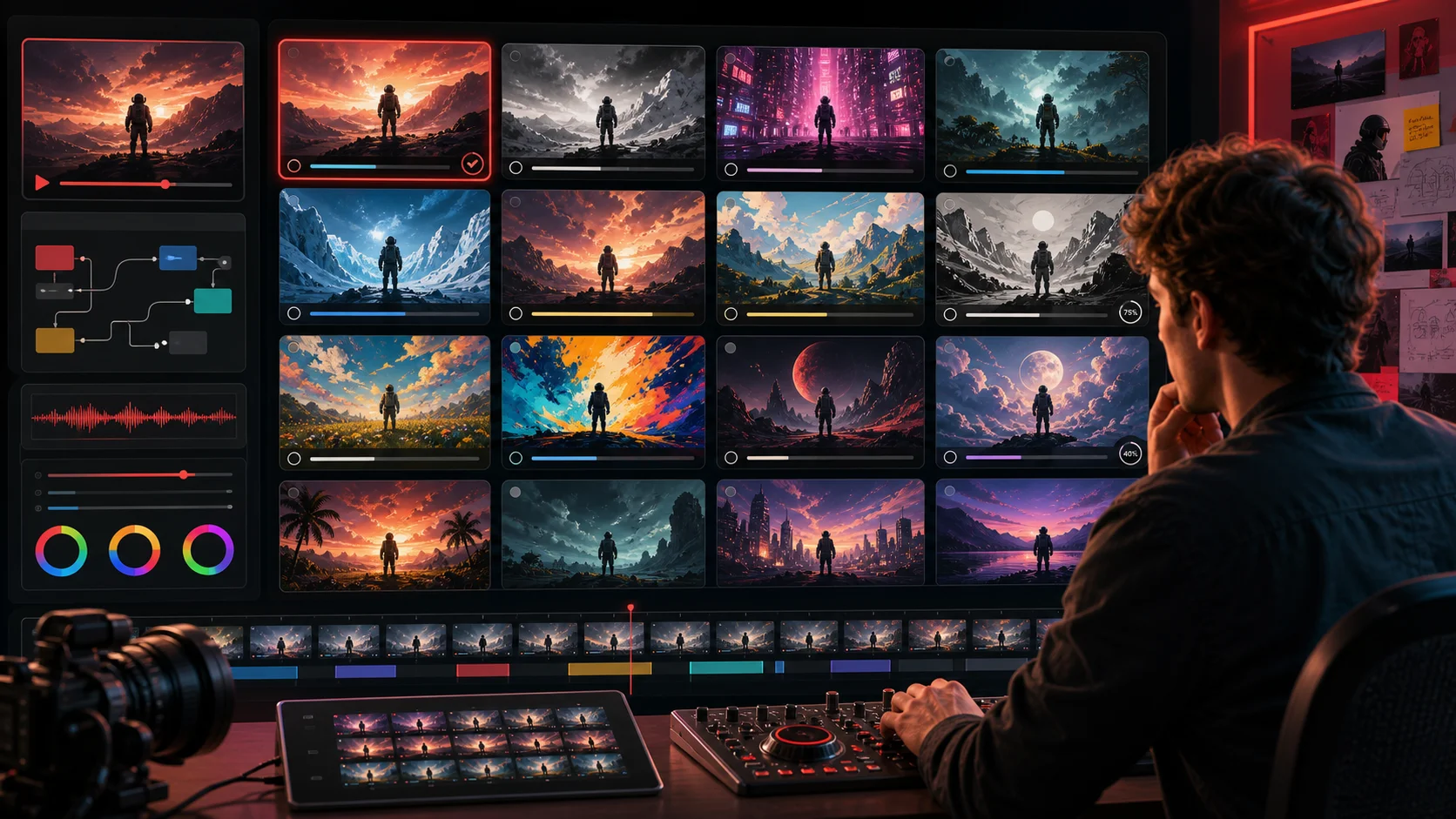
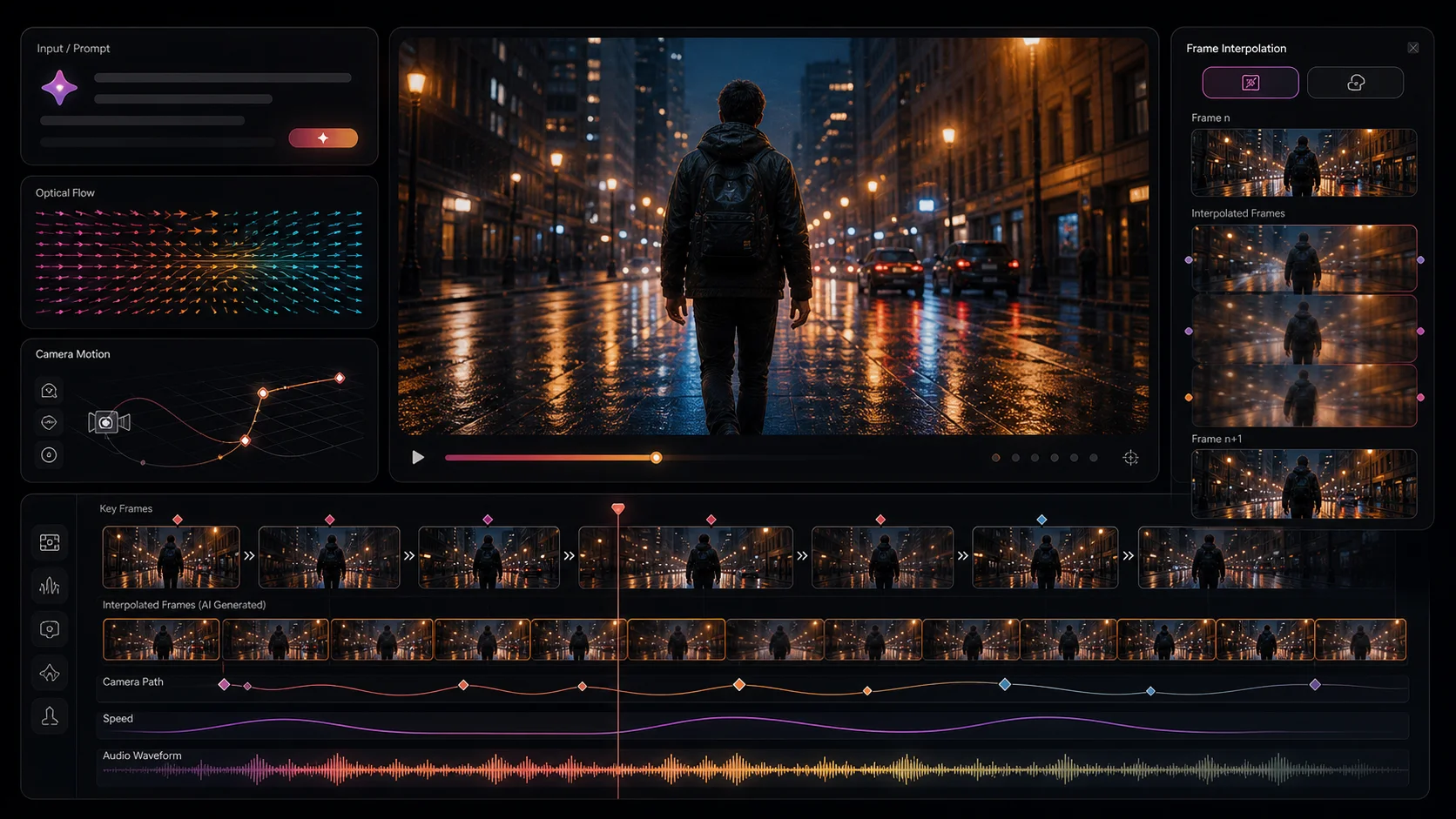
Meta Muse Video is an early-preview text-to-video generation model developed by Meta Superintelligence Labs. Building on the Muse media generation family, it supports native audio direction and is slated for future integration with creator tools and Meta AI. This platform provides a workspace for creators to plan and draft AI-generated video content, offering features like text-to-image visual referencing, prompt and motion drafting, and image-to-video animation capabilities. The service aims to help creators better plan their AI videos by providing benchmark-aware prompts, motion drafts, and clear insights into the model's current limitations. It allows users to track the model's performance against competitors, create text-to-video drafts for various content types such as ads and explainers, and animate product images into motion tests for e-commerce and social media. While Meta Muse Video is an early preview, this independent workspace allows users to experiment with prompt creation, test generation routes, and prepare structured video briefs. It's designed for teams tracking AI model developments, planning video content, and shipping video drafts with realistic expectations about the model's capabilities, particularly in areas like audio-video synchronization and fast motion.
SpecificationsAI-estimated
Key Features of Meta Muse Video
Use Cases for Meta Muse Video
AI Model Watchers
Track benchmark scores, Arena rank movement, availability notes, and public caveats for Meta Muse Video to inform strategic AI video workflow decisions.
Social Video Creators
Write text-to-video prompts for platforms like TikTok, Reels, and Shorts, specifying subject, camera, lighting, pacing, and audio cues for engaging content.
Product Marketers
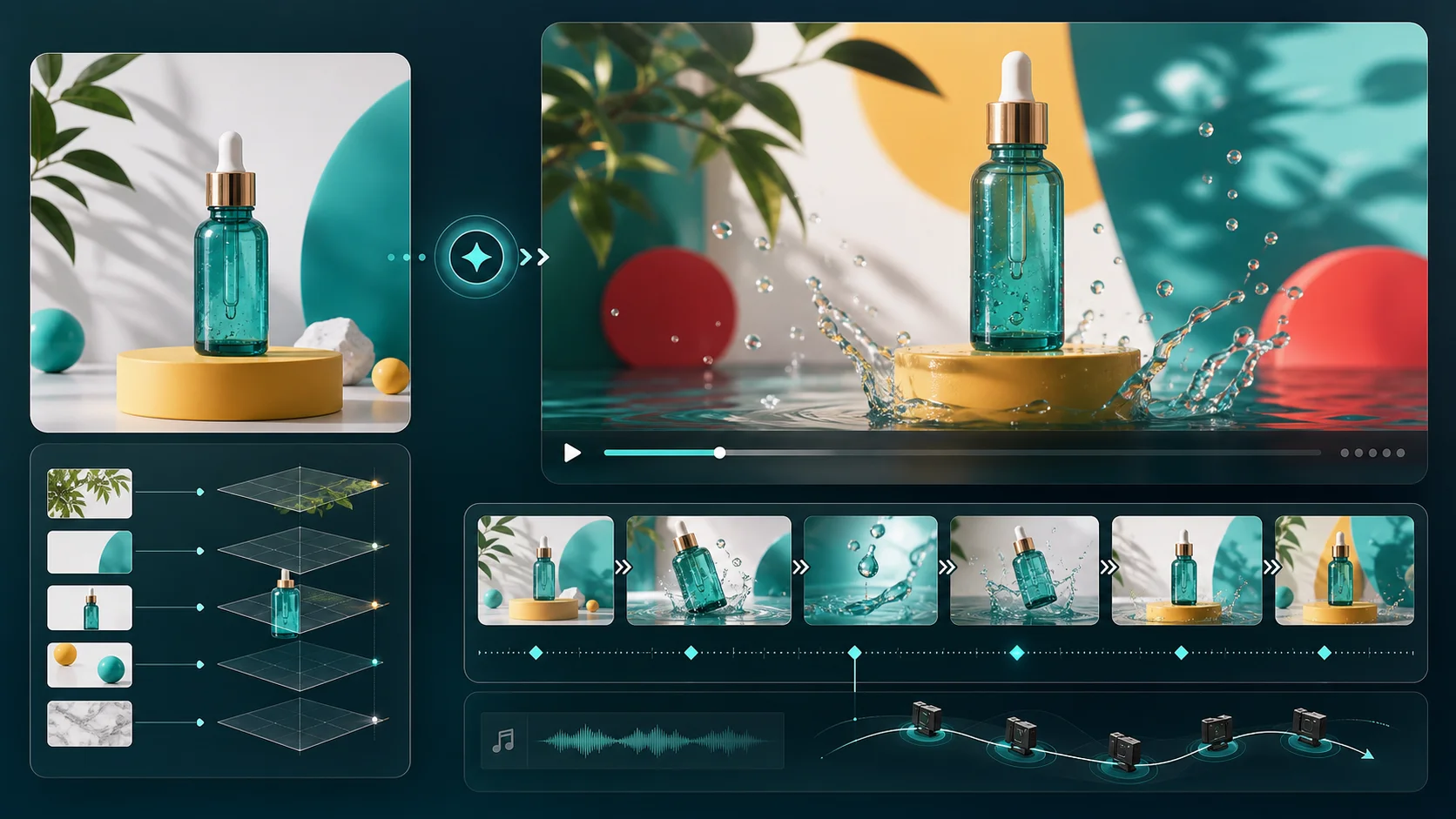
Animate product still images into motion drafts with parallax and camera movement for e-commerce pages, app previews, and paid advertisements.
Prompt Designers
Build and save reusable prompt patterns for character consistency, temporal consistency, audio direction, and brand-safe video production.
Ad Studios
Test various opening shots, aspect ratios, and concept variants for social ad campaigns before committing to final production.
Content Planners
Utilize the workspace to translate early preview news into practical creator planning, including prompt writing and model limit awareness.
How to use Meta Muse Video?
Access the Workspace
Navigate to the Muse Video AI website and access the provided workspace for drafting video content.
Generate Visual References
Use the text-to-image feature to create visual references for scenes before generating motion.
Draft Prompts and Motion
Write detailed text prompts for video generation, including scene descriptions, camera movements, lighting, and pacing. For image-to-video, upload a reference image and describe the desired motion.
Review and Refine
Analyze the generated drafts, track benchmark signals, and refine prompts based on the model's capabilities and limitations before final rendering.
Pros & Cons of Meta Muse Video
Pros
- Early access to Meta's advanced text-to-video model.
- Supports both text-to-video and image-to-video generation.
- Provides a workspace for planning, drafting, and testing video concepts.
- Tracks benchmark performance and model limitations for informed use.
Cons
- Currently an early preview with limited public API access.
- Audio-video synchronization is an area for improvement.
- Fast motion generation may not be physically accurate.
- Full creator availability is TBD.
Frequently Asked Questions
What is this Meta Muse Video workspace?
This is an independent workspace focused on model search intent, prompts, and creation workflows for Meta Muse Video, an early-preview text-to-video model from Meta Superintelligence Labs. It tracks model context and offers drafting tools.
How can I use Meta Muse Video for text-to-video prompts online?
Use the workspace to write prompts detailing subject, camera movement, scene duration, lighting, mood, and audio cues. The tool helps test structured ideas, compare variants, and prepare briefs for generation routes.
When will Meta Muse Video be available to creators?
Meta states the model is an early preview and is coming soon to creators and Meta AI. Public API access has not yet been confirmed, and this page maintains cautious language about its availability.
Why does the Meta Muse Video Arena ranking matter for AI video creators?
The Arena ranking reflects human-preference comparisons across text-to-video models. Meta Muse Video's No. 3 rank with a preliminary score provides a useful signal for creators while the model is still in preview.
Does Meta Muse Video support audio-video synchronization?
While Meta Muse Video offers competitive prompt adherence and visual fidelity, audio-video synchronization is noted as an area for improvement. The workflow helps creators plan around this current limitation.
Can Meta Muse Video create image-to-video drafts for product marketing?
Yes, the workspace supports image-to-video drafting. You can upload product stills, test camera movements and atmosphere, and refine prompts to create motion plans for marketing materials.
Pricing Overview
View full pricing →Detailed plans are not listed. Visit the official website for pricing information.
Reviews & Ratings0.0
No reviews yet. Be the first to write one!
Top Alternatives & Similar Software
View all alternatives & similar software→

People also viewed

Related searches
Is this your tool?
Claim this page to update details, reply to user reviews, and drive more traffic to your product.
Claim this Product →
Explore Related Topics
Keep up with Meta Muse Video alternatives
New alternatives, pricing changes and the week's biggest movers - one email every Tuesday.