


Viddo AI
One platform to generate stunning AI videos, images, voice, and music using the world's top generative models—including Veo, Seedance, Kling, and Grok.


What is Viddo AI?
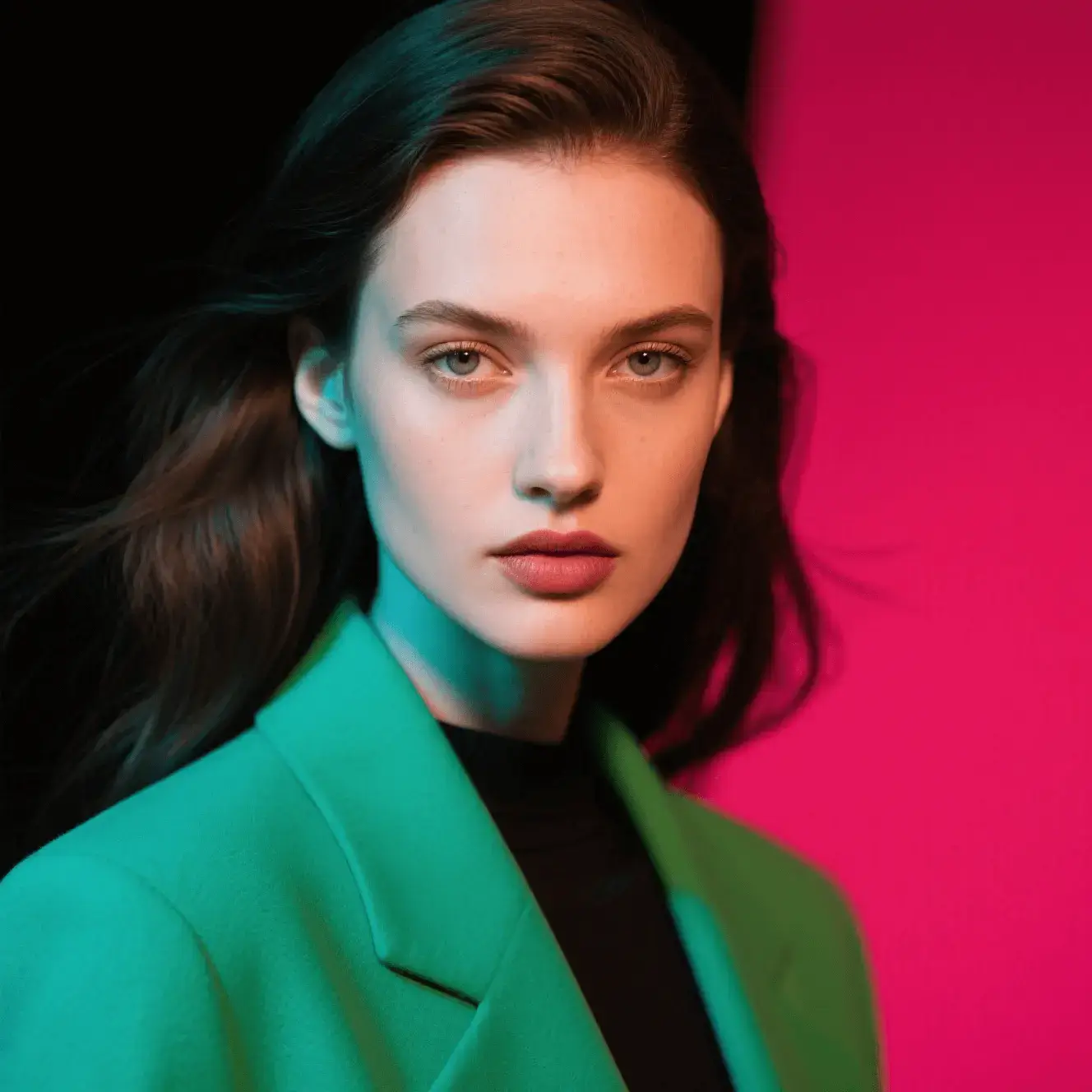
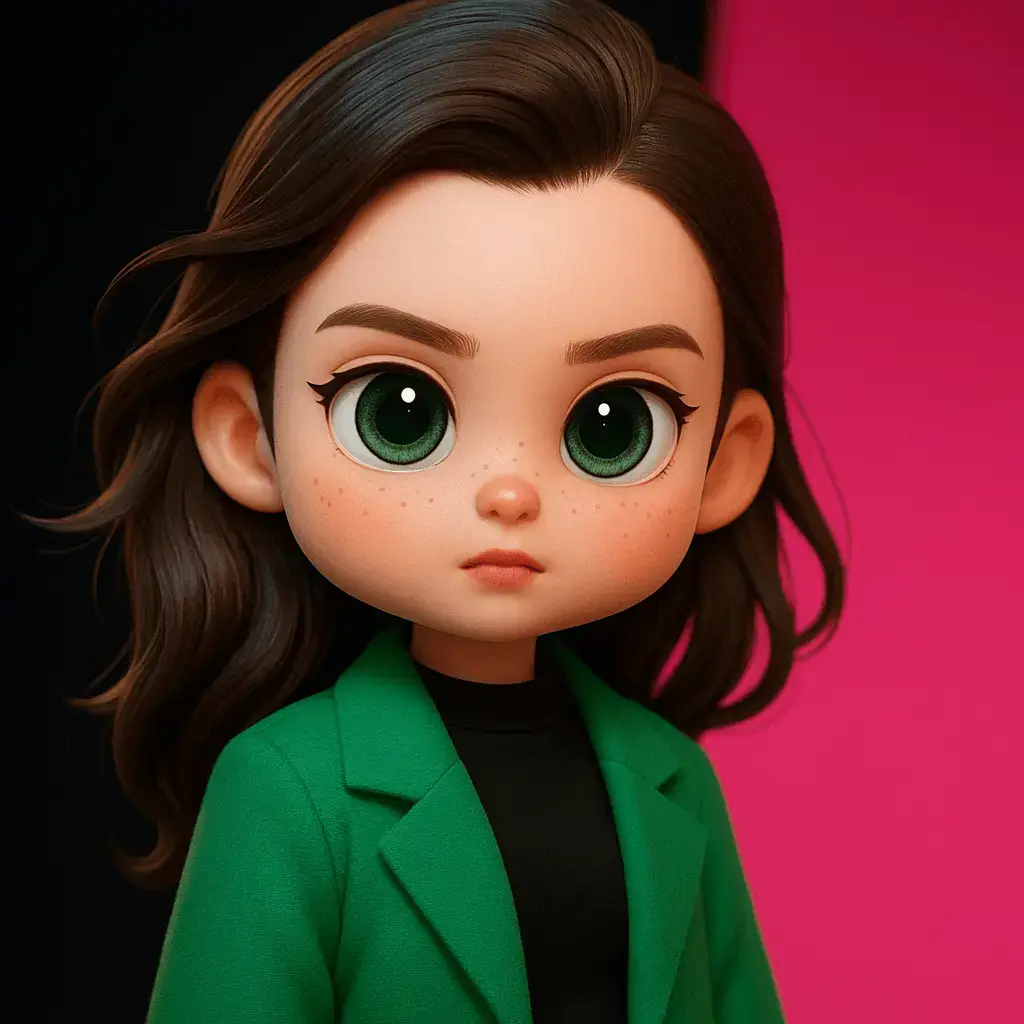
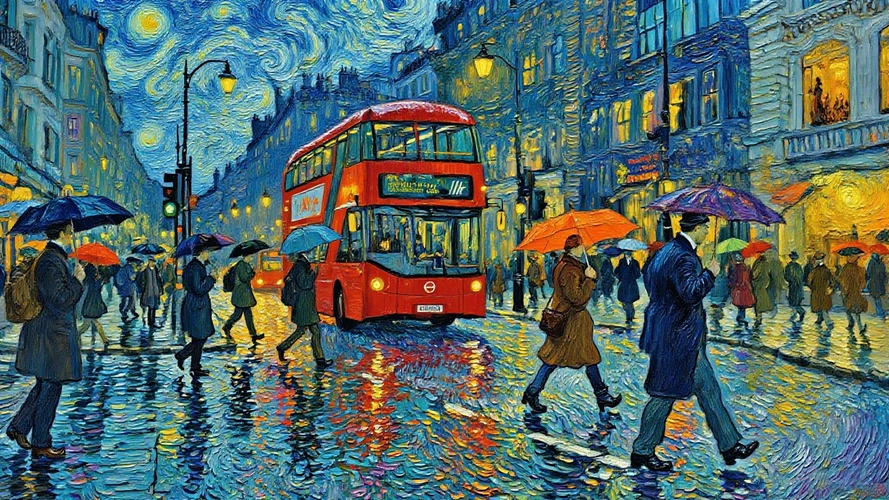
Viddo AI is an all-in-one AI creation platform that brings video, image, voice, and music generation together in one browser-based workspace. Rather than relying on a single model, it aggregates more than 20 leading generative AI engines—including Google Veo 3.1, Seedance 2.5, Kling 3.0, Grok Imagine, Runway Gen-4, MiniMax H3, GPT Image, Nano Banana, and ElevenLabs—so creators can switch between cutting-edge tools without jumping between subscriptions. From text-to-video and image-to-video to video-to-video and image-to-image, the platform is designed to handle the full visual content creation workflow. The creator experience is intentionally simple: choose a model, describe your idea in a prompt (or upload a reference photo/video), tweak settings like aspect ratio, resolution, video length and seed, then hit Generate. A "Generate With AI" assistant can turn rough keywords into detailed prompts, and an optional Web Search mode lets the AI pull in real-time information. For serialized work, the seed lock keeps characters and visual style consistent across generations—useful for maintaining brand looks or episodic content. The platform also supports generating videos from music and unlimited-length videos through Seedance 2.5, with special features like real-person generation. Viddo AI reports a community of more than 2.5 million users across 70+ countries and emphasizes competitive pricing, currently promoted with 50% off. It's positioned as a professional yet accessible tool for social media creators, marketers, e-commerce teams, filmmakers, wedding videographers, and small business owners who need high-quality visuals without a steep learning curve. Whether you're producing an ad, a YouTube intro, a personalized wedding video, or a concept art series, Viddo AI aims to be a single creative toolkit for modern media production.
SpecificationsAI-estimated
Key Features of Viddo AI
Use Cases for Viddo AI
Social Media Content Creation
Generate short, attention-grabbing videos, thumbnails, and intros that boost click-through rates on YouTube, TikTok, and Instagram.
Advertising & Marketing
Produce custom promotional videos and product ads with music and transitions, helping small teams launch campaigns faster.
Film & Video Production
Use AI-generated landscape shots, cinematic transitions, or stylish cutaways in films, documentaries, and video essays.
Wedding & Event Videography
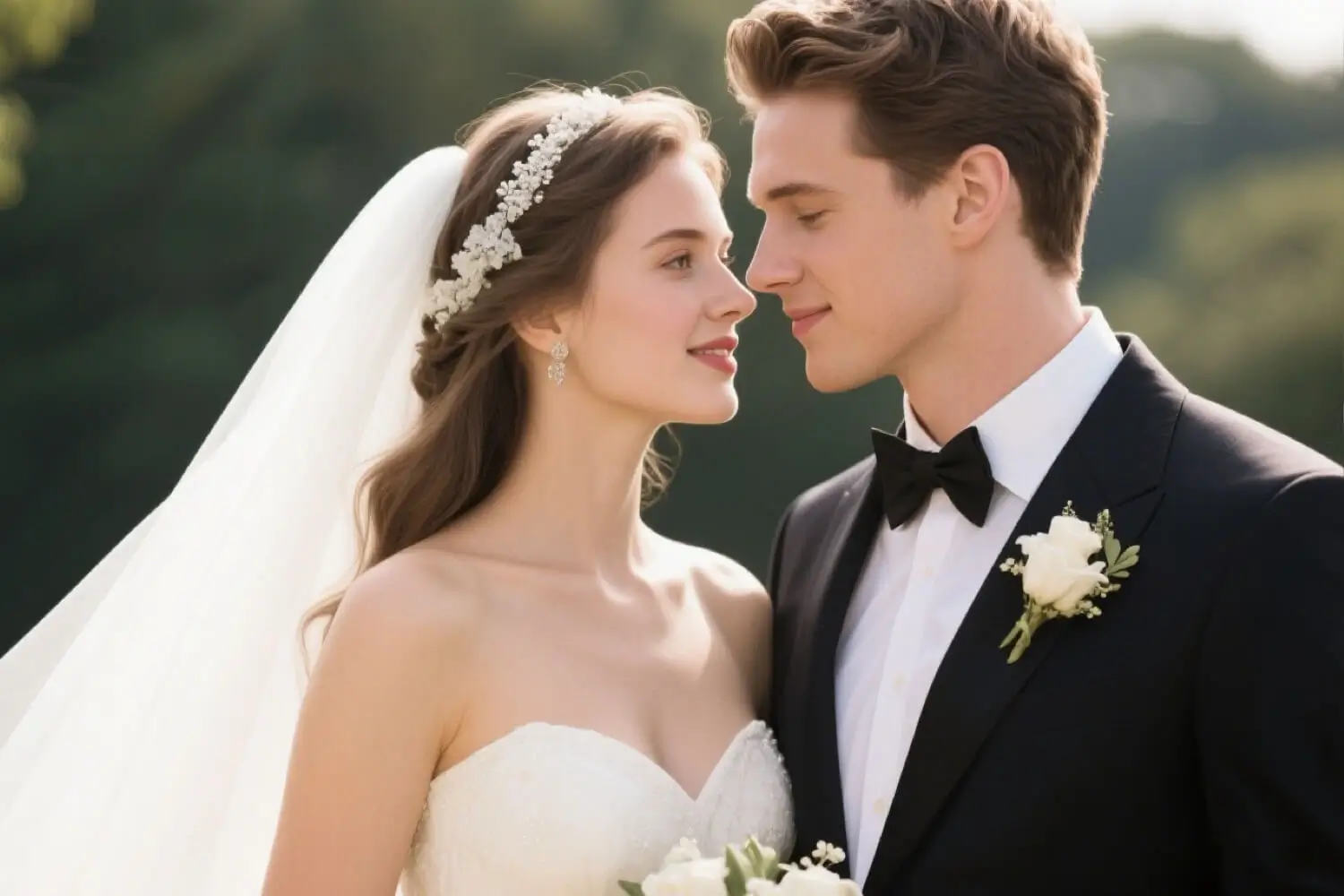
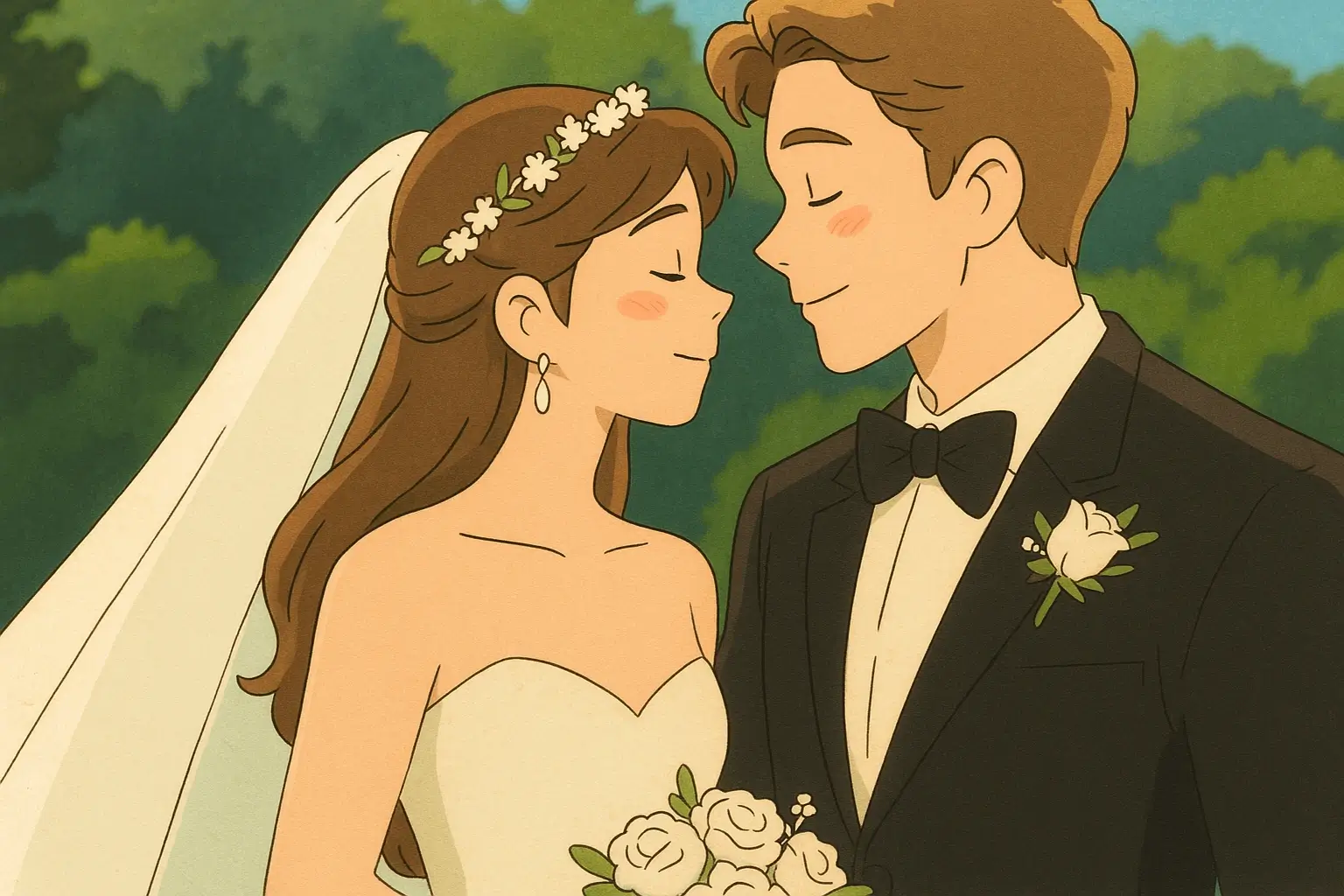
Create romantic save-the-date videos, personalized photo collages, and cinematic montages for couples and events.
E-commerce Product Visualization
Turn product photos into polished visuals or animated product demos that make online listings and ad creatives more professional.
Concept Art & Illustration
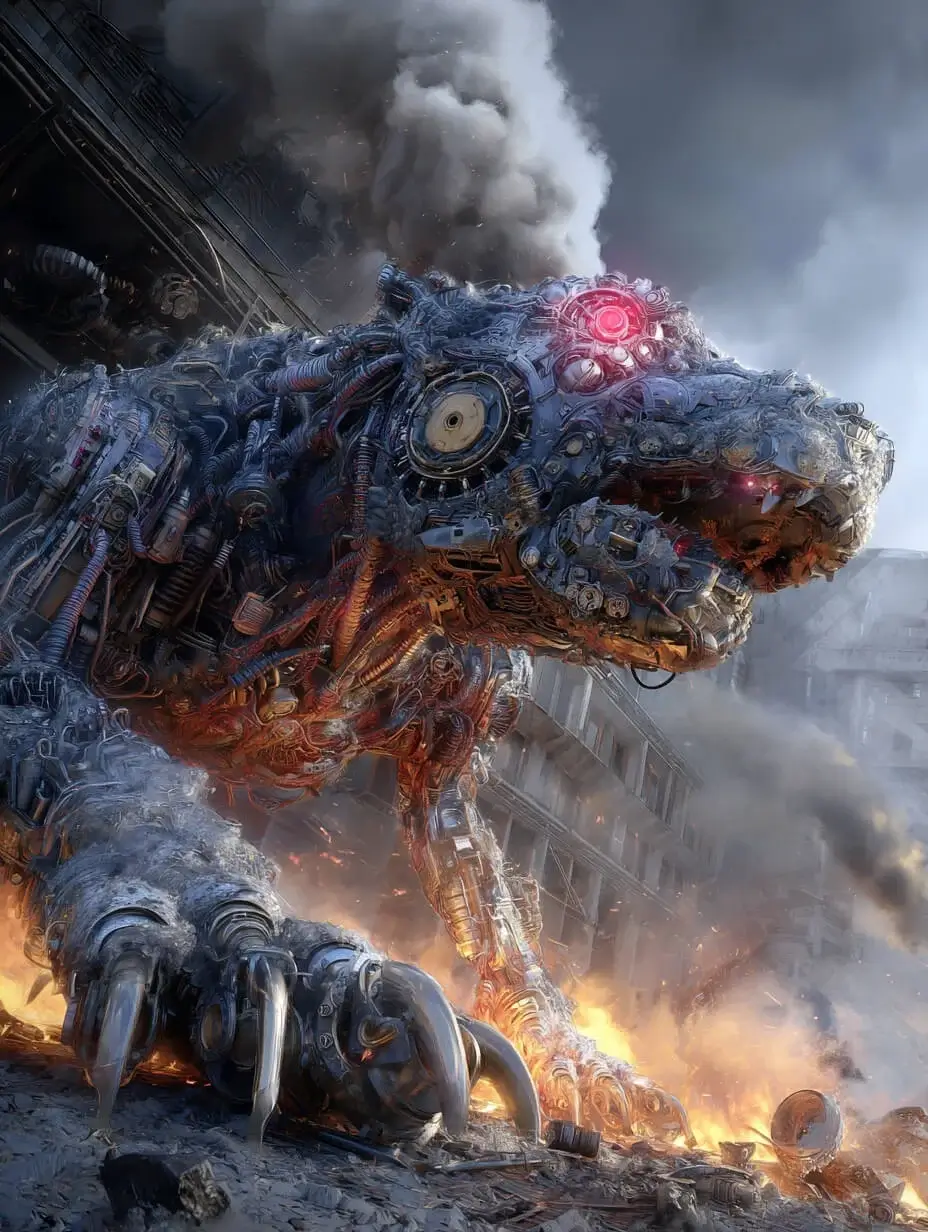
Turn text prompts into concept art, character designs, and fantasy landscapes for games, books, or mood boards.
Music & Voiceover Projects
Generate AI voiceovers, sound effects, and original music tracks to pair with videos for podcasts, ads, and social content.
Storytelling & Narrative Content
Bring story ideas to life by turning written scenes and prompts into compelling visual narratives for short films or series.
How to use Viddo AI?
Select the Appropriate Model
Browse the model library (e.g., Google Veo 3.1, Seedance 2.5, Kling 3.0, Grok Imagine) and pick the one that best fits your creative goal—cinematic footage, animation, image art, voice, or music.
Enter a Prompt or Use AI Assistance
Write a detailed prompt or upload an image/video/audio reference. For faster results, use the Generate With AI assistant to turn simple keywords into a full professional prompt, and enable Translate to English if needed.
Choose the Right Parameter Settings
Adjust the aspect ratio (16:9, 9:16, 4:3, 3:4, 1:1, 21:9), resolution (480p, 720p, 1080p), video length, Web Search toggle, and lock a Seed value to keep style and characters consistent.
Click Generate and Wait for Your Creations
Hit the Generate button. Images usually finish in seconds, while videos may take a few minutes. Once ready, your generated content will appear for preview and download.
Pros & Cons of Viddo AI
Pros
- Access to 20+ premium AI models under one roof, reducing the need for multiple subscriptions
- Multiple creation modes: text-to-video, image-to-video, video-to-video, text-to-image, image-to-image, AI voice, and AI music
- Beginner-friendly experience with no editing skills required and built-in AI prompt assistance
- Seed control allows consistent characters and style across a series of generations
- Competitive pricing with a 50% OFF promotion currently highlighted
Cons
- Credit-based costs can add up quickly: the sample generation shows 80 credits per request, and longer/higher-resolution videos will consume more.
- Video generation is not instant; videos may take a few minutes to render depending on model, settings, and queue.
- No native mobile or desktop app is mentioned, so the experience depends on a browser and a stable internet connection.
- Creative controls are relatively basic (prompt, ratio, resolution, length, seed) rather than offering frame-level editing or compositing tools.
Frequently Asked Questions
What is Viddo AI?
Viddo AI is an all-in-one AI video, image, and music creation platform. It integrates multiple leading AI models—such as Google Veo, Seedance, Kling, Grok, Runway, GPT Image, Midjourney, ElevenLabs, and more—so users can generate videos, images, voiceovers, sound effects, and music from simple prompts.
How do I create a video from text using Viddo AI?
Simply choose the Text to Video option, enter your prompt, select a model like Google Veo 3 or Seedance 2.5, adjust the ratio/resolution/length, and click Generate. Your video will be ready in minutes—no editing skills needed.
What models are integrated into Viddo AI?
Viddo AI integrates leading AI models including Seedance, Kling, Grok, Google, Runway, PixVerse, OpenAI, Midjourney, ElevenLabs, Suno, Wan, Vidu, Hailuo, Flux, Nano Banana, Seedream, and MiniMax, enabling powerful video, image, music, and voice generation.
Can I turn a photo into a video with AI?
Yes. With the Image to Video mode, you can upload a still image and let AI generate a dynamic video around it. The platform also supports video-to-video and reference-to-video workflows.
Is Viddo AI suitable for beginners?
Yes. Viddo AI is designed with beginners in mind: the interface is intuitive, there are step-by-step instructions, and the Generate With AI assistant can expand simple keywords into detailed prompts. No prior editing expertise is required.
How fast can Viddo AI generate a video or image?
Images usually take just seconds to generate. Videos may take a few minutes, depending on the selected model, video length, resolution, and current queue load.
What is the Seed feature and how does it work?
The Seed feature lets you lock a unique numerical value that keeps a video's style and character appearance consistent across generations. Lock the seed for series consistency, or click refresh to generate a new unique style.
Can I create unlimited-length videos with Viddo AI?
Yes. Viddo AI has announced support for creating unlimited-length videos, including a "Create Video From Music" feature and the newly launched Seedance 2.5 model.
Pricing Overview
View full pricing →The page displays annual billing with a 50% OFF discount. Monthly and one-time pricing are not shown in the provided content.
Reviews & Ratings0.0
No reviews yet. Be the first to write one!
Top Alternatives & Similar Software
View all alternatives & similar software→



People also viewed

Related searches
Is this your tool?
Claim this page to update details, reply to user reviews, and drive more traffic to your product.
Claim this Product →
Explore Related Topics
Keep up with Viddo AI alternatives
New alternatives, pricing changes and the week's biggest movers - one email every Tuesday.