



VidOne AI
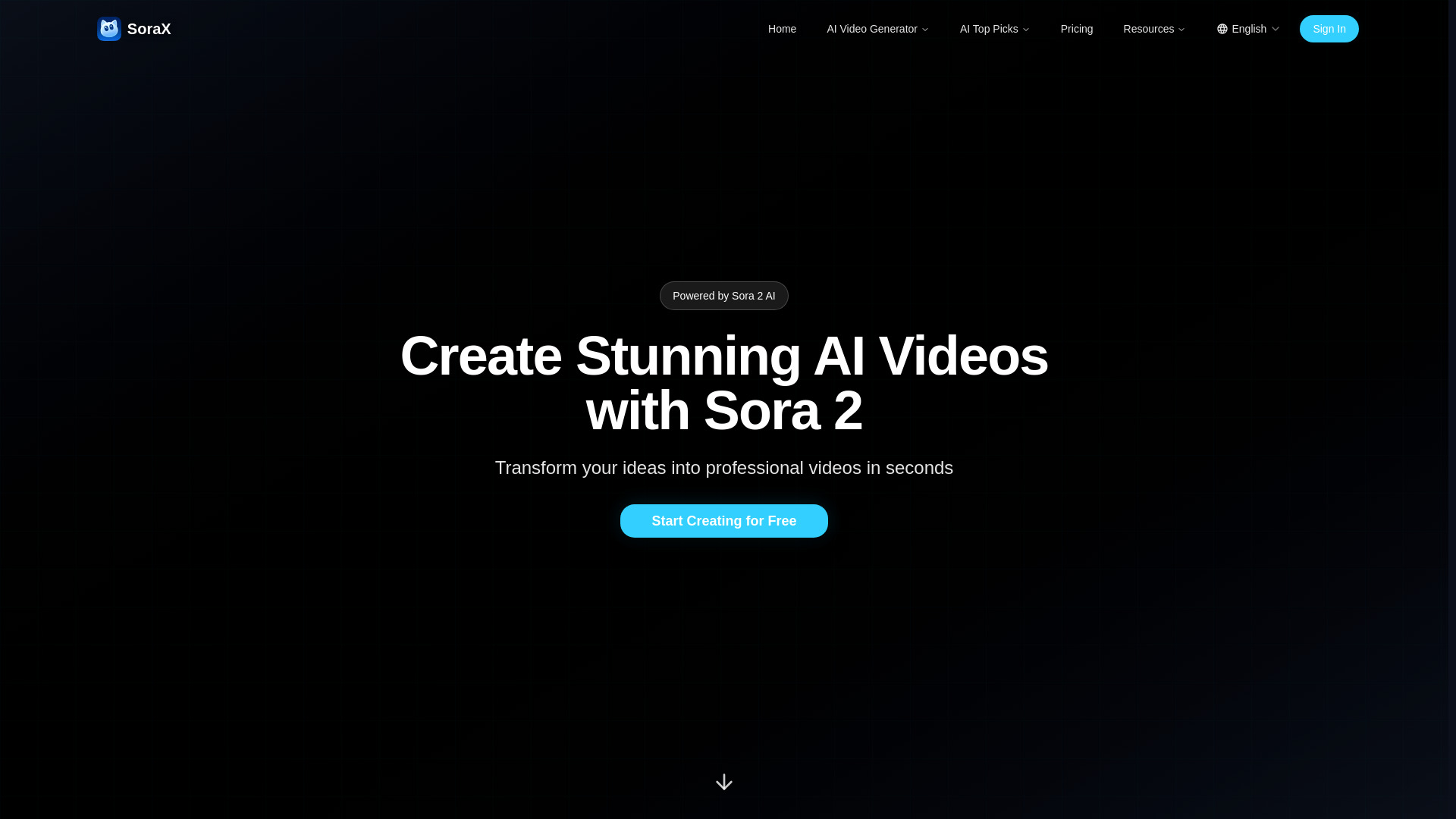
Turn a text prompt or still image into publish-ready, Sora 2-powered videos in seconds — no editing required.


What is VidOne AI?
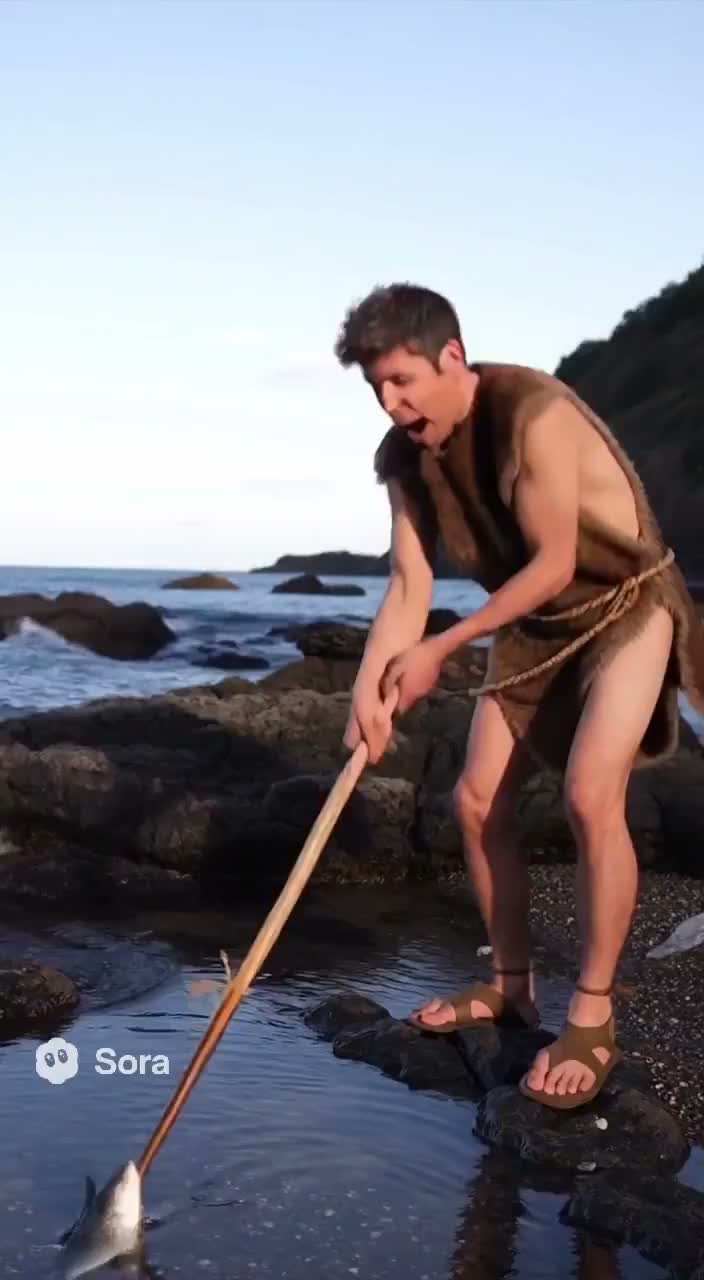
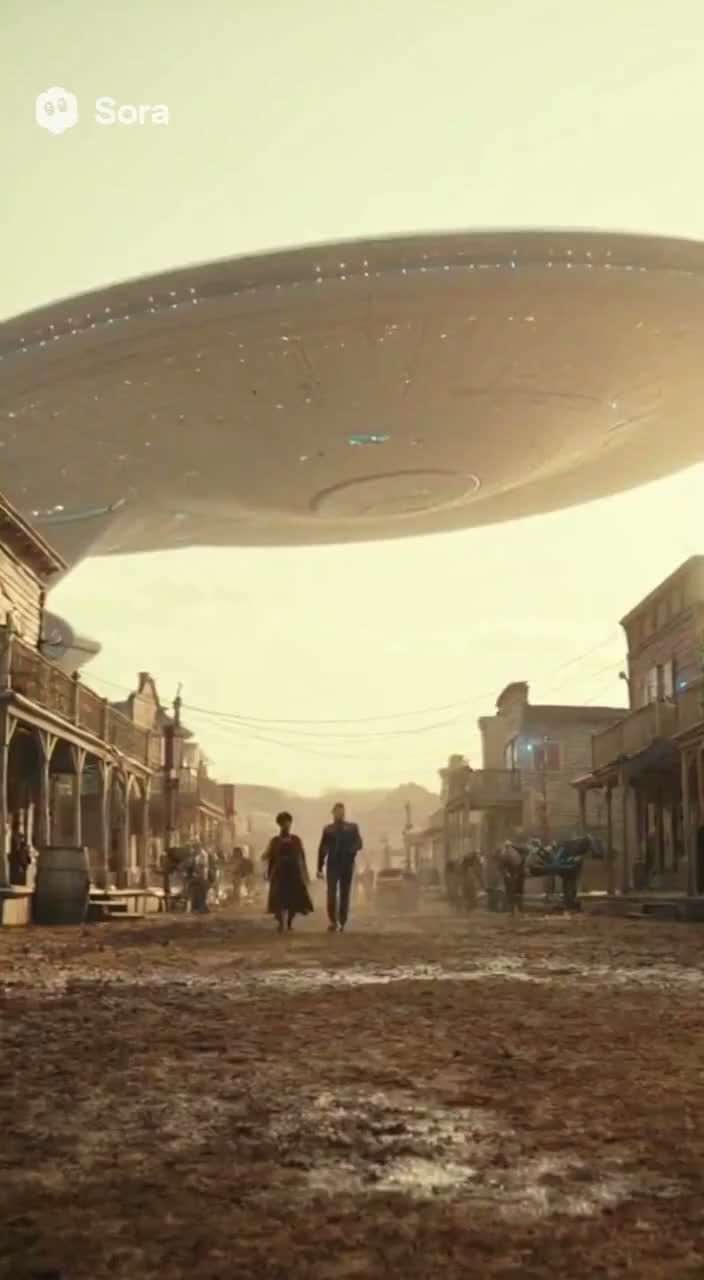
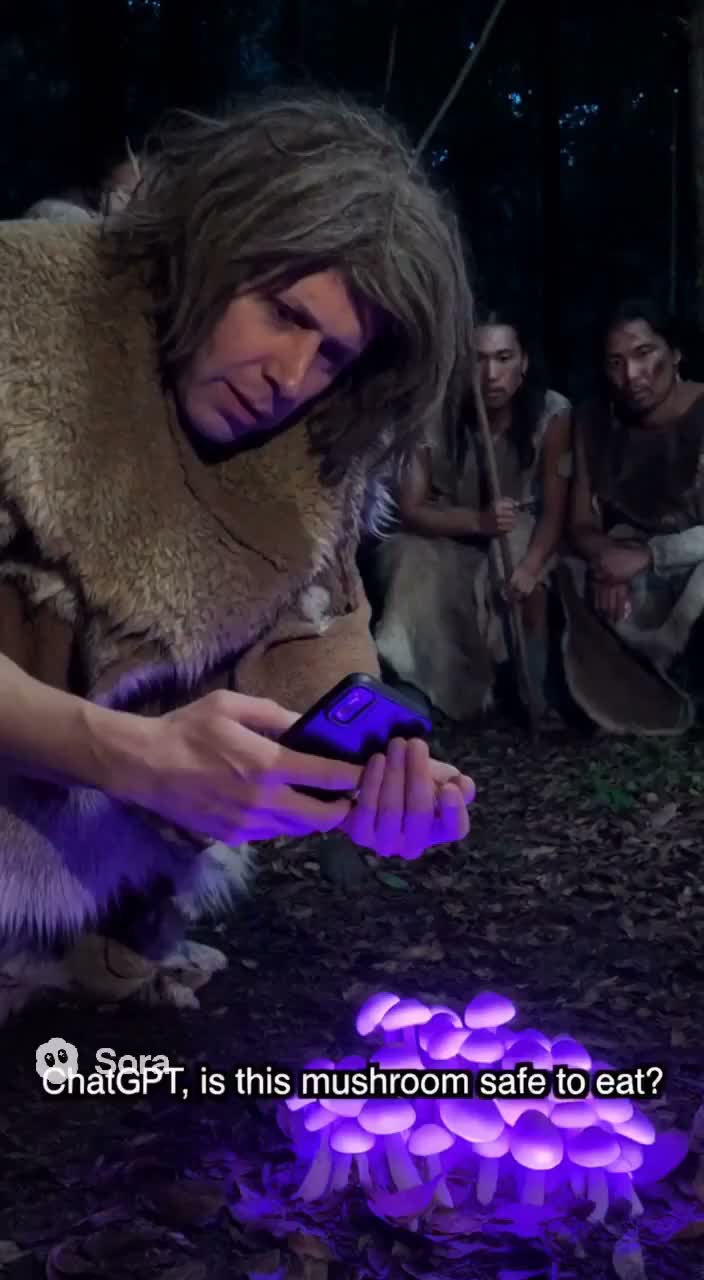
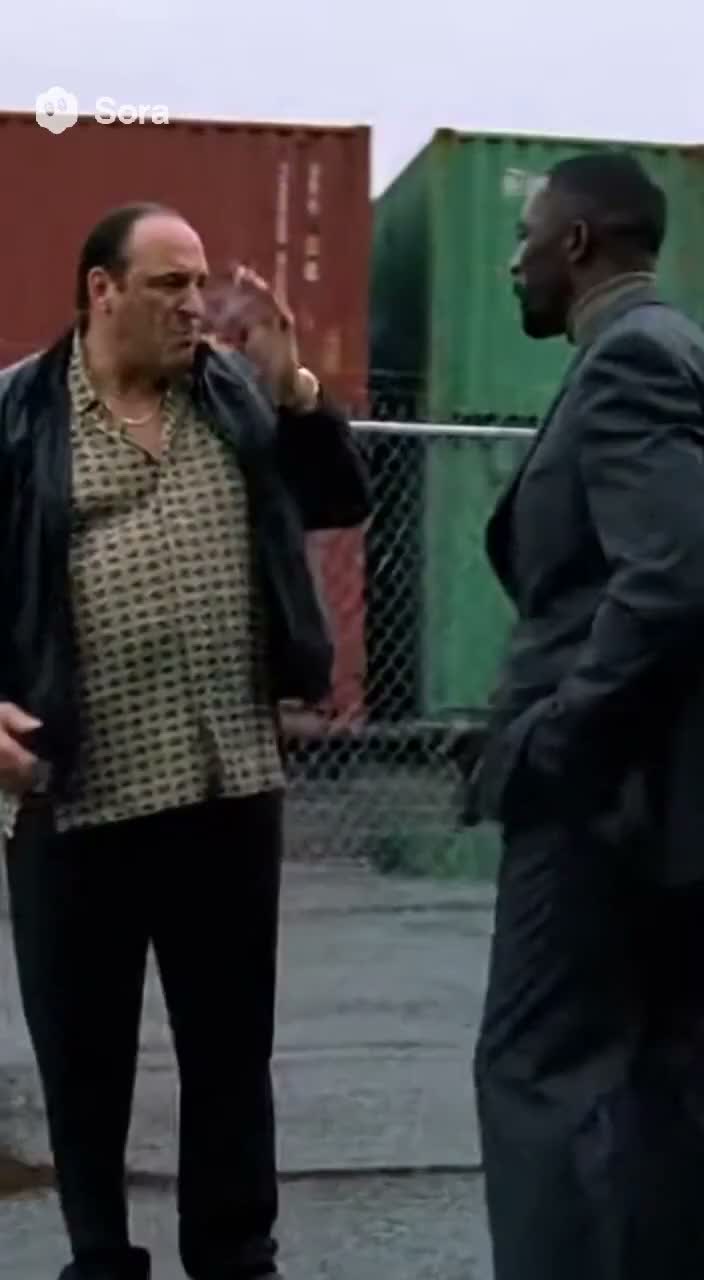
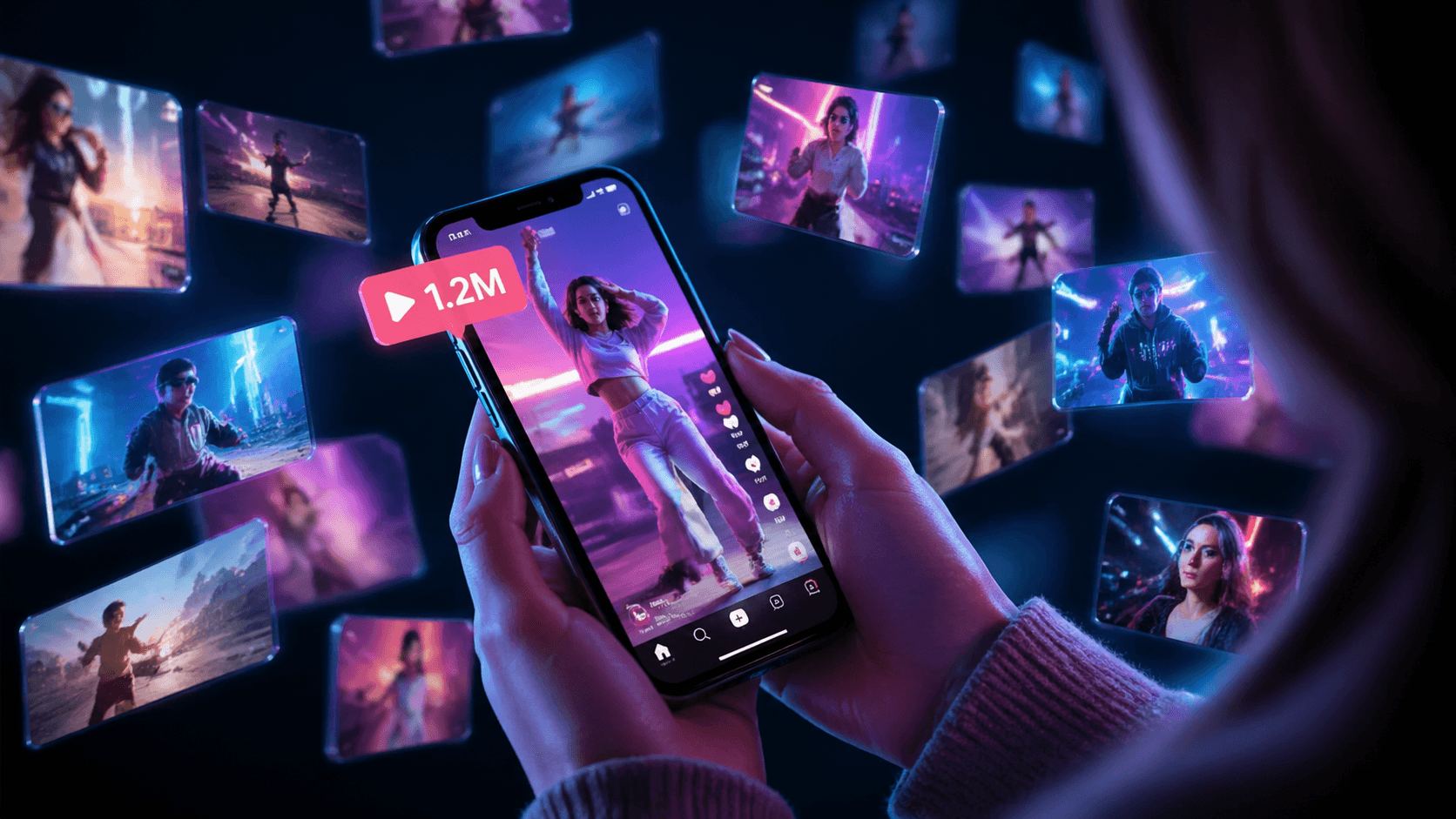
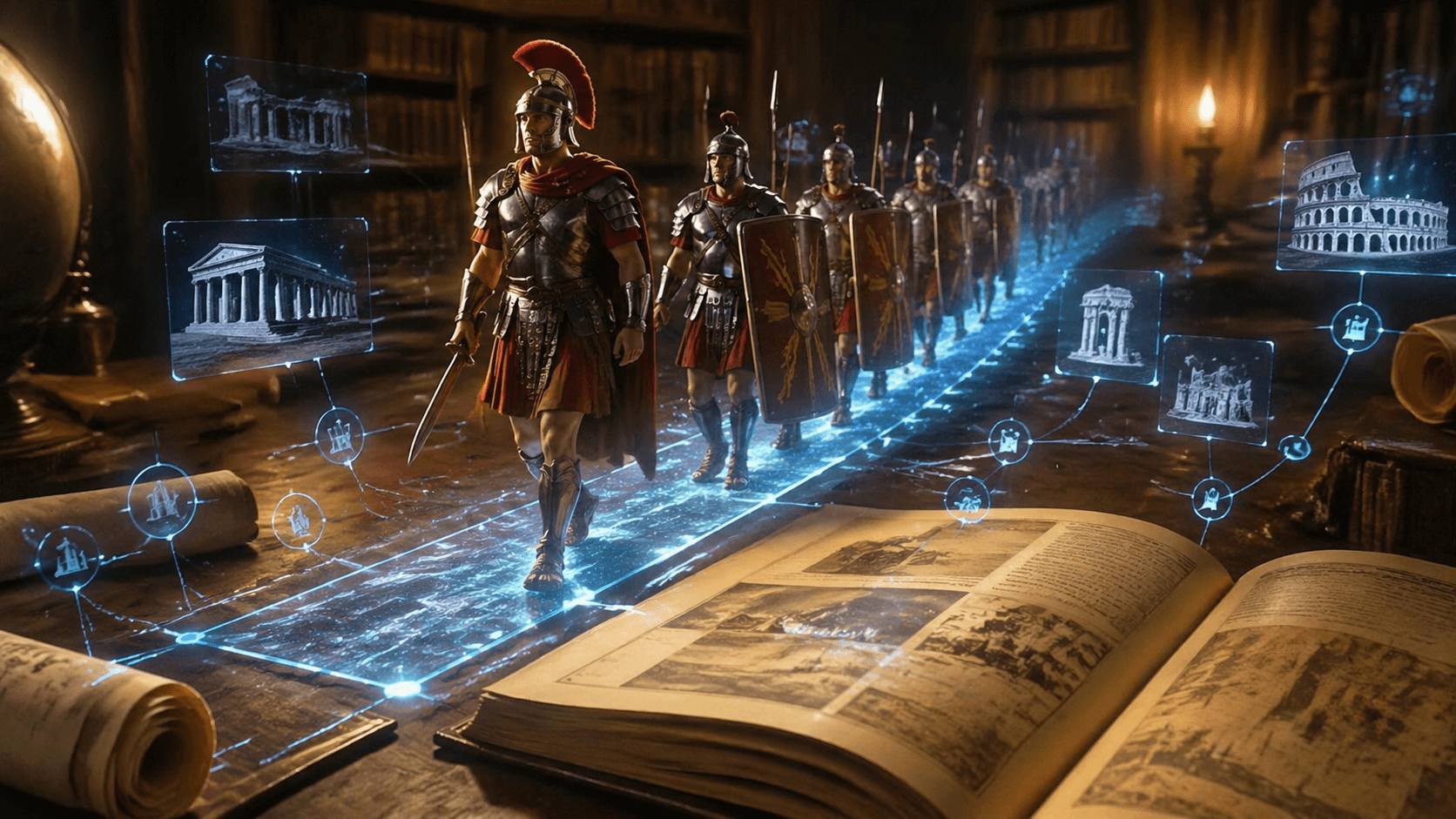
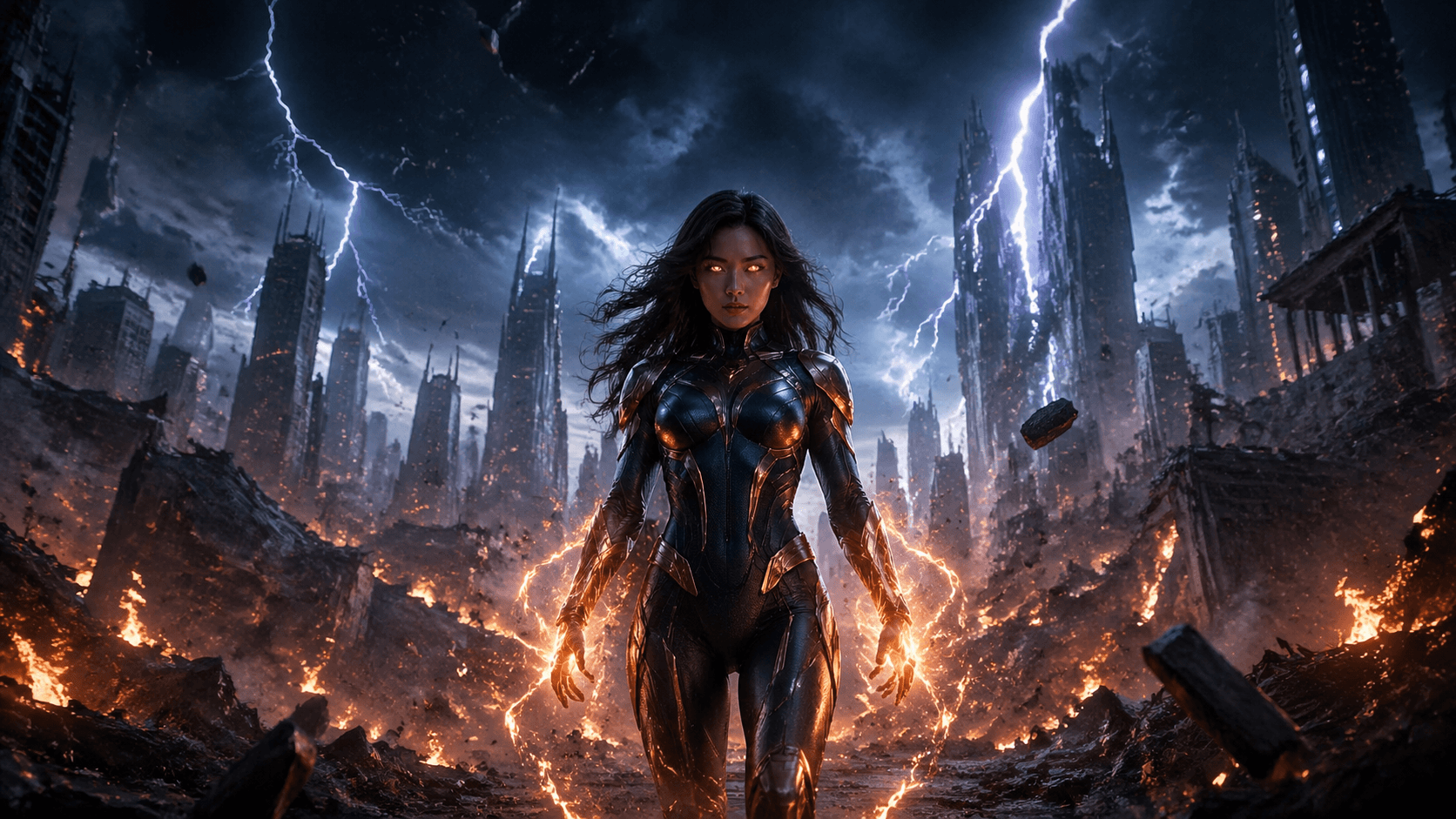
VidOne AI is an all-in-one AI image and video generation platform powered by Sora 2, designed to turn text prompts or still images into polished, publish-ready videos in seconds. Built around a unified generator, the platform lets users describe a scene, upload a reference image, and receive a finished clip with native audio — without any manual video editing. New users can start with free credits, preview results, and download only when they are satisfied with the output. The core workflow supports both text-to-video and image-to-video creation, with a model selector that lets you switch to Sora 2 directly from the VidOne homepage. Additional production tools include Sora 2 Pro options for more granular control, an AI video upscaler for sharper final clips, and a watermark remover to clean up source footage. The included gallery showcases cinematic landscapes, abstract art, character animation, urban motion, portraits, and photo animation, giving creators a quick starting point for prompts. VidOne AI is offered as a cloud-based subscription service with three tiers: Starter, Pro, and Max. Starter costs $29 per month and includes 800 credits for up to 160 videos at 1080p; Pro costs $49 per month and adds 4K output, no watermark, unlimited storage, API access, and priority processing; Max costs $99 per month and targets enterprise users with 8K resolution, commercial licensing, custom integrations, and white-label options. The platform is especially useful for content creators, designers, marketers, and startup teams looking to prototype visual ideas quickly.
SpecificationsAI-estimated
Key Features of VidOne AI
Use Cases for VidOne AI
Cinematic Landscape Generation
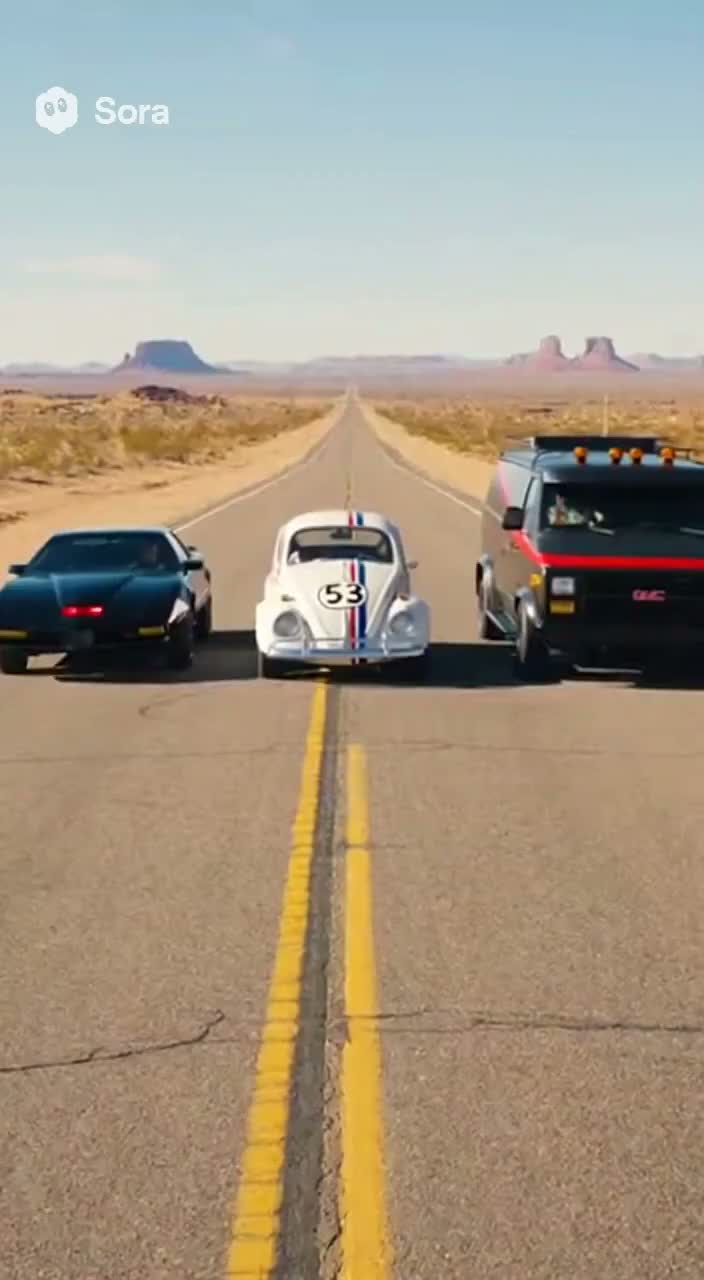
Use text prompts to generate cinematic landscape shots with dramatic lighting, camera movement, and professional color grading.
Abstract Art Creative Effects
Create abstract art videos with stunning visual effects and artistic expression directly from a prompt.
Character Animation Professional
Produce professional 3D character animations with fluid motion, expressive facial details, and Pixar-style rendering.
Urban Scene Dynamic Motion
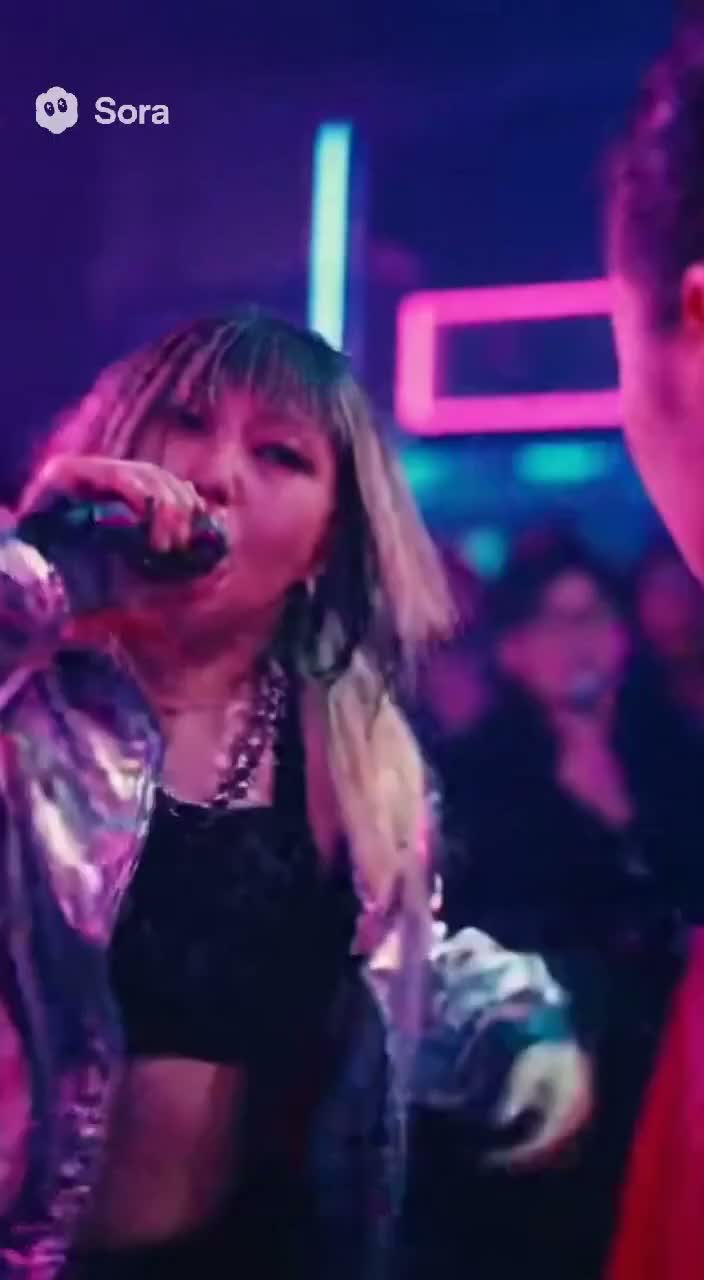
Generate dynamic urban scenes with realistic motion, HDR visual quality, and professional atmosphere.
Image-to-Video Realistic Motion
Transform static photos into living scenes using realistic parallax motion, natural physics, and atmospheric effects.
Photo Animation Seamless Transition
Animate photos with smooth transitions and natural movement, ideal for social media and creative storytelling.
Portrait Video Natural Movement
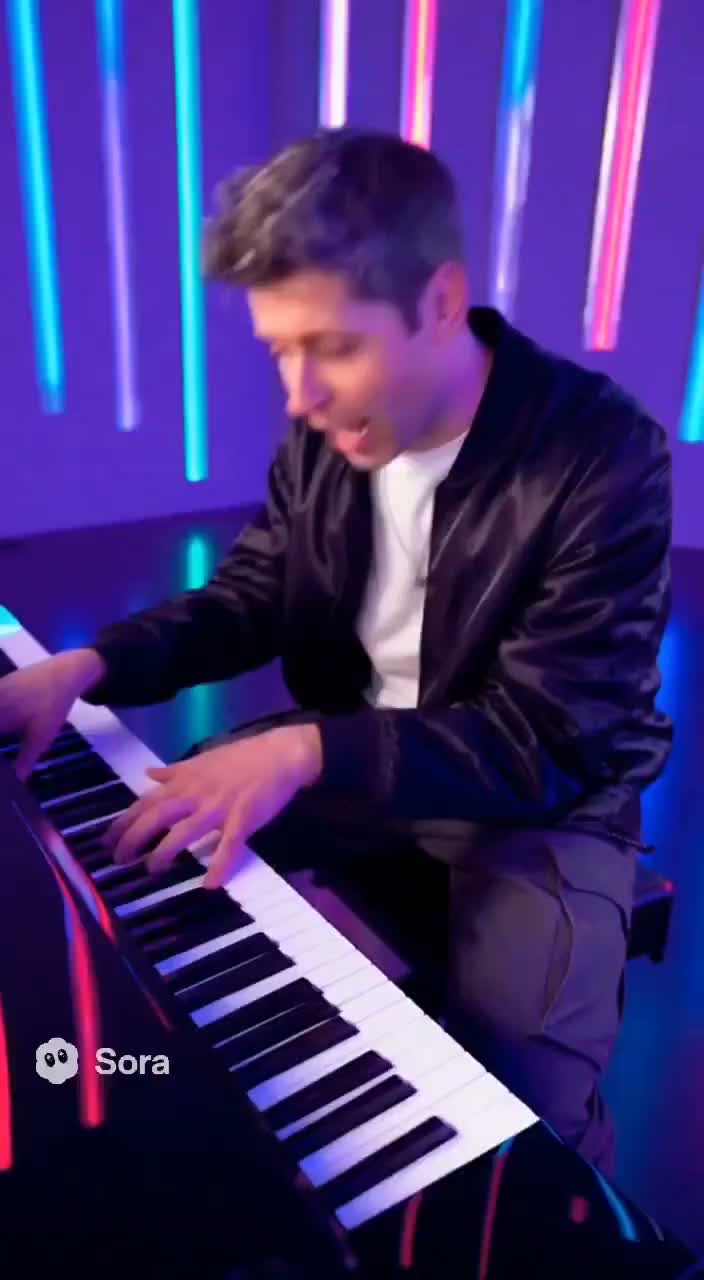
Create portrait videos with natural human movement, expressive facial features, and cinematic lighting.
Product Launch Teaser
Quickly produce product launch teasers or visual concepts for clients without hiring a motion designer.
Social Media Shorts
Generate daily social media shorts by uploading a sketch or photo and typing a mood or scene description.
How to use VidOne AI?
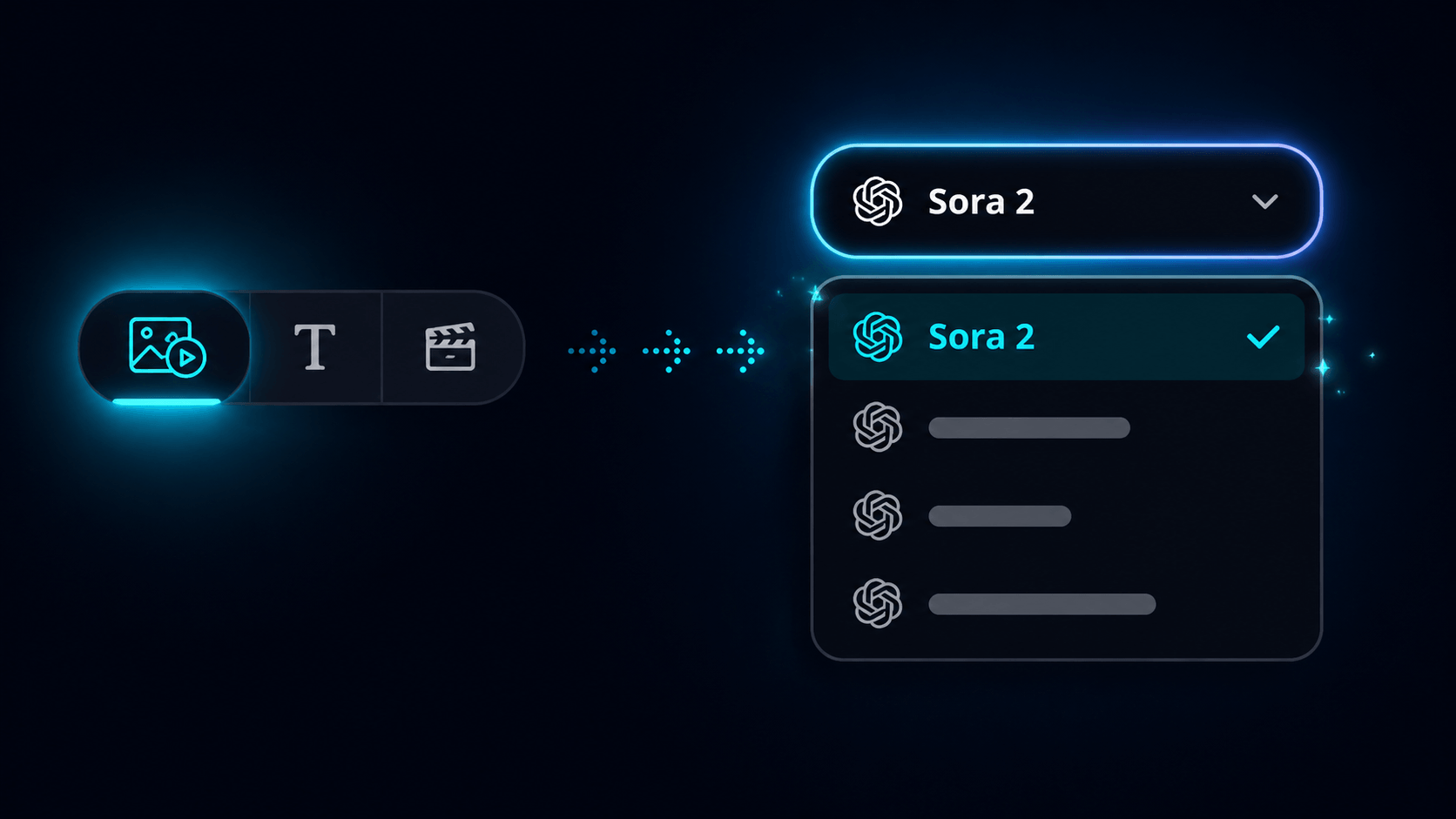
Pick Sora 2 in the VidOne Generator
Open the VidOne generator on the homepage and switch the model selector to Sora 2. The same workflow handles both text-to-video and image-to-video, so there is no separate page to load.
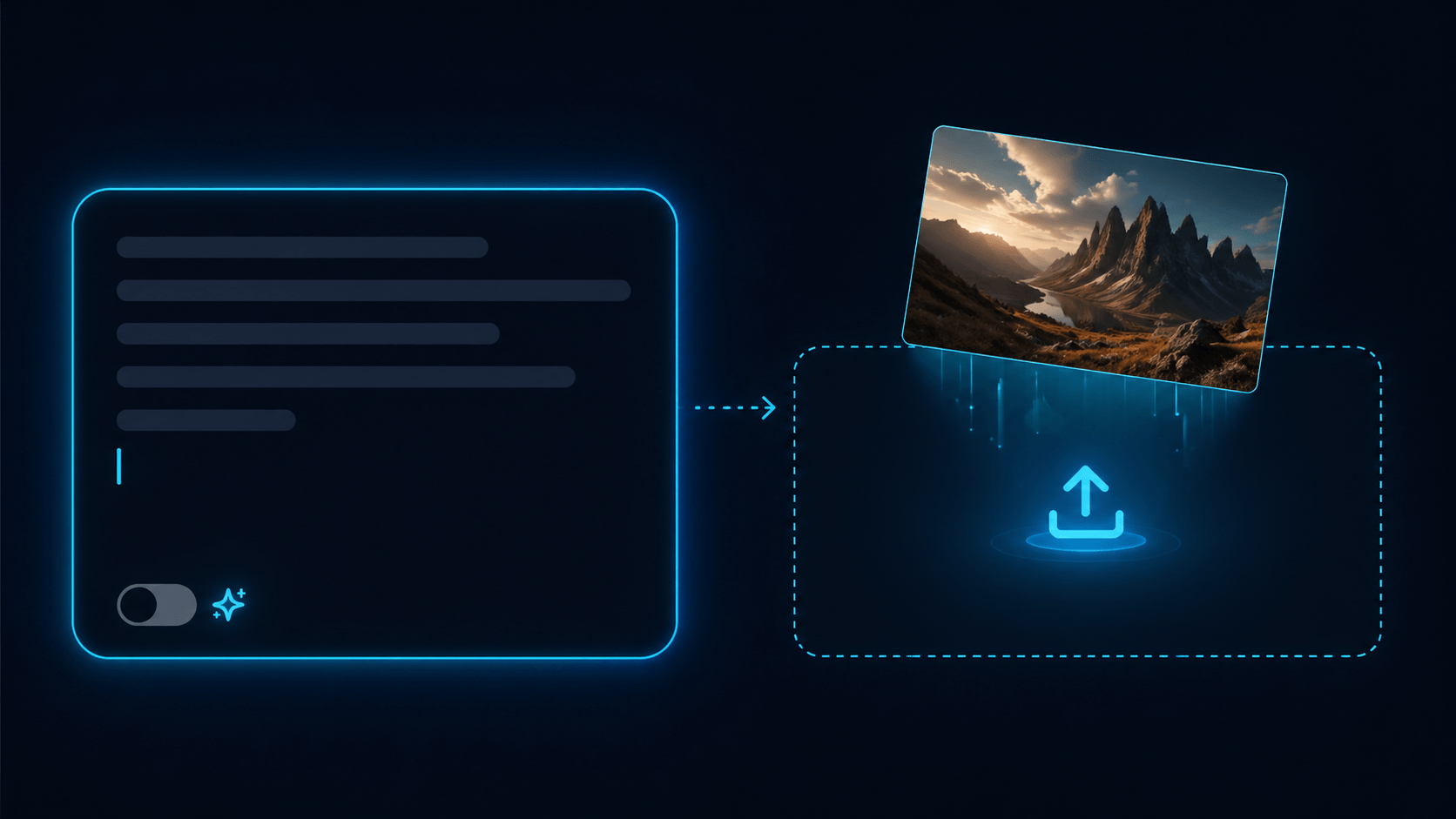
Write a Prompt or Drop In a Photo
Describe the scene you want — characters, actions, setting, and camera moves — or upload a reference image. The more specific your brief, the closer Sora 2 lands to what you imagined.
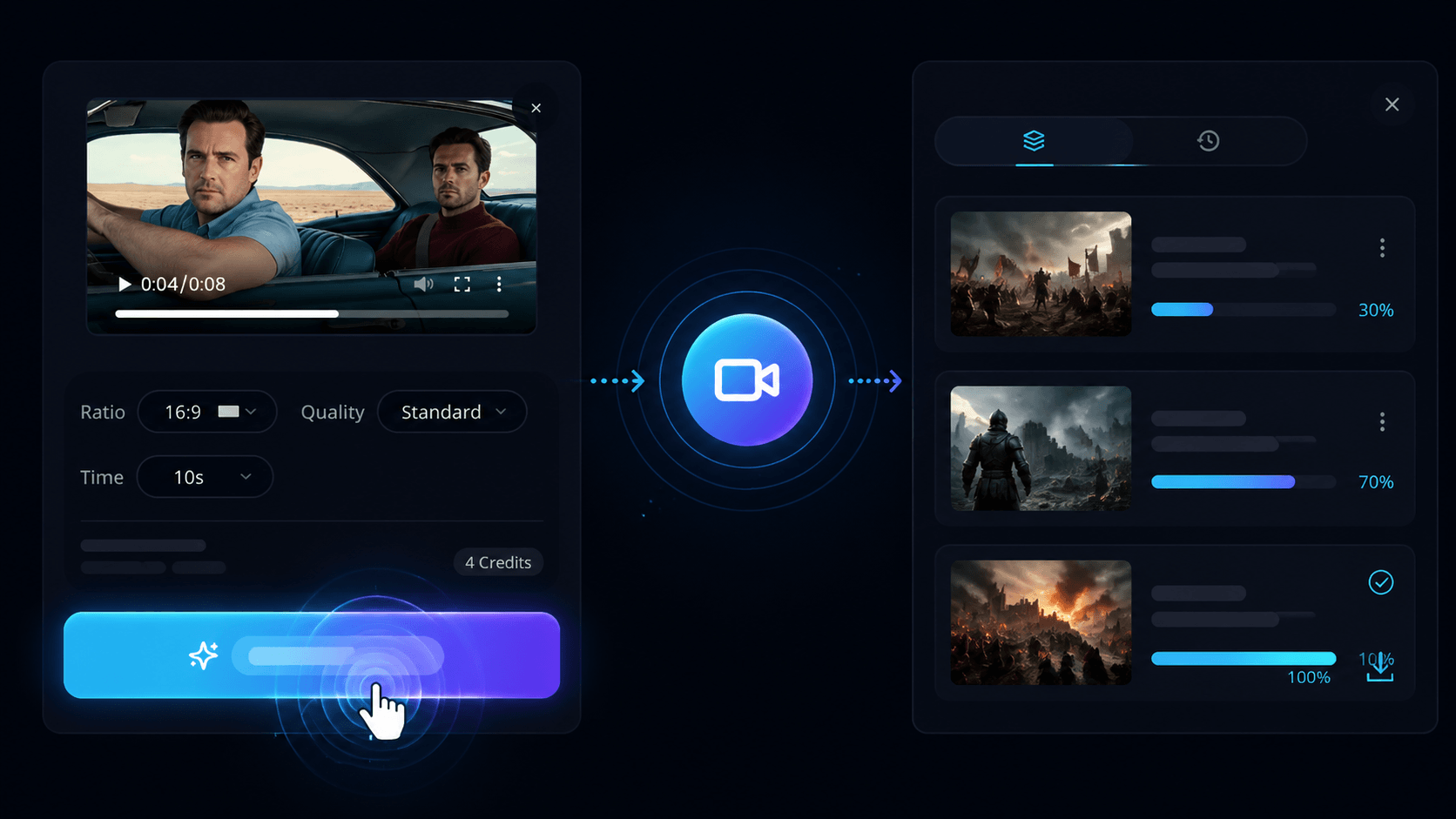
Generate, Preview & Download
Hit Generate and Sora 2 returns a finished clip with native audio in minutes. Preview it inline, download it in your preferred format, or send it back through for another pass.
Pros & Cons of VidOne AI
Pros
- Built on OpenAI's Sora 2 model for high-quality text and image-to-video generation
- Combines text-to-video, image-to-video, upscaling, and watermark removal in one workflow
- No editing skills required — generate, preview, and download in minutes
- Flexible credit-based plans from 800 to 4,000 monthly credits with up to 8K output
- Cloud processing makes generation feel fast and accessible from the browser
Cons
- Starter plan limits output to 1080p, includes a VidOne watermark, and only offers 14 days of storage.
- Higher-tier capabilities like 4K/8K resolution, API access, and commercial licensing require paid Pro or Max subscriptions.
- There is no mention of offline desktop apps or dedicated mobile applications, so generation is tied to web/cloud access.
- Credit-based pricing means heavy daily video production may quickly consume monthly credits and require a top-tier plan.
Frequently Asked Questions
What is VidOne AI?
VidOne AI is an all-in-one AI image and video generator that uses Sora 2 to create videos from text prompts or still images. It also includes tools like video upscaling and watermark removal.
Can I create a video from an image?
Yes. Upload a single photo, then guide the movement with a short prompt to create product shots, portraits, visual concepts, or social clips.
Do I need video editing skills to use this tool?
No editing skills are required. You simply write a prompt or drop in a photo, click generate, preview the result, and download the clip.
What are the pricing plan options?
Starter is $29/month, Pro is $49/month, and Max is $99/month. Starter offers 800 credits, Pro offers 1,800 credits, and Max offers 4,000 credits per month.
Do generated videos have a watermark?
Starter includes a VidOne watermark and 14-day storage. Pro and Max plans have no watermark and unlimited storage.
Does Sora 2 generation include audio?
Yes, Sora 2 returns a finished clip with native audio. This means the generated videos include synchronized audio by default.
What resolutions are supported?
The Starter plan supports up to 1080p, the Pro plan supports up to 4K, and the Max plan supports up to 8K resolution.
Is there a free way to try VidOne AI?
Yes. You can start with free credits to test the generator, preview results, and download when ready before committing to a paid plan.
Does VidOne AI offer API access?
API access is included with the Pro and Max plans, allowing developers to integrate video generation into their own workflows.
How does the video upscaler work?
After generation, you can use the AI video upscaler to improve lower-resolution clips for websites, presentations, ads, and social publishing.
Reviews & Ratings0.0
No reviews yet. Be the first to write one!
Top Alternatives & Similar Software
View all alternatives & similar software→No alternatives available yet.
People also viewed



Related searches
Is this your tool?
Claim this page to update details, reply to user reviews, and drive more traffic to your product.
Claim this Product →
Tags
Explore Related Topics
Keep up with VidOne AI alternatives
New alternatives, pricing changes and the week's biggest movers - one email every Tuesday.