


SkyReels
Direct every frame of your AI-generated cinematic video with synchronized audio and complete control.
What is SkyReels?
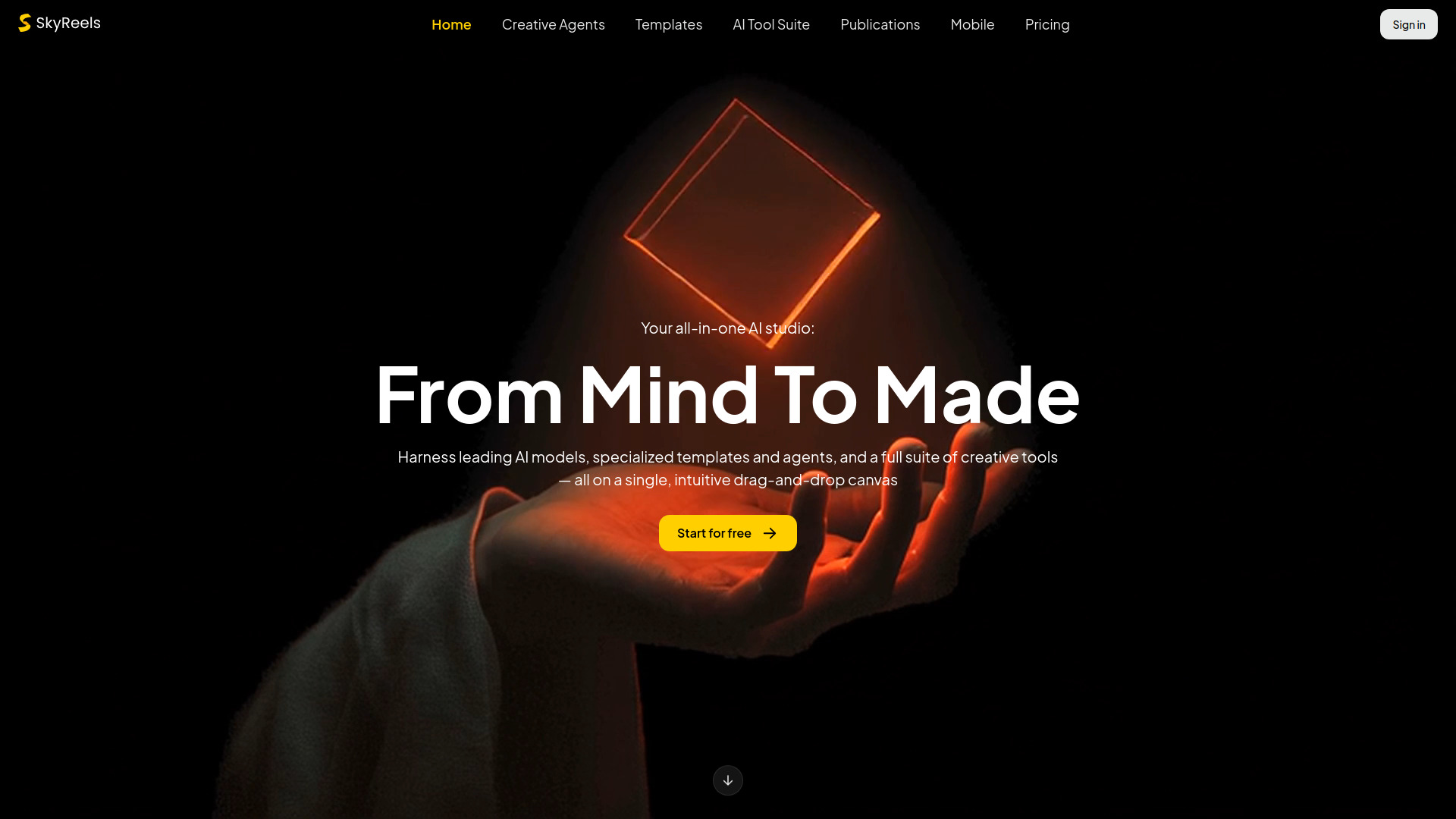
SkyReels is an AI-powered video creation platform that turns text, images, and reference materials into cinematic videos with synchronized audio. The tool is designed around a directorial approach: instead of simply generating clips, it lets users control motion, camera movement, transitions, characters, and story continuity using multimodal inputs. Its latest V4 iteration emphasizes full creative control, making it suitable for storytellers who want more than one-click AI footage. The platform supports three core workflows. Text-to-Video transforms written prompts into fully realized scenes with motion and sound; Image-to-Video animates still images with natural movement and smooth camera control; and Omni Reference-to-Video combines image, video, and audio references to maintain character and style consistency across multiple shots. This flexibility makes it easy to build coherent narratives rather than isolated clips. SkyReels is built for storytelling, with features like audio-first generation, smarter shot transitions, and directorial prompts that guide every frame. It appeals to content creators, filmmakers, marketers, and anyone producing visual stories who wants a faster, more controllable alternative to traditional video production. By combining generation and direction in one workflow, SkyReels positions itself as a creative tool for both quick ideation and polished narrative projects.
SpecificationsAI-estimated
Key Features of SkyReels
Use Cases for SkyReels
Cinematic Storytelling
Create full narrative videos with consistent characters, style, and synchronized audio across multiple scenes.
Social Media Content Creation
Turn prompt ideas or images into polished short-form video content ready for social media platforms.
Marketing and Advertising
Use Omni Reference to Video to keep brand characters and visual style consistent in ad campaigns.
Concept Visualization
Animate still images or concept art with natural motion and camera movement for animation pre-visualization.
Educational Videos
Produce explainer videos and tutorials from text prompts with supporting audio and smooth transitions.
Rapid Prototyping for Video
Generate quick video drafts from images and references before committing to full production workflows.
How to use SkyReels?
Describe or Upload Your Input
Write a text prompt describing your scene, story, or cinematic idea, or upload an image, video clip, or audio reference to guide generation.
Select a Generation Mode
Choose between Text to Video, Image to Video, or Omni Reference to Video depending on the source material you want to use.
Direct the Video with References
Use multimodal references to control characters, style, camera movement, and story details. Direct the video with prompts and reference inputs rather than relying on fully automatic generation.
Generate and Refine
Generate the video with synchronized audio, then review the result. Adjust prompts, references, or camera controls as needed to refine the output.
Export Your Creation
Once the result matches your vision, export the final cinematic sequence for sharing, publishing, or further editing.
Pros & Cons of SkyReels
Pros
- Generates video and synchronized audio in one step
- Offers multimodal reference inputs for fine-grained control
- Maintains character and story consistency across scenes
- Provides cinematic motion, camera control, and seamless transitions
- Simple prompt-based workflow accessible to creators without editing skills
Cons
- No detailed pricing or subscription information is listed on the landing page
- Best results depend on the quality of the source image, video, and audio references
- Advanced directorial features like multimodal reference control may have a learning curve for new users
- Browser-based generation likely requires a stable internet connection for longer video renders
Frequently Asked Questions
What is SkyReels?
SkyReels is an AI video generation platform that creates cinematic videos from text prompts, images, and multimodal references. It generates motion, camera movement, and synchronized audio together for full directorial control.
What input modes does SkyReels support?
SkyReels supports three primary input modes: Text to Video, Image to Video, and Omni Reference to Video. The Omni mode accepts image, video, and audio references.
Does SkyReels generate audio along with video?
Yes. SkyReels is described as 'audio comes first' — it generates video and sound together rather than separately, so clips include synchronized audio.
Can SkyReels keep characters consistent across scenes?
Yes. The Omni Reference to Video mode uses image, video, and audio references to control characters, style, and story continuity across scenes, enabling consistent characters.
Who is SkyReels for?
SkyReels is aimed at storytellers, content creators, filmmakers, marketers, and anyone producing video content who wants cinematic results with greater creative control.
Do I need video editing experience to use SkyReels?
Yes. SkyReels uses text-to-video generation, so you can describe your idea in a prompt and the platform creates cinematic motion, sound, and storytelling without requiring technical editing skills.
Reviews & Ratings0.0
No reviews yet. Be the first to write one!
Top Alternatives & Similar Software
View all alternatives & similar software→No alternatives available yet.
People also viewed


Related searches
Is this your tool?
Claim this page to update details, reply to user reviews, and drive more traffic to your product.
Claim this Product →
Tags
Explore Related Topics
Keep up with SkyReels alternatives
New alternatives, pricing changes and the week's biggest movers - one email every Tuesday.