



Sora-2.run
Create high-quality AI videos instantly from text prompts and images — no waitlist, no complicated workflow.

What is Sora-2.run?
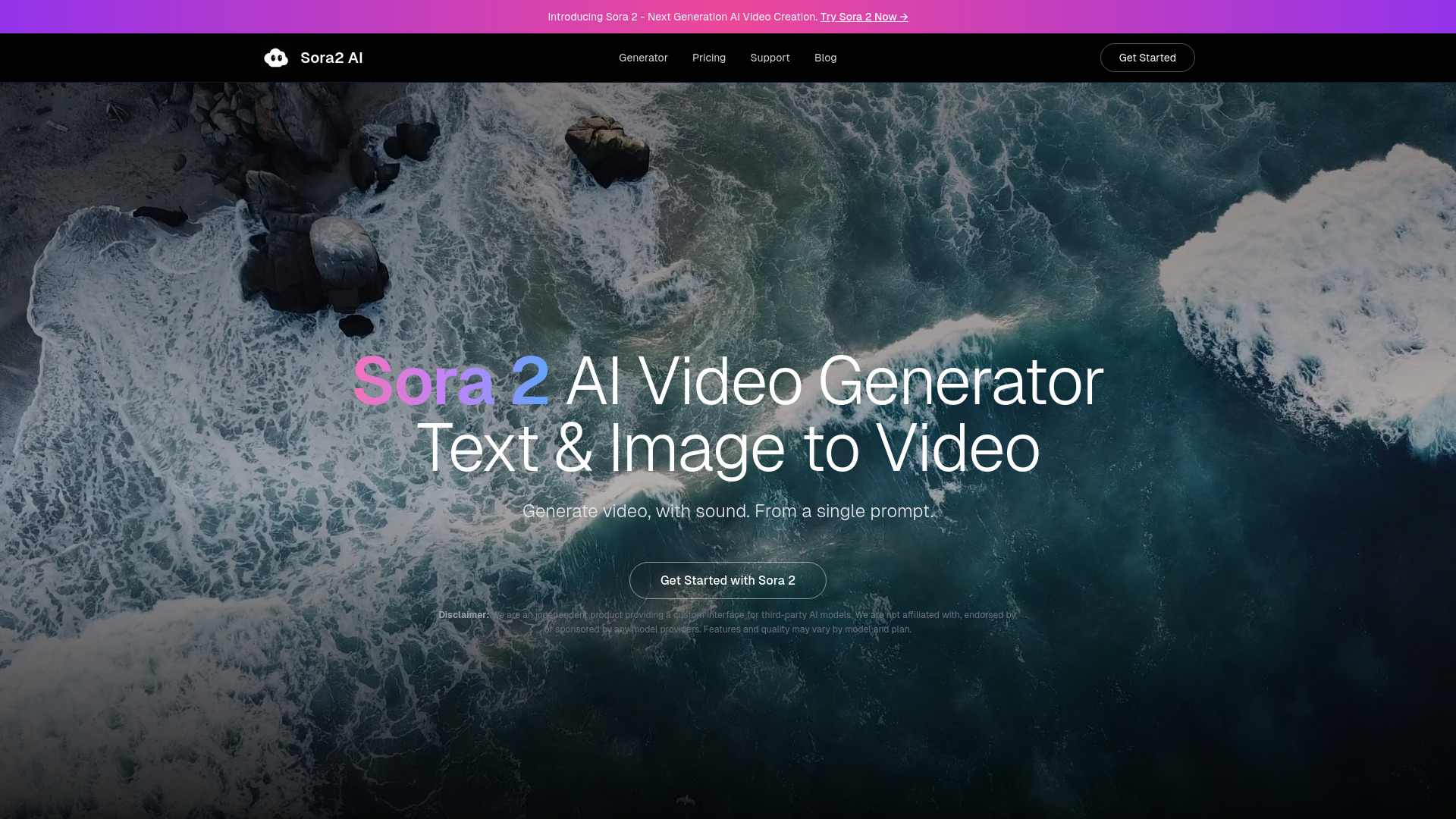
Sora-2.run is a browser-based AI video generation platform that markets itself as an instant, waitlist-free way to create Sora 2 AI videos. It combines text-to-video and image-to-video workflows, allowing users to write a prompt or upload a starting image and generate short motion sequences in seconds. The platform is clearly positioned as an independent experience and states that it is not affiliated with OpenAI or the official Sora 2 product. At its core, Sora-2.run emphasizes speed and simplicity. Users can skip gated access, test multiple prompts quickly, and use generated clips for social media posts, ad creatives, concept tests, or commercial projects. The site also offers dedicated pages for text-to-video generation, image animation, commercial-use guidelines, and comparisons to Sora alternatives, making it a practical option for creators who value a clean workflow and fast iteration. The product includes an AI model disclosure explaining that it relies on a combination of proprietary and third-party AI systems. Users retain ownership of content they create, though they must have the rights to any input materials. Because results can vary with prompt quality and complexity, it is best suited for content creators, marketers, and designers who want a low-friction online AI video generator for drafts, experiments, and polished short-form clips.
SpecificationsAI-estimated
Key Features of Sora-2.run
Use Cases for Sora-2.run
Social Media Clips
Generate short-form videos for social platforms directly from text prompts without a complex production pipeline.
Ad Creative Testing
Create quick visual concepts for ads and paid campaigns before committing to full production.
Image Animation
Turn still reference images into animated video concepts with realistic movement and camera motion.
Content Concept Drafts
Produce rough visual drafts to evaluate scene direction, pacing, and style during early planning.
Client and Commercial Work
Use generated videos for client projects, YouTube content, and business campaigns under the platform's commercial-use terms.
Prompt Experimentation
Iterate quickly on different prompts to explore cinematic options and refine the output until it matches your vision.
Marketing Assets
Build polished marketing drafts and visual assets for websites, presentations, and product launches.
How to use Sora-2.run?
Open the generator
Open Sora-2.run in your web browser and choose the Sora 2 AI video generator page.
Choose your workflow
Select whether you want to generate video from a text prompt or animate an uploaded image.
Describe the scene or upload an image
Write a scene description that includes motion, pacing, camera movement, and visual style. If using image-to-video, upload your starting frame.
Generate your video
Run the generation and review the AI video output for motion, style, and overall quality.
Iterate and finalize
Refine your prompt or swap the reference image and generate again until the result matches the shot you want, then use the clip in your project.
Pros & Cons of Sora-2.run
Pros
- No waitlist or gated access to start generating
- Supports both text-to-video and image-to-video workflows
- Simple interface focused on fast output and iteration
- Handles commercial use and content ownership questions directly
- Works entirely in the browser with no installation needed
Cons
- Not affiliated with OpenAI, so it is not the official Sora 2 product.
- AI model limitations can occasionally produce unexpected results, biases, or inaccuracies.
- Users are responsible for ensuring they have the rights to any uploaded input materials.
- The landing page provides limited technical details about the underlying models and pricing.
Frequently Asked Questions
What is Sora-2.run?
Sora-2.run is an independent AI video generation platform that creates Sora 2-style videos from text prompts and images. It is not affiliated with OpenAI or the official Sora 2 product.
Is Sora-2.run affiliated with OpenAI?
No. Sora-2.run explicitly states it is an independent experience and is not affiliated with OpenAI or the official Sora 2 product.
Do I need to join a waitlist to use Sora-2.run?
No waitlist is required. The site says it is live with instant access and no waitlist, so users can start generating videos immediately.
Can I use my own images to create videos?
Yes. The platform supports image-to-video generation, allowing users to upload a still image and animate it into a dynamic video using a text prompt.
Can I use generated videos for commercial purposes?
Sora-2.run has a commercial-use page and terms of service covering YouTube, ads, client work, paid campaigns, and business video usage. Users are advised to review those guidelines.
Who owns the videos I generate?
Users retain ownership of content they create with Sora-2.run, but they must ensure they have the appropriate rights to any input materials they upload.
What AI models does Sora-2.run use?
The product uses a combination of proprietary and third-party AI systems, including text-to-video generation models, image-to-video generation models, and media processing/enhancement pipelines.
What limitations should I be aware of?
AI models may occasionally produce unexpected results, biases, or inaccuracies. Results can vary based on prompt quality and complexity, and deepfake content must be clearly disclosed when shared publicly.
Reviews & Ratings0.0
No reviews yet. Be the first to write one!
Top Alternatives & Similar Software
View all alternatives & similar software→No alternatives available yet.
People also viewed



Related searches
Is this your tool?
Claim this page to update details, reply to user reviews, and drive more traffic to your product.
Claim this Product →
Tags
Explore Related Topics
Keep up with Sora-2.run alternatives
New alternatives, pricing changes and the week's biggest movers - one email every Tuesday.