



Roboto
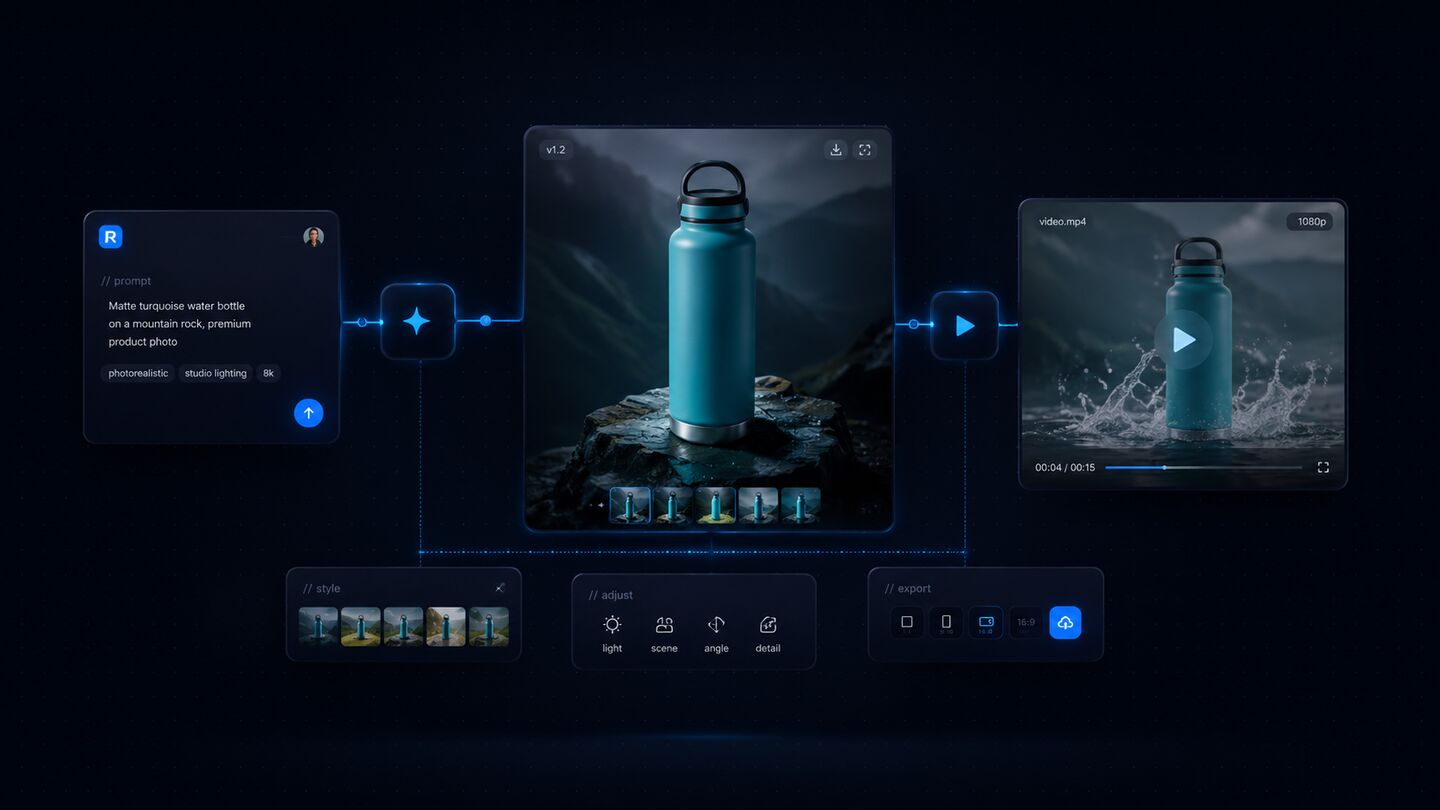
Ask for an image or a video in plain language; Roboto creates it after you approve the cost.



















What is Roboto?
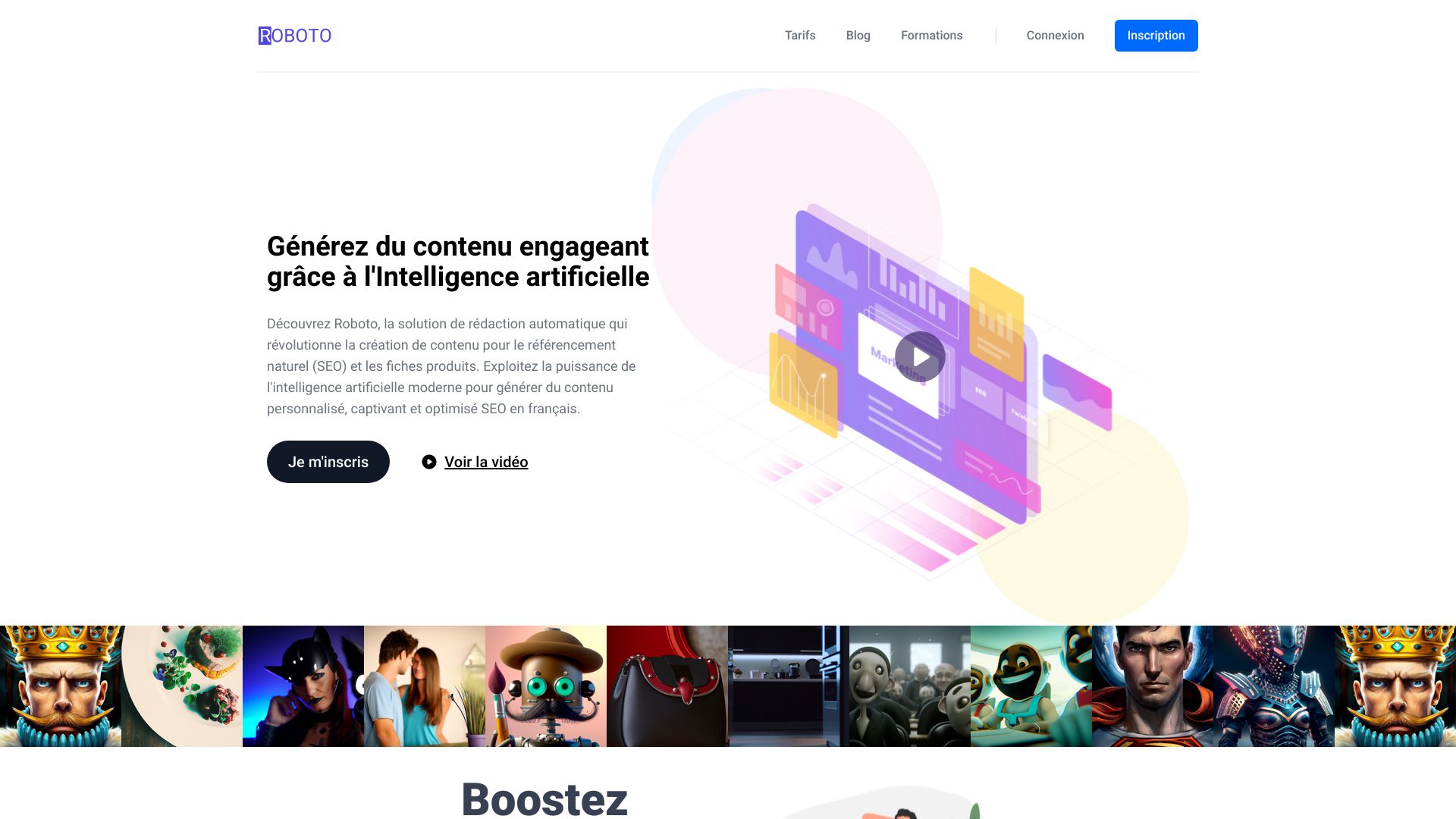
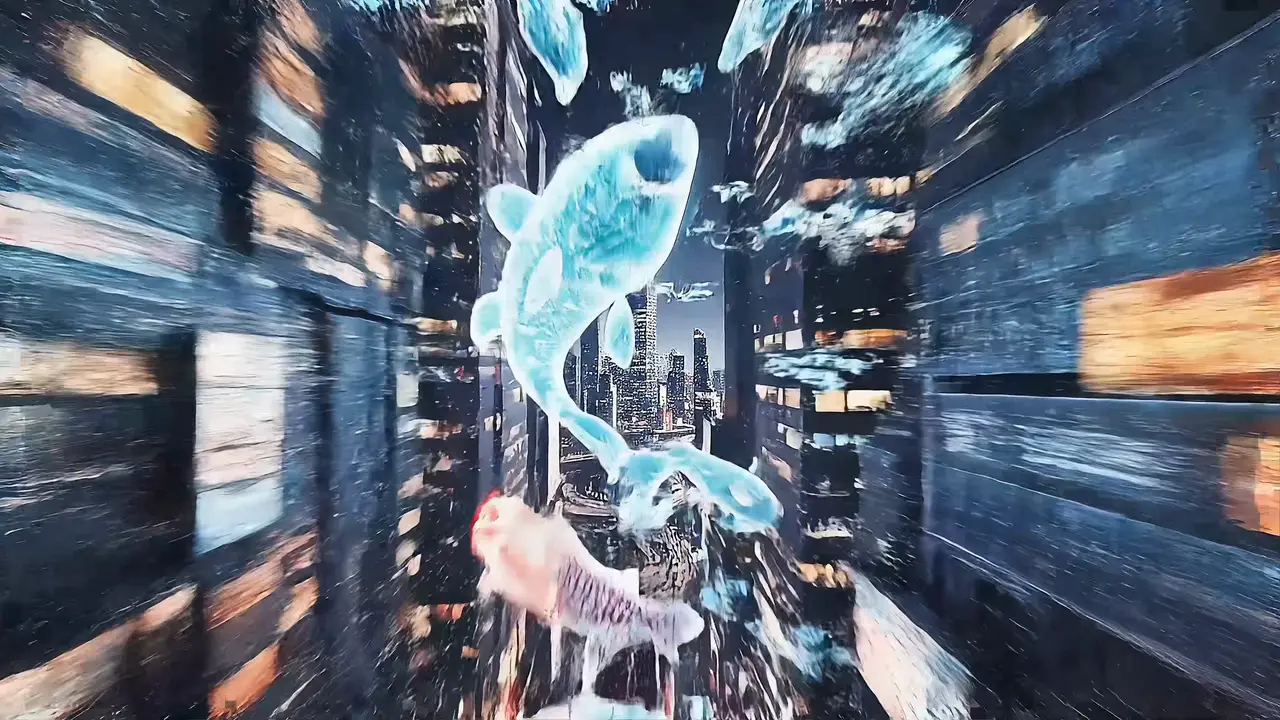
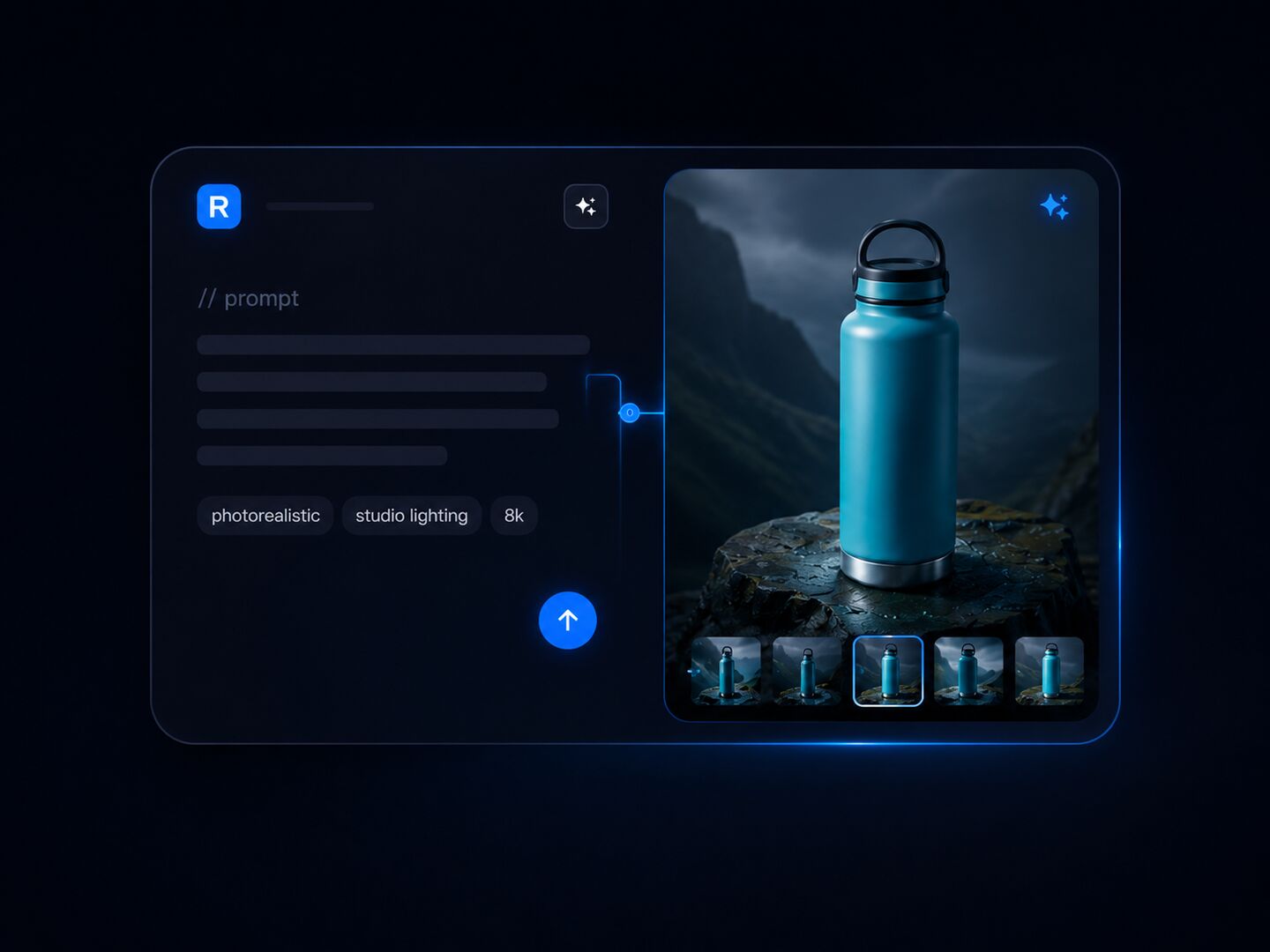
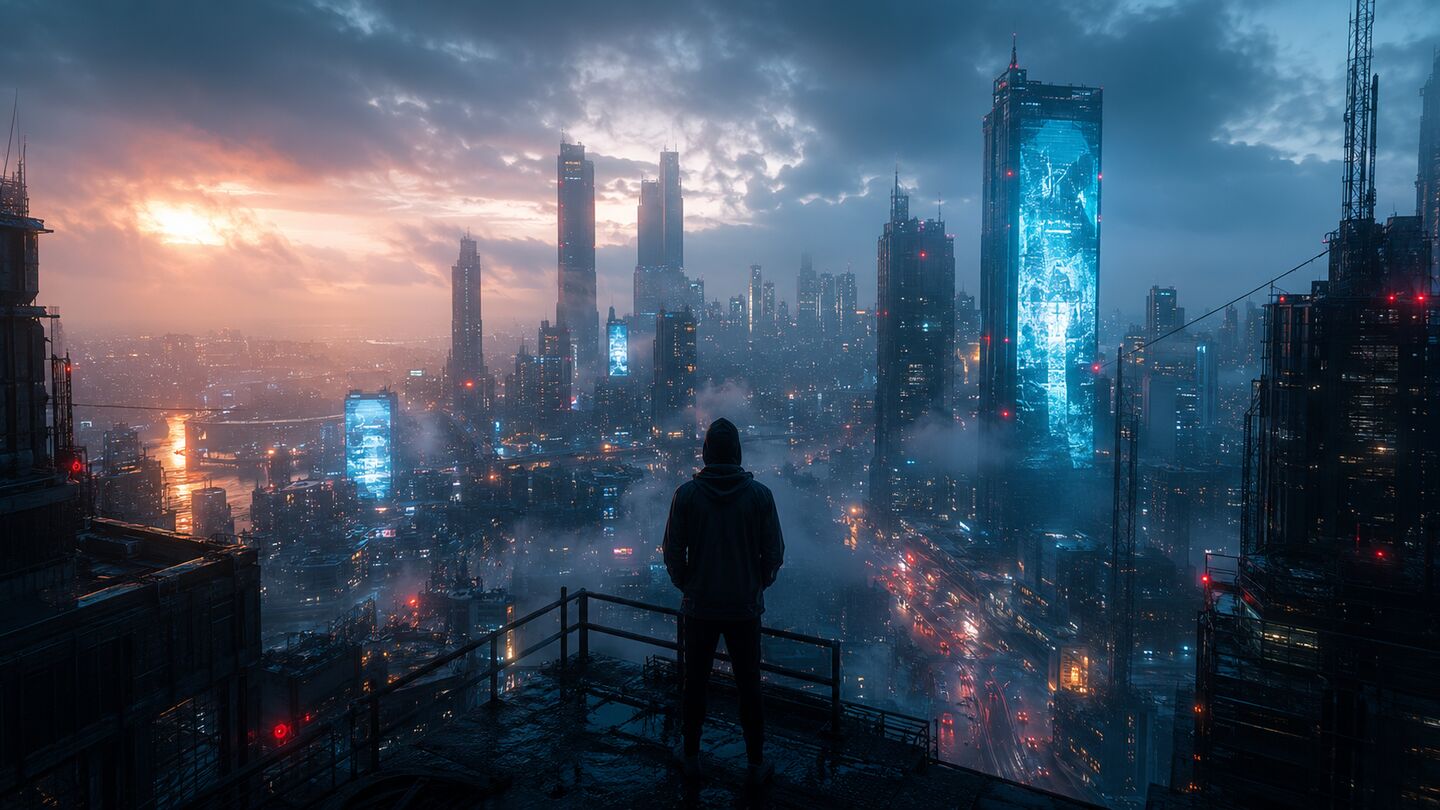
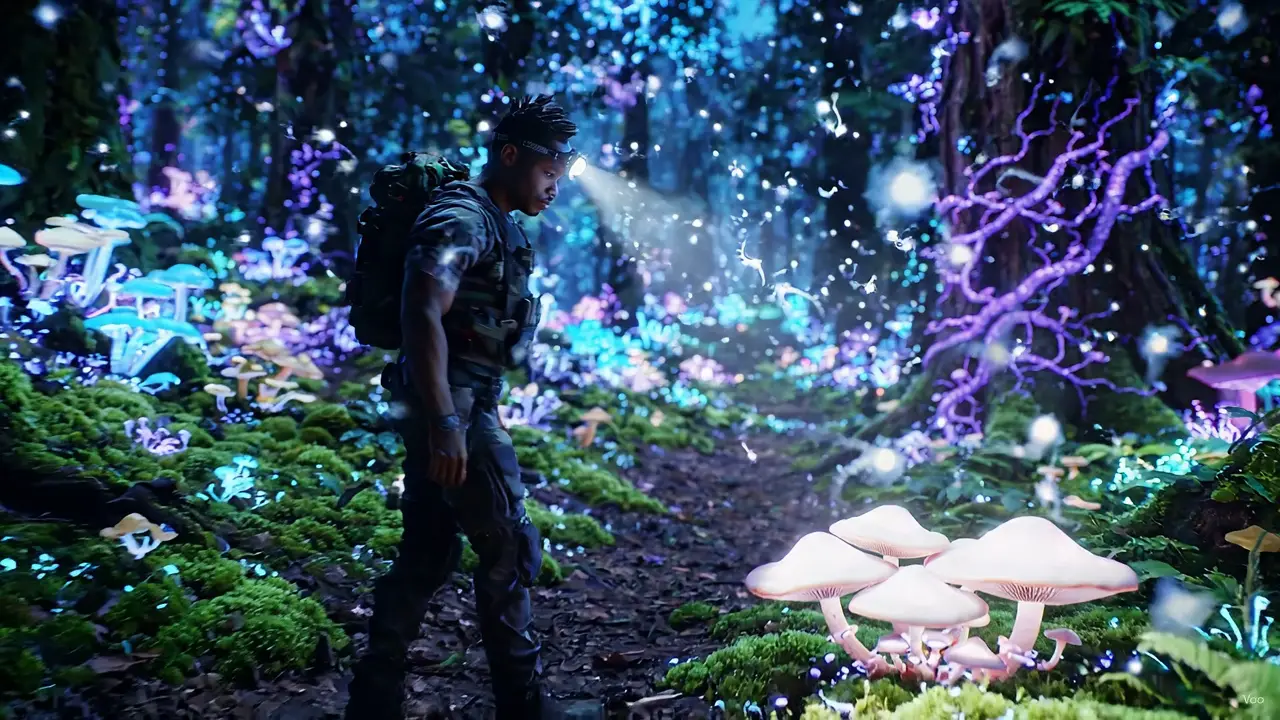
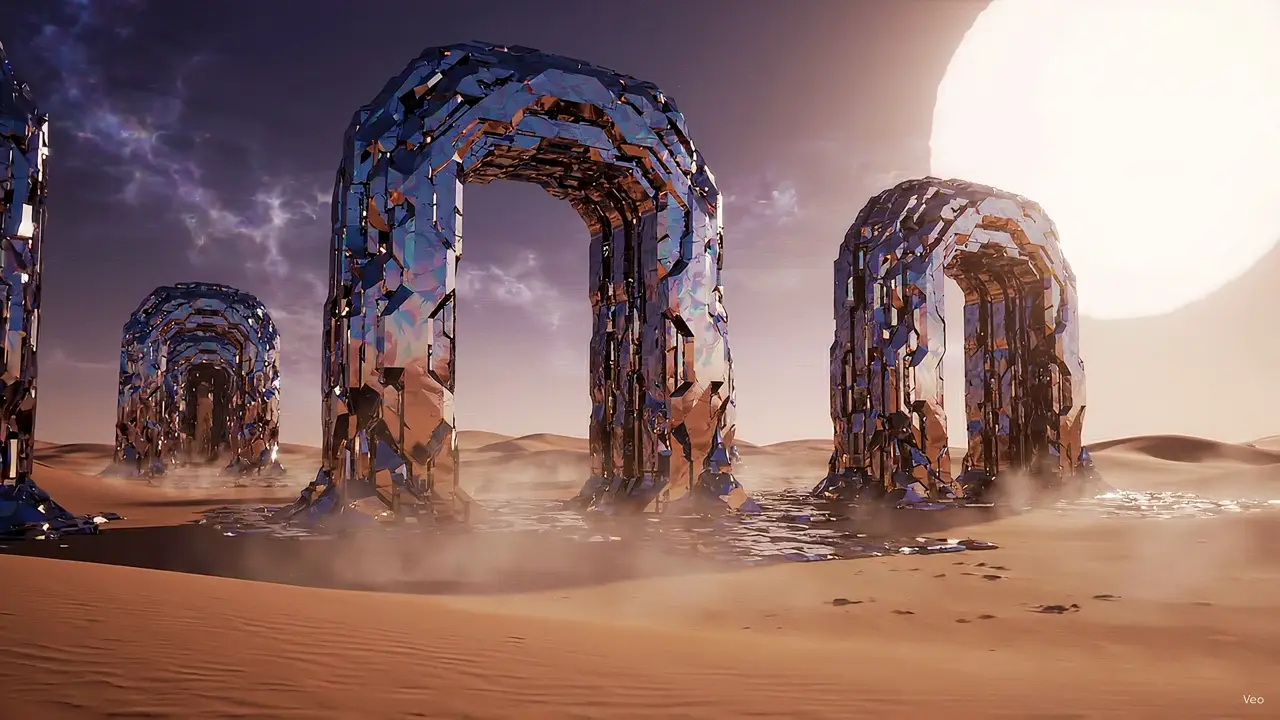
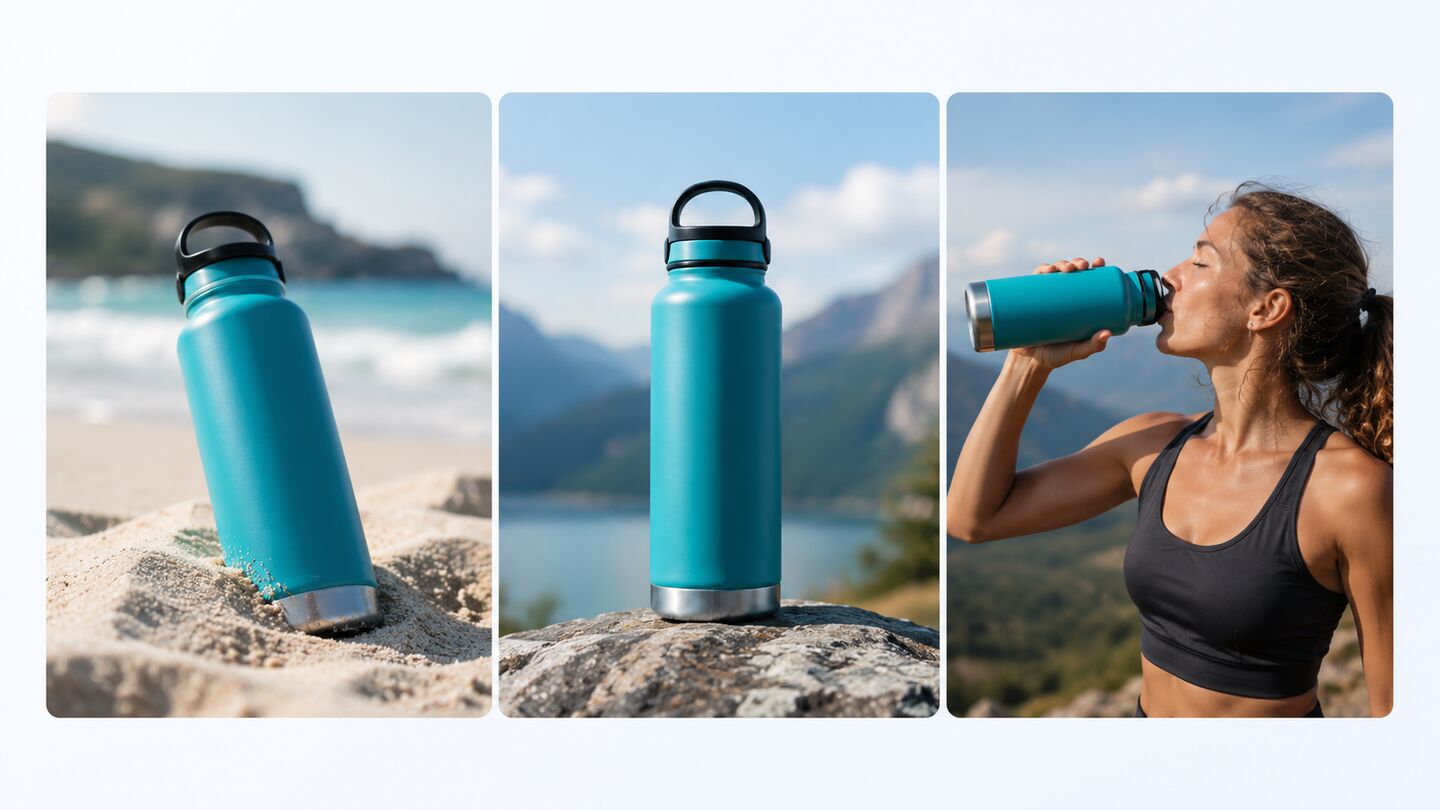
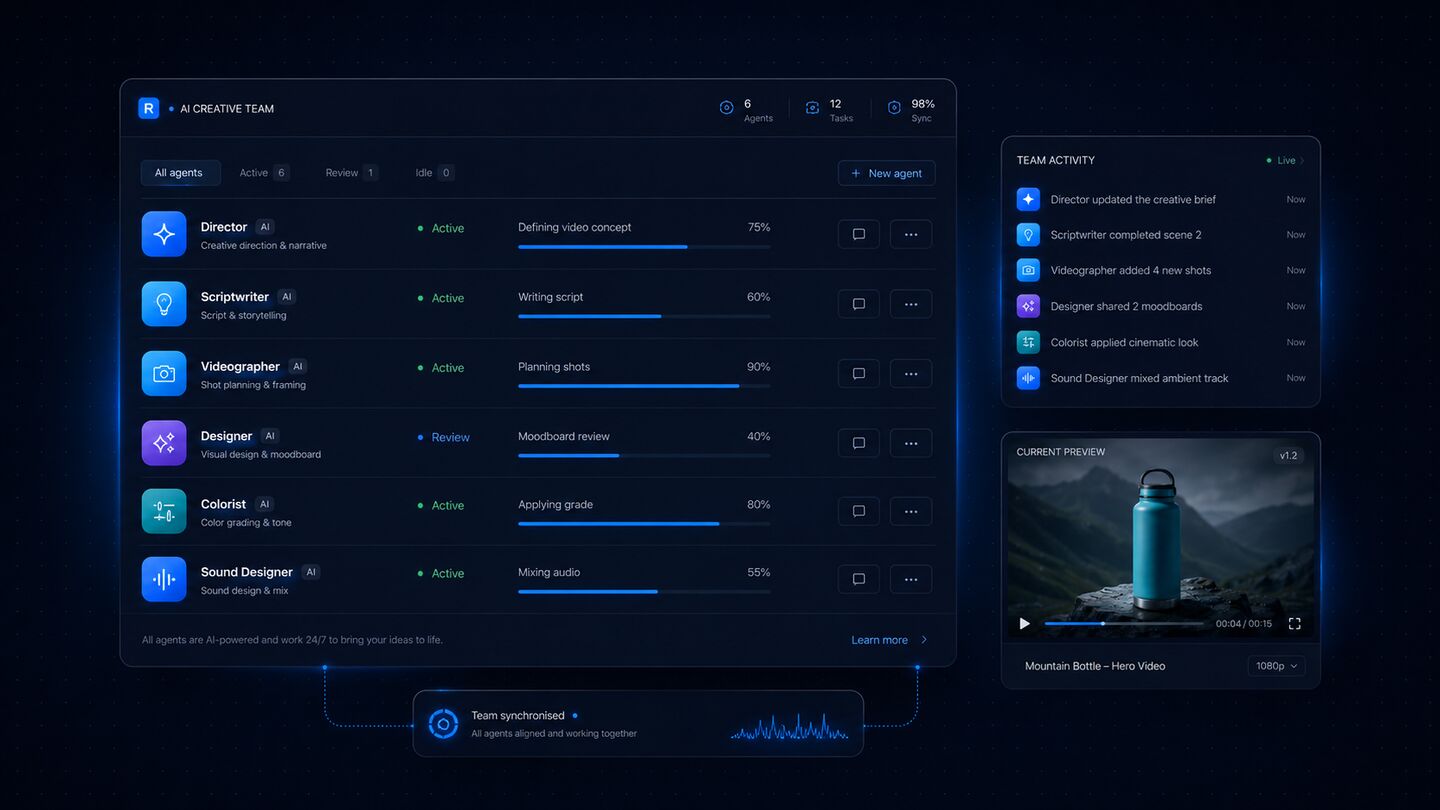
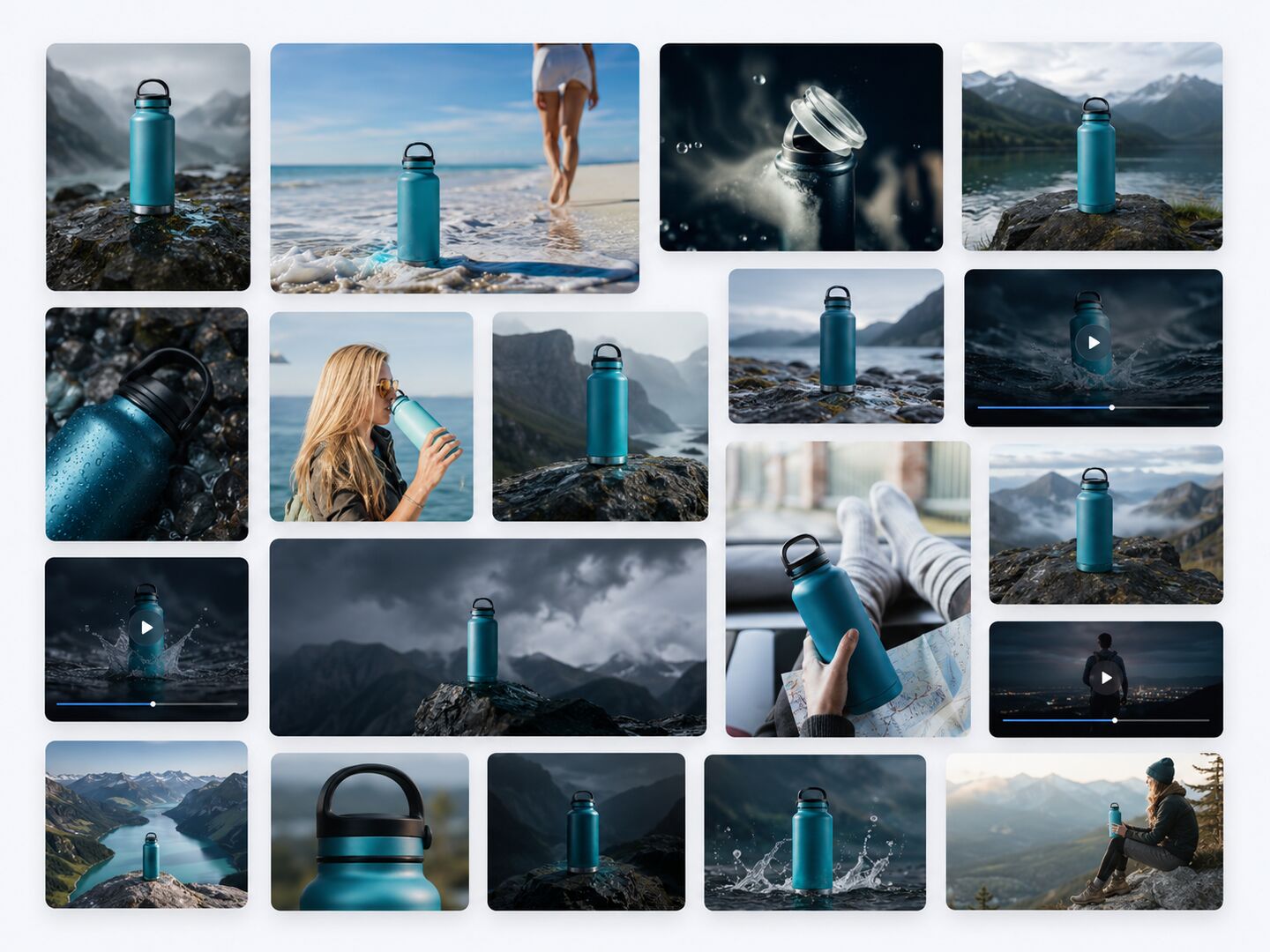
Roboto is a French AI content creation platform that generates images, videos, and voiceovers from conversational prompts. Instead of forcing users into complicated prompt engineering, Roboto lets you say what you want in natural language — a product video for a watch or a vertical ad for a drink — and it asks only the missing questions before producing a costed plan. The emphasis is on transparency and consent: nothing is generated until you approve the plan and the announced price. In practice, Roboto can be used both as a quick idea-to-asset tool and as a more controlled editor. The Ask Roboto workflow is enough for fast results: type one sentence, answer a follow-up question, and approve the creation. For users who want more control, the dedicated generator lets you choose reference images, formats, durations, and variants, then rerun the generation. A shared credit balance covers images, videos, and voiceovers, and failed attempts are refunded, lowering the risk of experimentation. The Studio organizes everything around projects rather than isolated downloads. Conversations, scenes, storyboards, gallery assets, voiceovers, and final renders stay together in one workspace, making it suitable for producing ad campaigns, cinematics, product shots, and brand universes. Roboto also showcases a gallery of real creations in advertising, product, universe, cinema, and setting categories. Made in France, it positions itself as a transparent creative copilot for individuals and small teams.
SpecificationsAI-estimated
Key Features of Roboto
Use Cases for Roboto
Social media video ads
Create vertical video ads for drinks, sneakers, or beauty products from a single sentence.
Product commercials
Generate polished product videos and lifestyle footage for watches, headphones, cars, and similar products.
Storyboarding for ads
Turn a brief into a visual storyboard for a perfume ad or another commercial concept.
Cinematic scene creation
Build cinema-style environments and scenes for film previsualization or conceptual work.
Voiceover narration
Add a warm voiceover track to accompany images and video scenes.
Brand universe development
Develop a consistent project world with settings, characters, and 3D creative assets.
Advertising campaign variations
Compare multiple variants of a creation and rerun with different references, formats, or durations.
Final renders and presentations
Compile scenes, storyboards, voiceovers, and gallery assets into a final project render for client pitches.
How to use Roboto?
Describe your idea
Type one sentence in the Ask field, for example: 'A vertical ad for this drink' or 'A product video for my watch.'
Answer clarifying questions
Roboto asks only for what is missing, such as sunny or studio mood, jewelry or sport, and waits for your response.
Approve the plan and cost
Review the rephrased request, the intended media type, duration, destination project, and announced cost, then confirm the creation.
Review and refine
Open the result in your project, use the editor to change reference, format, duration, or create variants, and rerun if needed.
Collect project assets
Keep the conversation, scenes, storyboards, voiceovers, and gallery together in the Studio and use the final render for delivery.
Pros & Cons of Roboto
Pros
- Plain-language creation: one sentence is enough to start an image, video, or voiceover project.
- Cost transparency: the price is always announced before generation begins; nothing is created without approval.
- Studio organization: all assets, scenes, voiceovers, and storyboards stay in a single project workspace.
- Creative control: reference images, formats, durations, and variants let you fine-tune results and rerun.
- Low-risk experimentation: failed creations are refunded from the shared credit balance.
Cons
- No visible public pricing details on the landing page; only mentions a Creator plan with included credits.
- Credit-based system may be limiting for heavy professional use if large volumes are needed.
- No offline mode: the service depends on a web connection and Roboto's servers.
- Limited ecosystem info: no obvious integrations, API details, or team collaboration features on the page.
Frequently Asked Questions
How does Roboto pricing work?
Roboto announces the cost before creating anything and waits for your confirmation. Images, videos, and voiceovers share the same credit counter, and included credits come with the Creator plan.
Can I create voiceovers with Roboto?
Yes. Roboto supports voiceovers alongside images and videos, and voiceover assets can stay within the same project as your scenes and creations.
What happens if a creation fails?
A failed attempt costs nothing. Credits for a failed creation are refunded to your balance.
Do I need prompt engineering experience?
No. One sentence is enough to start. Roboto asks only for the missing details, rephrases the plan, and waits for your approval.
Can I control the output format and style?
Yes. The generator lets you set reference images, format, duration, and variants. You can also rerun creations to get different results.
Where do my creations get saved?
Creations are added to a project in the Studio, with the conversation, scenes, storyboards, voiceovers, gallery, and final render kept together.
Where is Roboto from?
Roboto is made in France and the site is available in French and English.
Reviews & Ratings0.0
No reviews yet. Be the first to write one!
Top Alternatives & Similar Software
View all alternatives & similar software→



People also viewed

Related searches
Is this your tool?
Claim this page to update details, reply to user reviews, and drive more traffic to your product.
Claim this Product →
Tags
Explore Related Topics
Keep up with Roboto alternatives
New alternatives, pricing changes and the week's biggest movers - one email every Tuesday.