


AmberFace AI
Turn a single selfie into 60+ studio-quality, ultra-HD professional headshots in minutes.



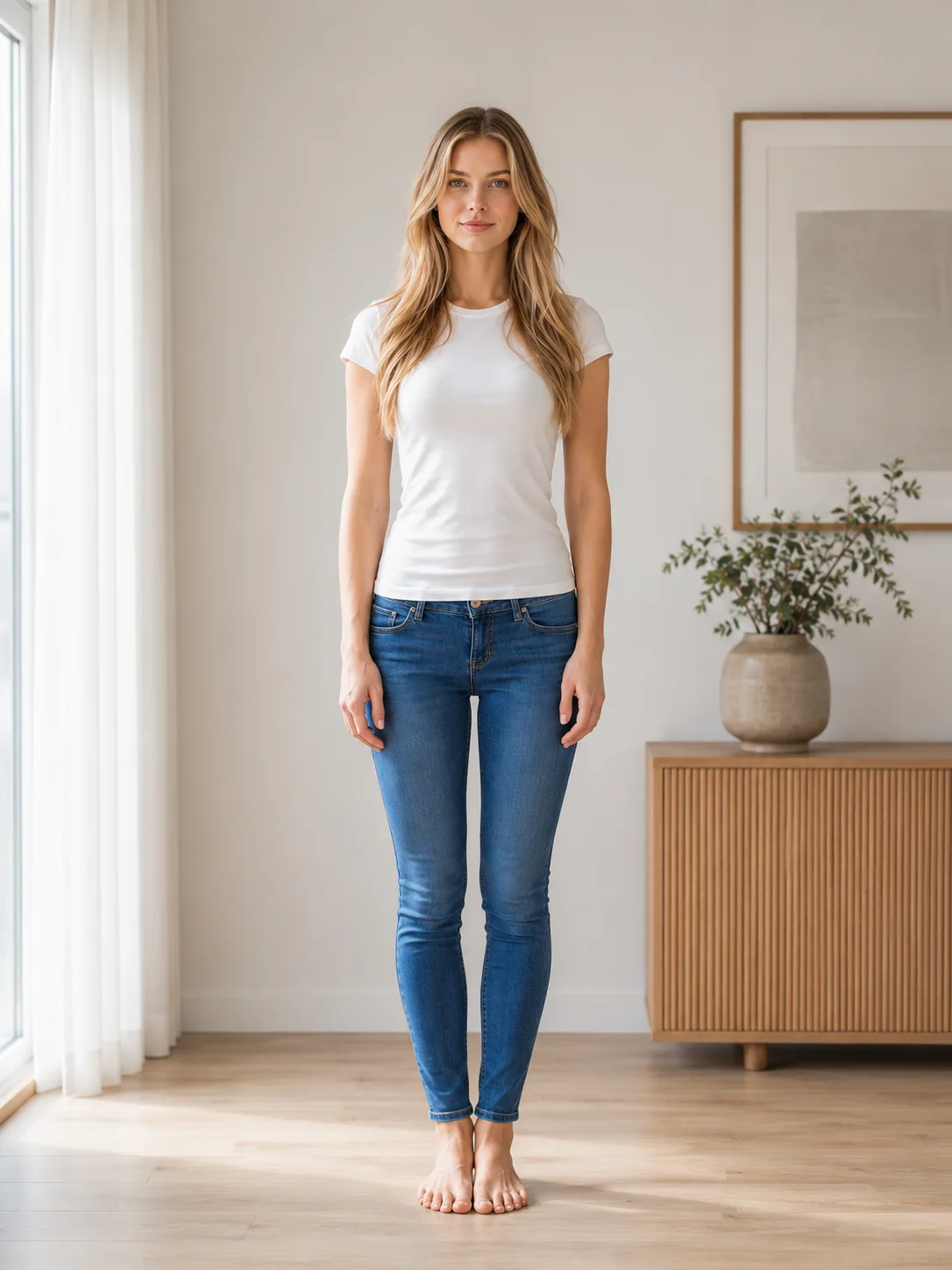
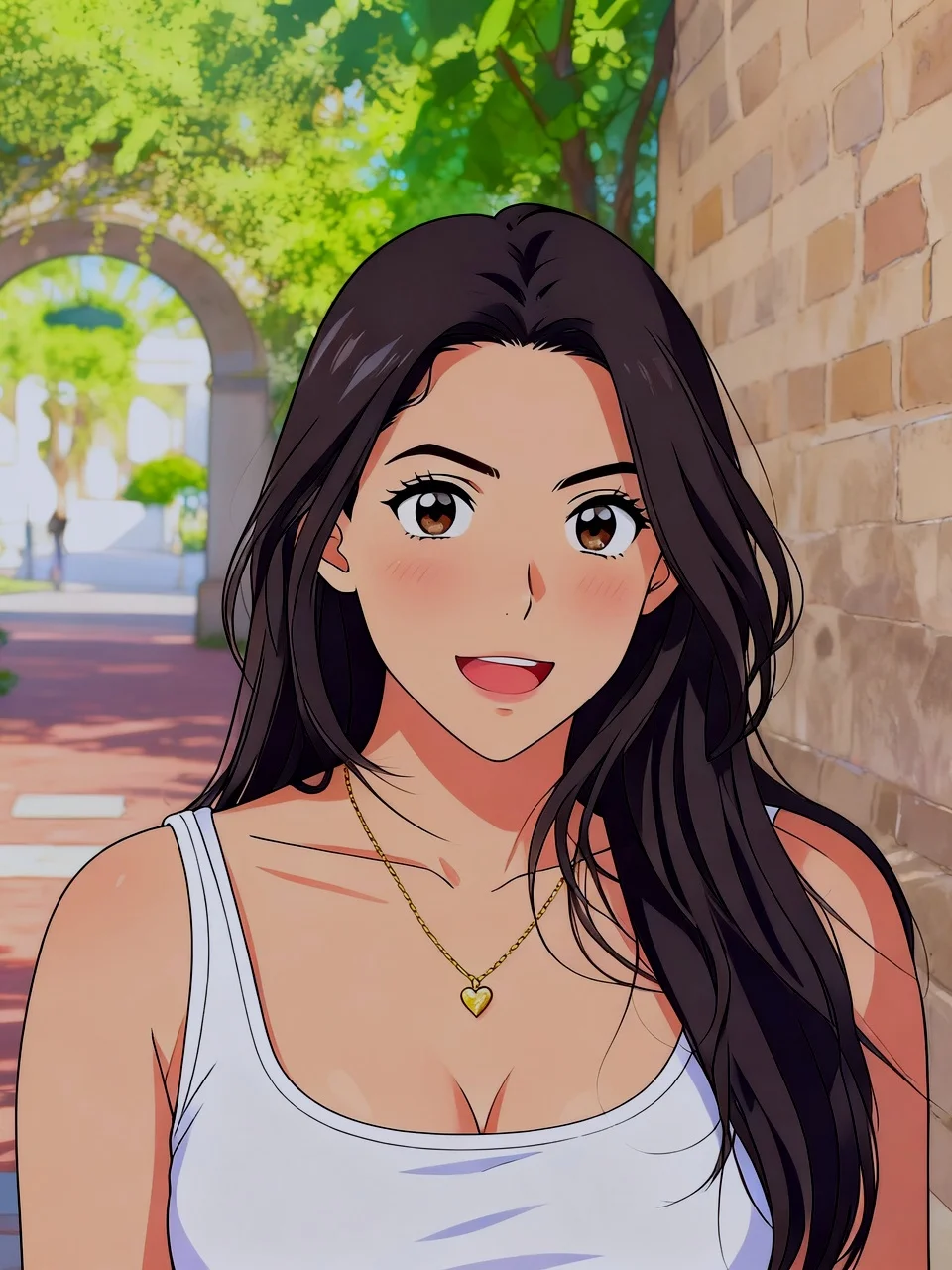
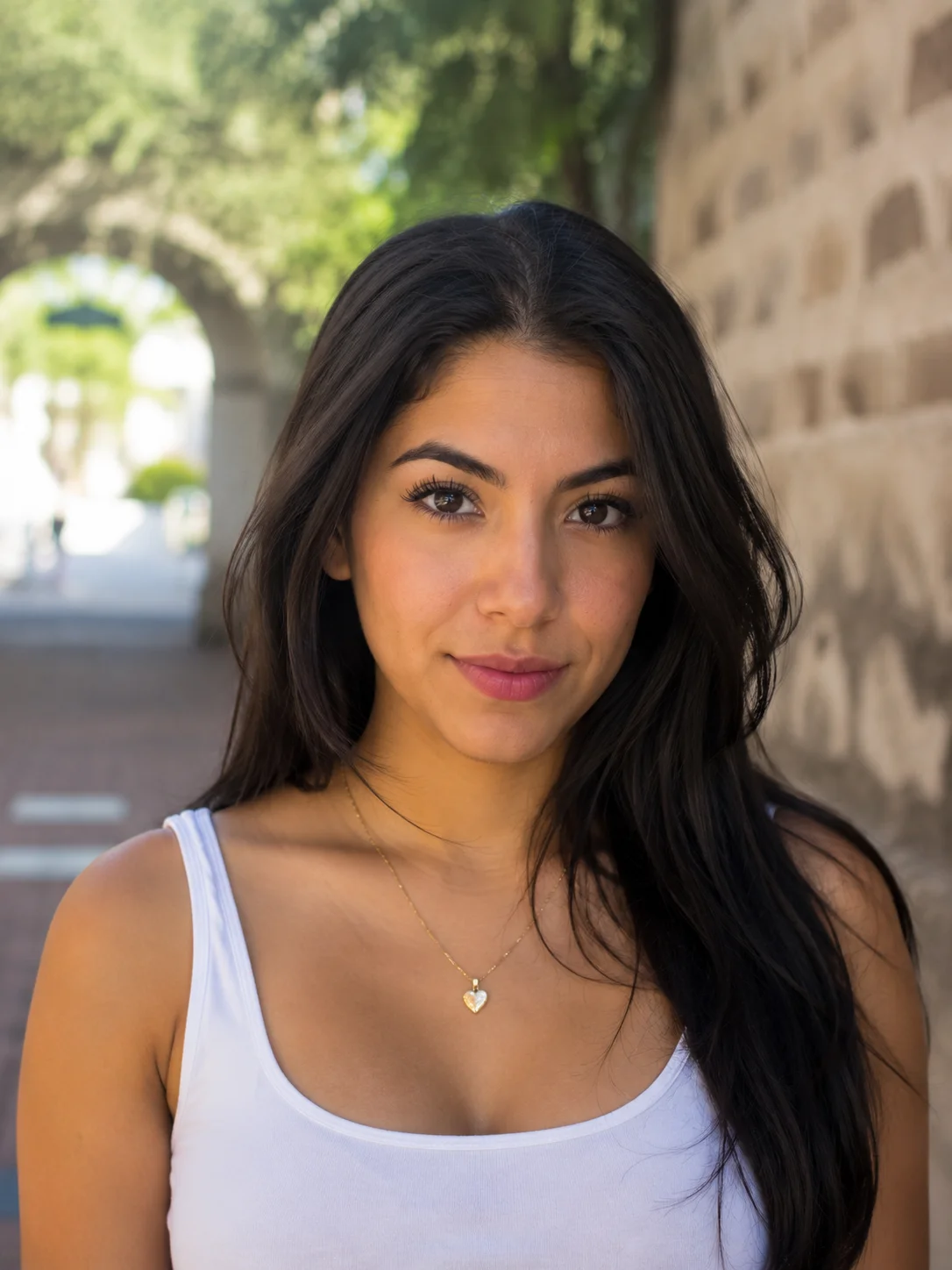
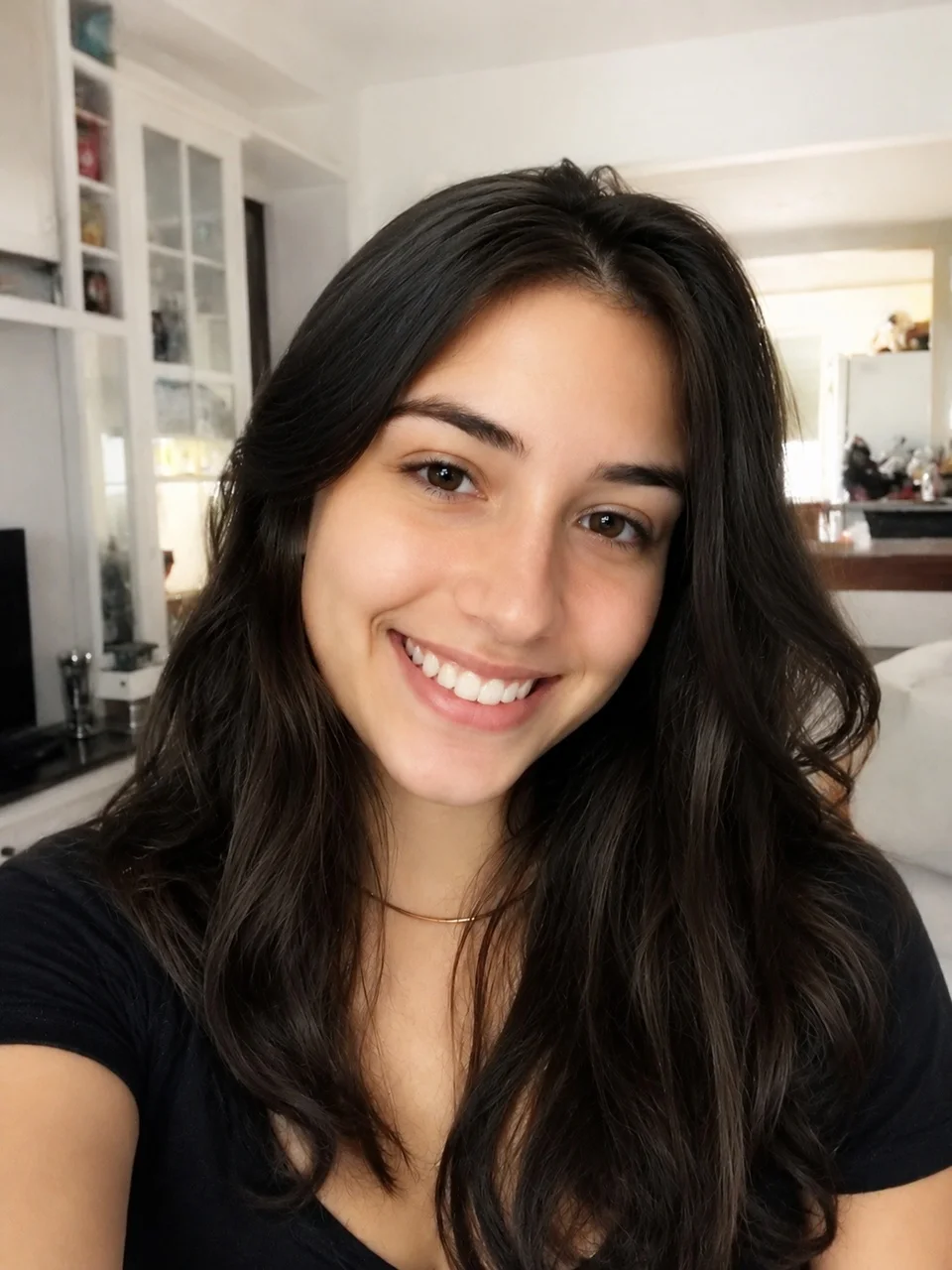
What is AmberFace AI?
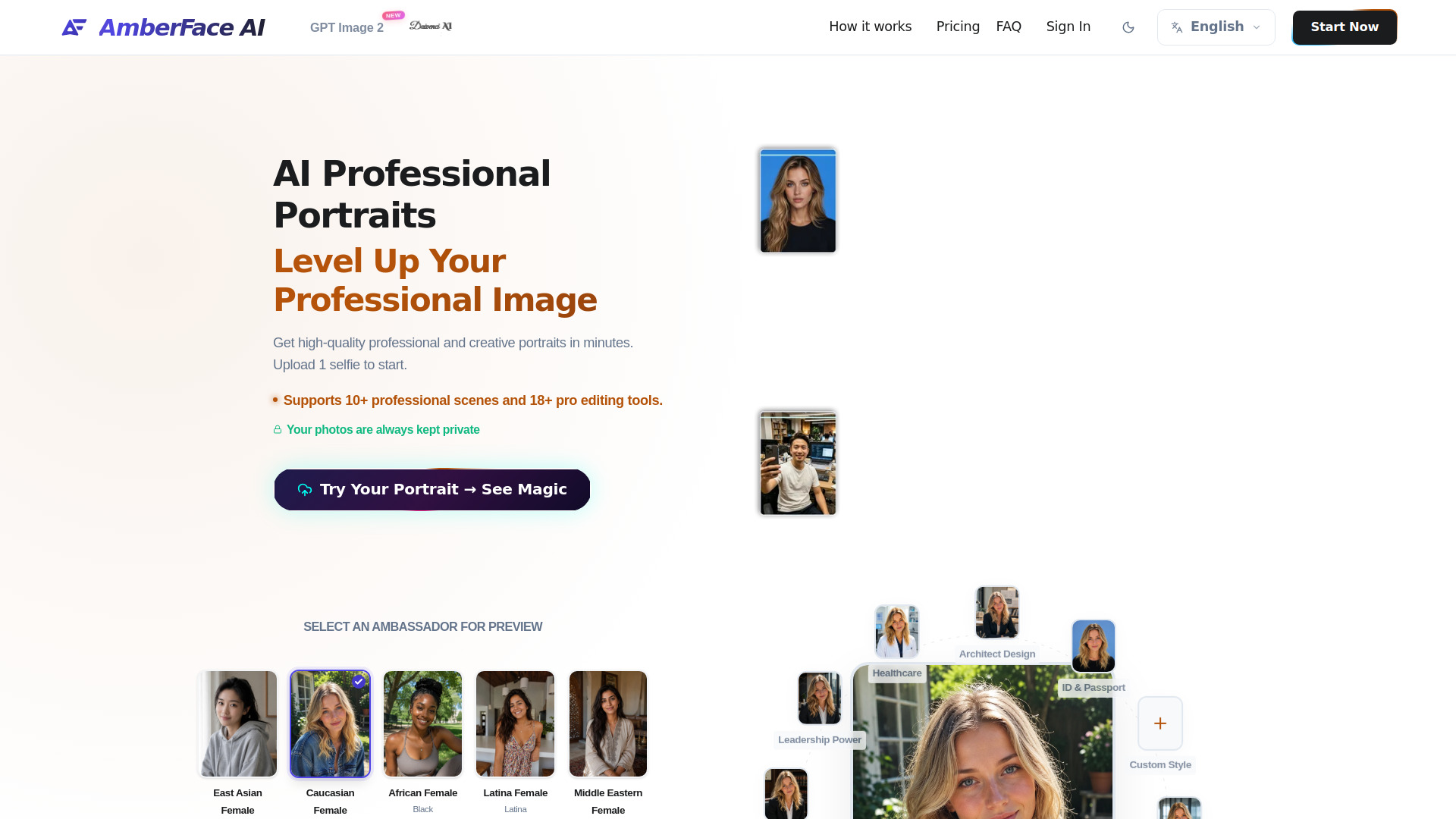
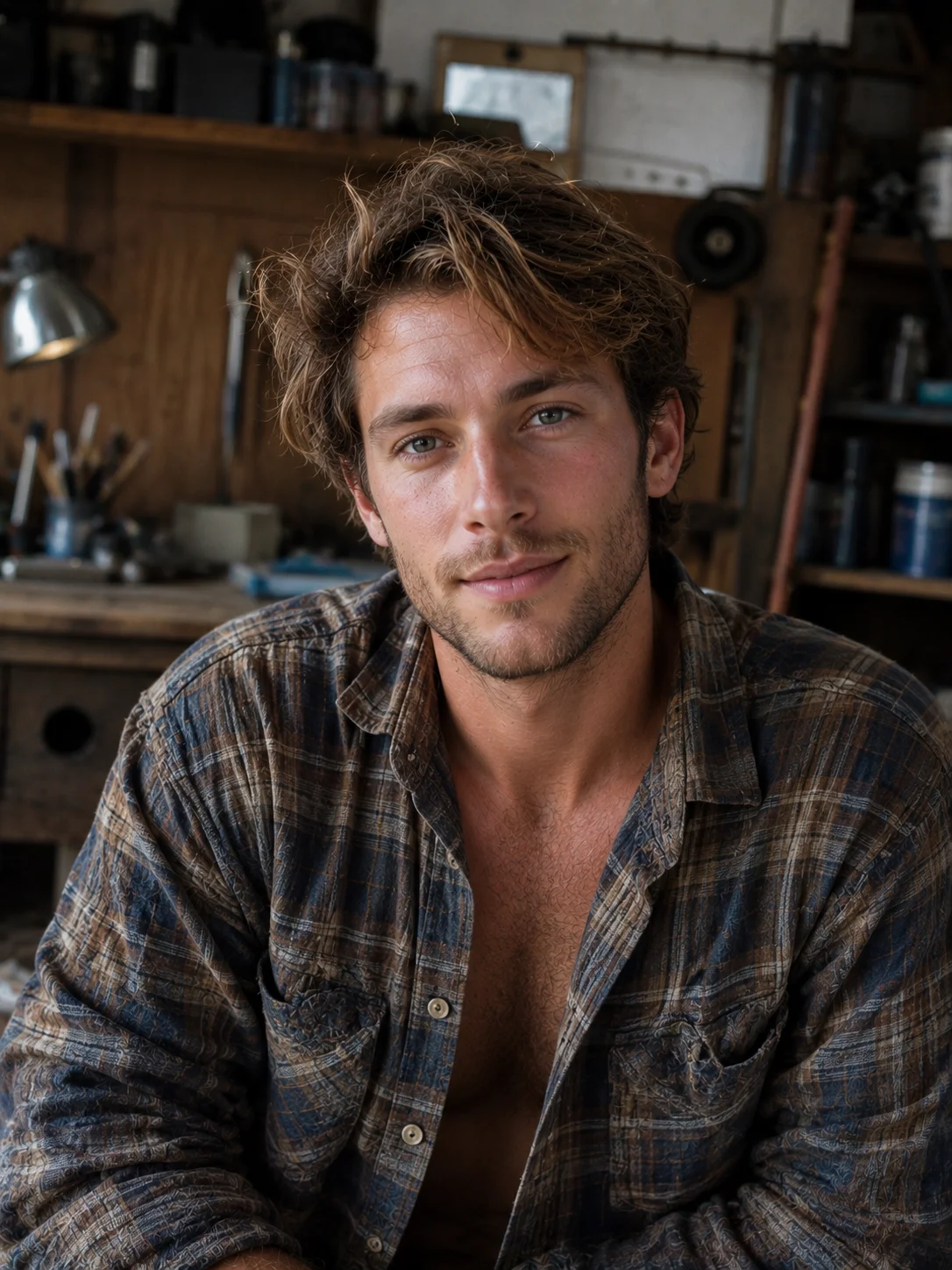
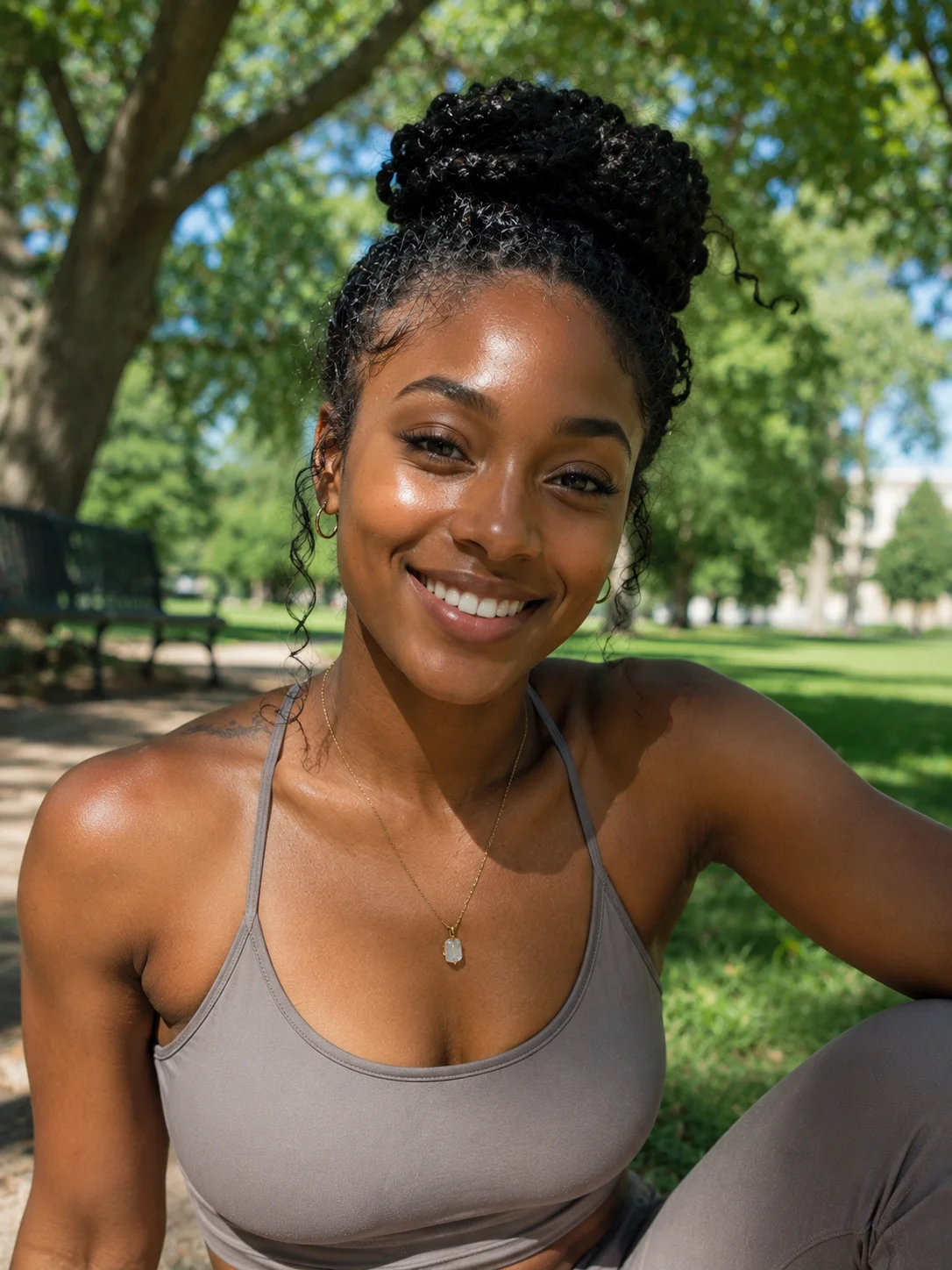
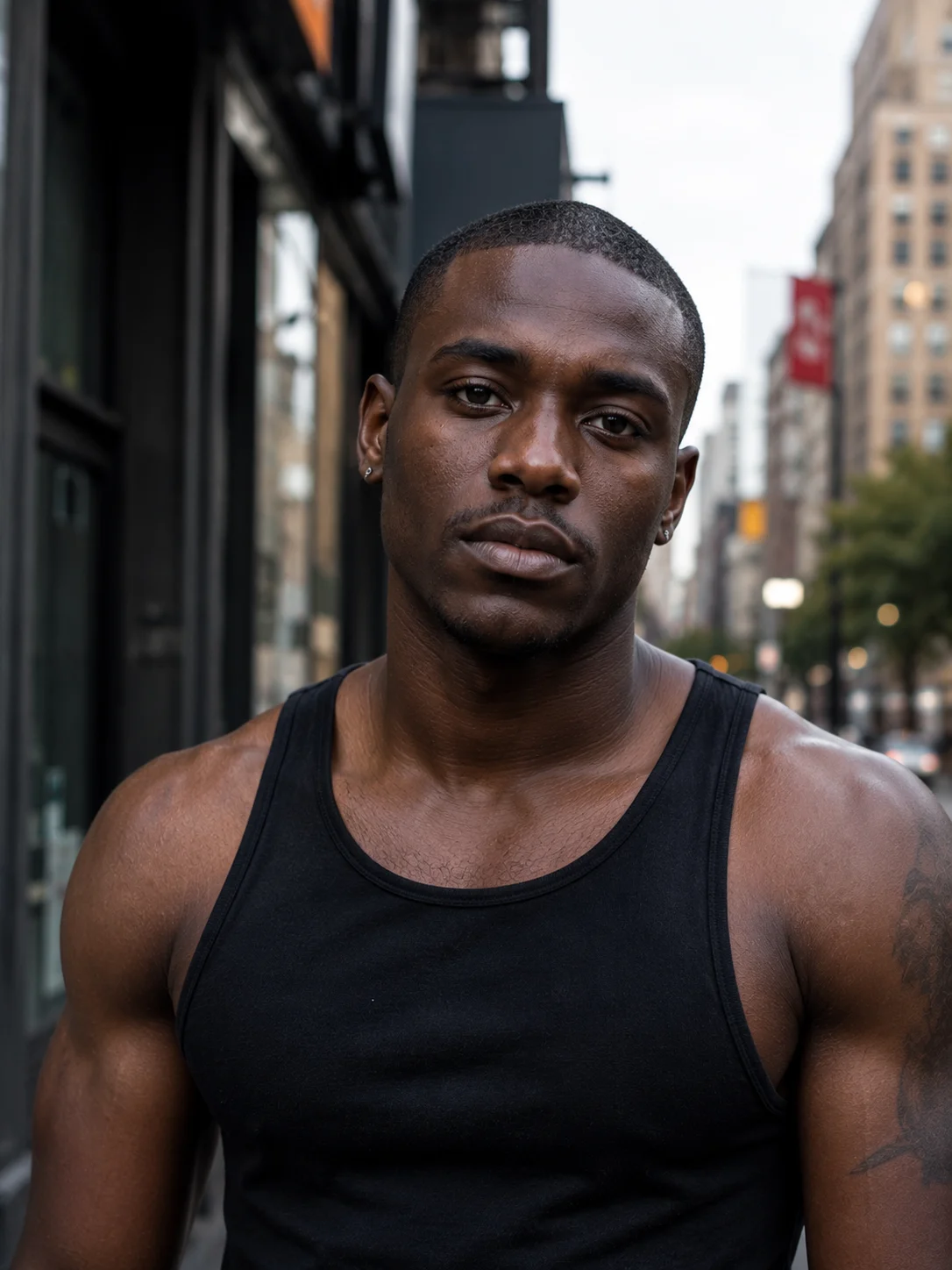
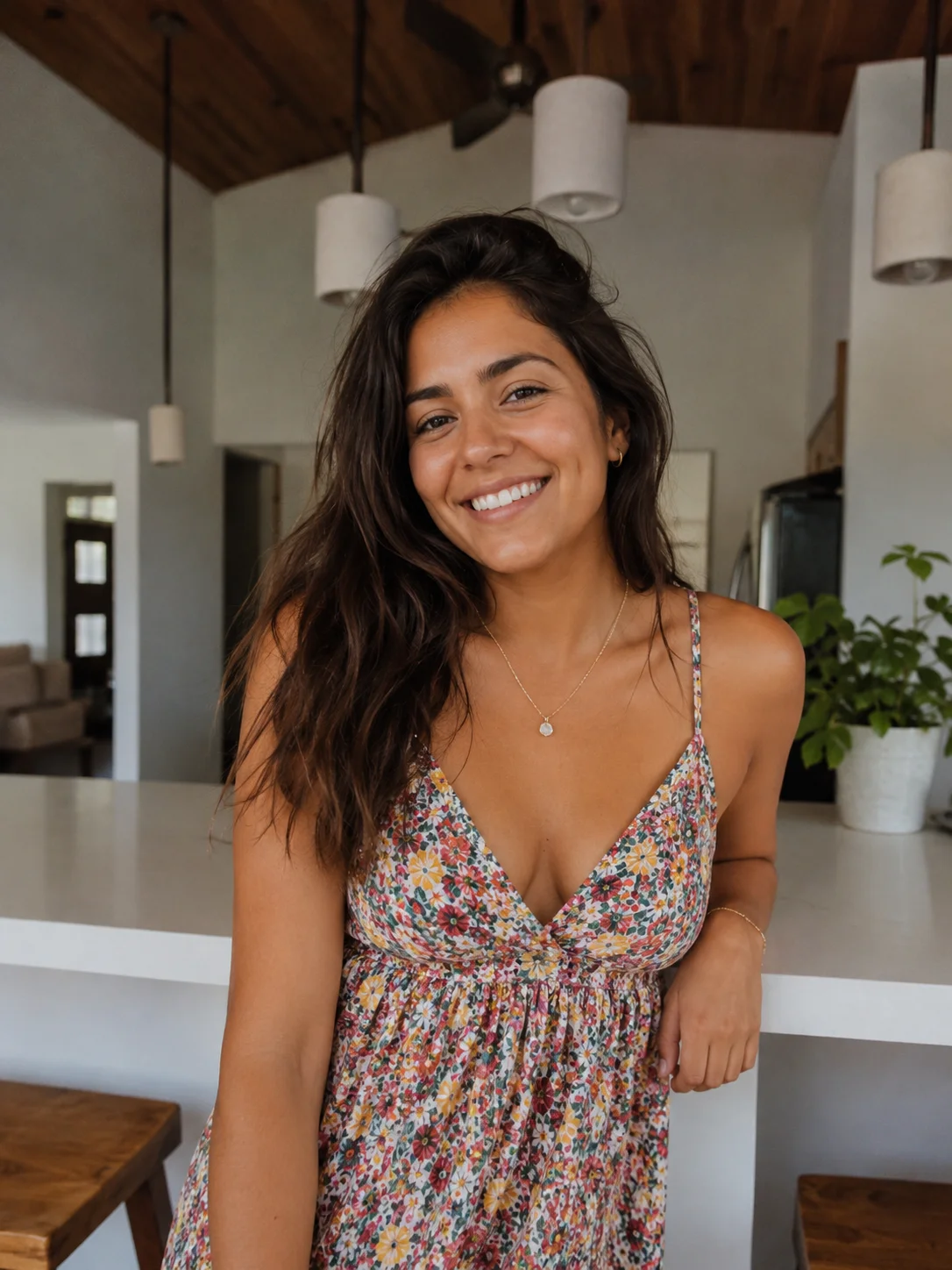
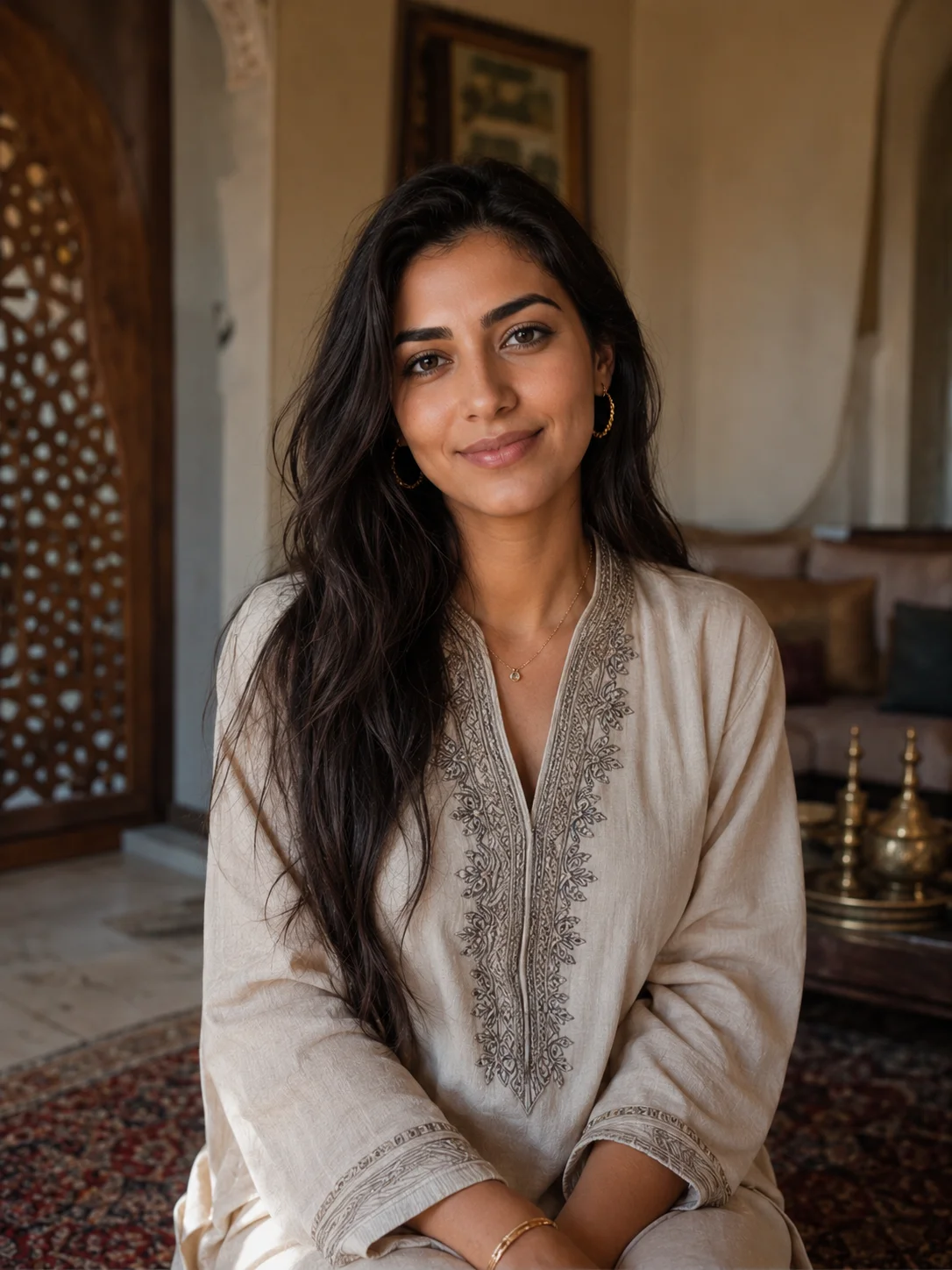
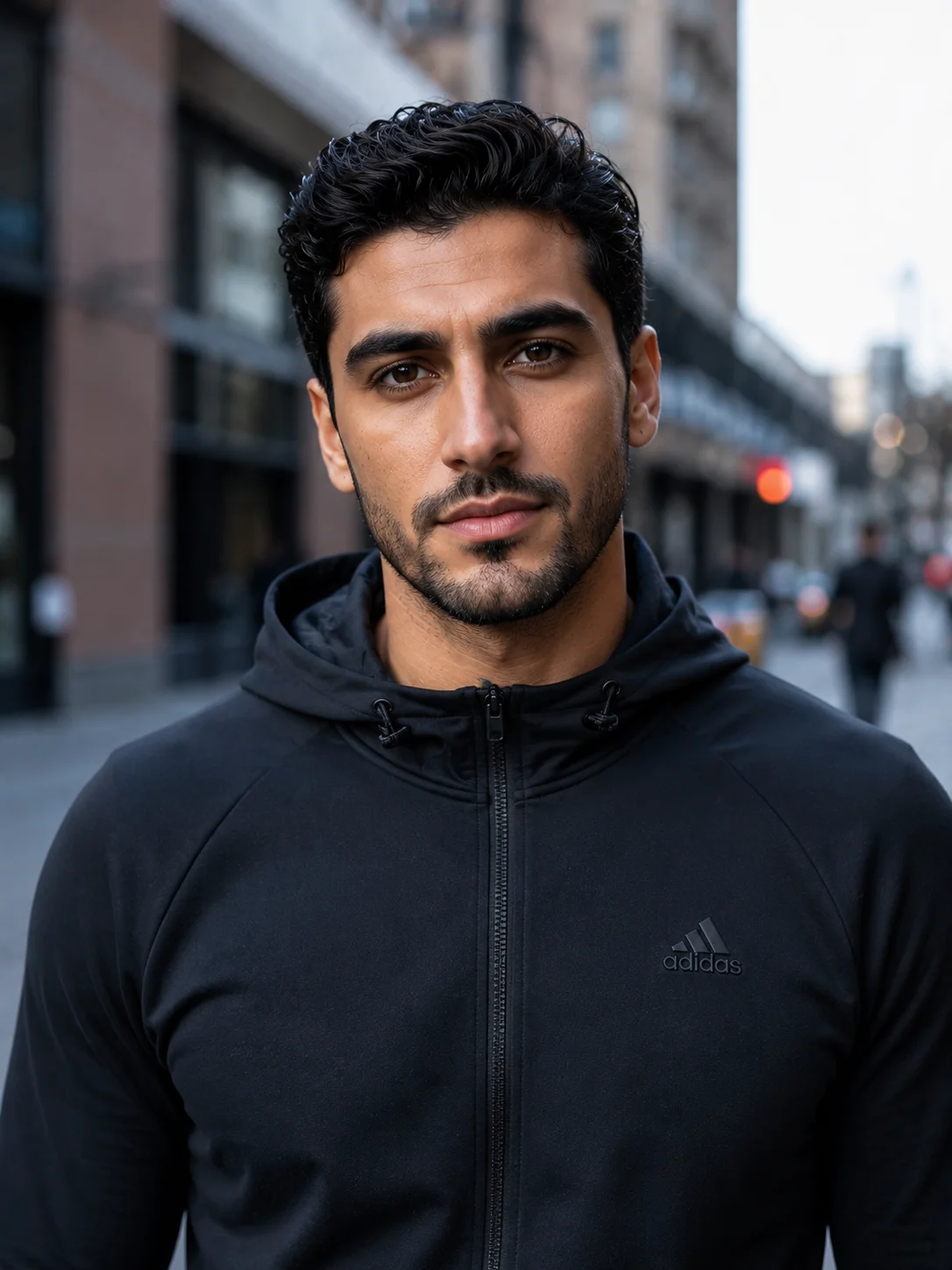
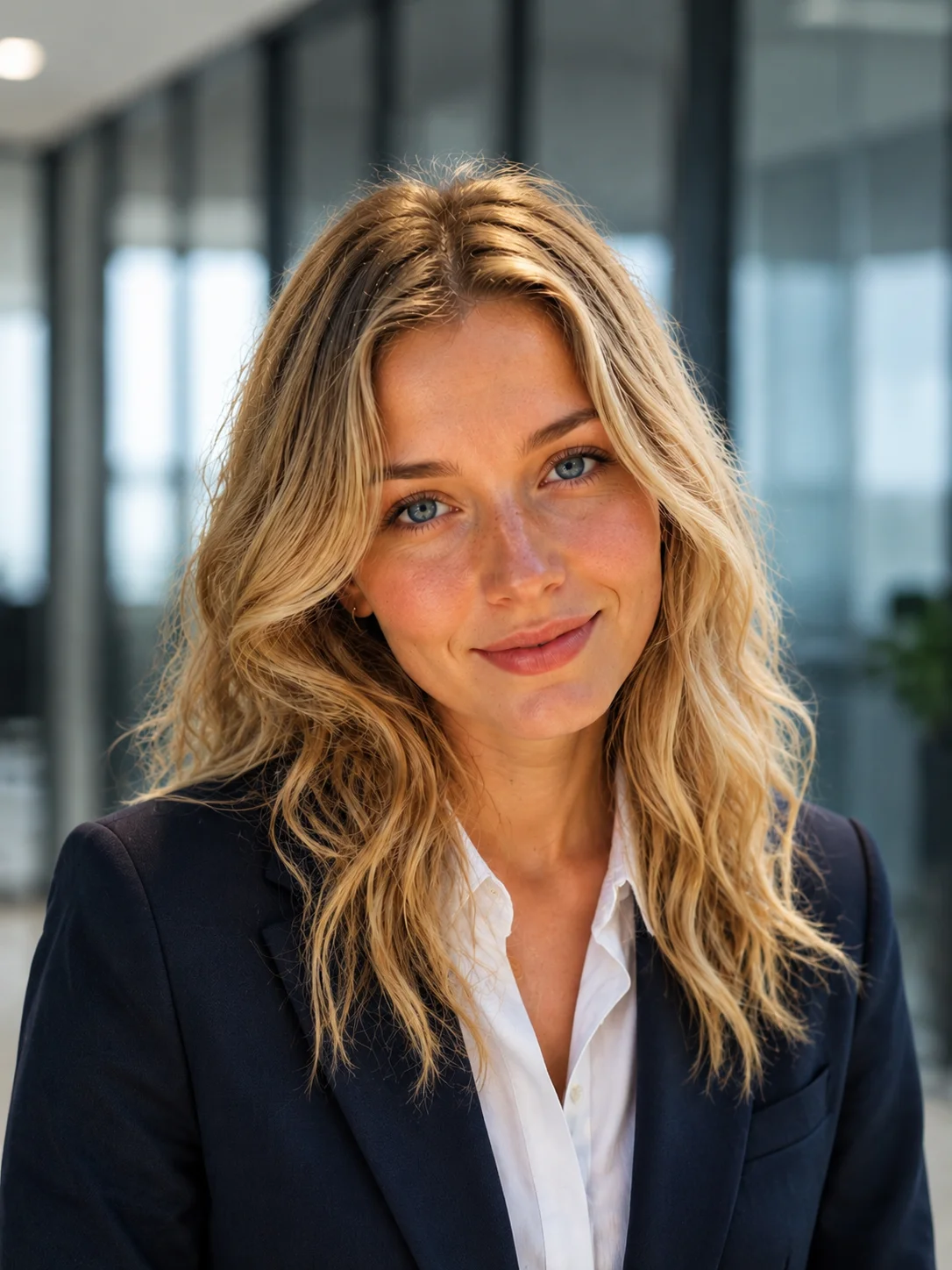
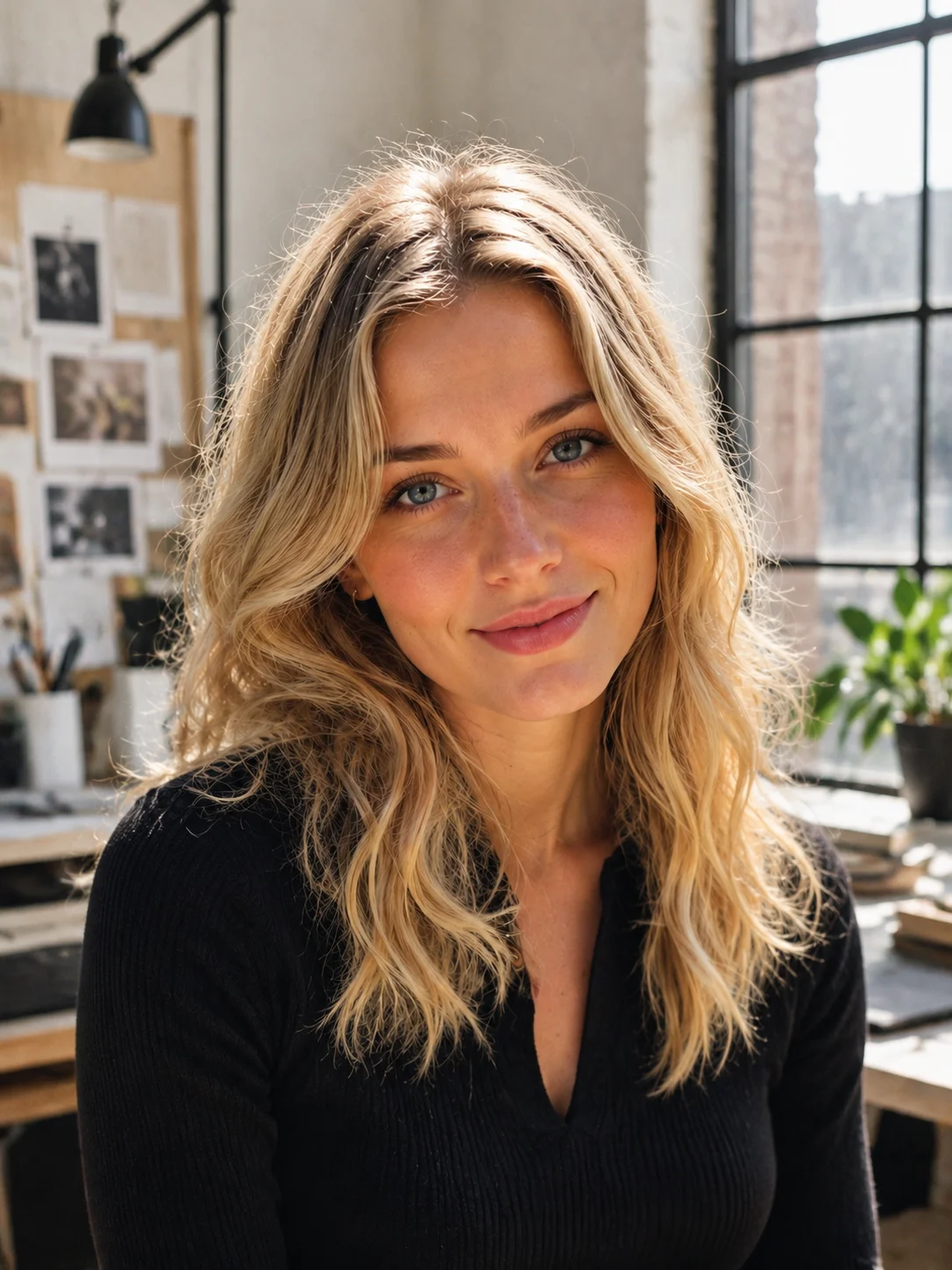
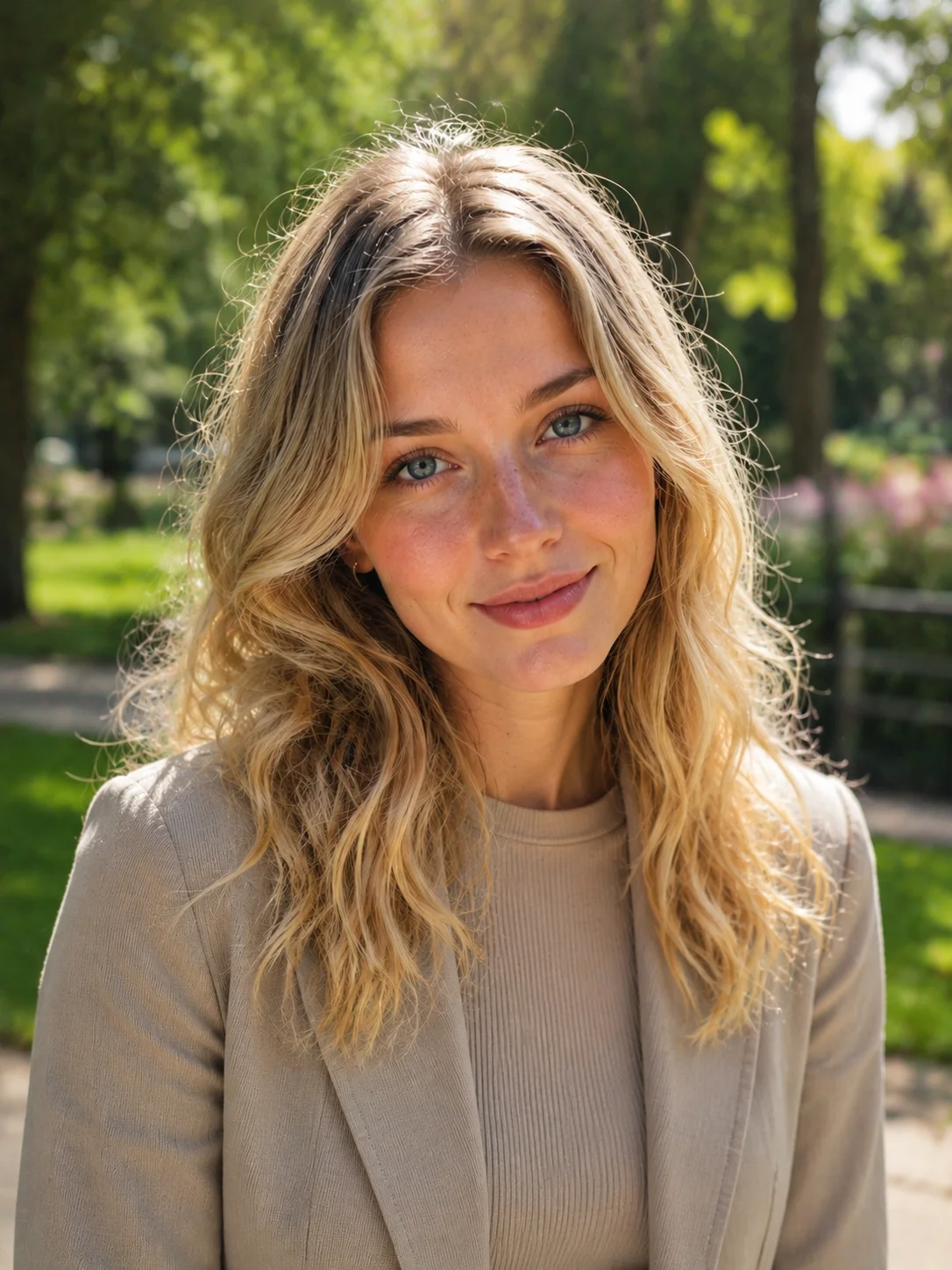
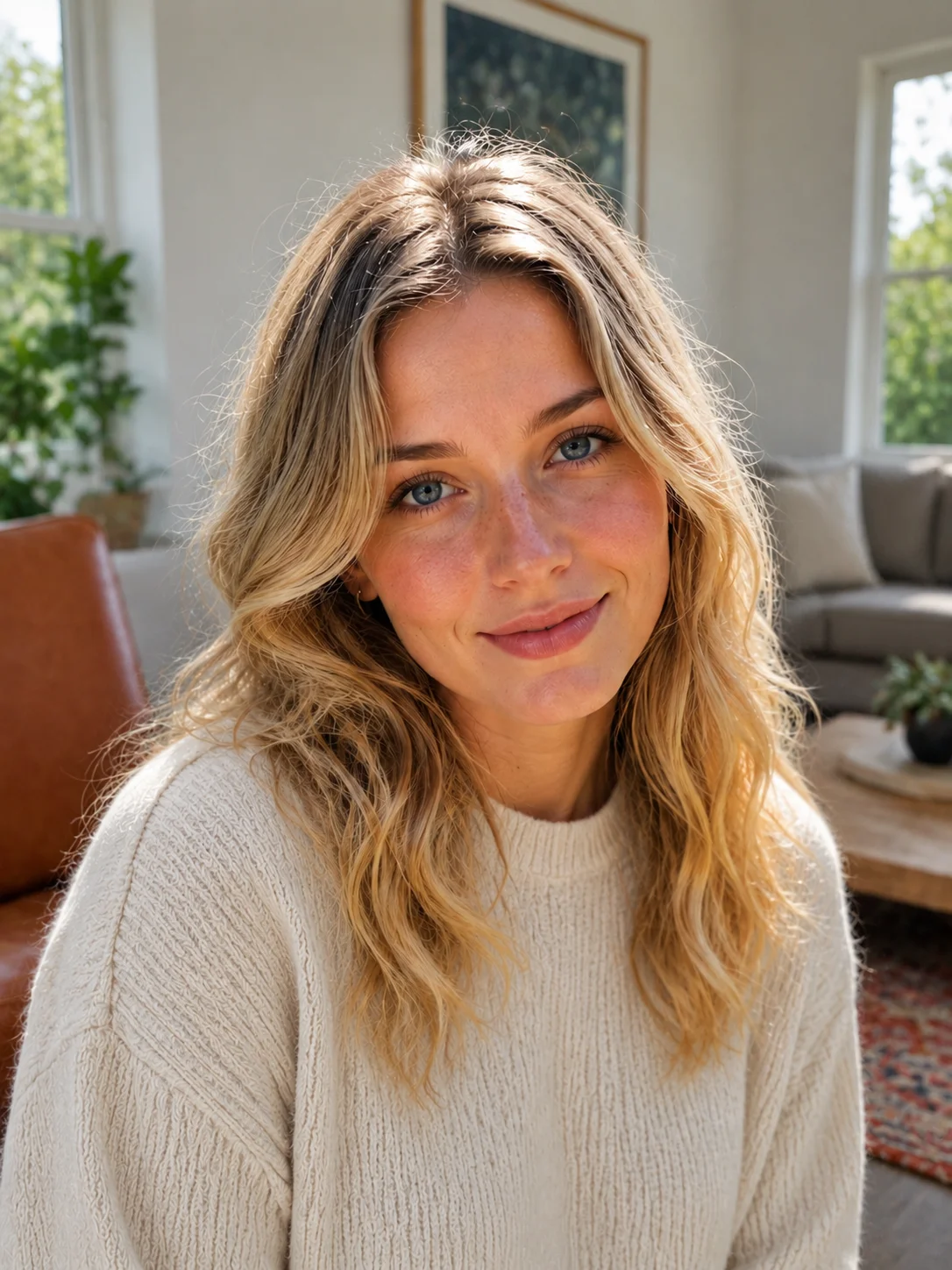
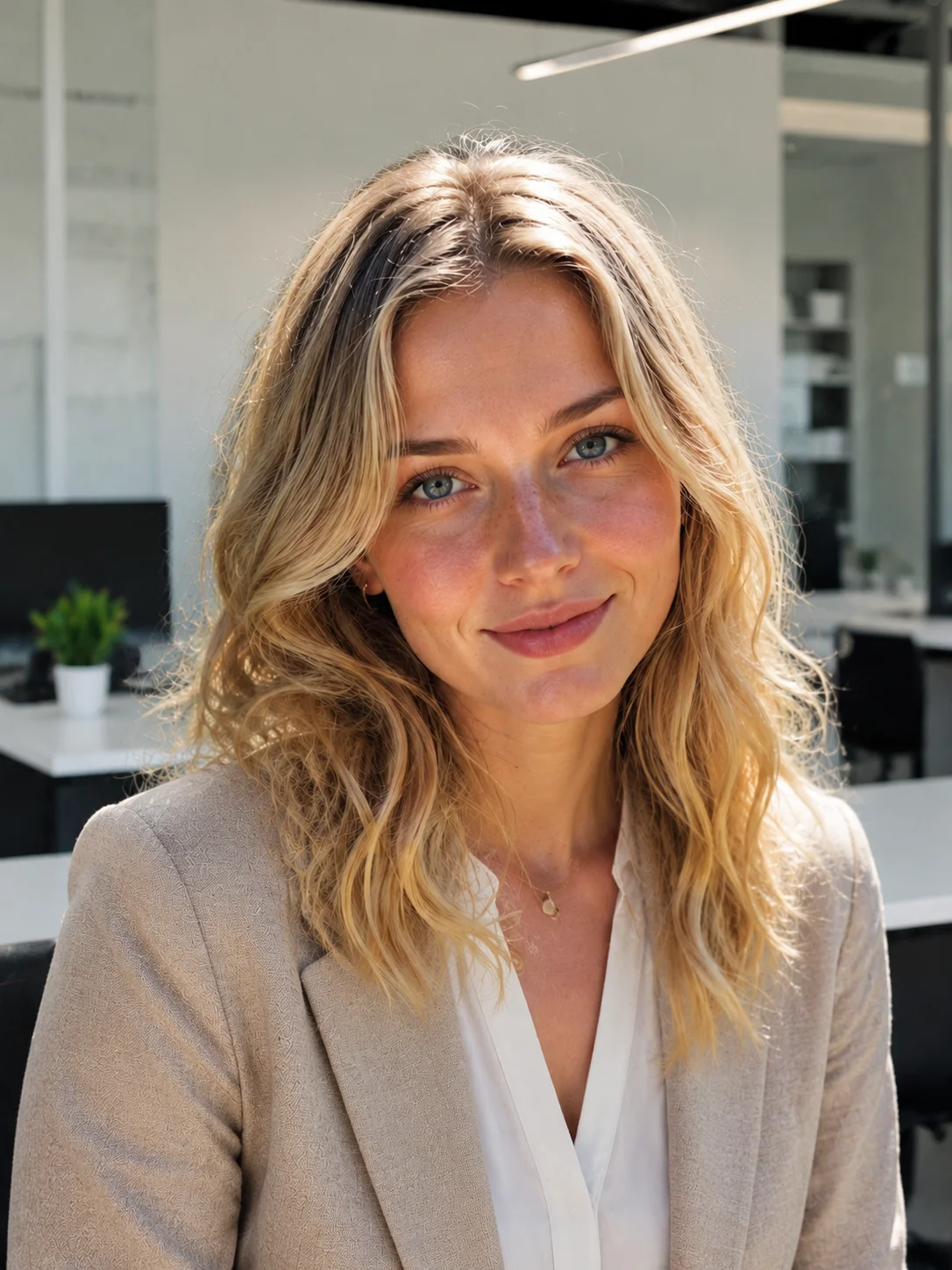
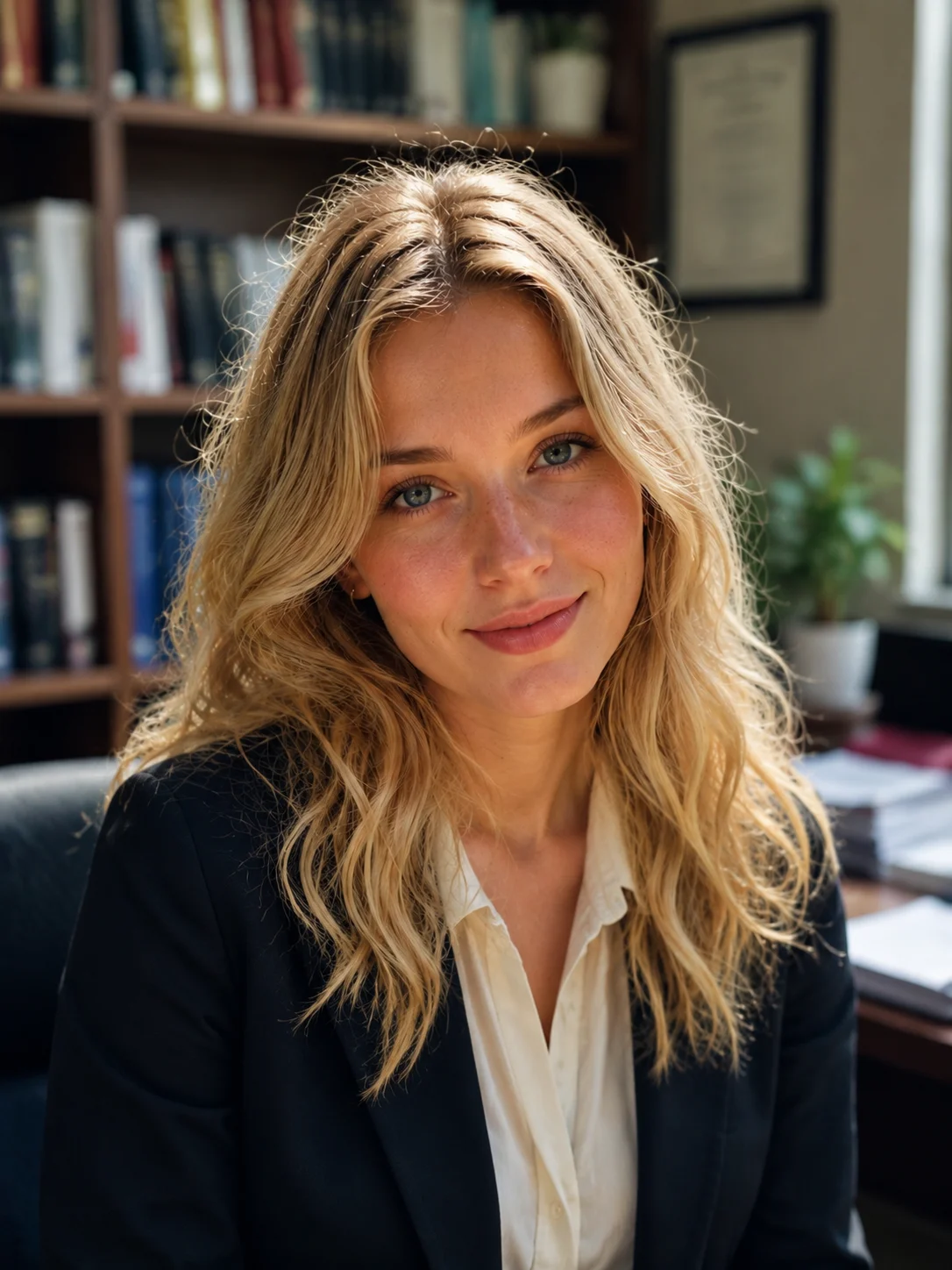
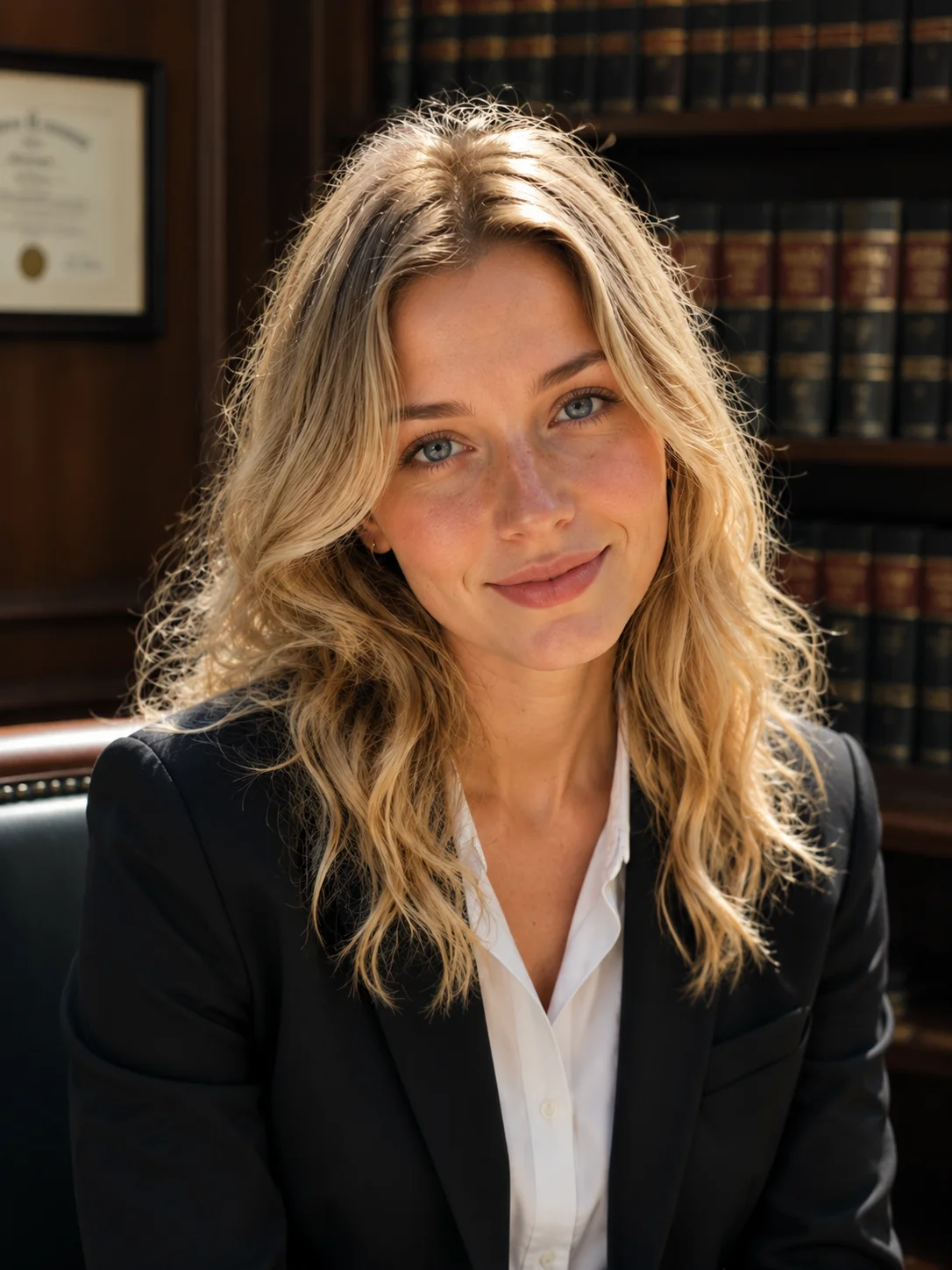
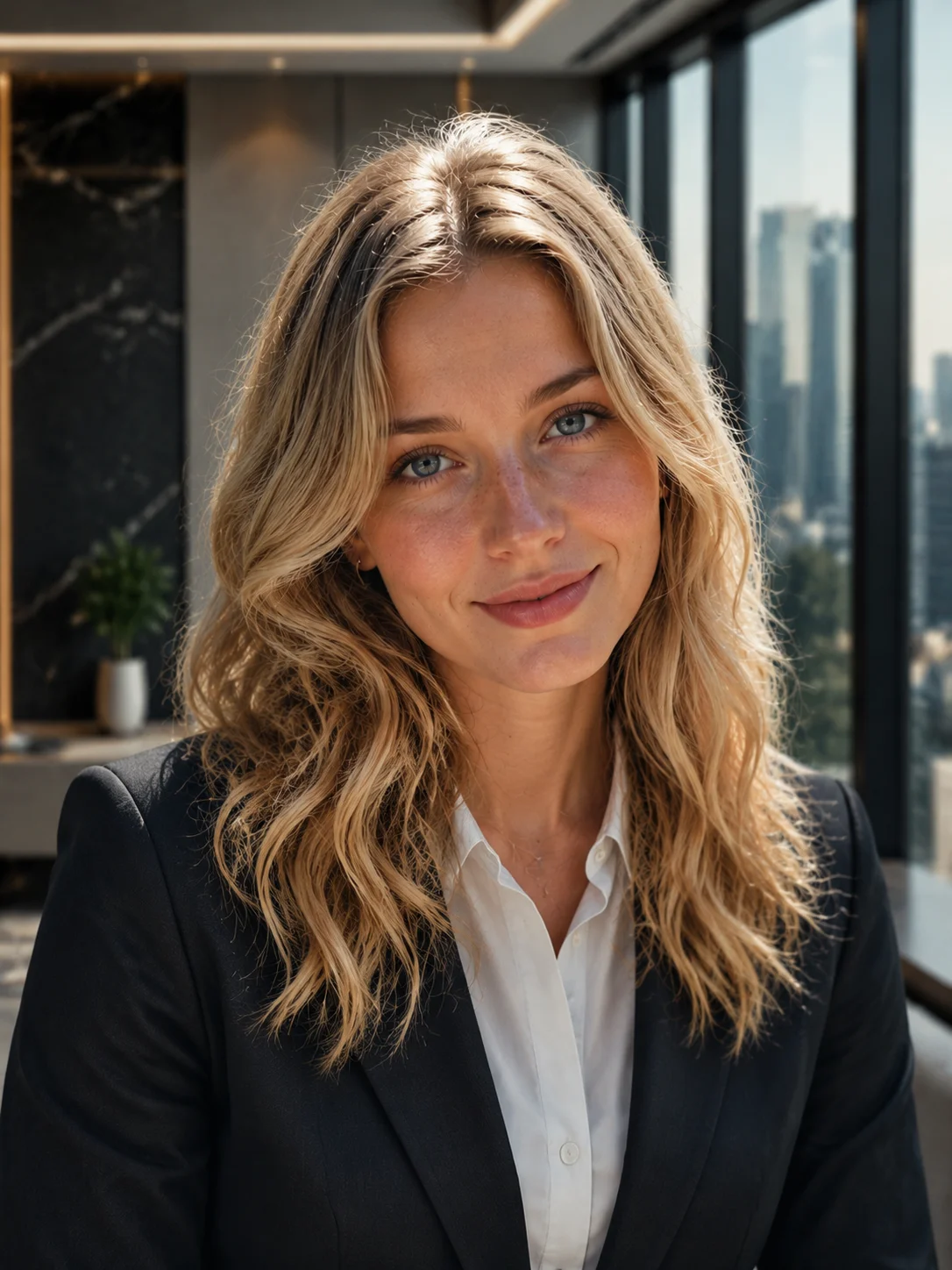
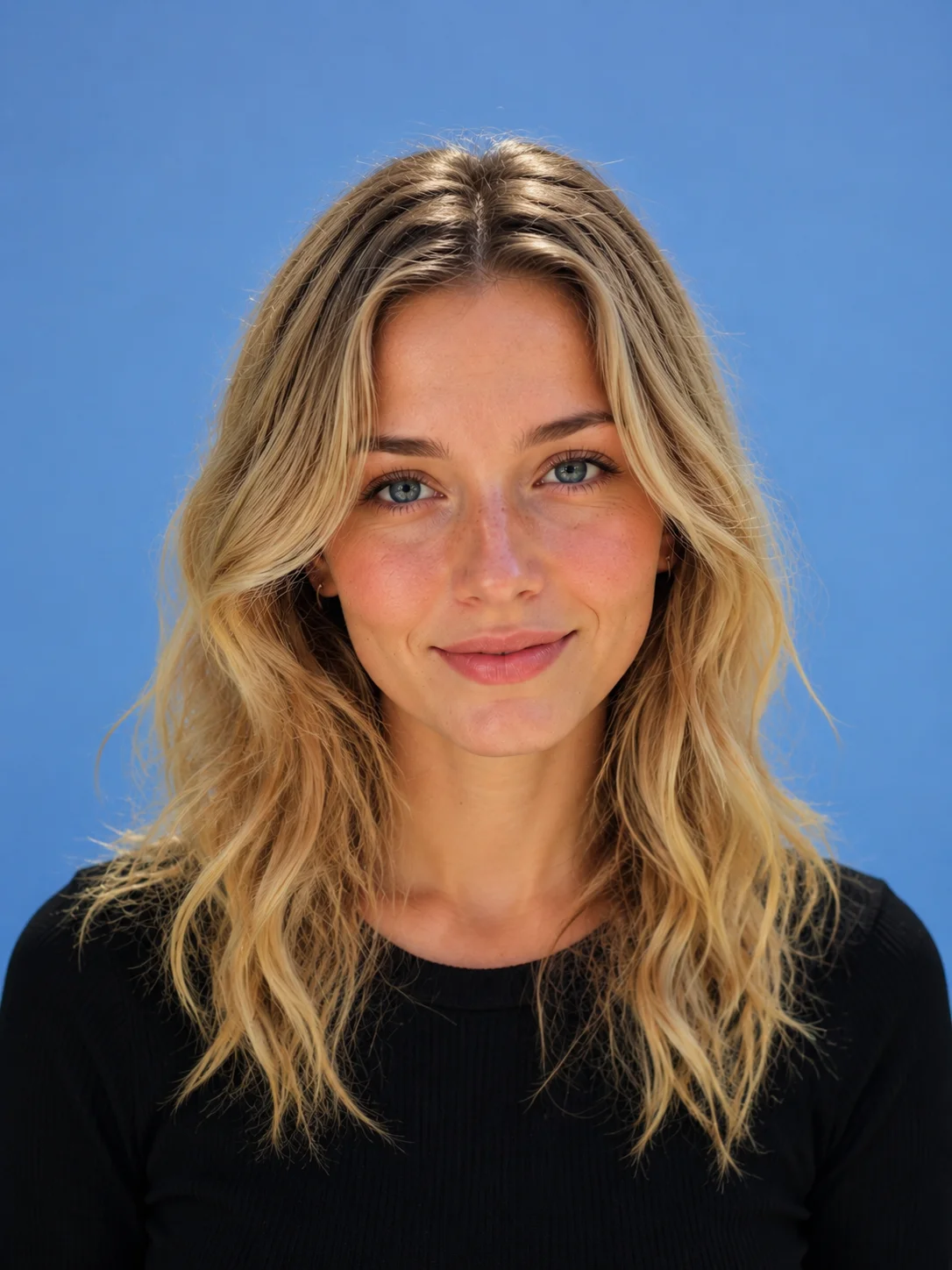
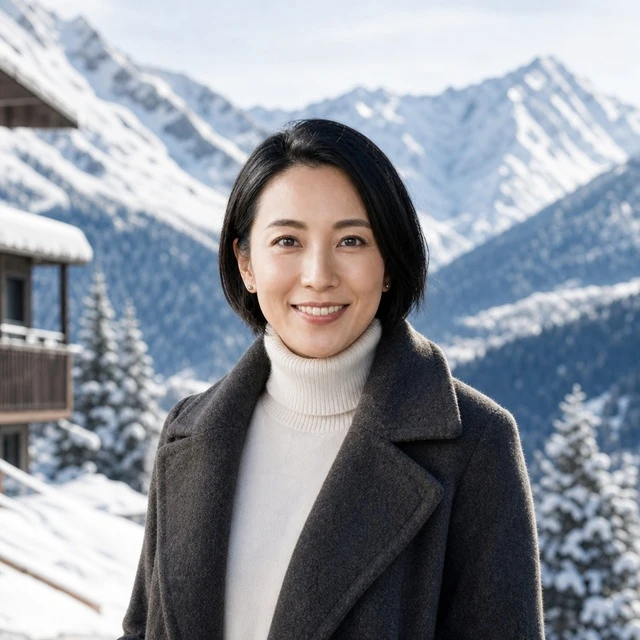
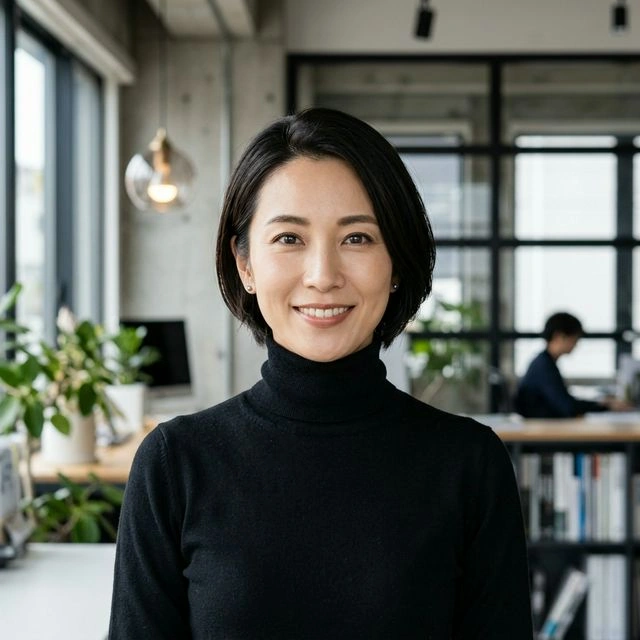
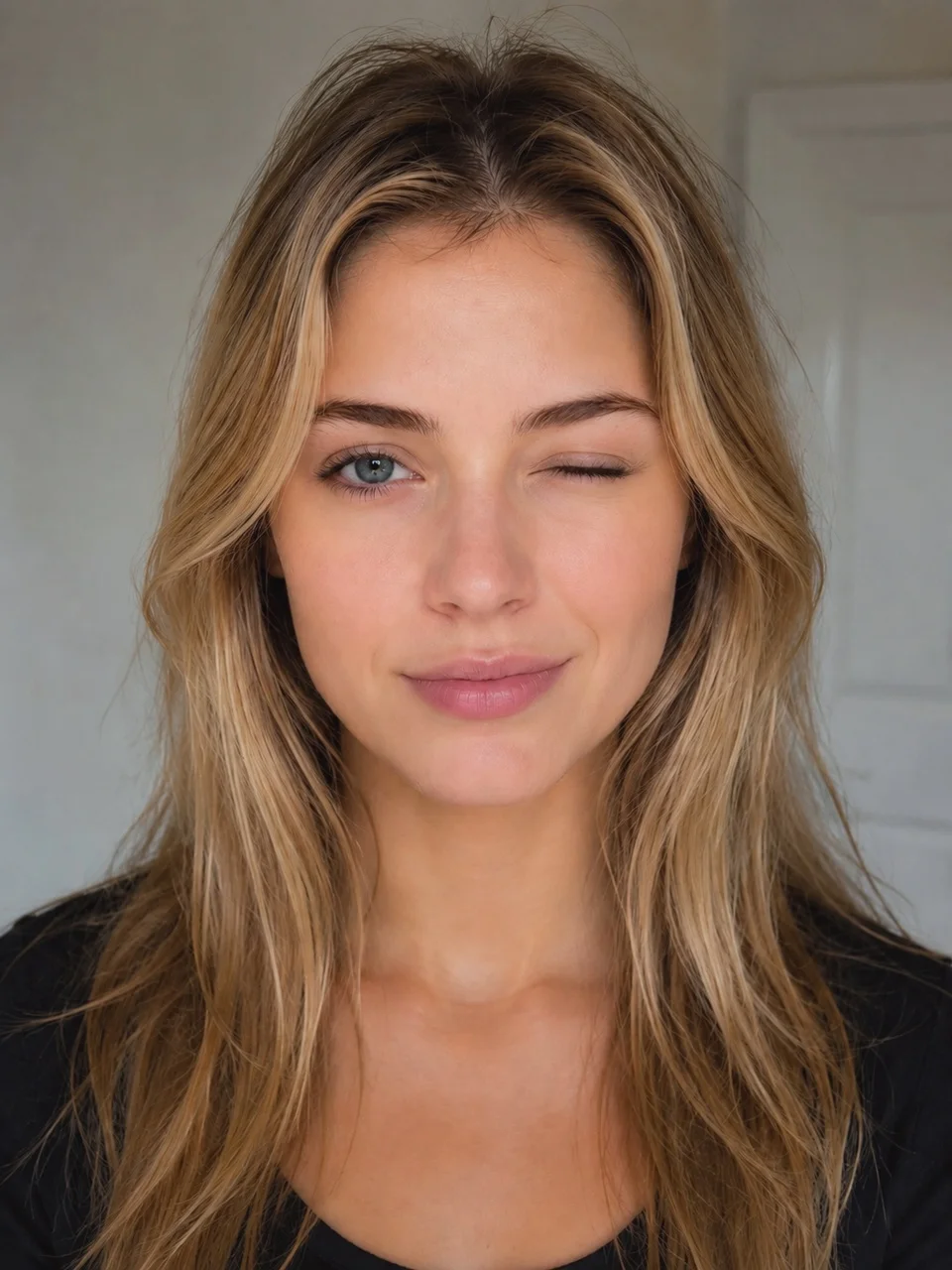
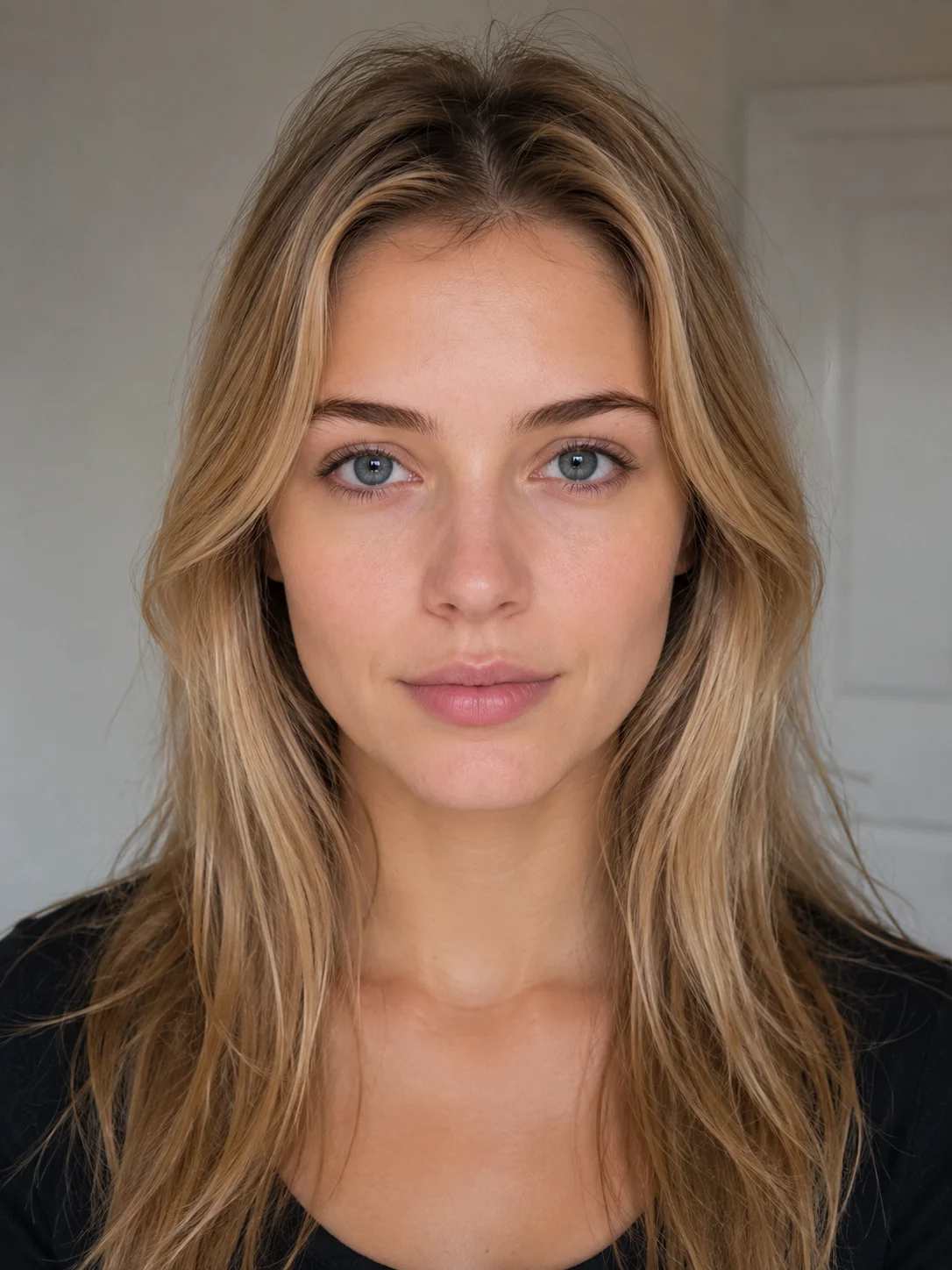
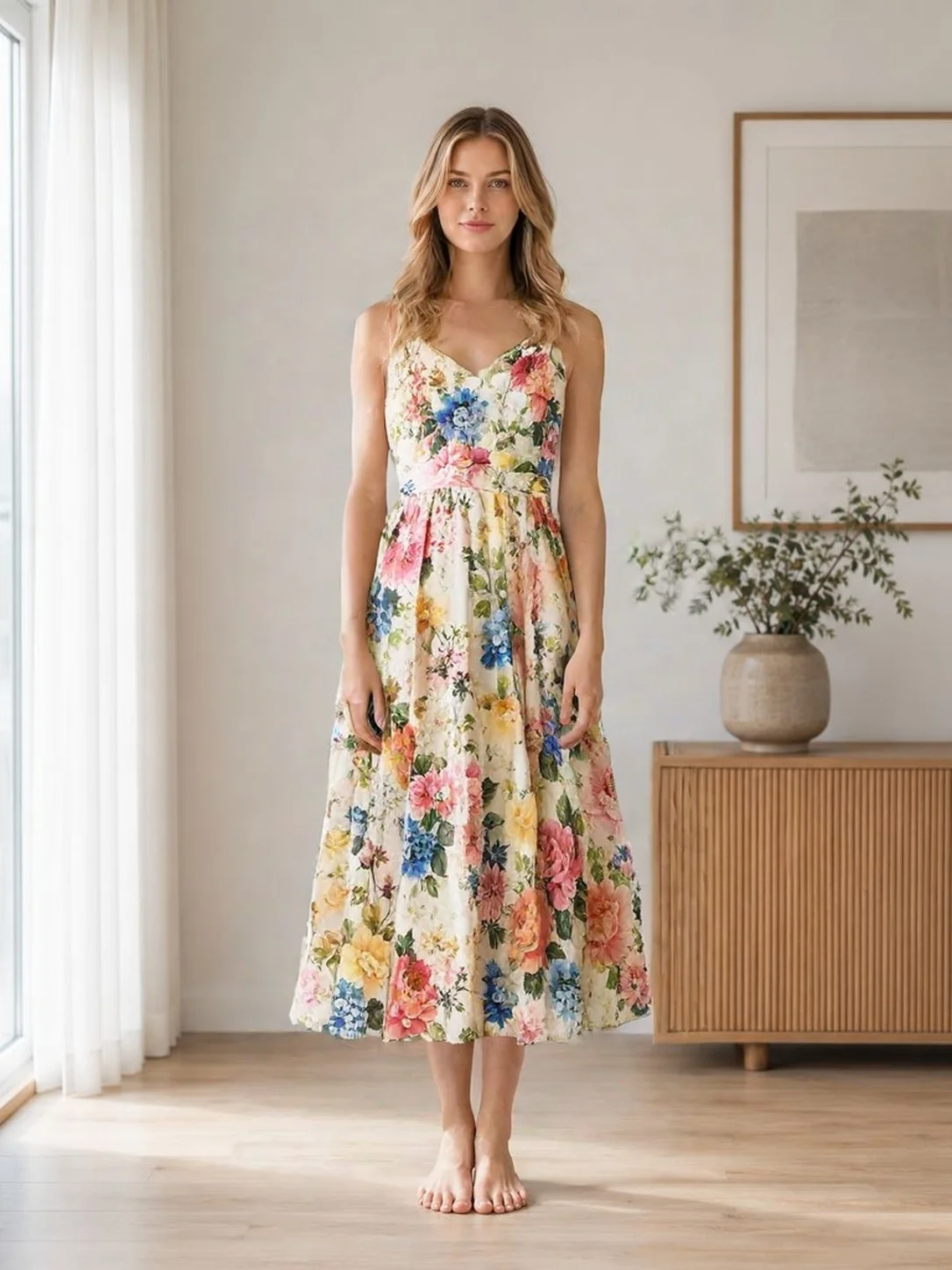
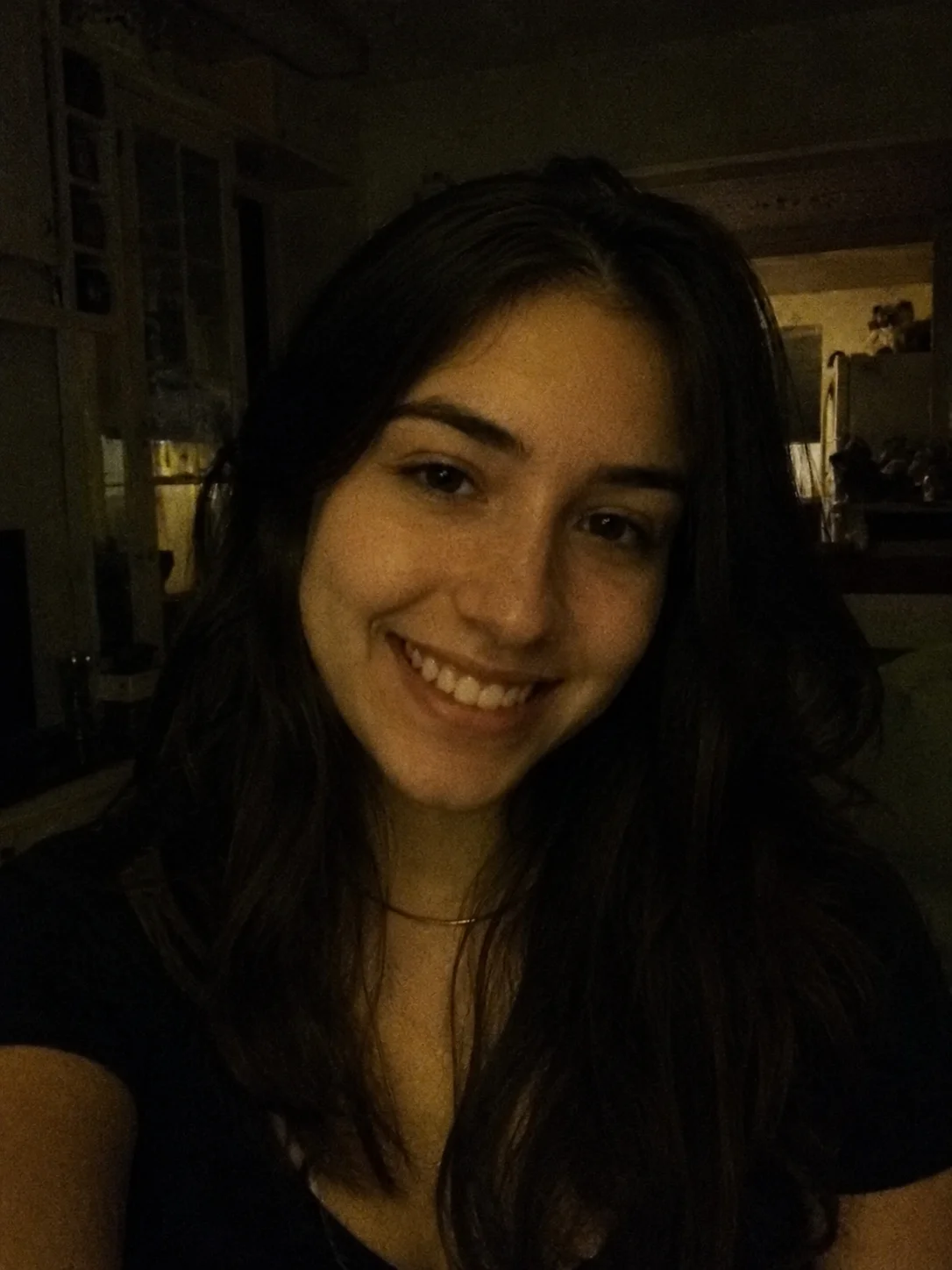
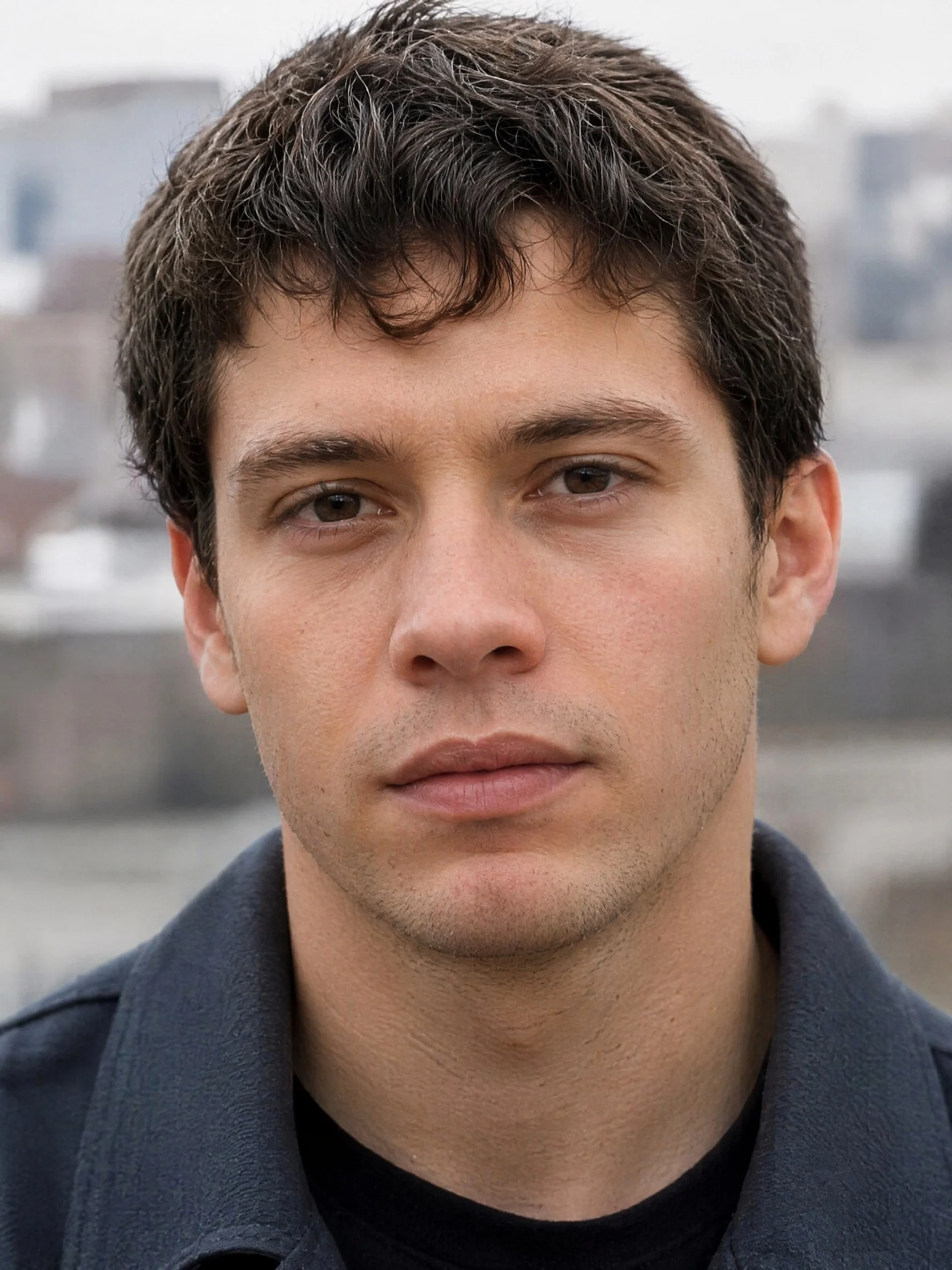
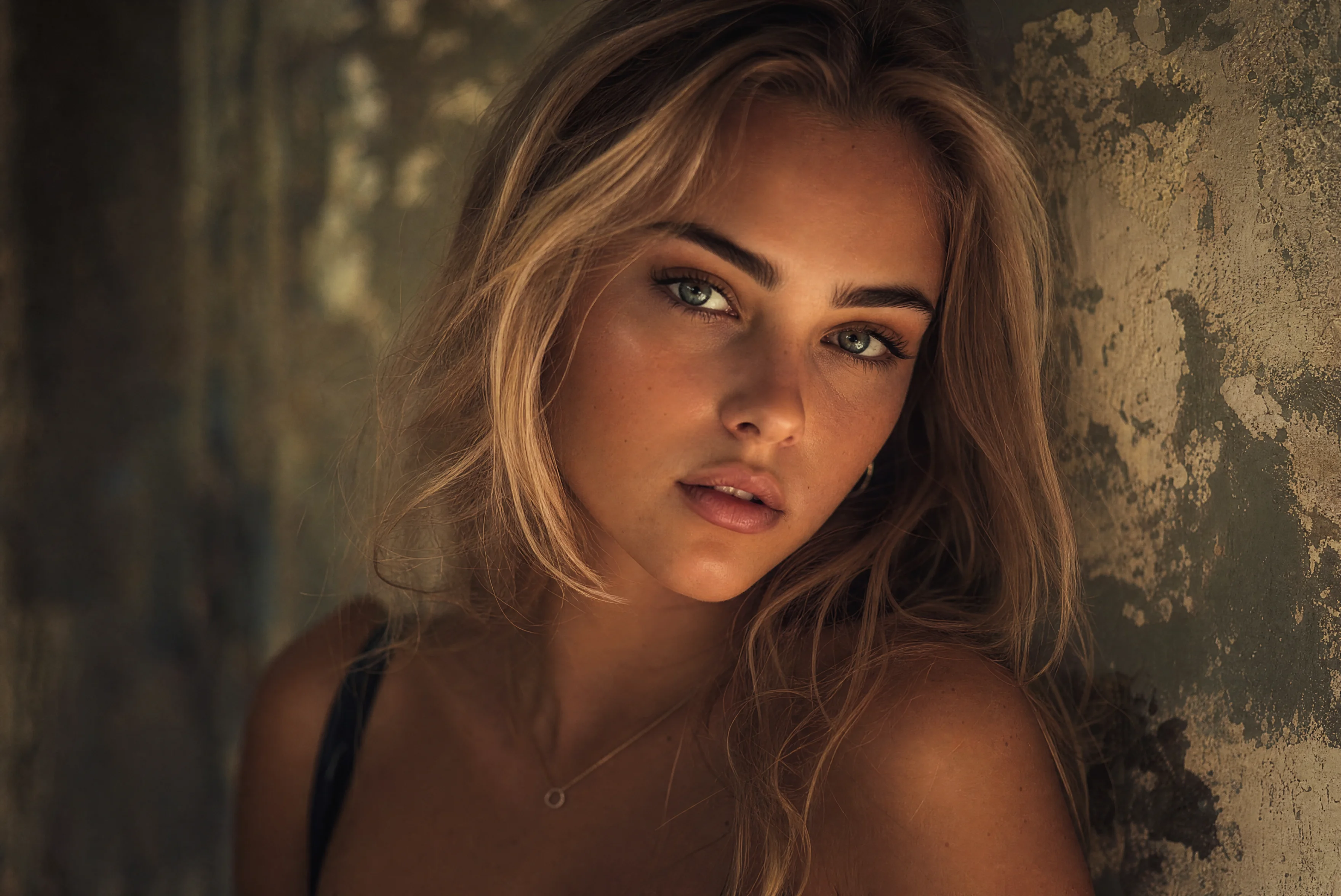
AmberFace AI is an online AI identity studio that turns a single frontal selfie into a complete set of studio-quality professional headshots. Using its flagship GPT-Image 2.0 HD enhancement engine, advanced face fusion, and lighting reconstruction models, it analyzes facial features and generates 60+ cinematic ultra-HD portraits with up to 95% similarity — no professional camera, studio lighting, or custom model training needed. Beyond basic headshots, AmberFace AI functions as an all-in-one portrait editor. Users can replace backgrounds with office, urban, nature, or solid scenes, switch expressions like laughing, surprised, or winking, try on custom clothing through Virtual Try-On, apply Hollywood-style cartoon effects, and fix lighting with studio-grade presets. The service also supports 2K/4K export, and includes 11 premium professional scenes ranging from Executive Pro and Legal Expert to Academic Scholar and ID/Passport. The platform is aimed at professionals, job seekers, creators, and teams who need fast, polished identity imagery. It runs on a credit-based system with 50 free daily credits, straightforward starter packs, and a 100% personal/corporate commercial-use license. Privacy is a core focus: uploaded photos and generated caches are physically deleted from servers within 24 hours and are never used for other purposes.
SpecificationsAI-estimated
Key Features of AmberFace AI
Use Cases for AmberFace AI
LinkedIn & Business Profiles
Generate polished, approachable headshots for LinkedIn, company websites, resumes, and email signatures.
Corporate Team Headshots
Give every employee consistent, professional portraits for the company About page, intranet, and marketing materials.
Job Applications
Create a suitable professional portrait for job applications without booking a photo studio or waiting days for edits.
Personal Branding & Social Media
Use Creative Studio, Lifestyle Casual, and Tech Minimal styles to craft a distinctive look for personal blogs, Instagram, X, or YouTube channels.
Passport & ID Photos
Use the ID & Passport scene to quickly get clean, compliant headshots for official documents.
Virtual Wardrobe Try-On
Preview how different outfits and clothing styles look on your own photo using Virtual Try-On technology.
Creative Portraits & Content Creation
Generate cartoonized portraits, dramatic expressions, and creative lighting effects for acting portfolios, thumbnails, or artistic projects.
How to use AmberFace AI?
Upload a Frontal Selfie
Drag and drop 1 clear front-facing selfie. For best results, use a single-person photo with clear lighting, a neutral expression, and no masks, sunglasses, hands, or hair covering your face.
Select Style & Scene
Pick from 11 premium professional scenes such as Business Suit, Executive Pro, Creative Studio, Outdoor Realm, Tech Minimal, Legal Expert, or ID & Passport.
AI Flagship Rendering
The AI flagship engine renders 60+ cinematic-level ultra-HD portraits in roughly 1 to 5 minutes.
Refine with AI Editor Tools
Use 18+ interactive tools to replace backgrounds, change expressions, try on custom clothing, cartoonize your photo, fix lighting, or upscale to 2K/4K.
Download HD/Ultra-HD Portraits
One-click download high-resolution images. All generated portraits include a 100% personal and corporate commercial-use license.
Pros & Cons of AmberFace AI
Pros
- One frontal selfie is enough to generate 60+ ultra-HD portraits with up to 95% similarity
- Fast turnaround: portraits in roughly 1–5 minutes and edits in 30 seconds to 6 minutes
- Built-in 18+ editor tools include background replacement, expression switching, virtual try-on, cartoonize, lighting fix, and 2K/4K upscaling
- Commercial-use license included, making images safe for personal and corporate branding
- Strong privacy policy: uploaded photos and caches are deleted from servers within 24 hours
Cons
- Credit-based pricing can add up quickly: portraits cost 10 credits each, 2K upscaling costs 15, and 4K upscaling costs 25
- Purchased credits are generally non-refundable and are deducted as soon as a task is submitted
- Requires a clear, obstruction-free frontal selfie; masks, sunglasses, heavy hair coverage, or group photos can reduce quality
- Some generations and edits can take up to 5–6 minutes, so results are not always instant
Frequently Asked Questions
What kind of photo do I need to upload?
You only need to upload 1 clear front-facing selfie. For best similarity, use a single-person photo with clear lighting, a neutral facial expression, and no obstructions such as masks, sunglasses, hands, or hair covering your face.
How are credits calculated?
Portrait generation costs 10 credits per image. Standard AI editor tools cost 5 credits per edit for background/outfit swaps, expressions, and hair changes. Premium tools cost 10 credits for Virtual Try-On, 15 credits for 2K HD Upscale, and 25 credits for 4K UHD Upscale.
How long does it take to generate a portrait?
Portrait generation usually takes 2 to 5 minutes. Standard and advanced AI edits generally take about 30 seconds to 6 minutes.
What happens if a generation fails?
Yes. If a generation fails or a system error occurs, your credits will be fully refunded to your account automatically.
Are purchased credits refundable?
Purchased credits are generally non-refundable because they cover the immediate cost of GPU computing power. Once a task is submitted, the corresponding credits are deducted.
How can I get free credits?
You can click the "Claim Daily Free Credits" button on the pricing page to receive 50 free credits daily, valid until midnight. You can also share your portraits to the Community Showcase or share your referral link to earn bonus credits when others visit.
Is my privacy protected?
Yes. All uploaded photos and generated caches are strictly kept private and physically deleted from the servers within 24 hours. They are never used for other purposes.
Can I use the generated portraits commercially?
Yes. AmberFace AI includes a 100% personal and corporate commercial-use license, so you can use your generated headshots royalty-free for business and branding purposes.
Reviews & Ratings0.0
No reviews yet. Be the first to write one!
Top Alternatives & Similar Software
View all alternatives & similar software→No alternatives available yet.
People also viewed



Related searches
Is this your tool?
Claim this page to update details, reply to user reviews, and drive more traffic to your product.
Claim this Product →
Tags
Explore Related Topics
Keep up with AmberFace AI alternatives
New alternatives, pricing changes and the week's biggest movers - one email every Tuesday.