


Kling AI Video Generator
Text to Video & Motion Control
What is Kling AI Video Generator?
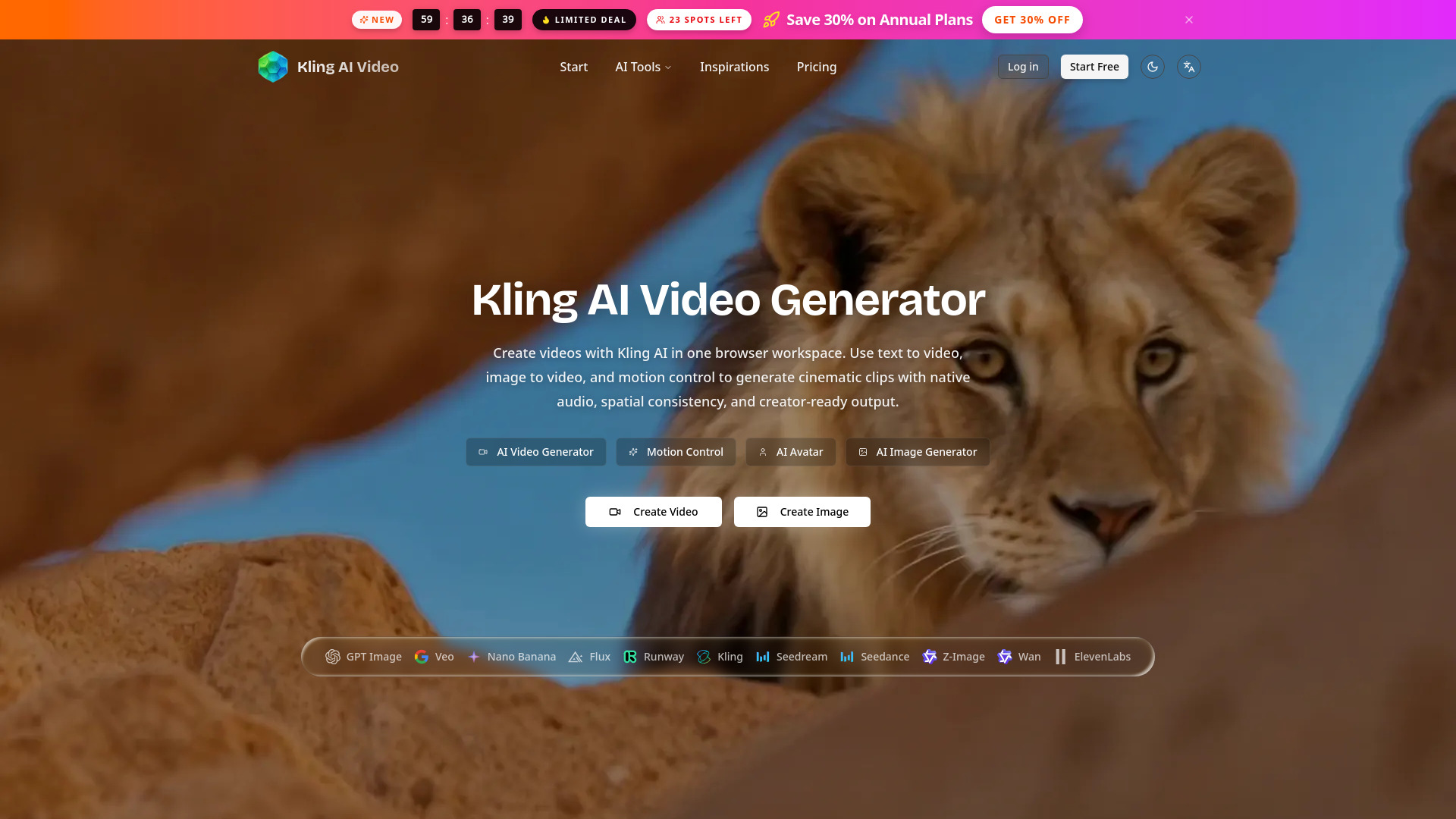
Browser-based AI video generation platform for creating cinematic clips using text prompts, image inputs, and motion control. It offers access to Kling and other models like Veo, Wan, Seedance, GPT Image, Seedream, Flux, and Nano Banana, with support for native audio, multi-shot sequences, 4K resolution, and commercial watermark-free output.
SpecificationsAI-estimated
Key Features of Kling AI Video Generator
Use Cases for Kling AI Video Generator
Social Media Content
Create scroll-stopping short videos, motion posters, and ads from text or images.
Advertising & Marketing
Generate product demos, promotional clips, and client deliverables with commercial rights.
Creative & Entertainment
Produce music videos, character animations, and performance sequences with motion control.
E-commerce
Turn static product images into dynamic showcase videos.
How to use Kling AI Video Generator?
Write a Prompt or Upload References
Enter a text description or upload a still image, or provide a character image plus reference video for motion control.
Set Video Parameters
Choose duration, aspect ratio, resolution, native audio, and model mode such as Kling Std, Pro, or 4K.
Generate and Download
Submit the request, wait 2–10 minutes, then download the video watermark-free at up to 4K.
Pros & Cons of Kling AI Video Generator
Pros
- Native audio co-generation for synchronized sound
- Advanced motion control with finger-level precision
- Multiple AI video and image models in one workspace
- Up to 4K resolution and 60fps on Kling 3.0
- Watermark-free output for commercial use
- No GPU or special hardware required
Cons
- Credits-based system may require paid usage for full access
- Generation can take 2–10 minutes per video
- Limited to 3–15 seconds for most Kling generations
- Not all features may be available across every model
Frequently Asked Questions
What is Kling AI?
Kling AI is a video generation model developed by Kuaishou Technology. This platform provides access to Kling along with other AI models for both video and image creation.
What is new in Kling 3 compared to Kling 2.6?
Kling 3.0 adds multi-scene sequences with up to 5 shots, native 4K at 60fps, chain-of-thought motion reasoning, native text rendering in video, and improved multi-subject consistency.
Does Kling support native audio?
Yes, Kling generates native audio alongside video, with synchronized dialogue, sound effects, and background audio aligned frame-by-frame.
Is commercial use allowed?
Yes, all content created through paid usage is licensed for commercial projects and is watermark-free.
Pricing Overview
View full pricing →No explicit pricing is listed on this page; the service uses a credit system (e.g., 55 credits per video generation) and offers a 'Start Free' option.
Detailed plans are not listed. Visit the official website for pricing information.
Reviews & Ratings0.0
No reviews yet. Be the first to write one!
Top Alternatives & Similar Software
View all alternatives & similar software→No alternatives available yet.
People also viewed

Related searches
About the Product
Is this your tool?
Claim this page to update details, reply to user reviews, and drive more traffic to your product.
Claim this Product →
Tags
Explore Related Topics
Keep up with Kling AI Video Generator alternatives
New alternatives, pricing changes and the week's biggest movers - one email every Tuesday.