



MakeAD
Turn one product image into product photos, short videos, and campaign ads in an AI creative workspace.
What is MakeAD?
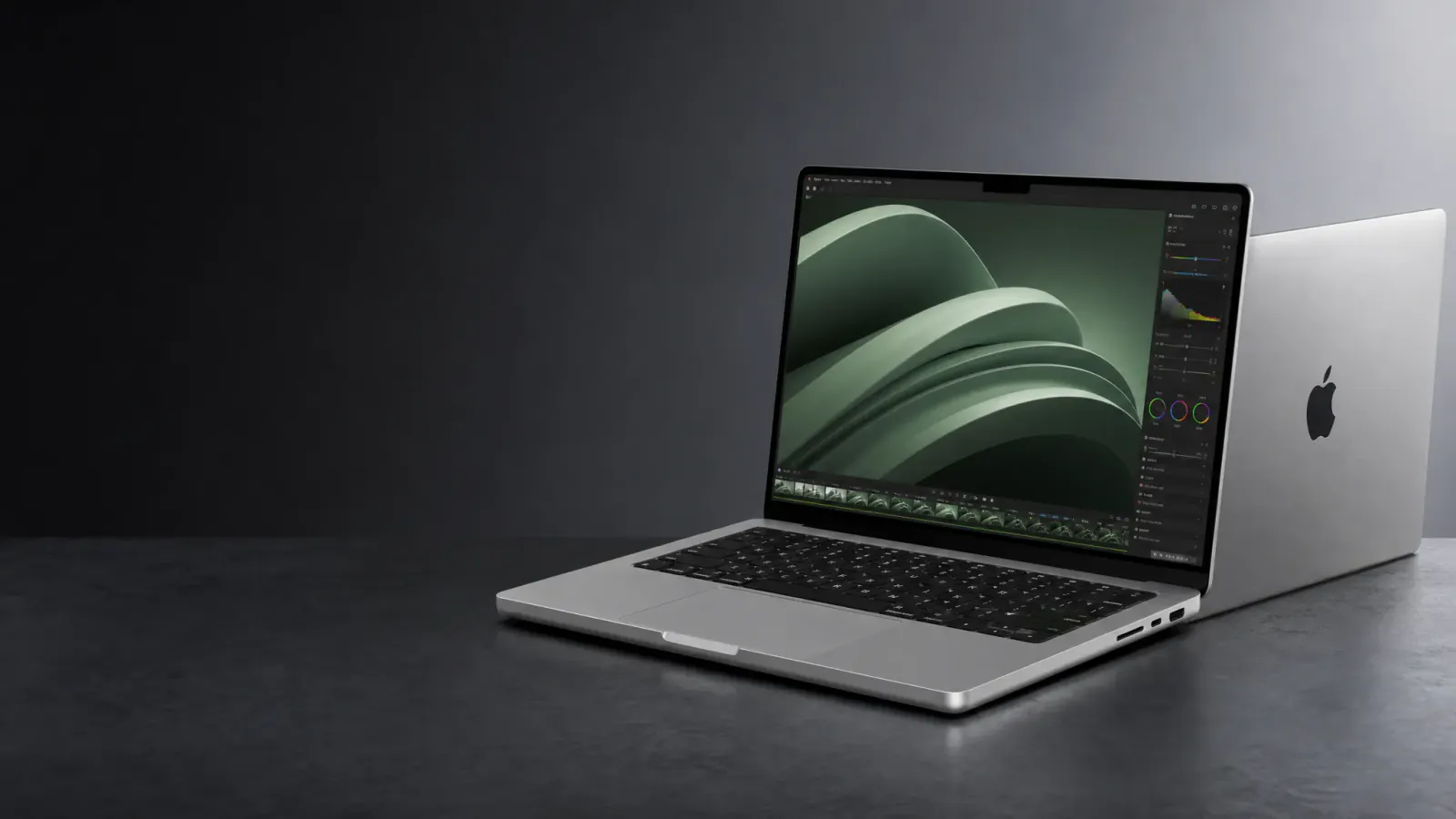
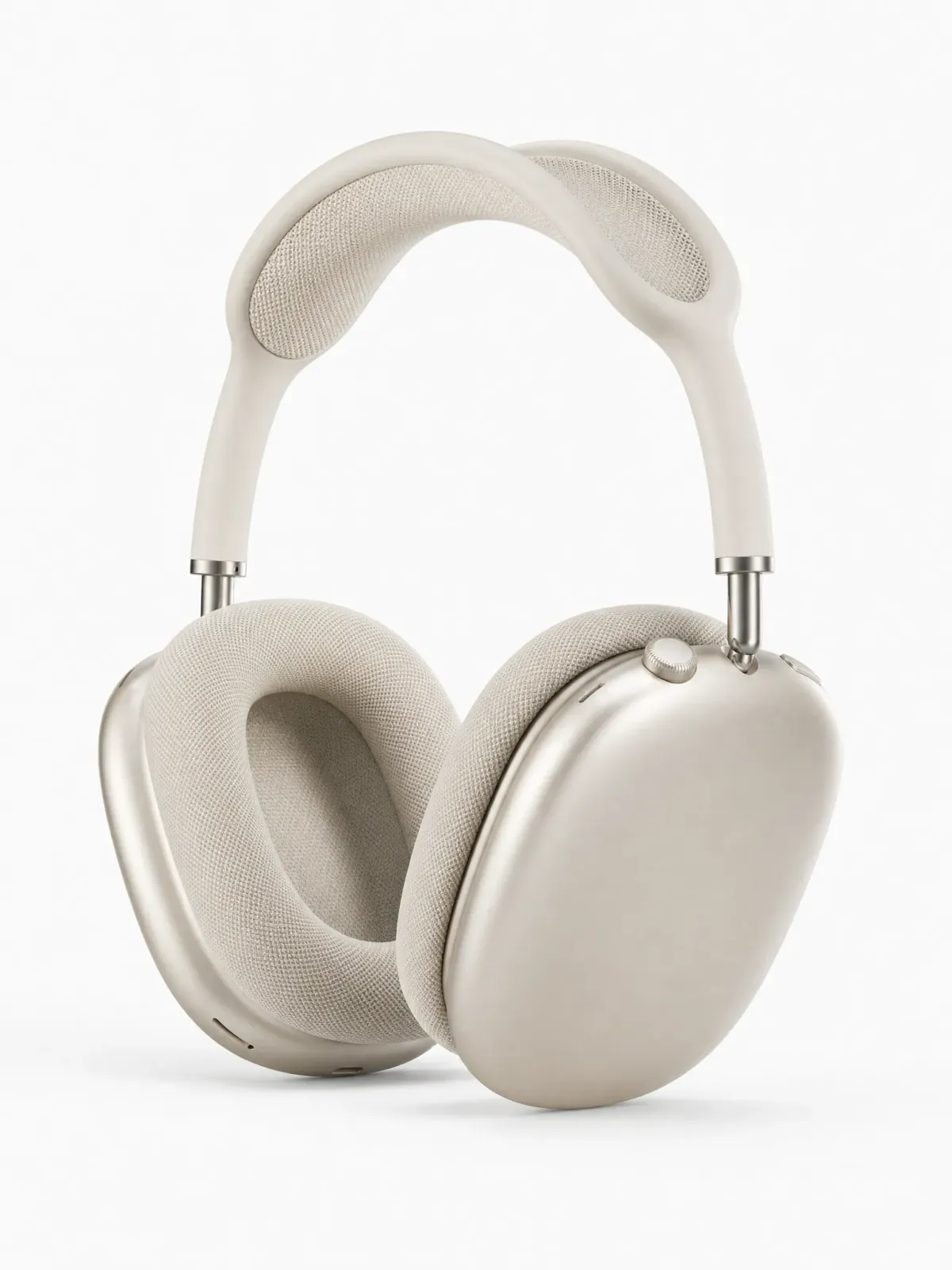
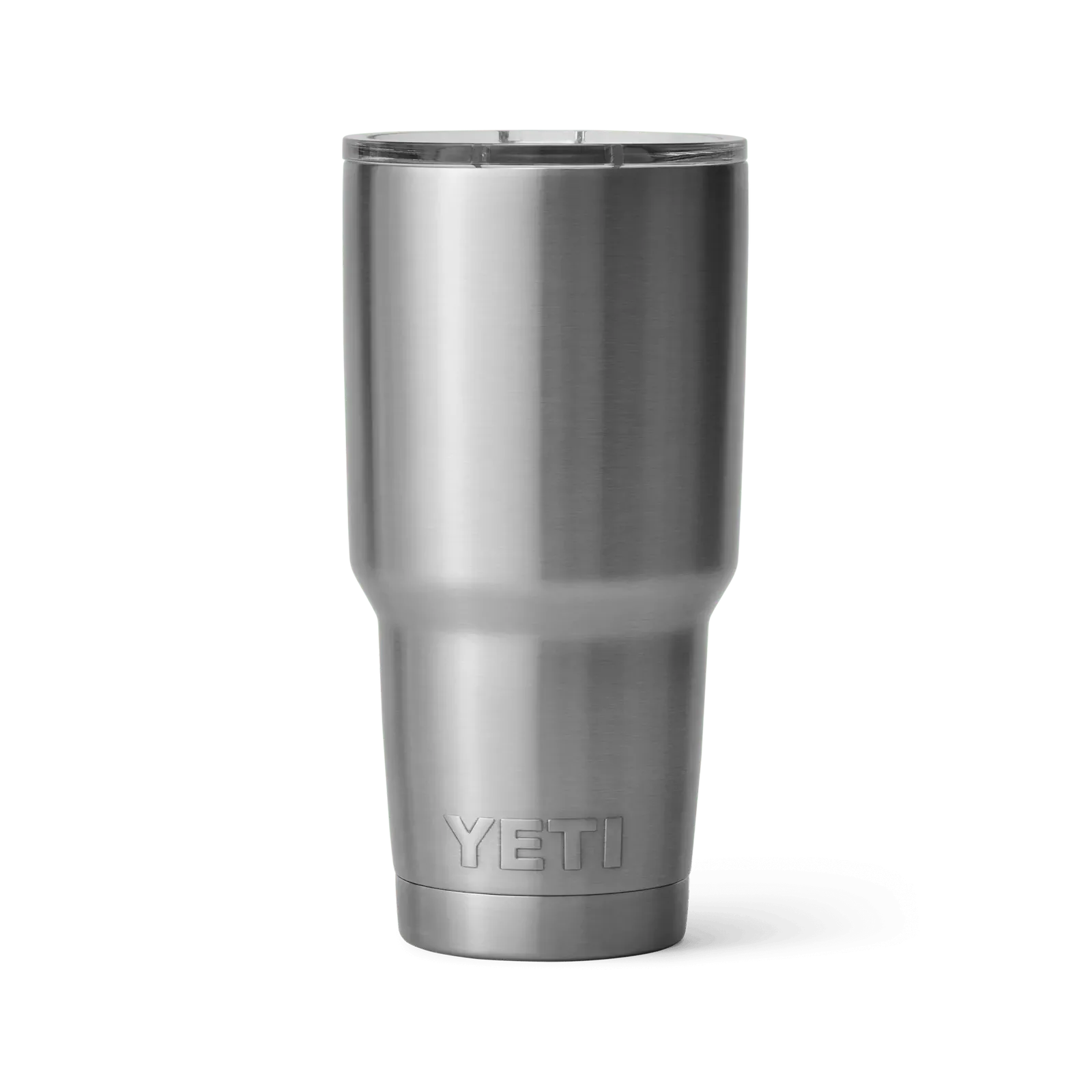
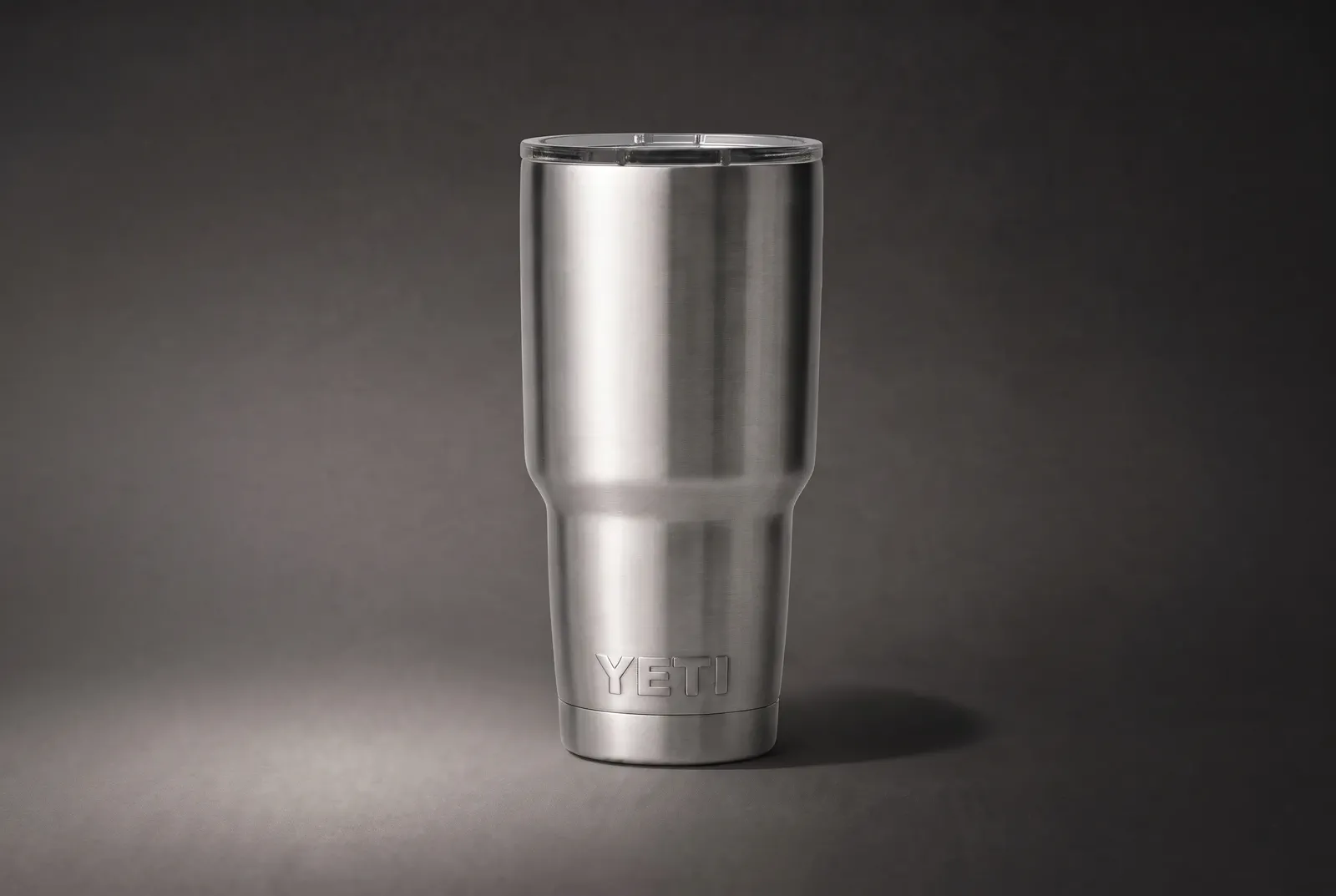
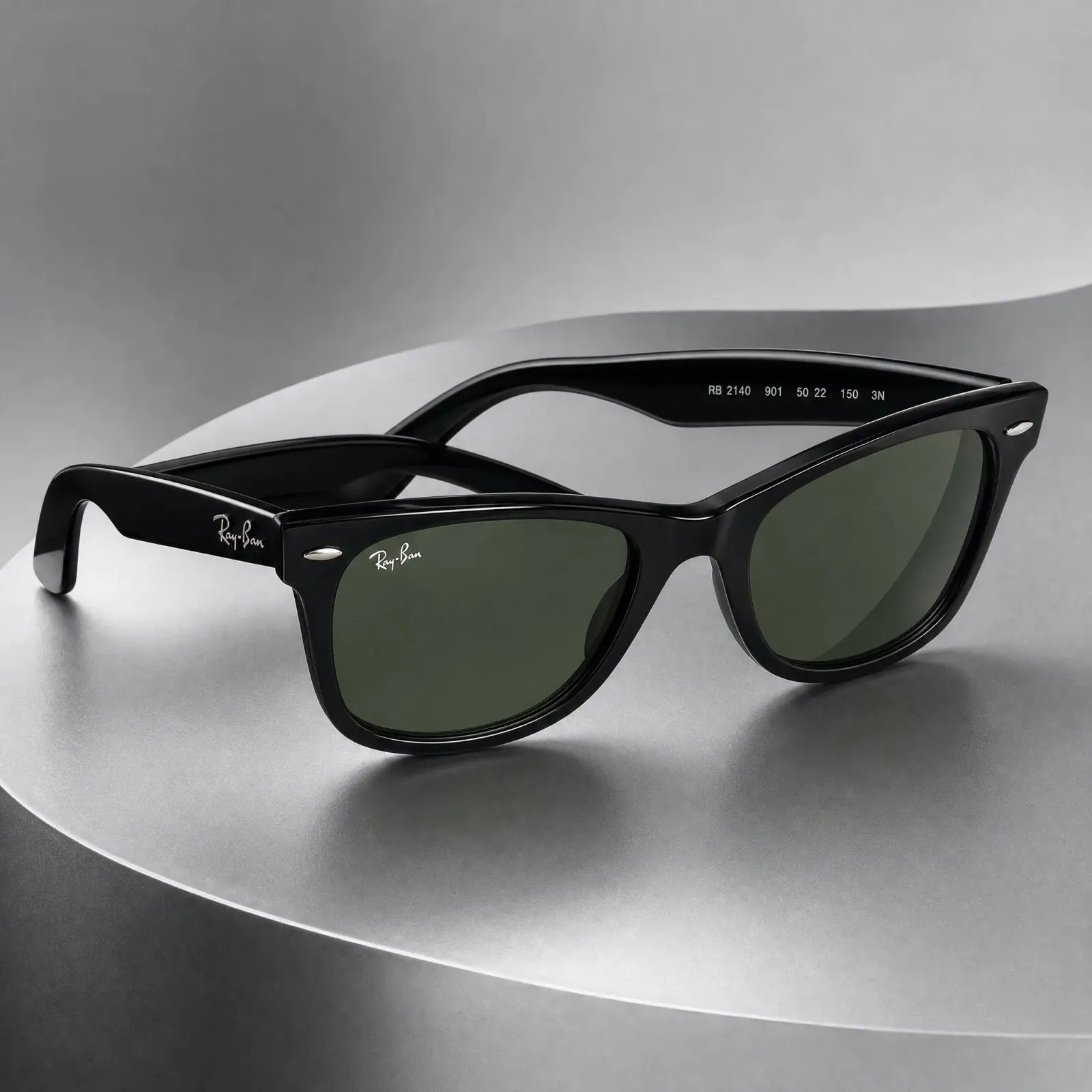
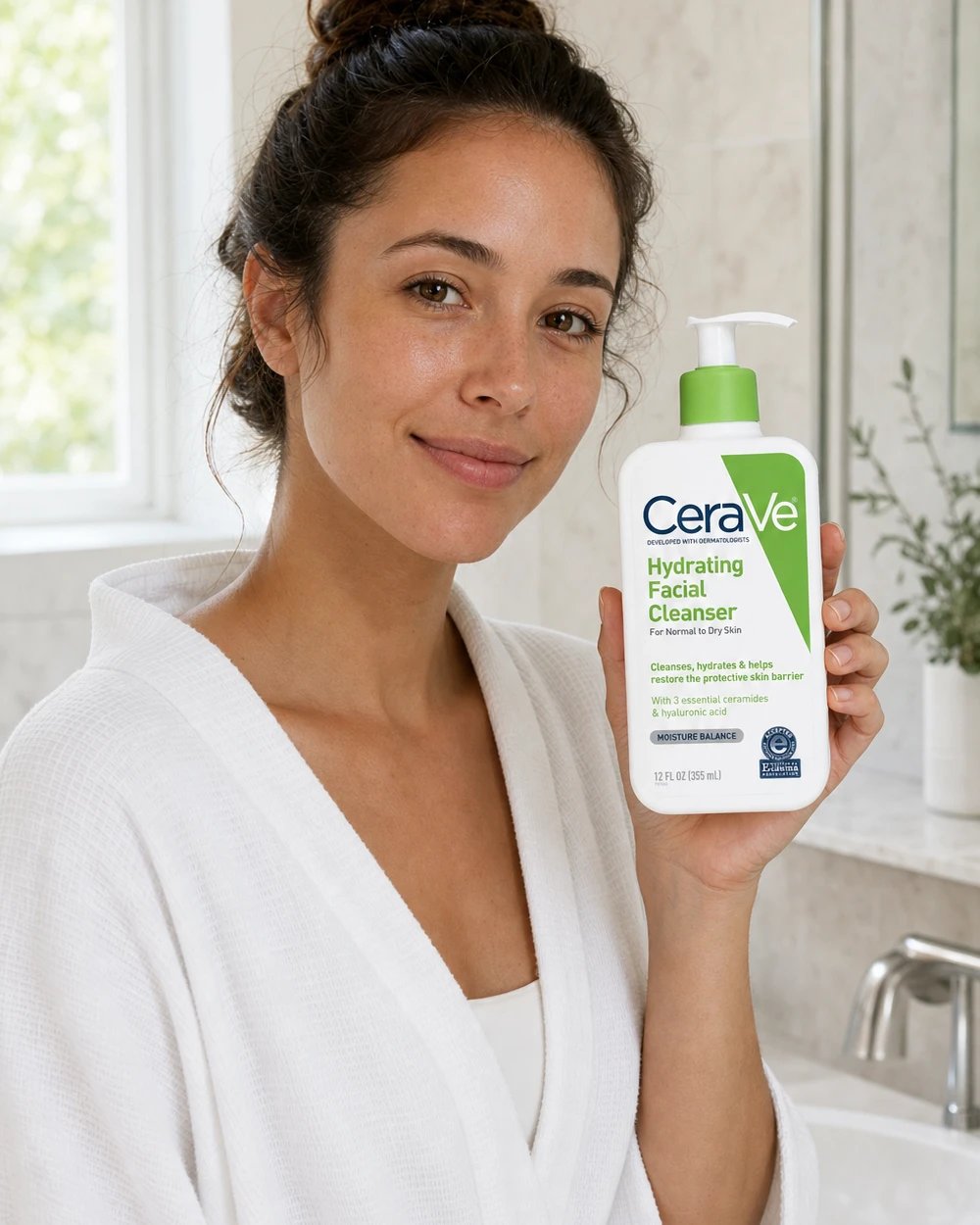
MakeAD is an AI creative workspace built around product content. Instead of starting from a blank canvas, you start with a clear product image, describe the next direction in plain language, and MakeAD turns that single source into polished product photos, short videos, and campaign visuals. It is designed for teams who need a product's identity to stay recognizable even as the creative direction changes.
SpecificationsAI-estimated
Key Features of MakeAD
Use Cases for MakeAD
Product detail pages
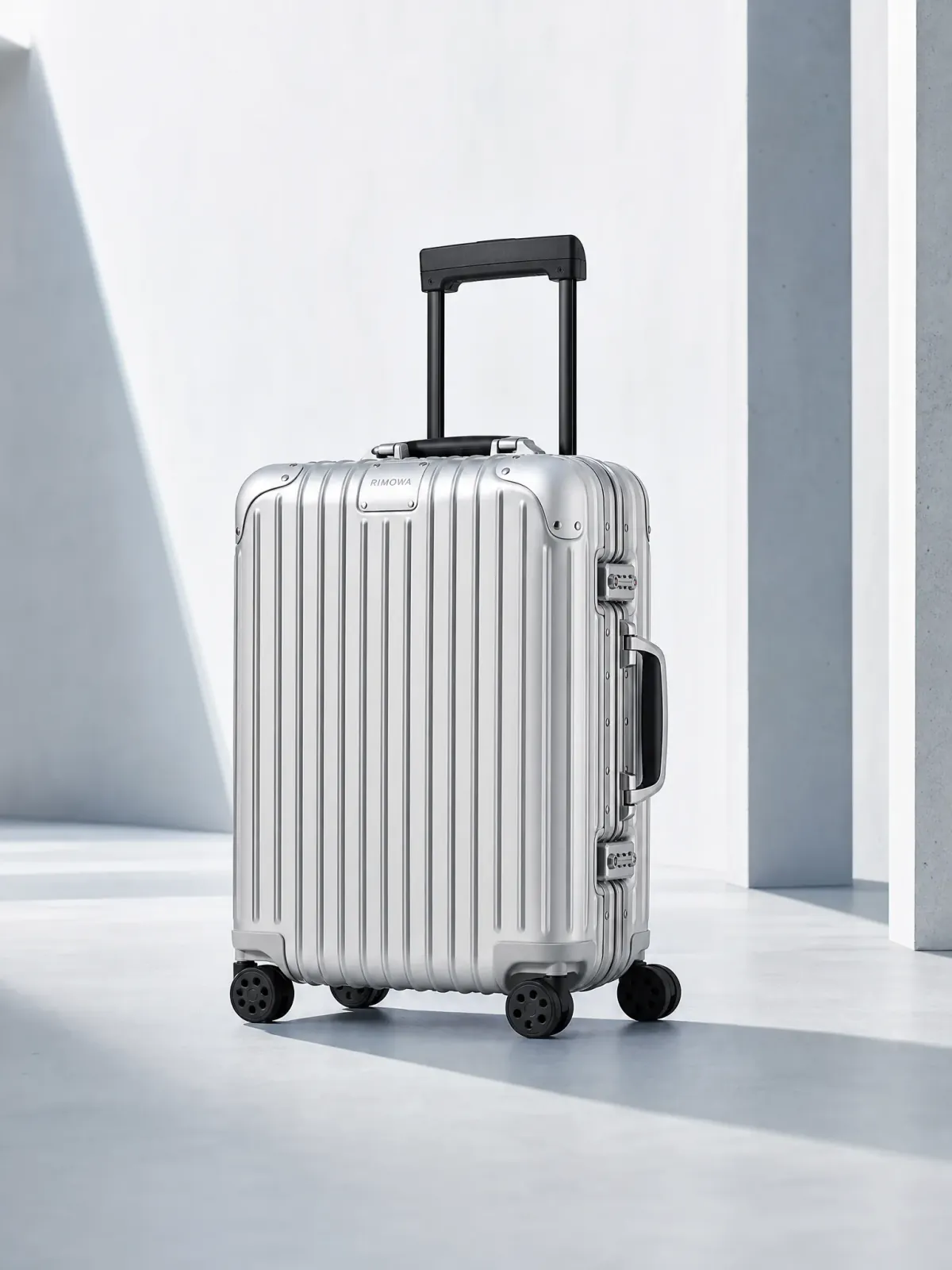
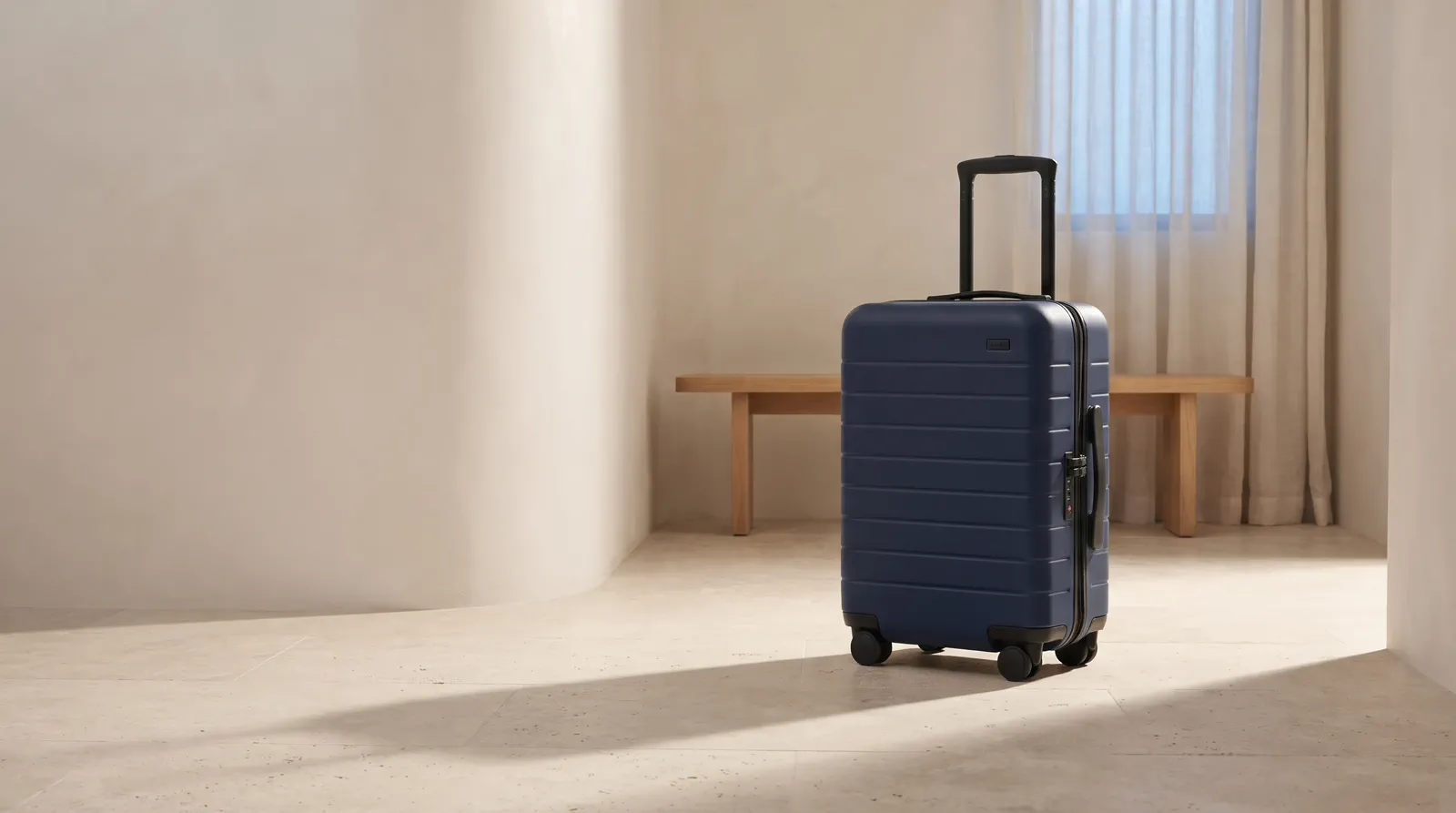
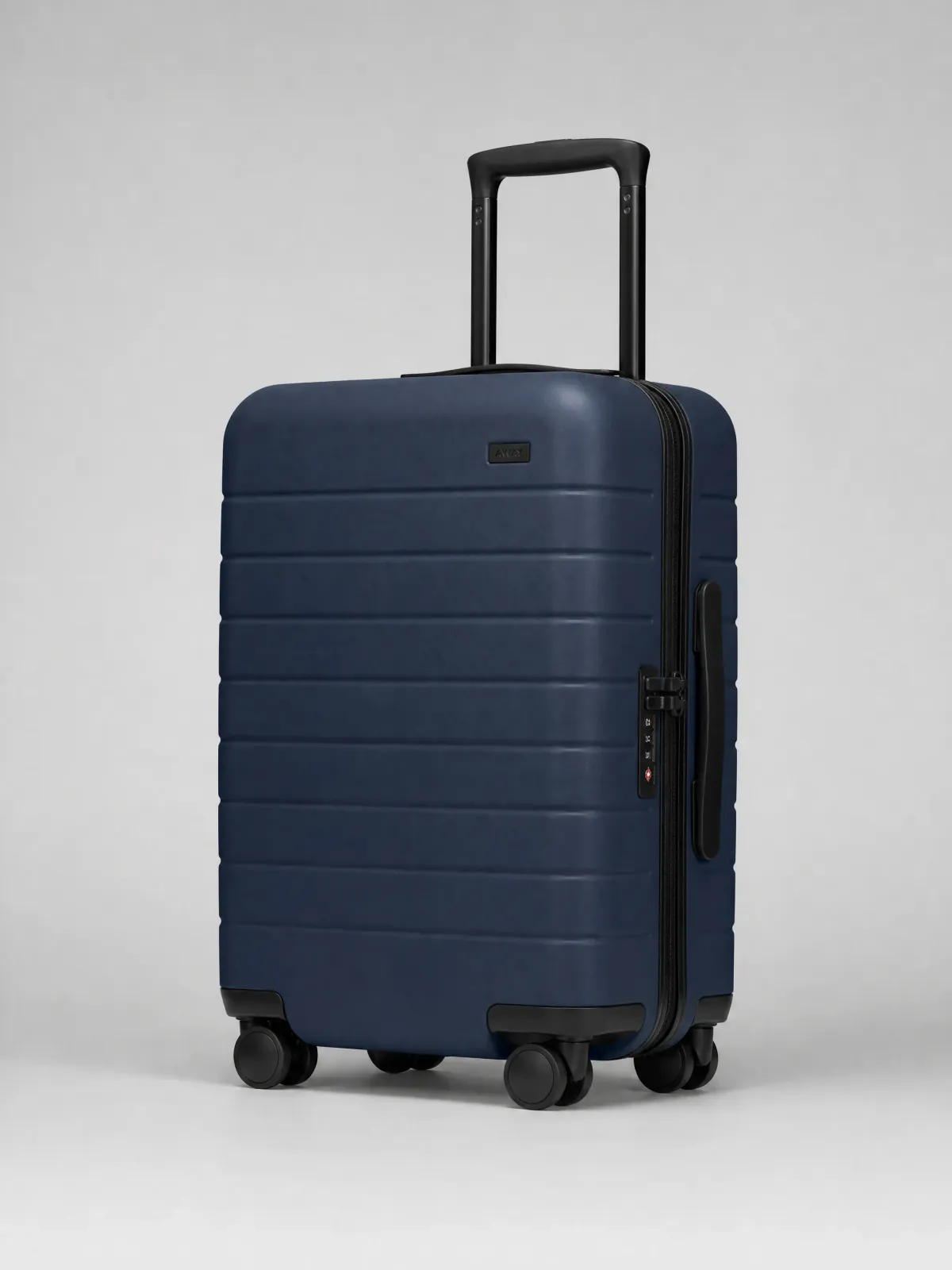
Create complete product-page views that show the shell, handle, locks, wheels, and other defining details for listings and catalogs.
Lifestyle content
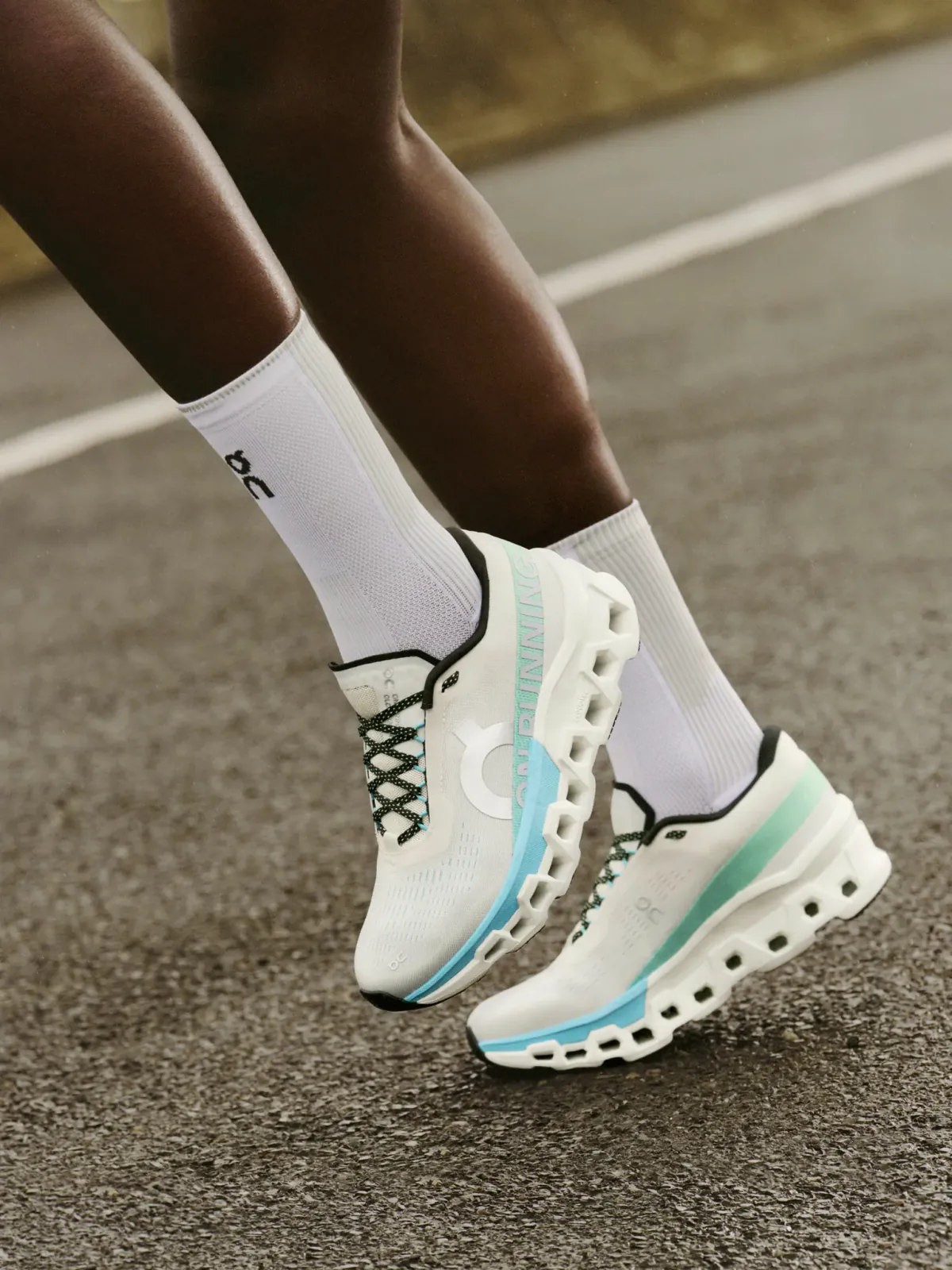
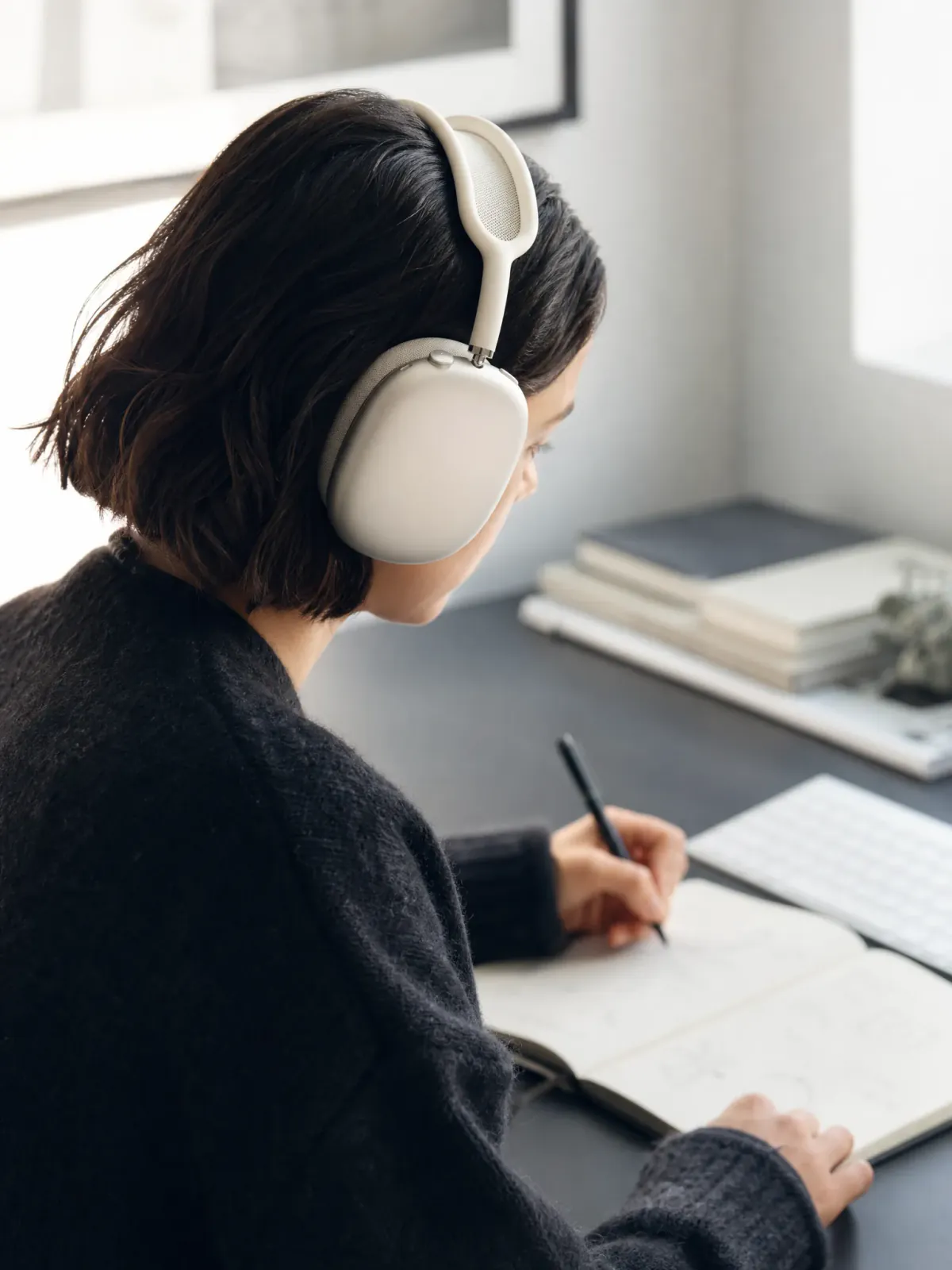
Show products in real contexts, such as a running stride for shoes, to establish scale, sole height, and motion.
Launch and paid media
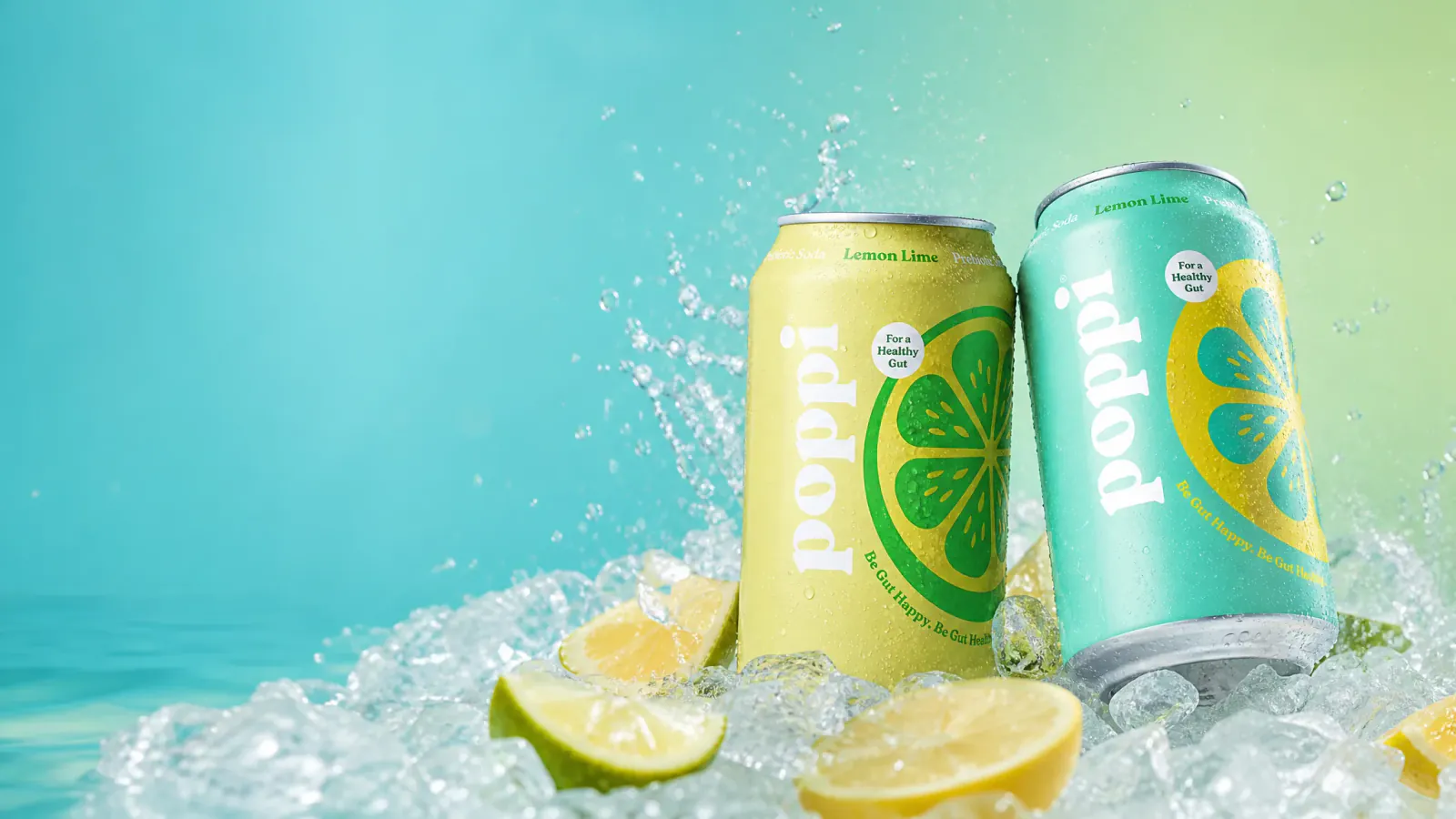
Build memorable visuals like bright launch images with color, ice, and water to make the campaign idea clear at a glance.
Brand channels
Produce wide campaign compositions with generous message space for banners, editorial posts, and brand launches.
Product videos
Add motion, use, scale, detail, or a visual reveal that a still image cannot explain.
Sell on product pages
Make the product clear for listings, catalogs, marketplaces, and product detail pages.
Show how it works
Explain setup, operation, movement, parts, or the visible result with short video.
Build a stronger catalog
Create consistent product context, surfaces, backgrounds, scale, and presentation across a catalog.
How to use MakeAD?
Add the product source
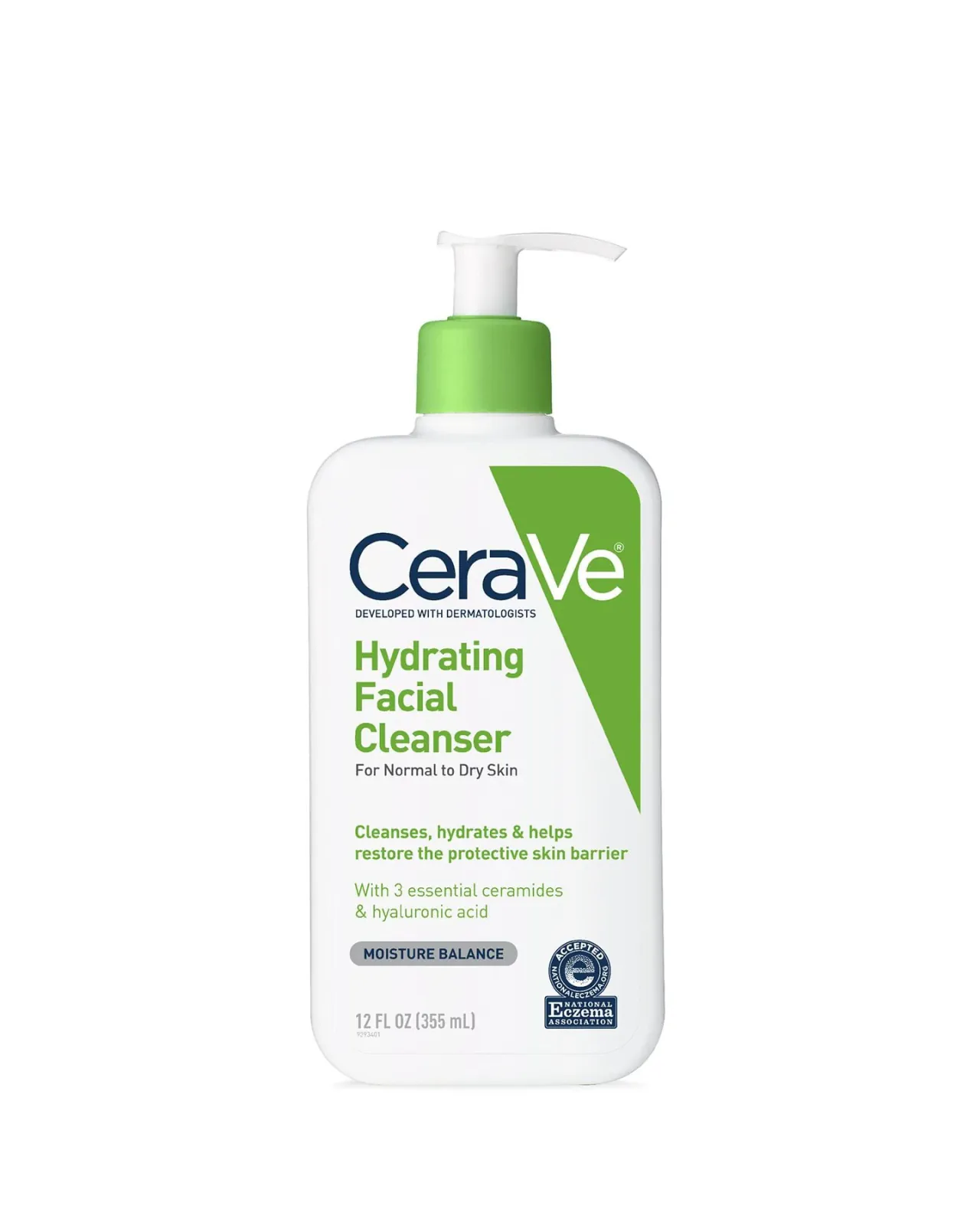
Start with a clean, recognizable product image where the complete product, main shape, materials, color, and defining details are easy to see.
Describe the next direction
Explain the scene, light, composition, or motion in plain language and choose the output type and settings you need.
Review the result
Open the completed image or video and decide what to keep, using the comparison and review tools to judge the result.
Continue from Assets
Find finished work again in Assets, reuse it as a reference when supported, or download the file you need.
Pros & Cons of MakeAD
Pros
- Start from one product image and generate multiple selling assets without rebuilding every idea from scratch.
- Keeps product identity consistent: shape, color, materials, and defining details remain recognizable across outputs.
- Covers the full journey: product pages, lifestyle scenes, launch and paid media, brand channels, and product video.
- Assets hub keeps finished work connected to tasks for easy reuse, reference, and download.
- No design or coding skill required; plain-language direction drives the creative process.
Cons
- Requires a clean, recognizable product image as the source; output quality depends heavily on the reference provided.
- Cannot produce evidence that is not present in the source image, such as exact unseen construction, measured performance, live sound, or complex physical interaction.
- Control options vary depending on the tool and current model, so the available settings are the source of truth rather than a fixed universal feature set.
- Not a full replacement for a professional photoshoot or live capture when physical proof or real-world interaction is required.
Frequently Asked Questions
What is MakeAD, and what can I create with it?
MakeAD is an AI creative workspace for product content. Start with a clear product image and written direction to create product photos, lifestyle scenes, product ads, or short product videos. Related requests and results stay in tasks, and completed work can be found again in Assets.
Should I start with AI product photography or AI product video?
Choose AI product photography when the next gap is a listing image, background, lifestyle scene, campaign visual, or another still asset. Choose AI product video when motion, use, scale, setup, or a visual reveal would explain the product better than a still image.
Can I use the same product source for listings and campaigns?
Yes. A clear product source can support several separate creative directions, such as a clean listing image, a believable use context, a campaign composition, or a short motion brief. Each output remains its own task or asset so you can review and continue the most useful directions.
What kind of product image should I start with?
Use an image where the complete product, main shape, materials, color, and defining details are easy to see. A clean angle with enough resolution and minimal obstruction gives the image or video direction a clearer product reference.
How much control do I have over the visual direction and output?
For image creation, MakeAD provides Auto and selectable visual styles together with supported aspect ratios, resolutions, and file formats. For video, available models and output settings appear in the video generator. The controls shown in each tool are the current source of truth for that output.
Where can I find and reuse completed work?
Completed images and videos remain connected to their task conversations. Assets brings finished work into one place so you can browse it, use an existing result as a new reference when supported, or download the file you need.
When is a new photoshoot or live capture still the better choice?
Use MakeAD when an approved product image already shows the identity needed for a new visual direction. Choose a new shoot or live capture when the buyer needs evidence that is not present in the source, such as exact unseen construction, measured performance, live sound, or complex physical interaction.
Reviews & Ratings0.0
No reviews yet. Be the first to write one!
Top Alternatives & Similar Software
View all alternatives & similar software→




People also viewed

Related searches
Is this your tool?
Claim this page to update details, reply to user reviews, and drive more traffic to your product.
Claim this Product →
Tags
Explore Related Topics
Keep up with MakeAD alternatives
New alternatives, pricing changes and the week's biggest movers - one email every Tuesday.