



Pixelshot
Turn ordinary product photos into studio-quality sales images in seconds with AI.


What is Pixelshot?
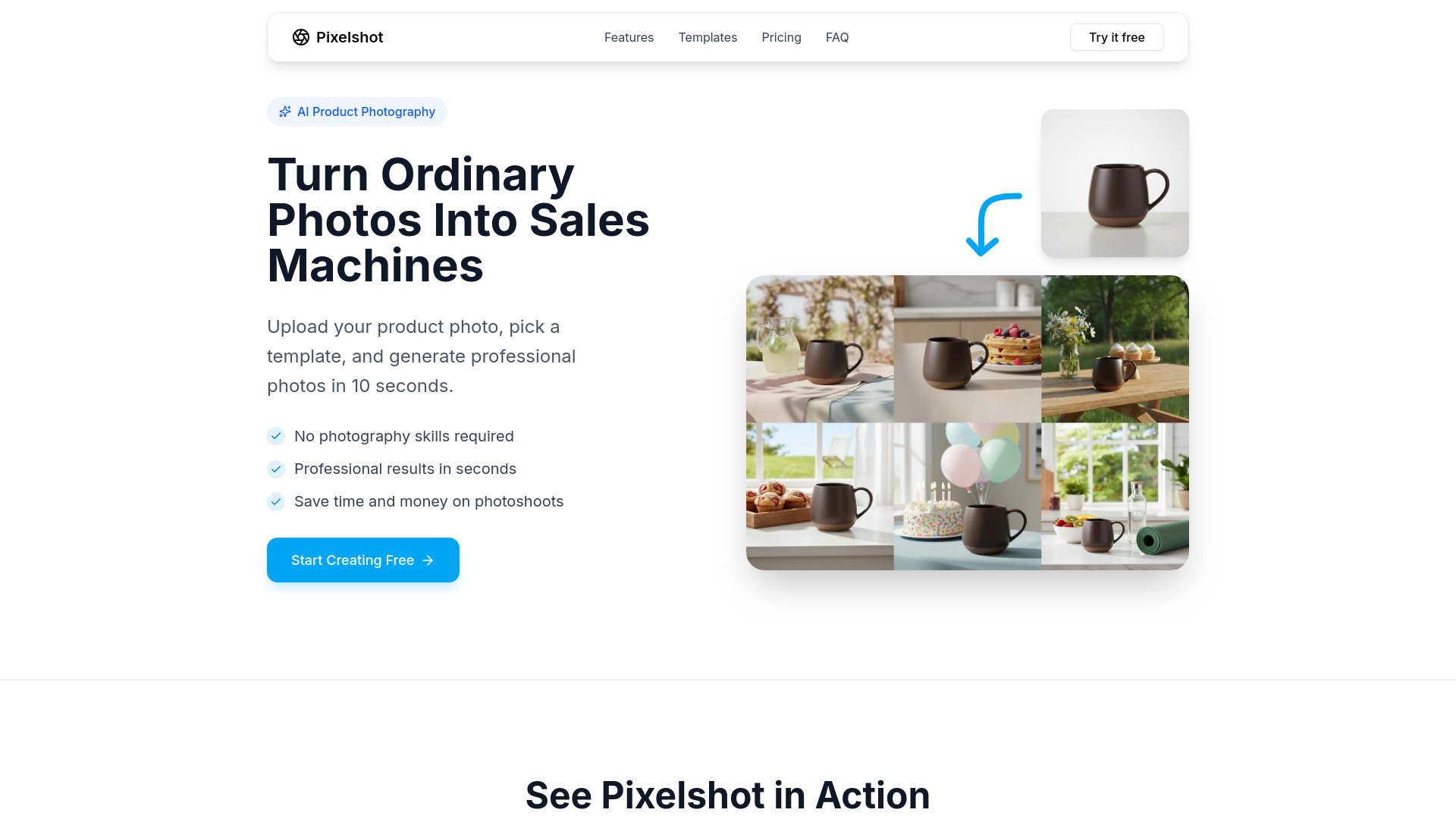
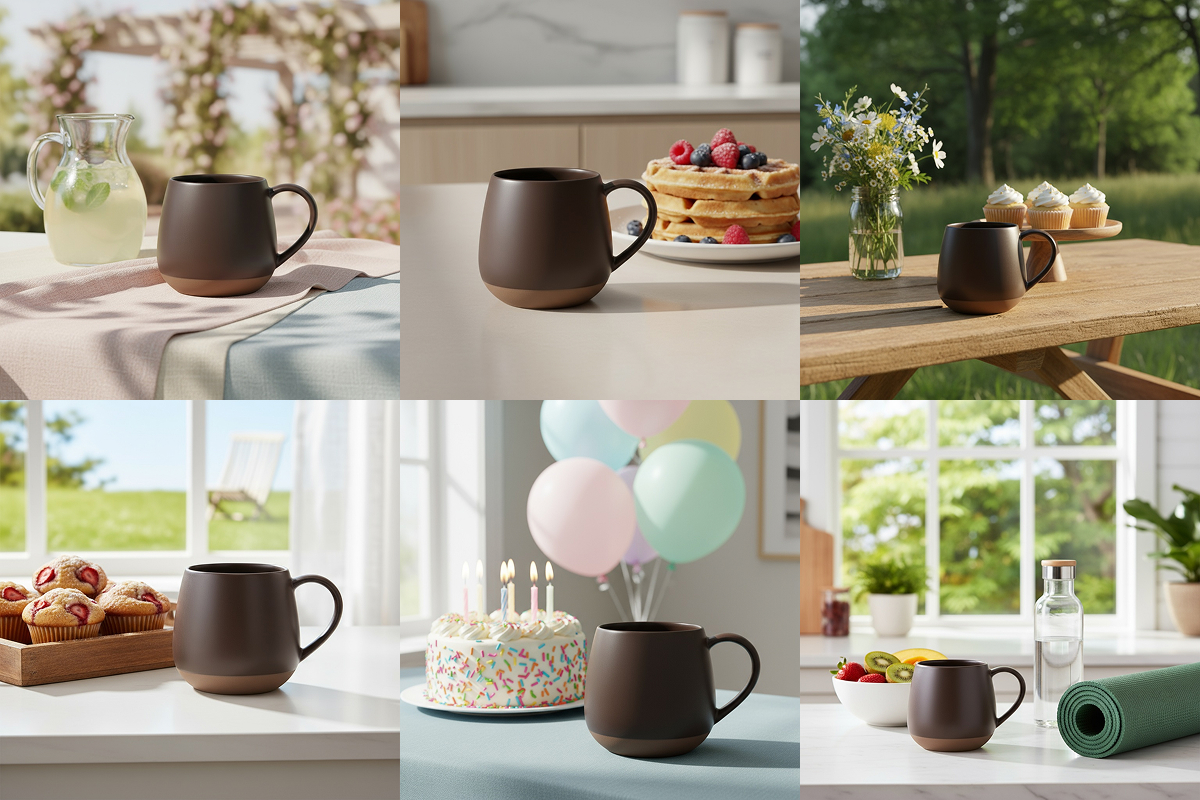
Pixelshot is an AI-powered product photography platform that turns ordinary product photos into professional, studio-quality images in about 10 seconds. It is built for e-commerce sellers, small businesses, and marketers who want polished product visuals without hiring a photographer or booking a studio. Simply upload a photo, choose a template or describe a scene, and Pixelshot handles lighting, composition, shadows, and reflections automatically. The platform offers 100+ curated templates spanning skincare, cosmetics, fashion, kitchenware, and more, with new templates added daily. Beyond templates, users can write custom prompts to control background, style, lighting, props, and mood. Pixelshot also supports plain-language editing, letting users swap backgrounds, relight scenes, remove objects, and refine compositions just by typing what they want changed. Pixelshot includes practical tools for commerce workflows: one-click background removal, AI upscaling up to 2x resolution, and ready-to-use aspect ratios like 1:1, 16:9, and 9:16. Generous monthly plans scale from solo sellers to agencies, and all generated images come with full commercial rights, making the tool a practical end-to-end solution for product photography and brand content.
SpecificationsAI-estimated
Key Features of Pixelshot
Use Cases for Pixelshot
E-commerce Product Photography
Create polished product photos for online stores, marketplaces, and product listings without a photoshoot.
Social Media Content Creation
Generate square posts, wide banners, or vertical stories sized for social media channels like Instagram and TikTok.
Marketplace Listings
Produce consistent, marketplace-ready images for platforms like Amazon, Etsy, or Shopify.
Advertising Creatives
Create high-quality product visuals for paid ads, banners, and promotional creatives.
Brand Consistency
Use custom prompts and plain-language edits to keep every product photo aligned with your brand look and feel.
A/B Testing Product Visuals
Quickly generate multiple versions of a product photo to test different backgrounds, props, and styles.
Marketing Materials
Prepare sharp, upscaled product images for website galleries, brochures, and marketing materials.
How to use Pixelshot?
Upload Your Product Photo
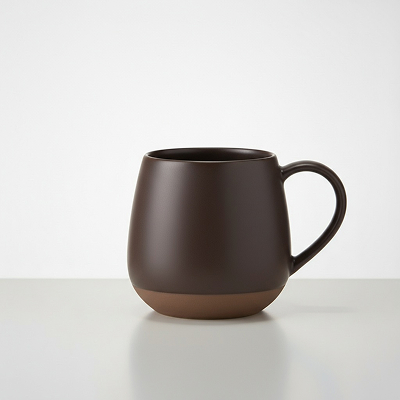
Upload a product photo in JPG, JPEG, PNG, or WEBP format. High-resolution images of at least 1024x1024 produce the best results.
Pick a Template or Write a Prompt
Choose one of 100+ curated templates or write a custom prompt describing the background, style, lighting, props, and mood you want.
Generate Your Photo
Click generate and Pixelshot will create a studio-quality product photo in about 10 seconds.
Edit and Refine
Use plain-language editing to swap backgrounds, relight scenes, clean up imperfections, add or remove objects, and refine composition.
Upscale and Export
Upscale the image up to 2x resolution, choose the right aspect ratio, and export crisp, storefront-ready photos for your sales channels.
Pros & Cons of Pixelshot
Pros
- Generates professional product photos in roughly 10 seconds
- No photography or design skills required
- Flexible template and custom prompt workflows
- Plain-language editing makes image refinement accessible
- 10 free generations with no credit card required
Cons
- Credit-based pricing can feel limiting if you generate or edit frequently across multiple products.
- The free trial only includes 10 generations, so ongoing use requires a paid subscription.
- No mention of bulk processing, API access, or collaboration features for larger teams.
- Best results depend on uploading high-resolution source photos (recommended 1024x1024+).
Frequently Asked Questions
Do I need professional photography skills to use Pixelshot?
No. The AI works with any product photo, even simple smartphone shots against a plain background. It enhances and transforms images into professional-quality results.
Can I upload multiple products?
Yes. You can upload and manage multiple products in your account, and each product can be used across different templates to generate various styled photos.
What image formats are supported?
Pixelshot supports JPG, JPEG, PNG, and WEBP. For best results, high-resolution images of at least 1024x1024 pixels are recommended.
How does Pixelshot generate such realistic product photos?
The AI uses advanced machine learning models trained on millions of professional product photos. It understands lighting, composition, shadows, and reflections to create photorealistic results.
How many photos can I generate per month?
The Starter plan includes 200 generations per month, Growth includes 800, and Pro includes 2,500. You can upgrade or downgrade at any time.
Do I own the commercial rights to generated images?
Yes. All images generated through Pixelshot are yours to use commercially on your website, marketing materials, social media, and other commercial applications.
Can I regenerate images?
You can regenerate images as many times as needed within your plan limits. Different templates and customization options are also available to help you achieve the desired result.
Reviews & Ratings0.0
No reviews yet. Be the first to write one!
Top Alternatives & Similar Software
View all alternatives & similar software→



People also viewed



Related searches
Is this your tool?
Claim this page to update details, reply to user reviews, and drive more traffic to your product.
Claim this Product →
Tags
Explore Related Topics
Keep up with Pixelshot alternatives
New alternatives, pricing changes and the week's biggest movers - one email every Tuesday.