



Outfit
Turn simple phone photos of your products into studio-quality, model-wearing fashion imagery in seconds.
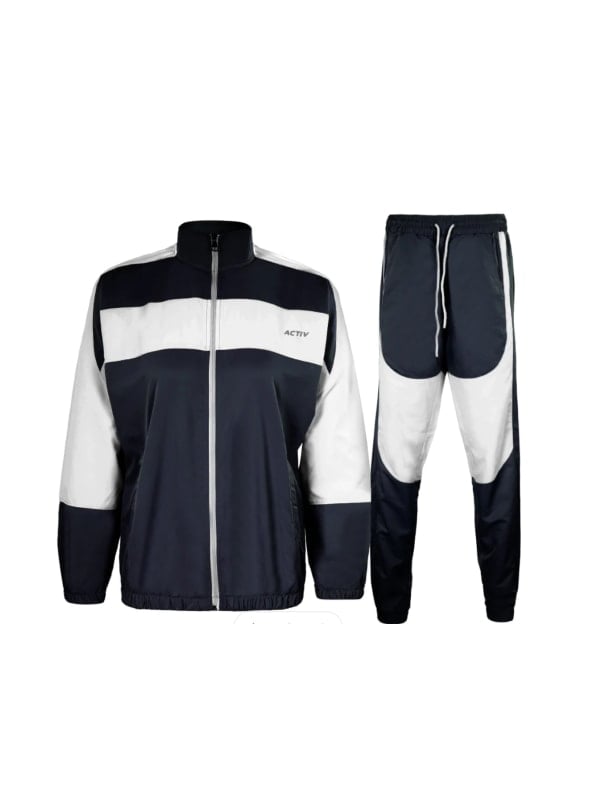
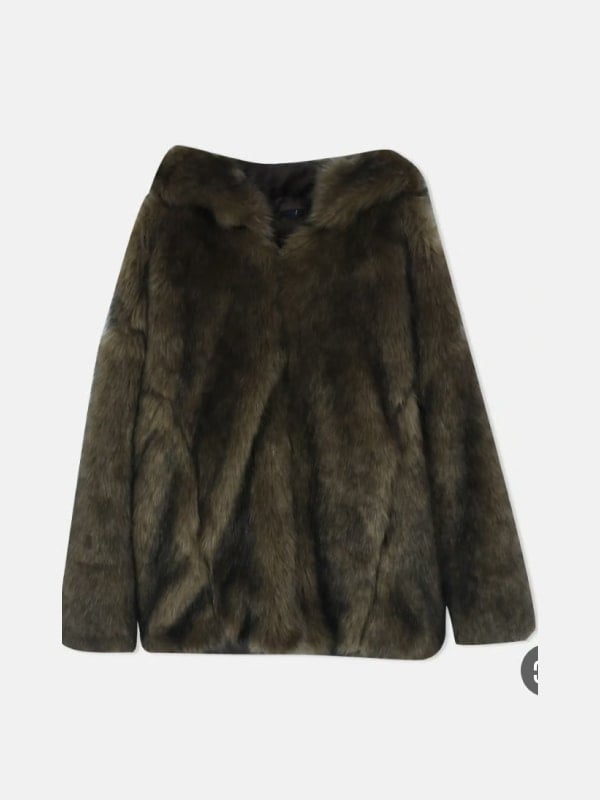
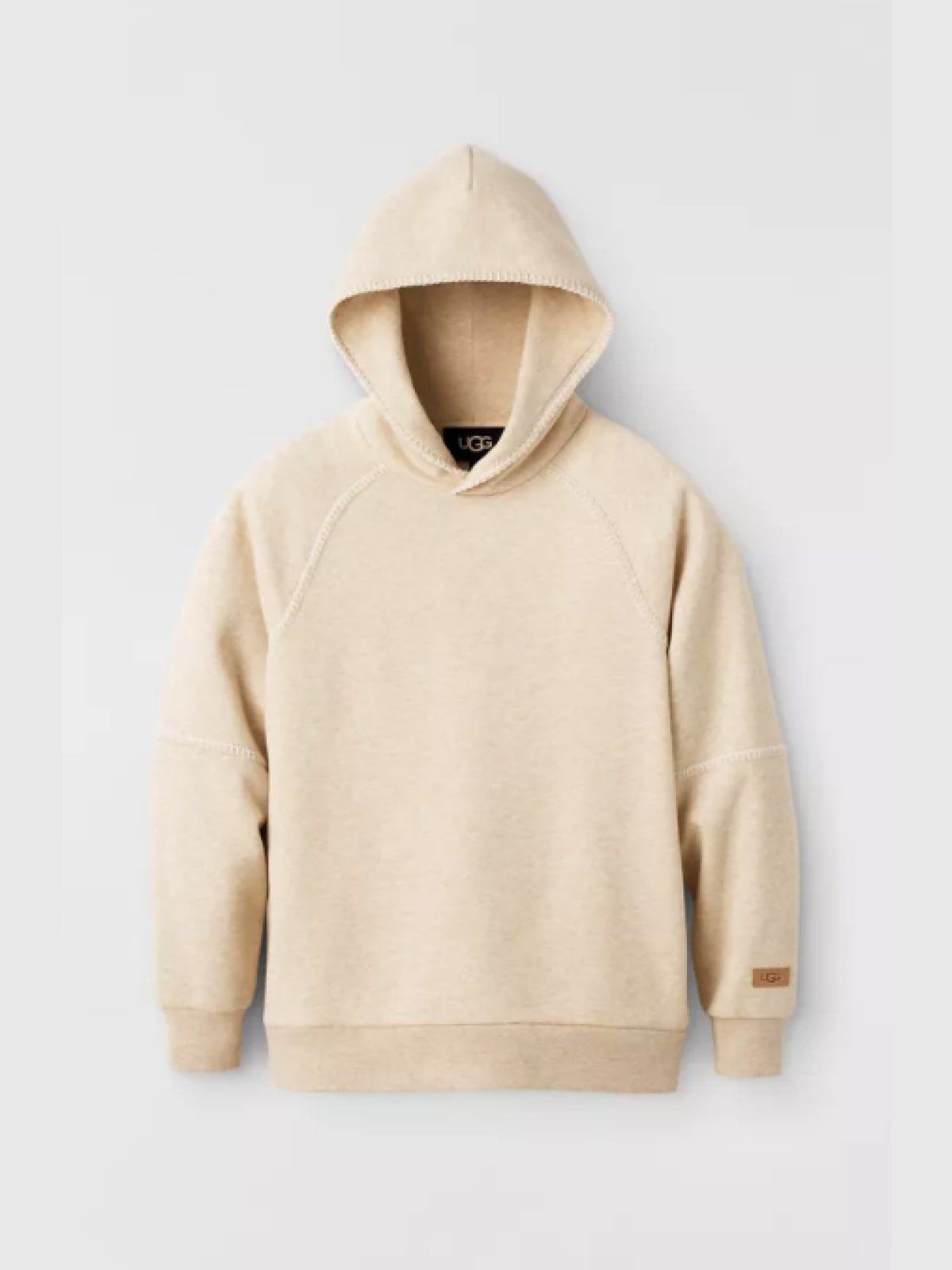
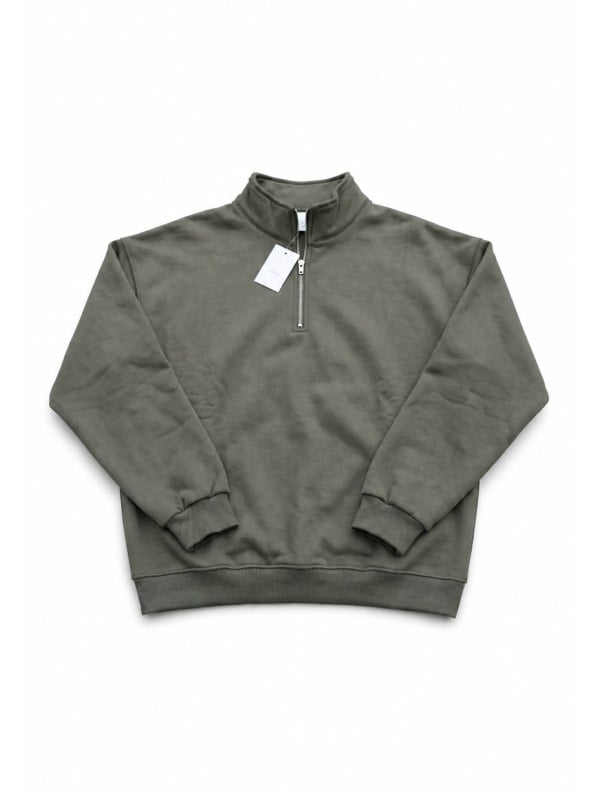
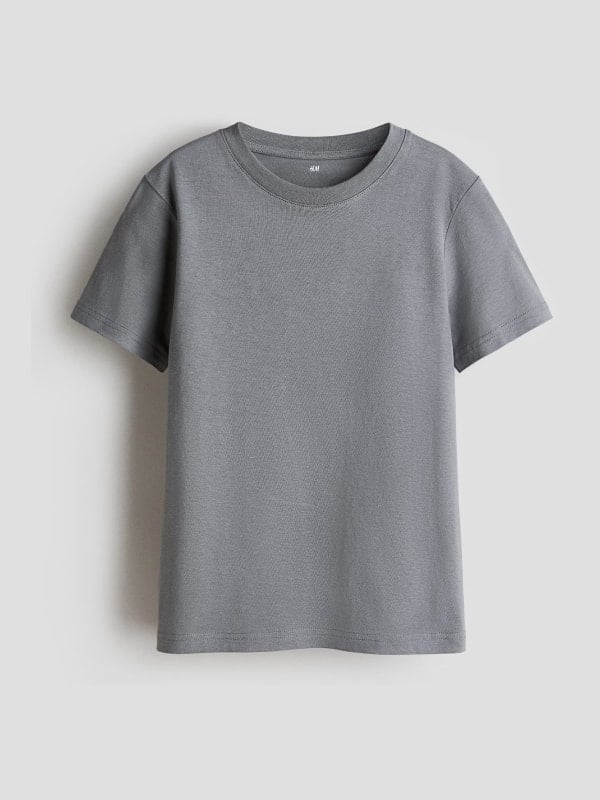
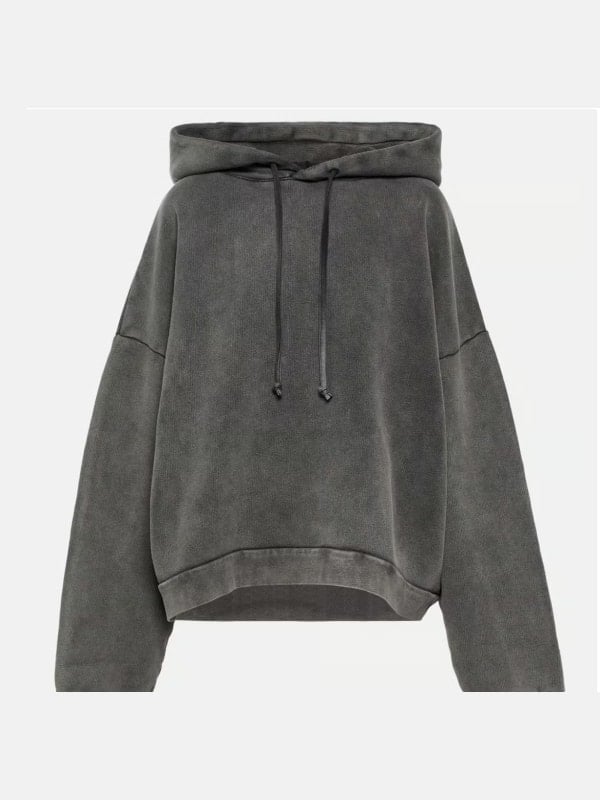
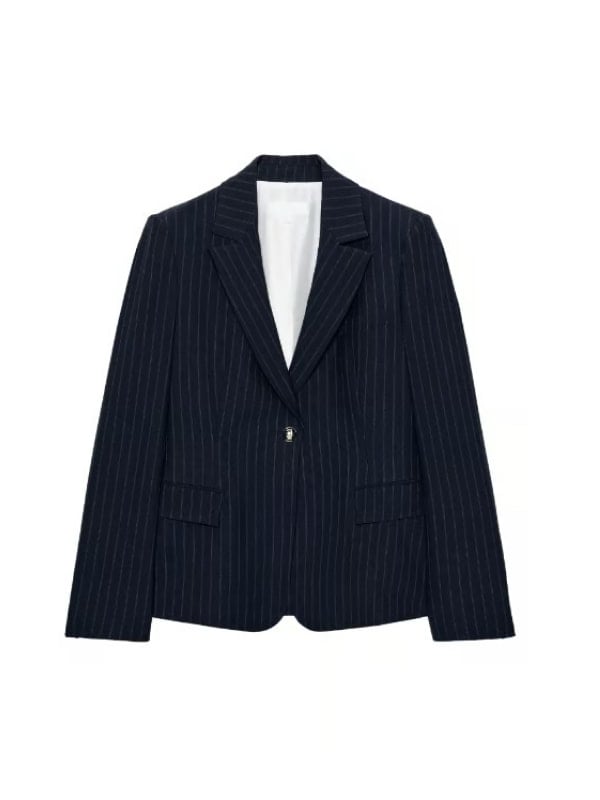
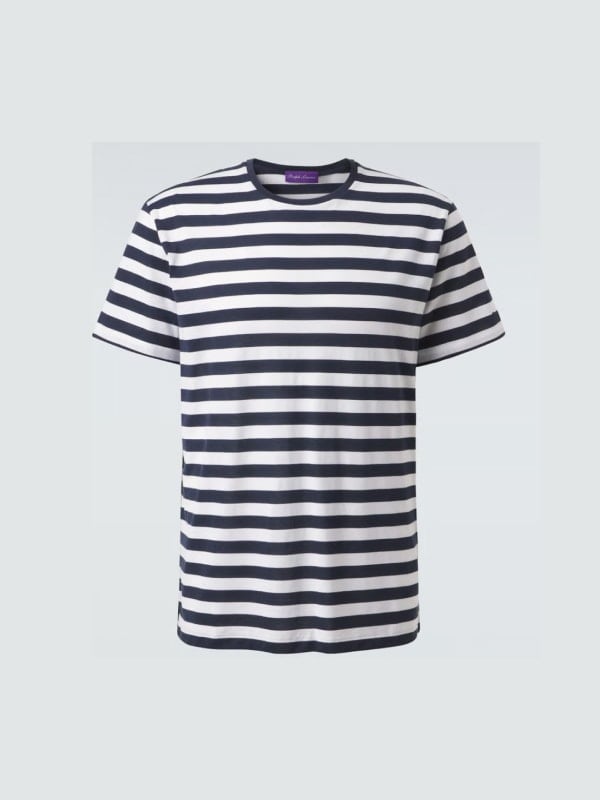
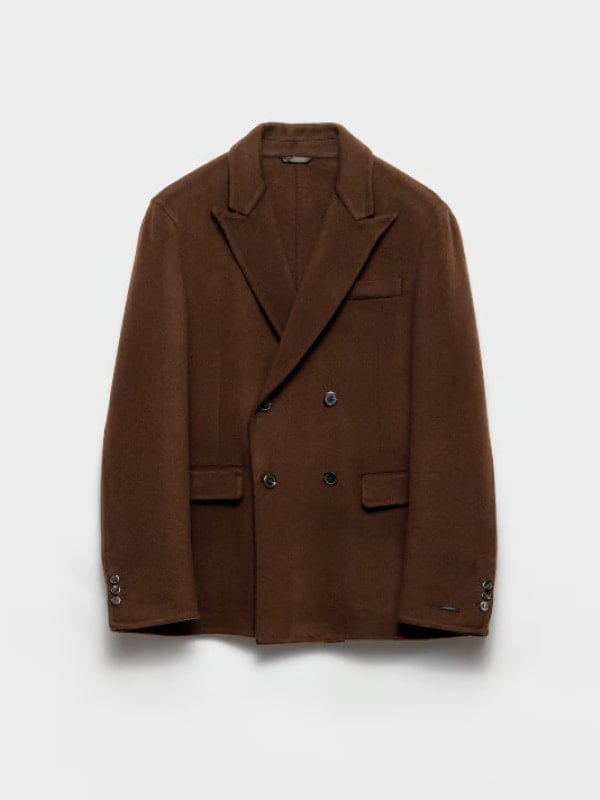
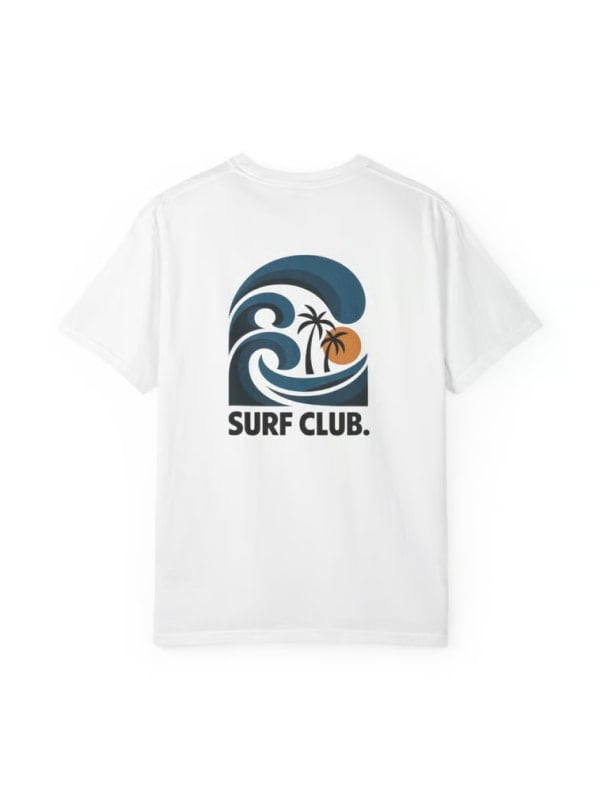
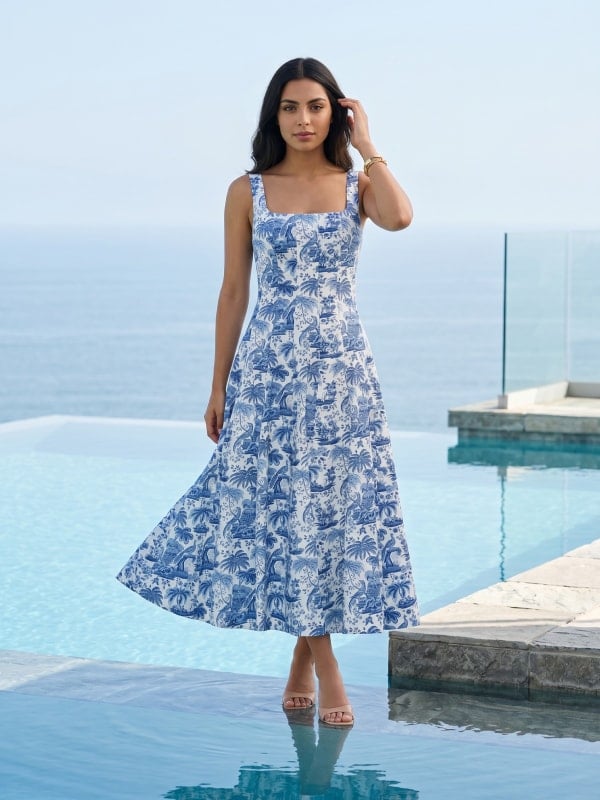
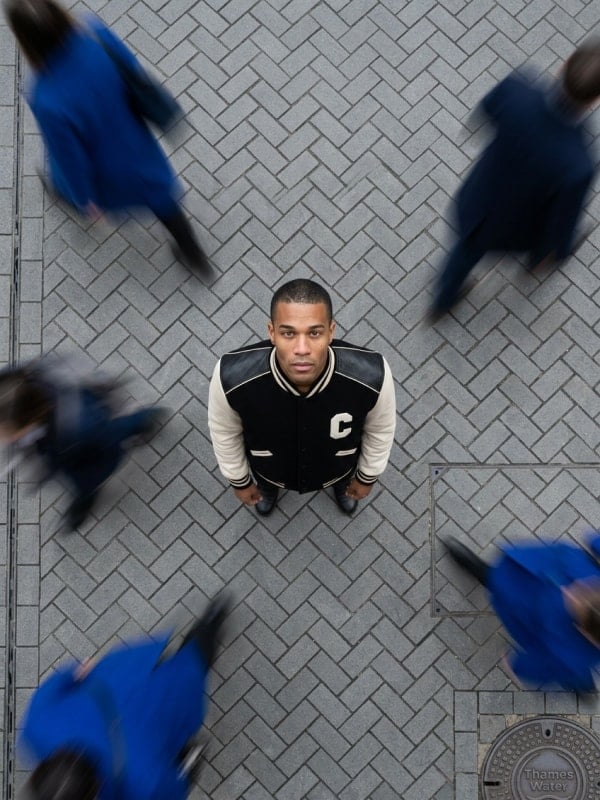
What is Outfit?
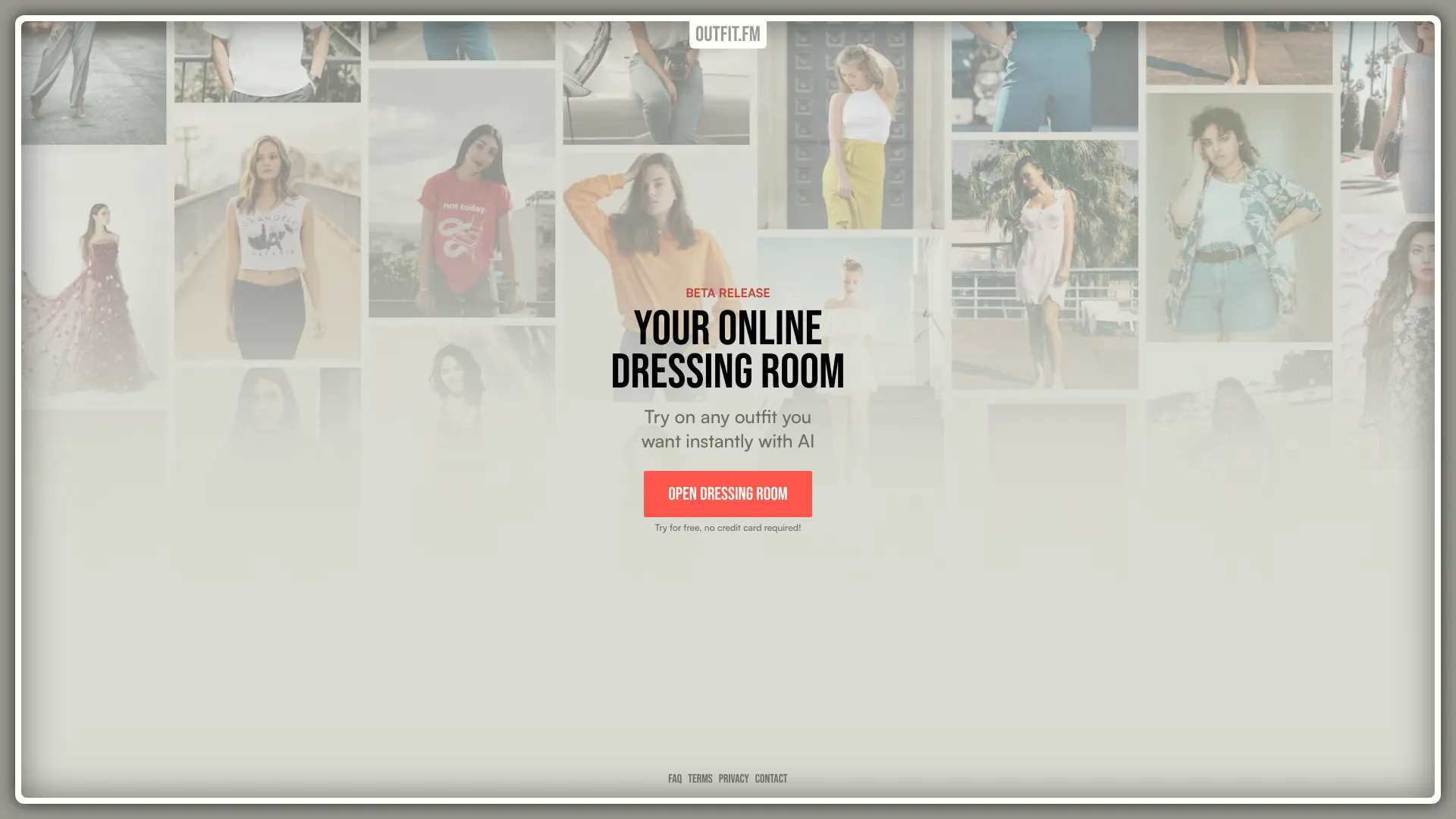
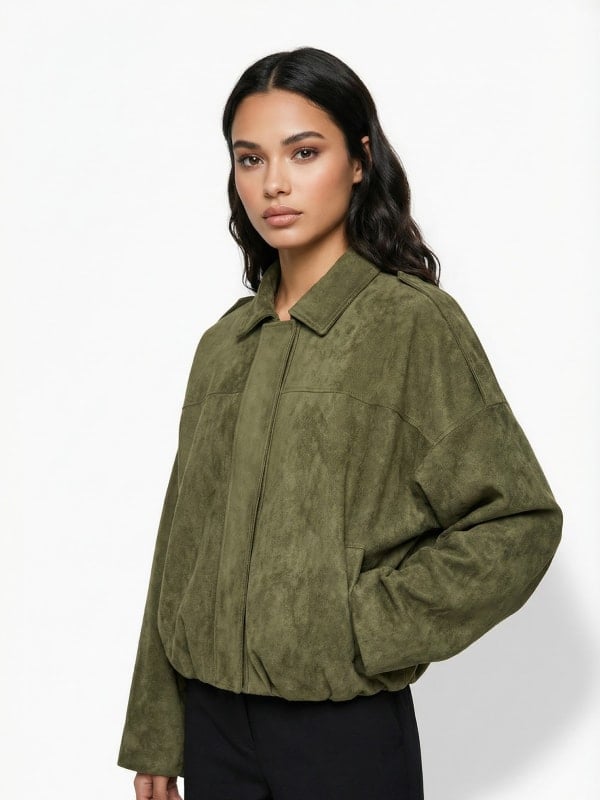
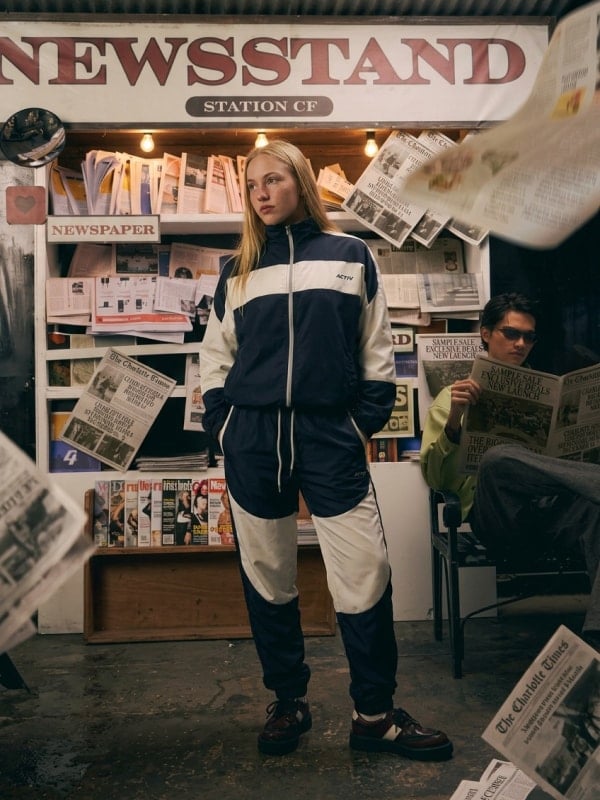
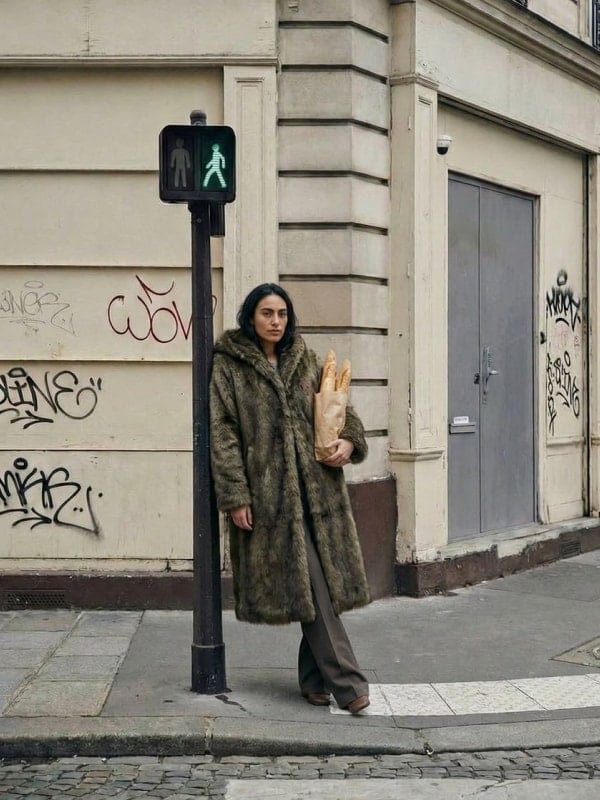
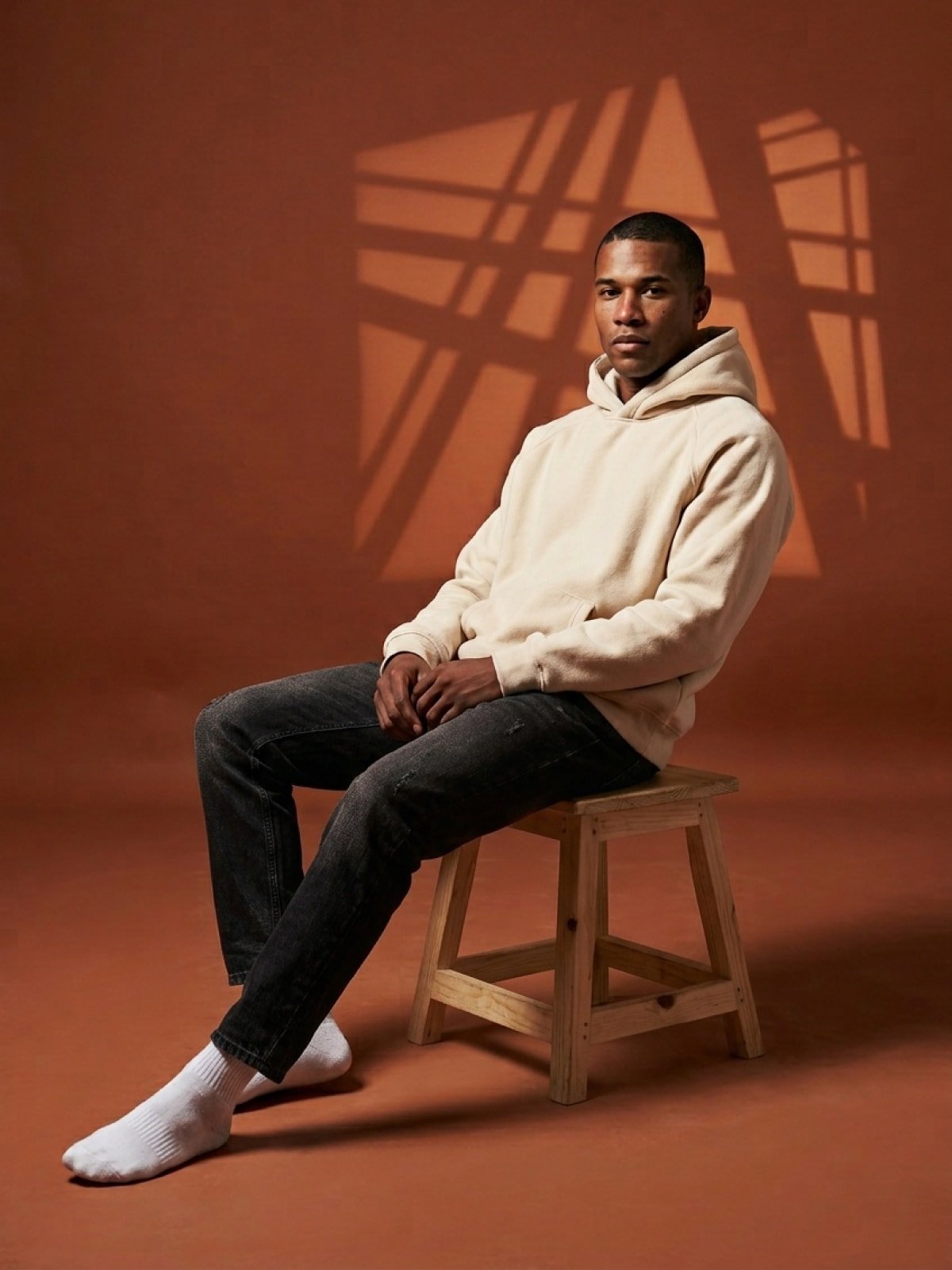
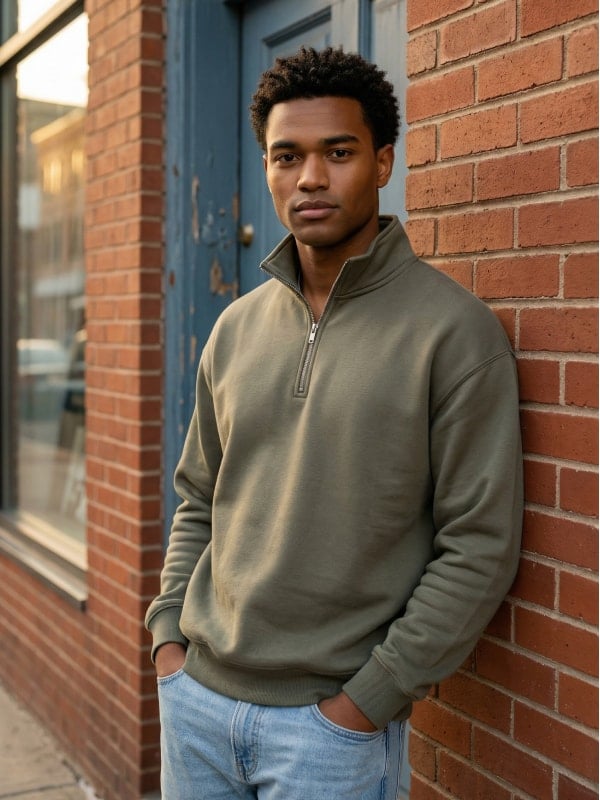
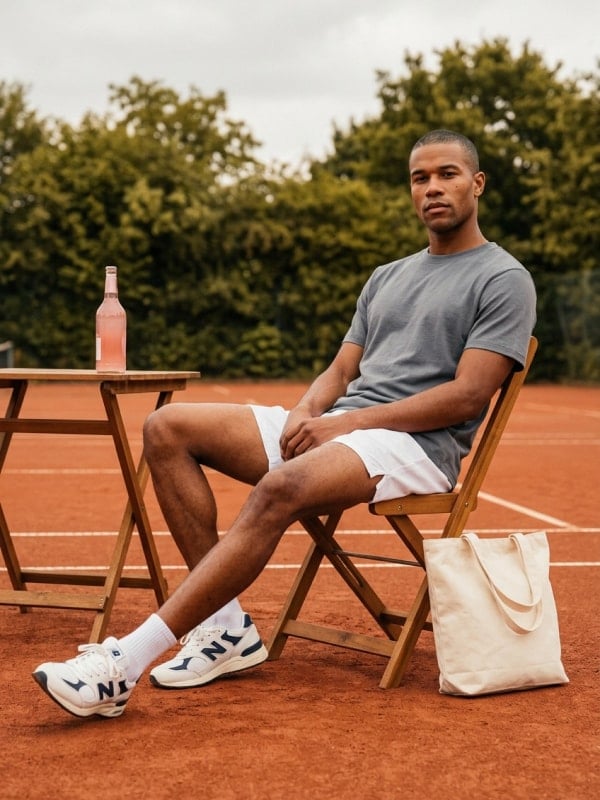
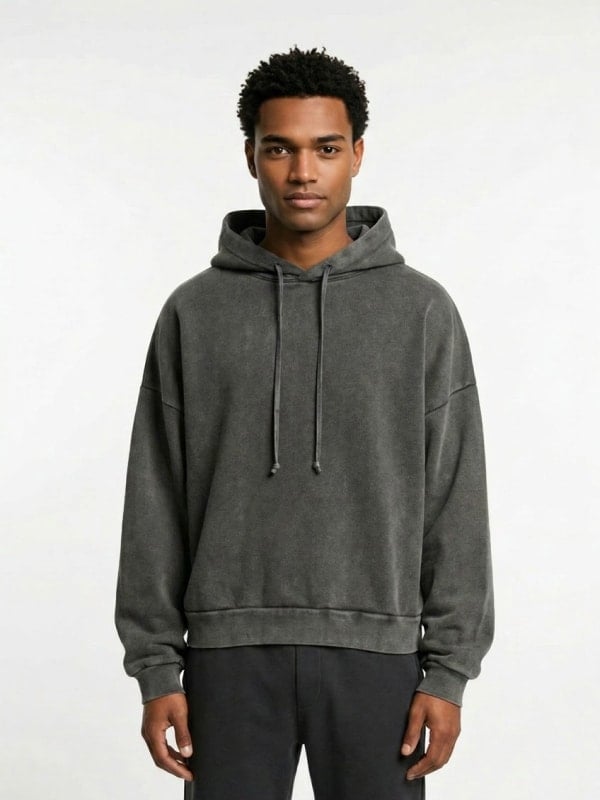
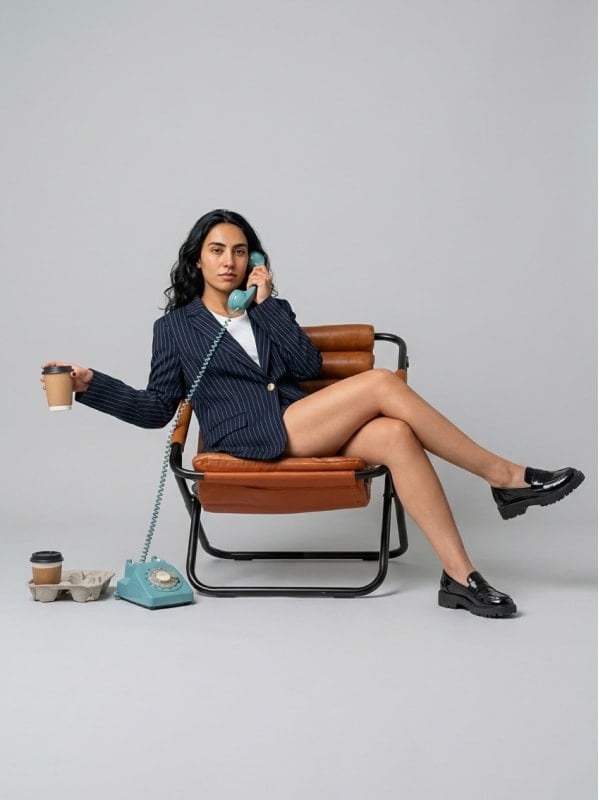
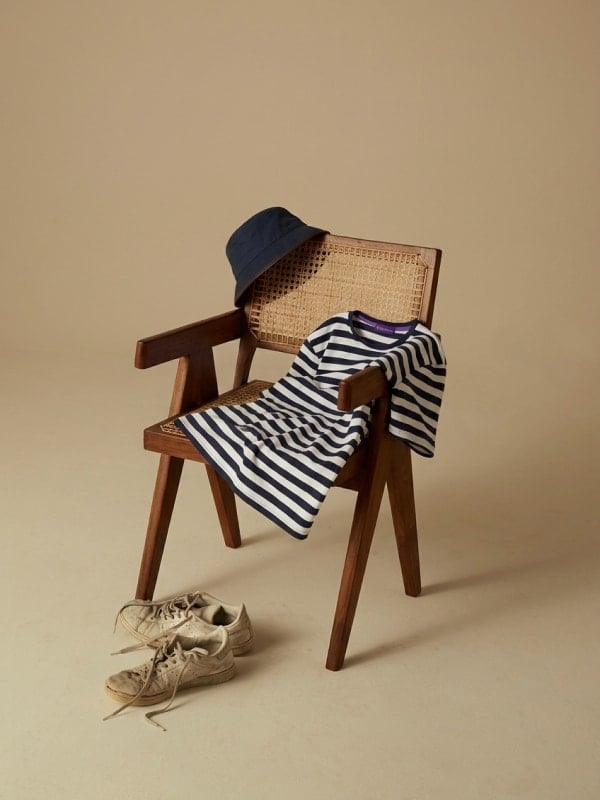
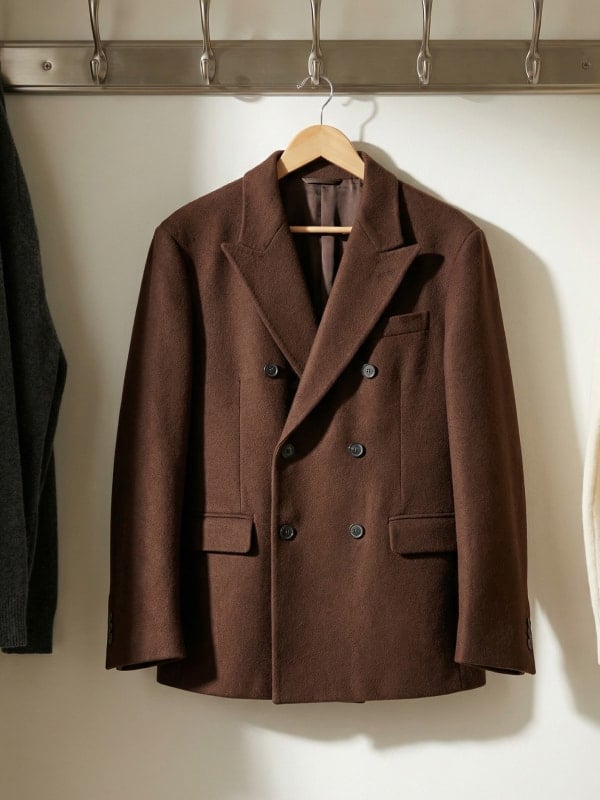
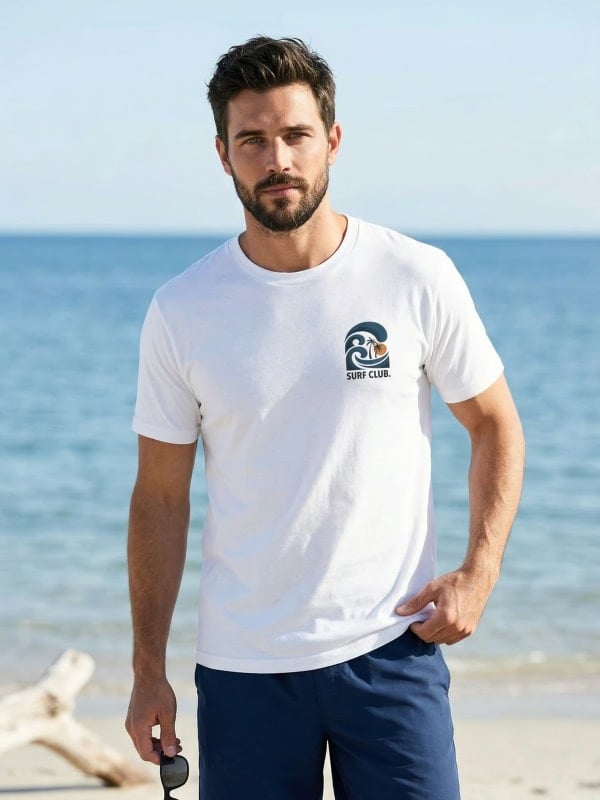
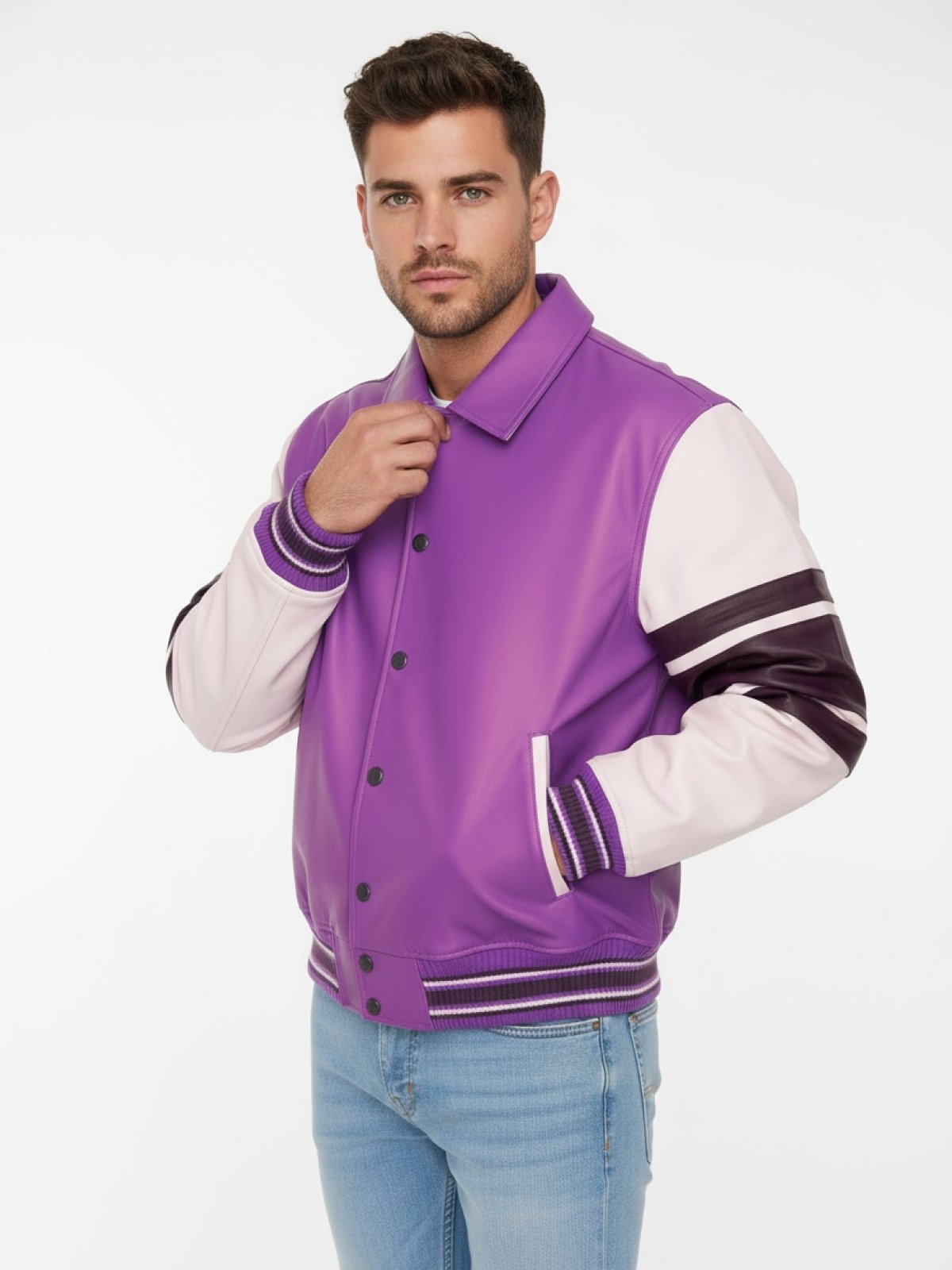
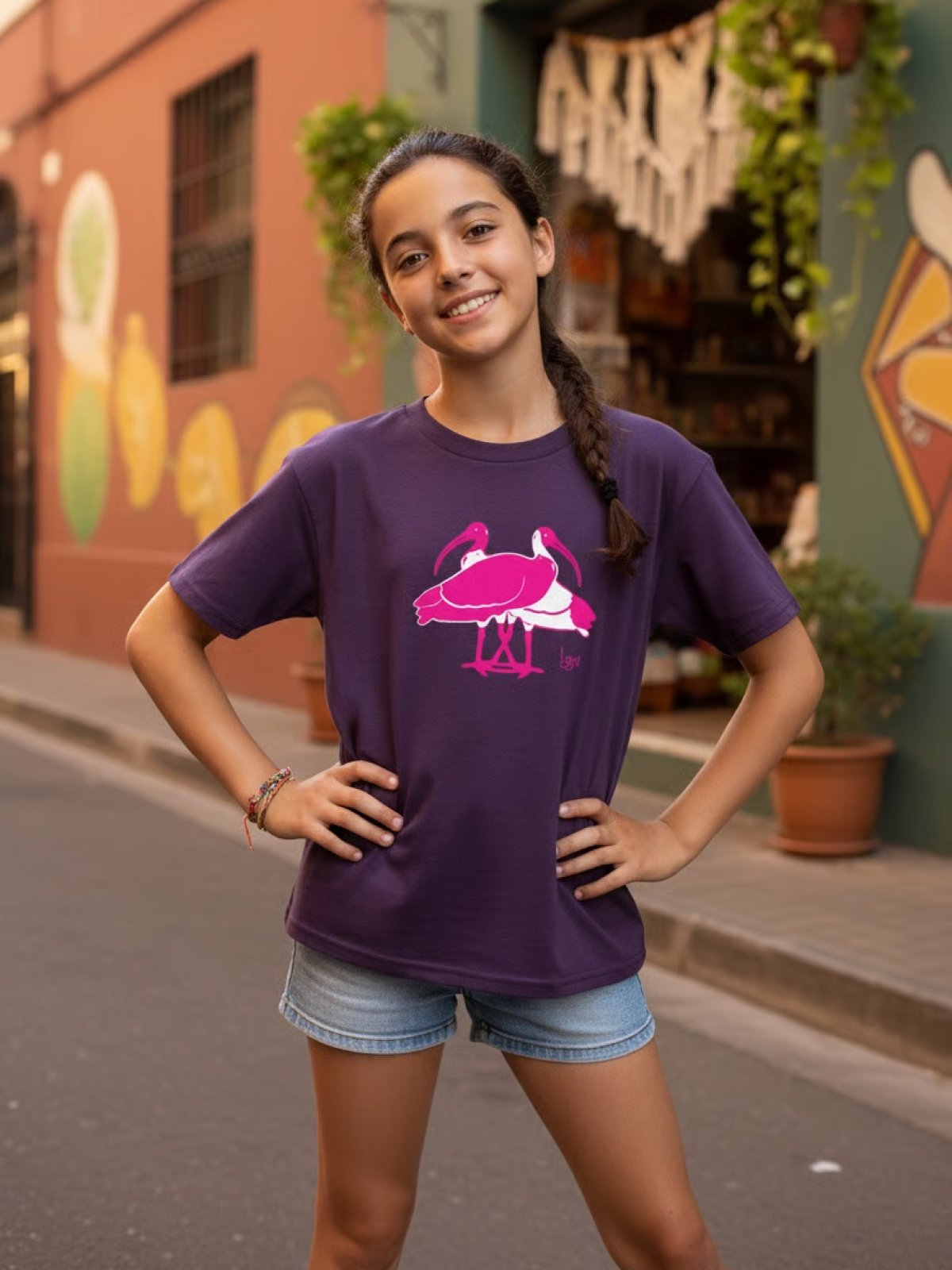
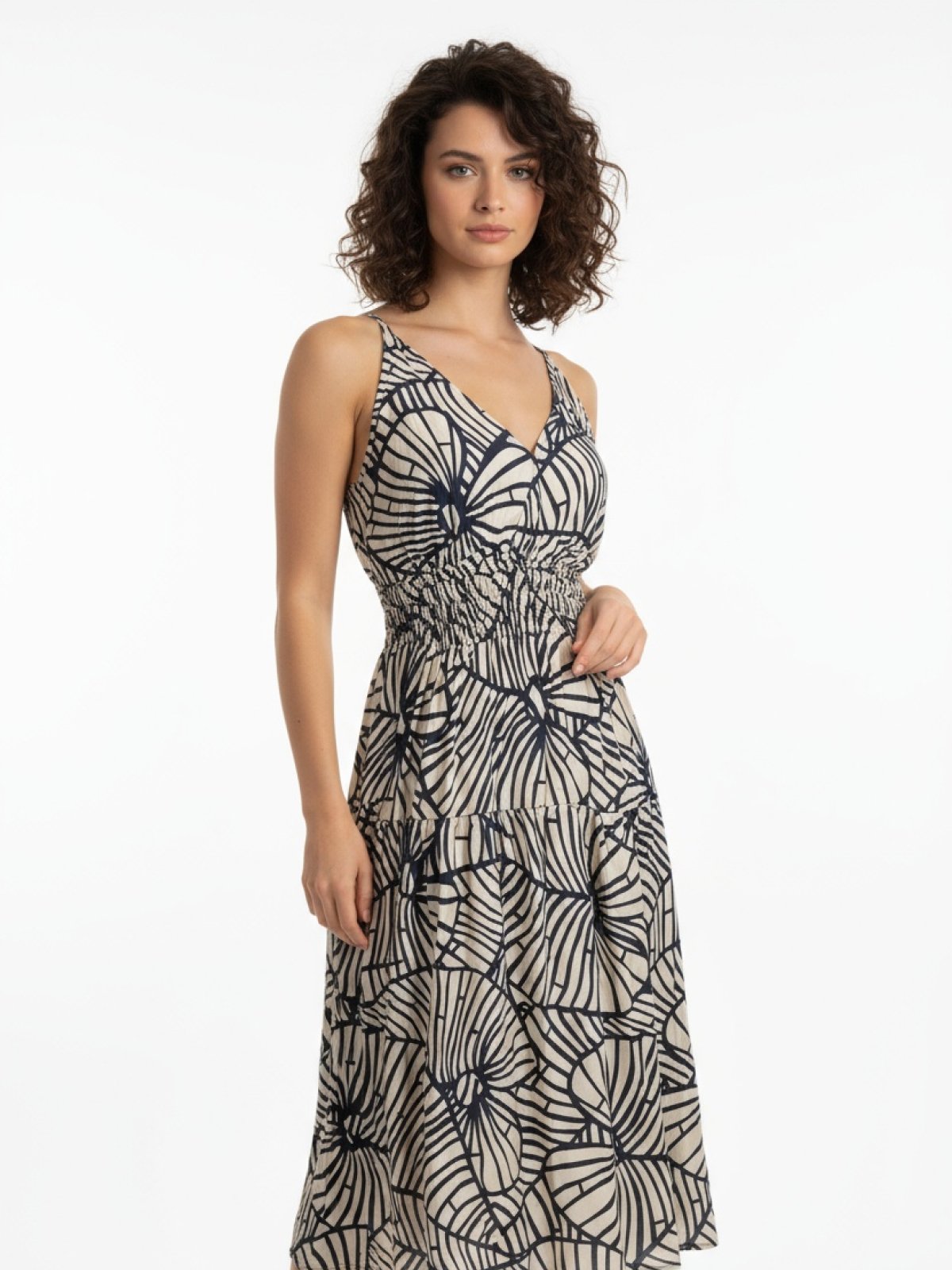
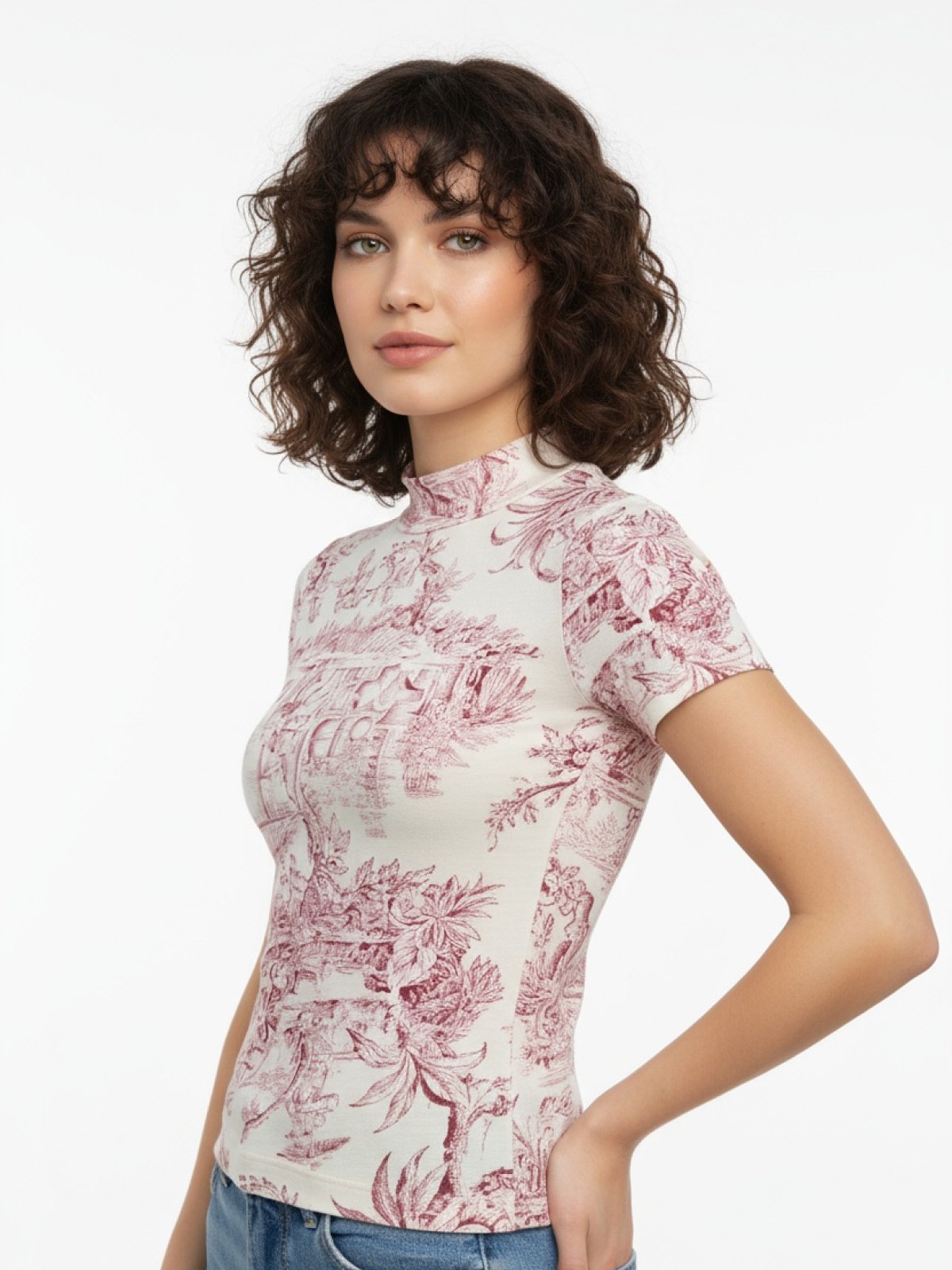
Outfit is an AI-powered product photography platform built specifically for fashion and apparel brands. Instead of booking a studio and hiring a photographer, brands can upload a simple phone snap of their product and turn it into studio-quality images and videos in seconds. The platform is designed for e-commerce teams, independent designers, and growing fashion labels that need professional visual content without the cost or time of traditional shoots. At its core, Outfit provides creative control over every generated shot. Users can choose a model's gender, age, ethnicity, body type, and overall look to match their target customer, then direct the composition with customizable backgrounds, poses, angles, and framing. Each generation can produce a single high-resolution image or up to 16 variations at once, making it easy to build complete product galleries or test different visual directions. With free credits included and no credit card required, Outfit lowers the barrier to professional-grade fashion photography. Customer reviews highlight its value for emerging brands, with particular praise for inclusive model options and the ability to create lifestyle imagery for Shopify, Amazon, eBay, and Instagram. Whether you need a quick flat-lay product photo or an elaborate lifestyle scene, Outfit is a fast, scalable alternative to traditional product shoots.
SpecificationsAI-estimated
Key Features of Outfit
Use Cases for Outfit
E-commerce product photography
Create clean studio-style product images for online stores without hiring a photographer.
Social media campaigns
Generate lifestyle photos with models for Instagram and other social media channels.
Marketplace listings
Produce polished product visuals for Amazon, eBay, Shopify, and similar marketplaces.
Inclusive brand marketing
Choose models across genders, ages, ethnicities, and body types to reflect a diverse customer base.
Collection launches
Quickly create high-resolution visuals for new apparel drops or seasonal collections.
Catalog expansion
Generate multiple variations of one product to show different angles, backgrounds, and styling.
Brand consistency
Maintain a consistent visual aesthetic across product pages with customized backgrounds and composition.
How to use Outfit?
Upload your product photo
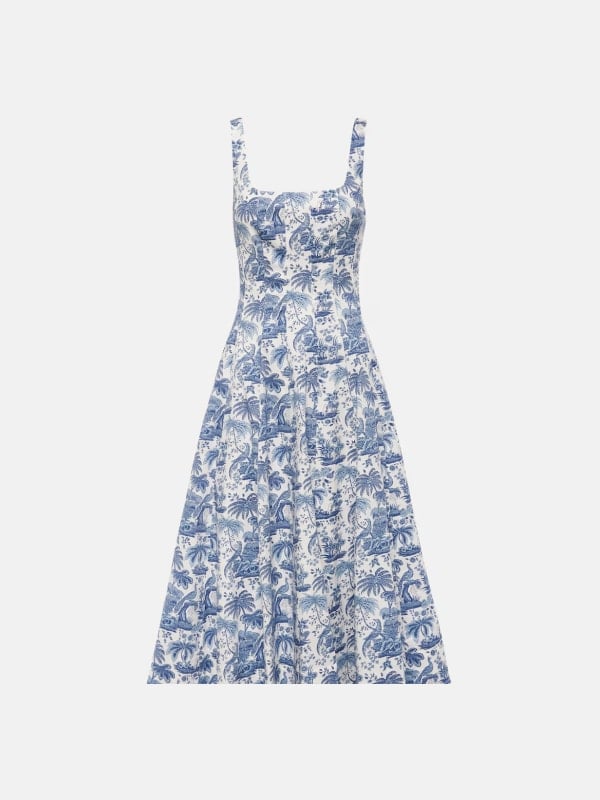
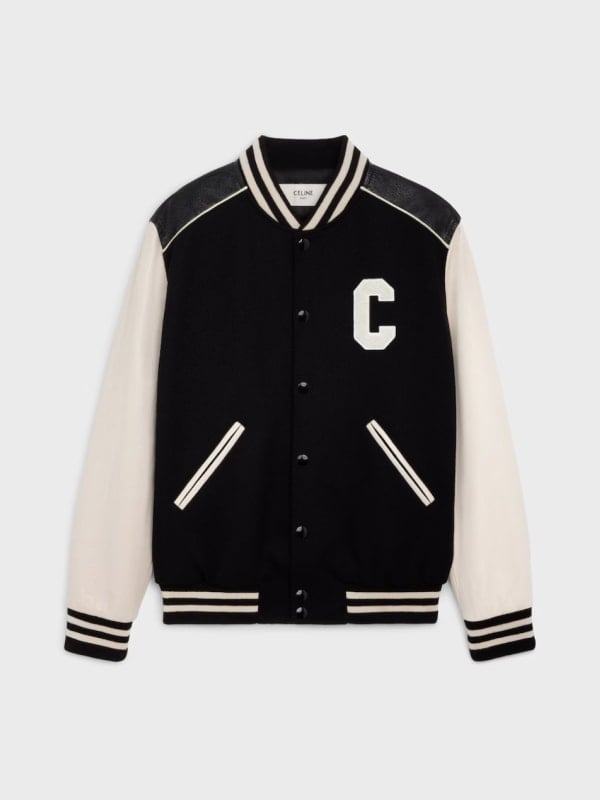
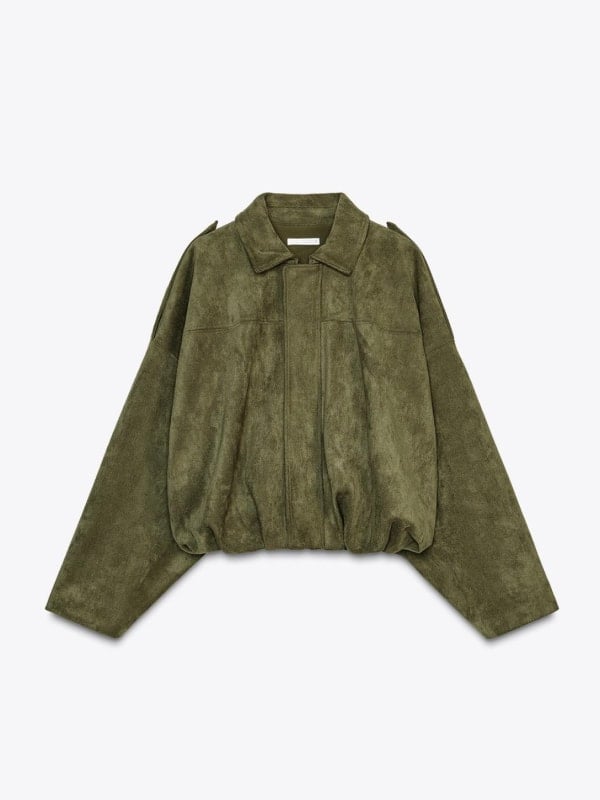
Take a good-enough photo of your product on your phone and upload it to Outfit.
Customize your shoot
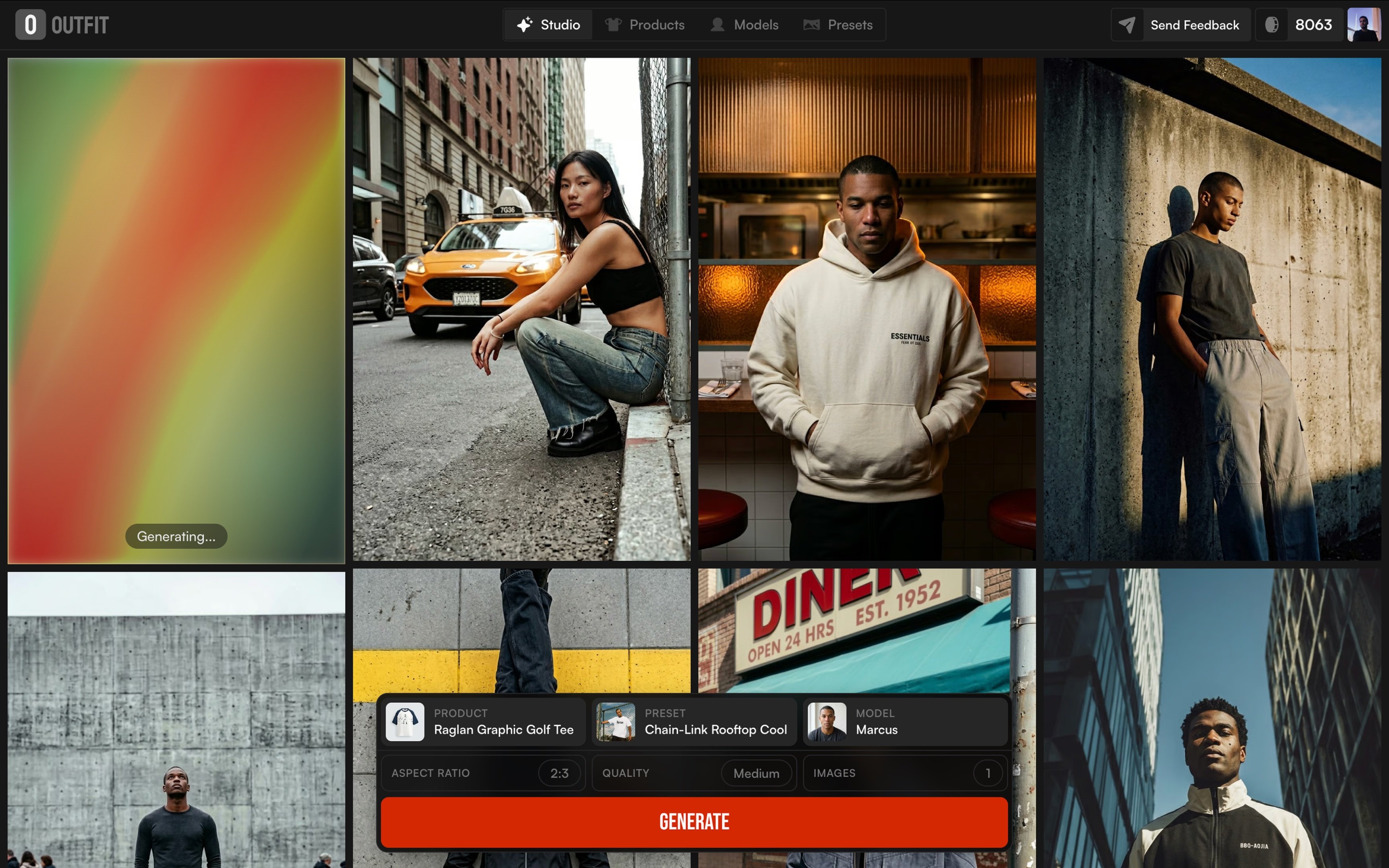
Choose your desired model (gender, age, ethnicity, body type, look) and set the background, pose, angle, and composition.
Generate your photos
Click generate to create one high-resolution image or up to 16 variations in a single click.
Review and export
Download the high-res images and use them in your e-commerce listings, social content, or advertising.
Pros & Cons of Outfit
Pros
- No studio or photographer required—just upload a phone shot
- Full creative control over model, background, pose, angle, and framing
- Generate up to 16 high-resolution variations in a single click
- Free credits to start, with no credit card required
- Inclusive model customization by gender, age, ethnicity, and body type
Cons
- AI-generated results can be inconsistent, especially with mannequin-based inputs, so some shots may require retries or re-generation.
- No detailed pricing or plan information is displayed upfront; only free credits are mentioned.
- The platform relies on a 'good-enough' product photo, meaning poorly lit or complex source images may produce less accurate results.
- Although video is mentioned, the available marketing copy focuses mostly on photos and does not explain the video workflow in detail.
Frequently Asked Questions
Do I need a photographer or a studio to use Outfit?
No. Outfit is designed to turn a simple phone photo of your product into studio-quality photos and videos without a photographer, studio, or equipment.
Is there a free trial or free credits?
Yes. Outfit includes free credits, and no credit card is required to get started.
Can I customize the model in the generated photos?
Yes. You can select the gender, age, ethnicity, body type, and look of every model to match your brand's audience.
Can I control the background, pose, and composition of generated photos?
Yes. Outfit lets you customize backgrounds, poses, angles, and framing so each photo matches your brand's visual style.
How many photos can I generate at once?
You can generate a single photo or up to 16 high-resolution variations in a single click.
Where can I use the generated images?
The images are suitable for e-commerce and marketing use, including Shopify, Amazon, eBay, and Instagram. The site shows examples labeled 'Live on Shopify', 'Live on Amazon', and similar.
Are the generated images high resolution?
Yes. Outfit produces high-resolution images in all generated variations.
Is Outfit suitable for emerging or small fashion brands?
Yes. Customer testimonials highlight that Outfit lets emerging brands model products and produce quality visuals without the financial and logistical cost of traditional photoshoots.
Reviews & Ratings0.0
No reviews yet. Be the first to write one!
Top Alternatives & Similar Software
View all alternatives & similar software→No alternatives available yet.
People also viewed


Related searches
Is this your tool?
Claim this page to update details, reply to user reviews, and drive more traffic to your product.
Claim this Product →
Tags
Explore Related Topics
Keep up with Outfit alternatives
New alternatives, pricing changes and the week's biggest movers - one email every Tuesday.