


Uwear.ai
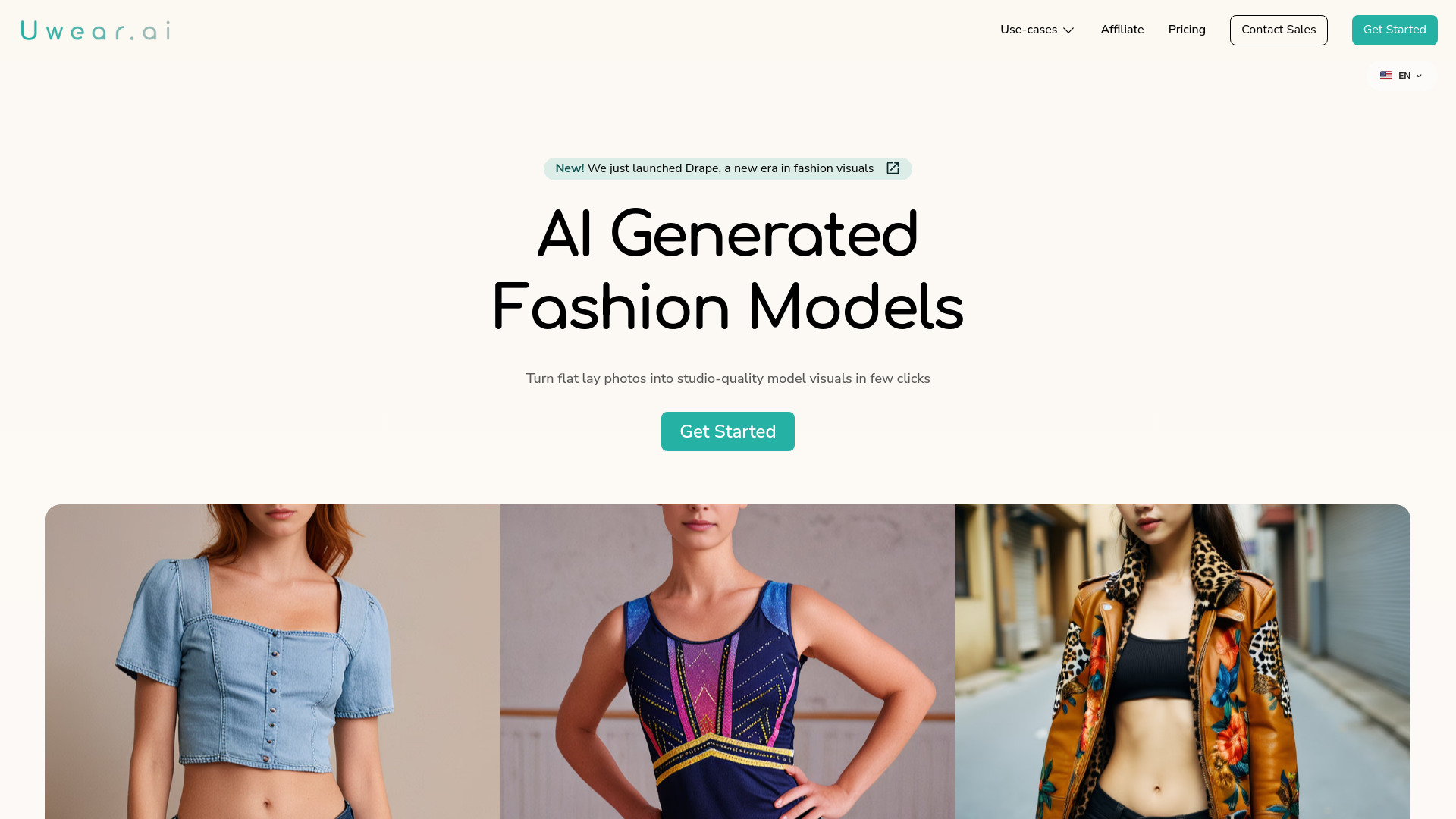
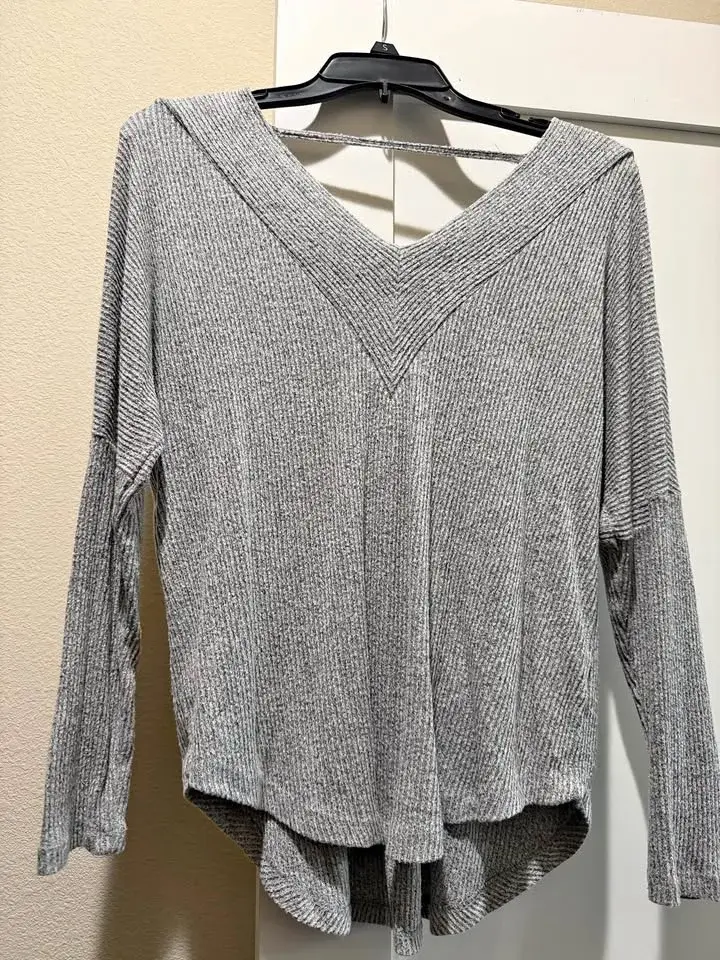
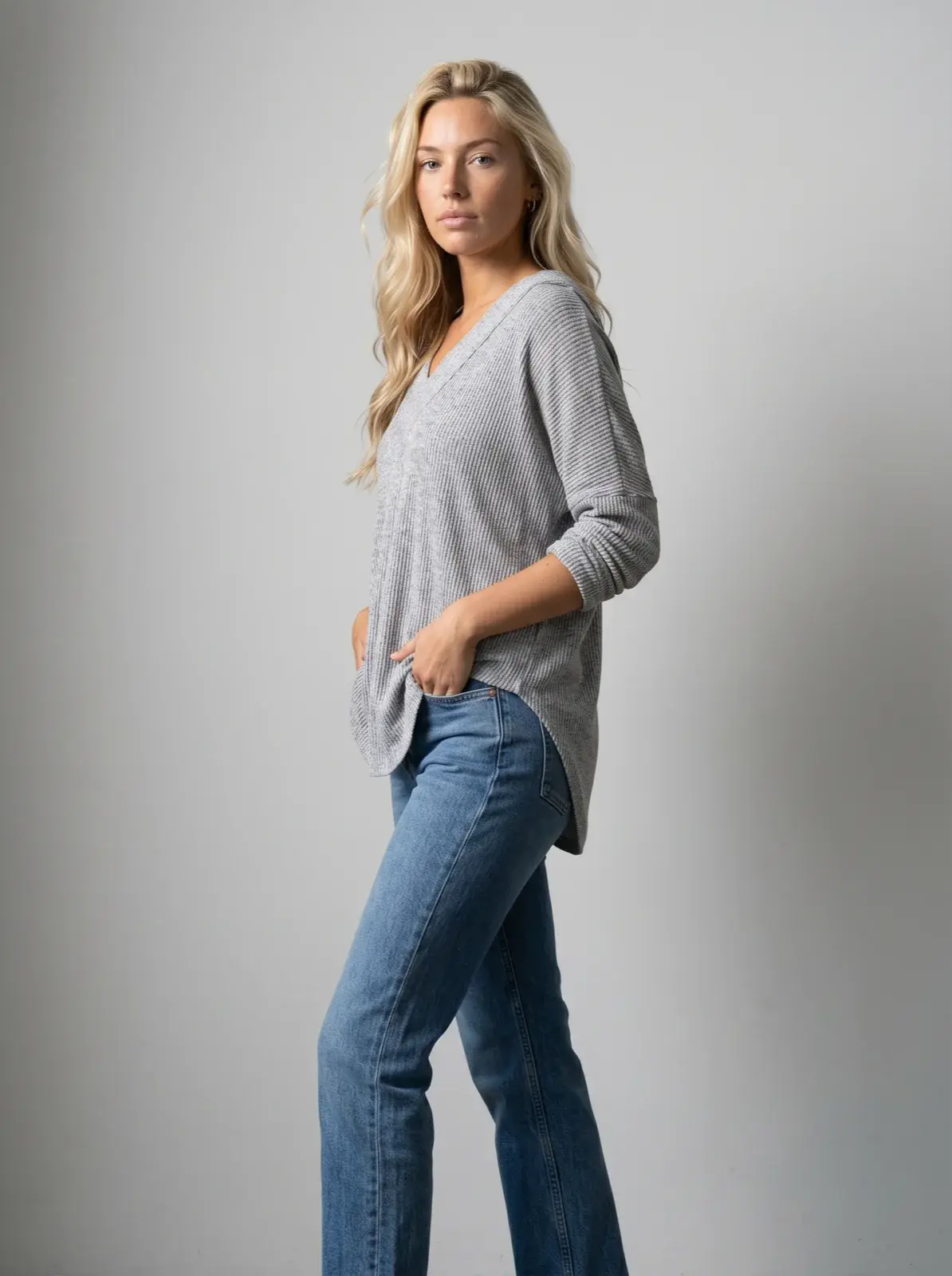
Turn existing product photos into professional on-model fashion photos and videos with AI.
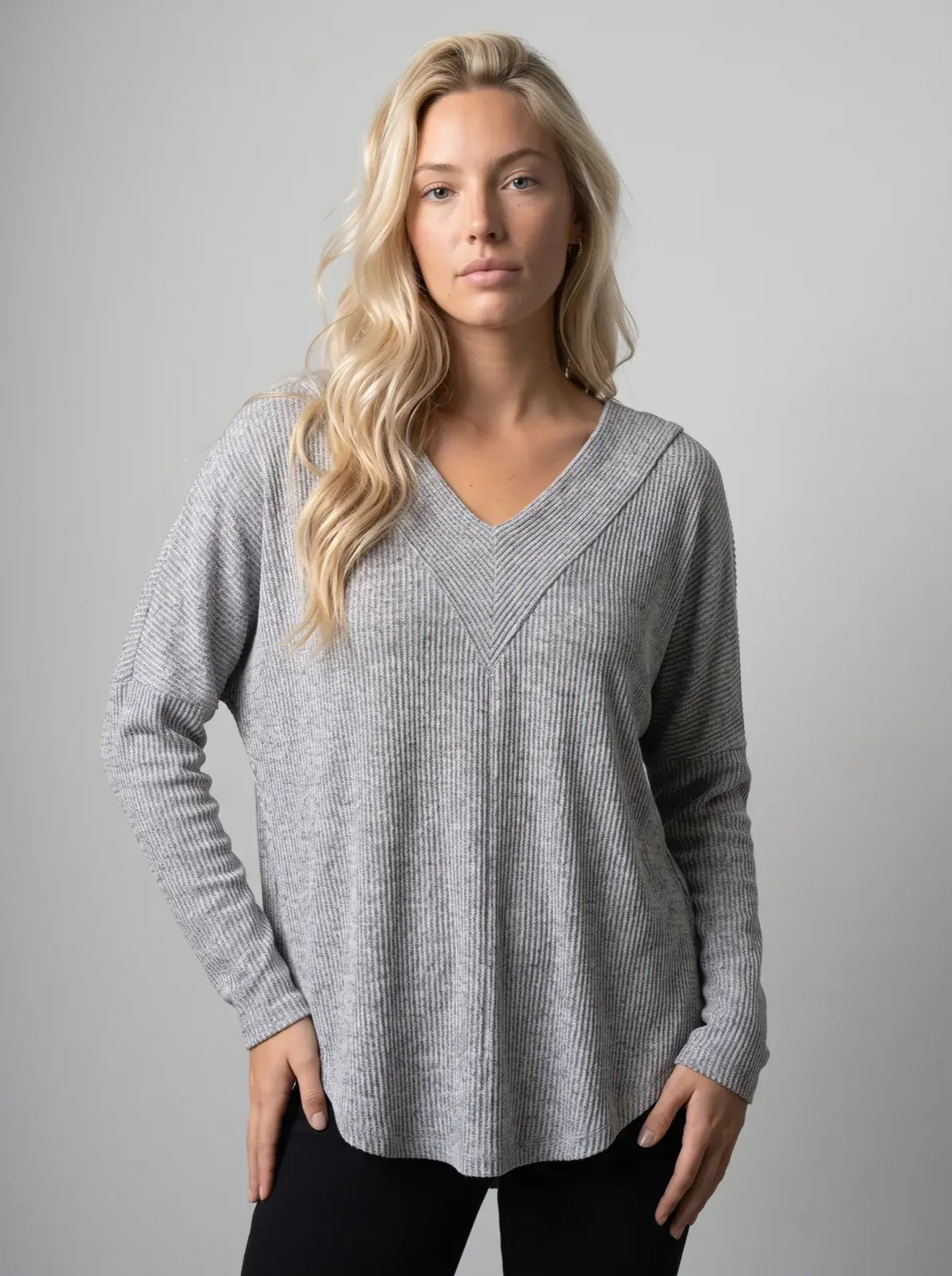
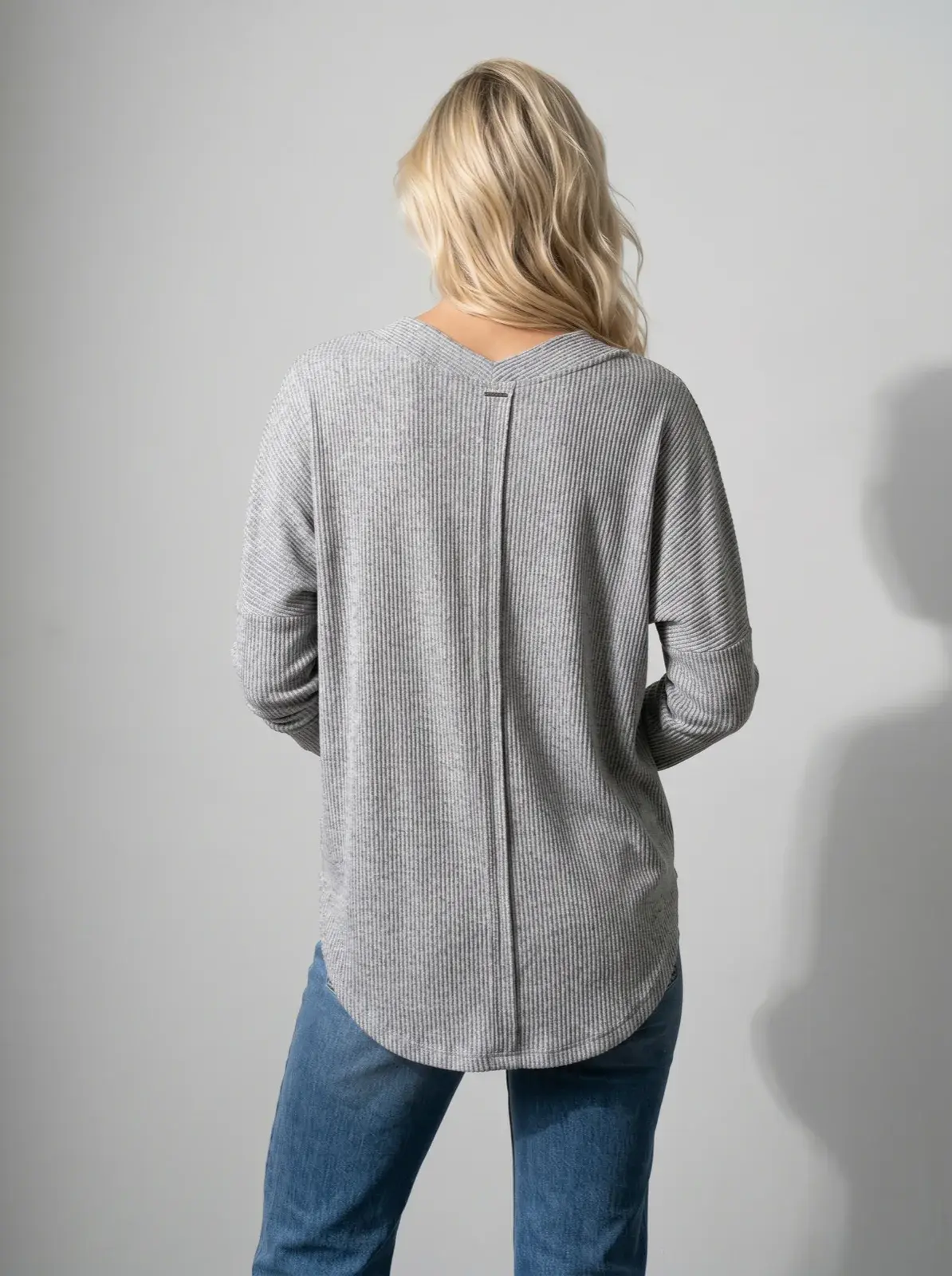
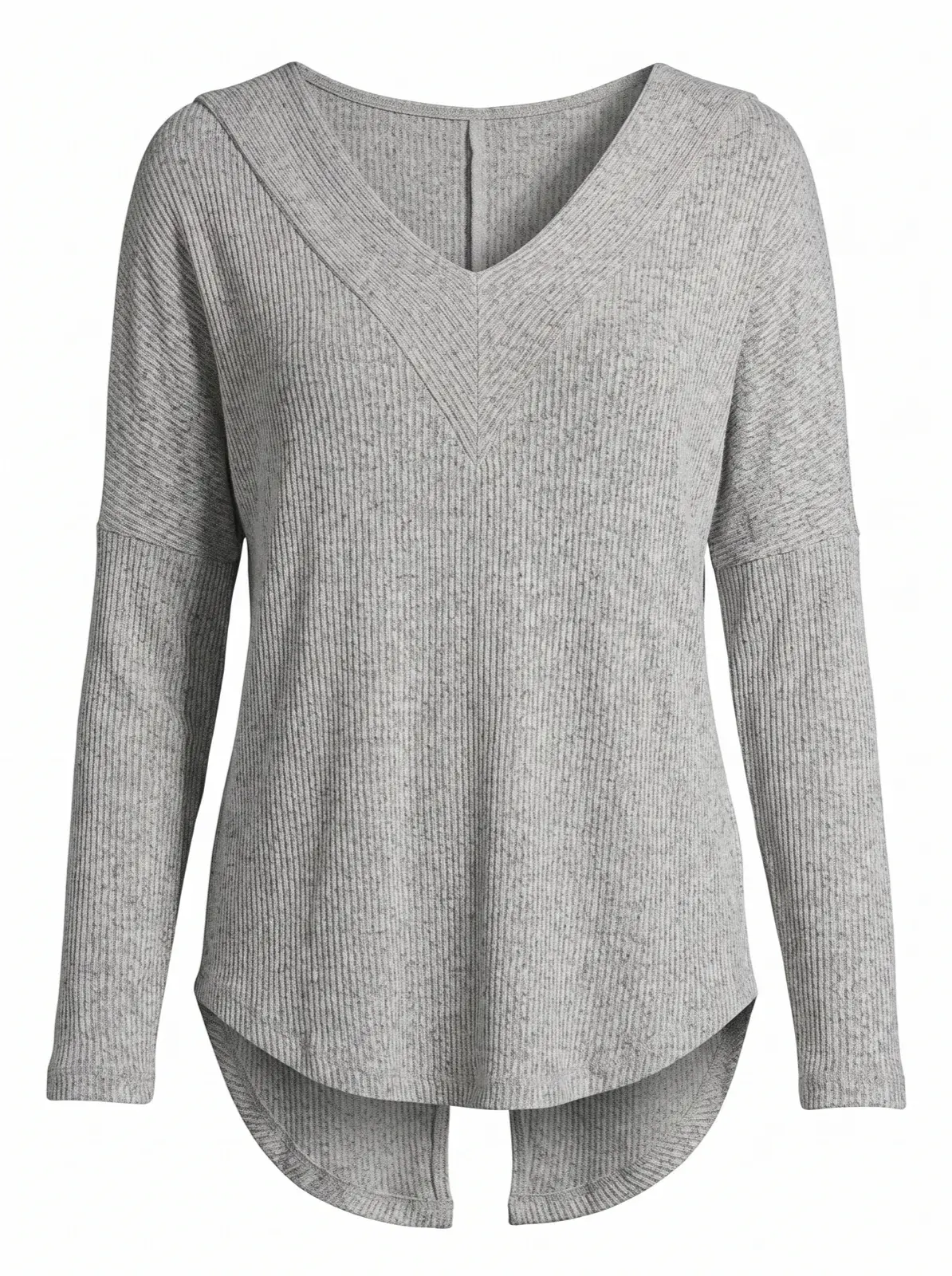
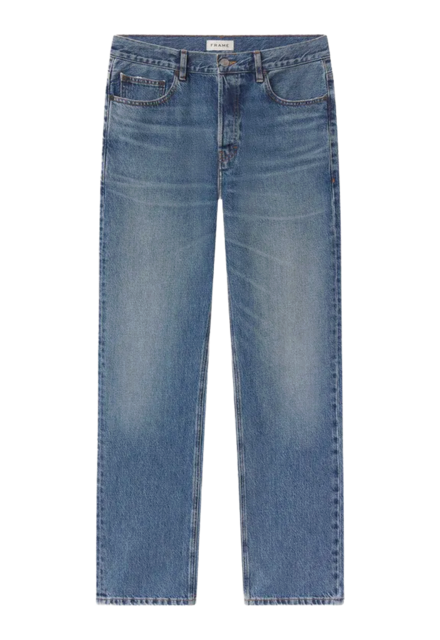
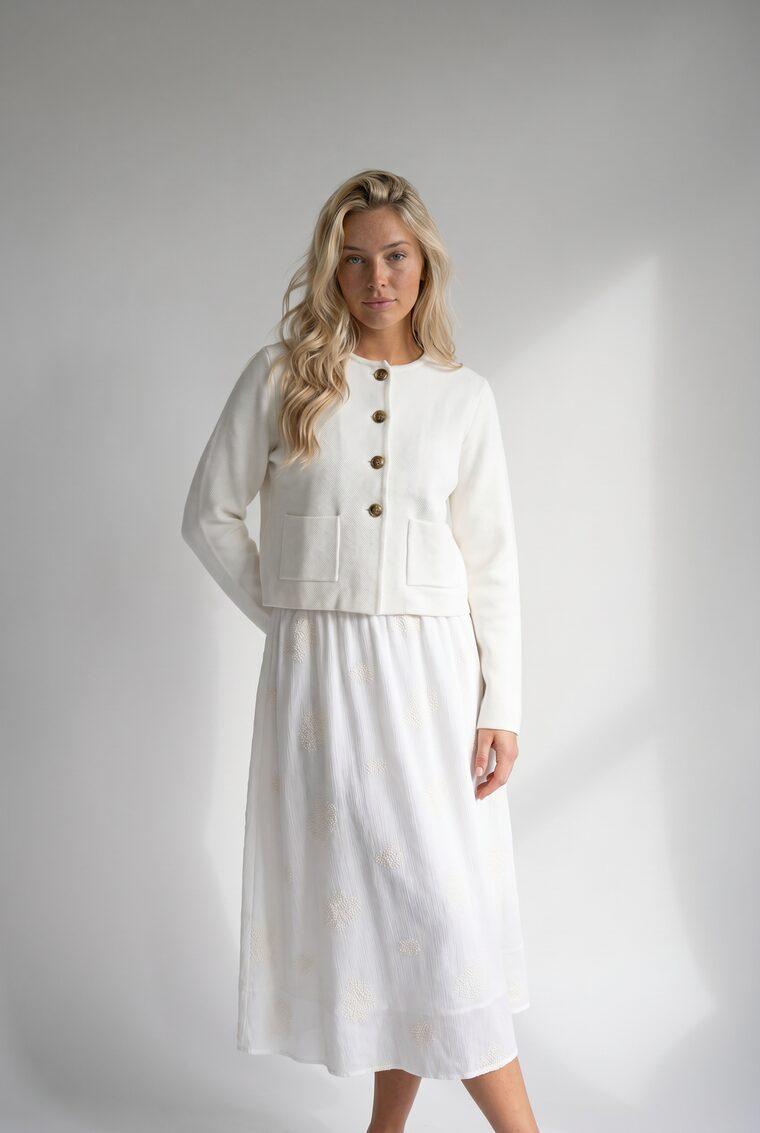
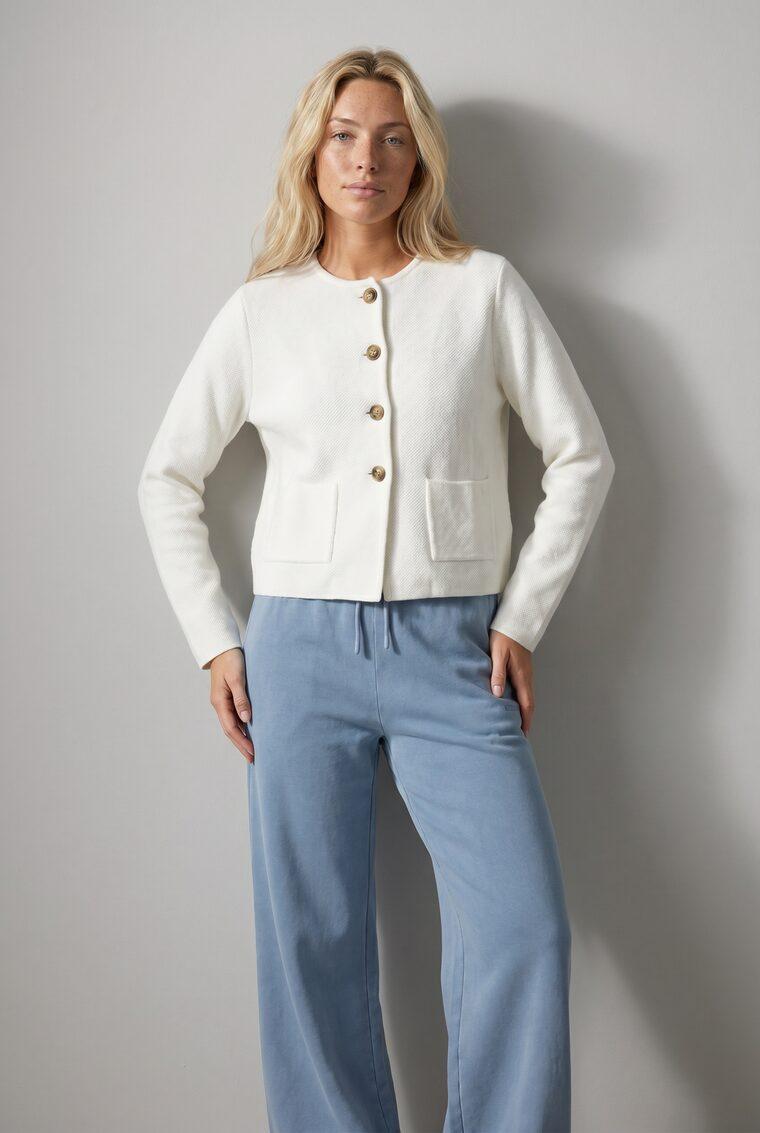
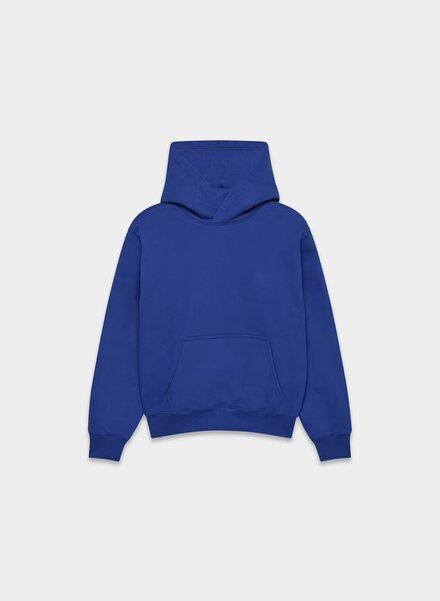
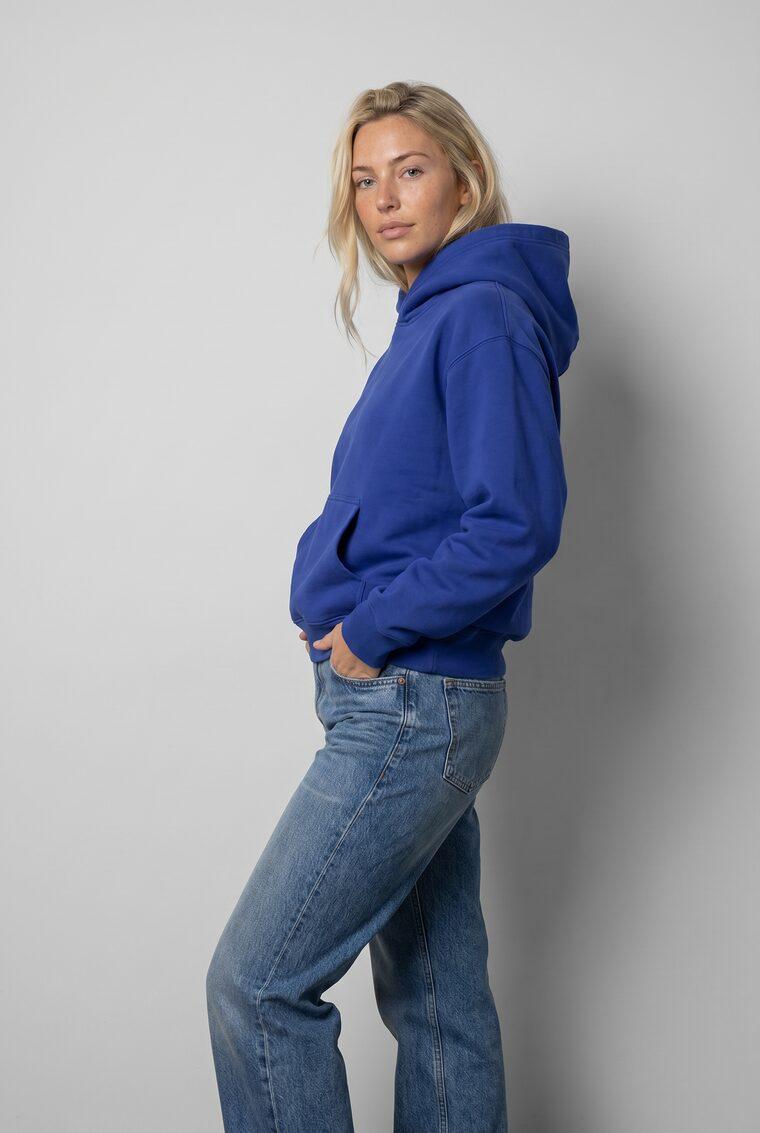

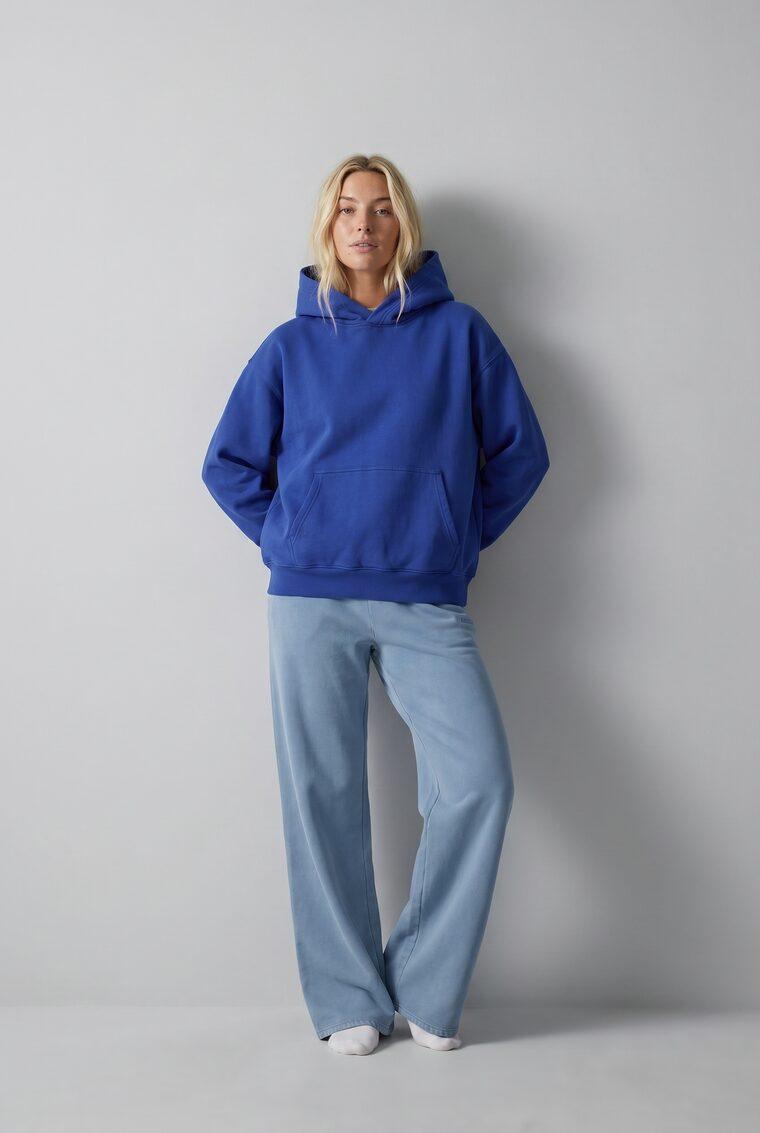
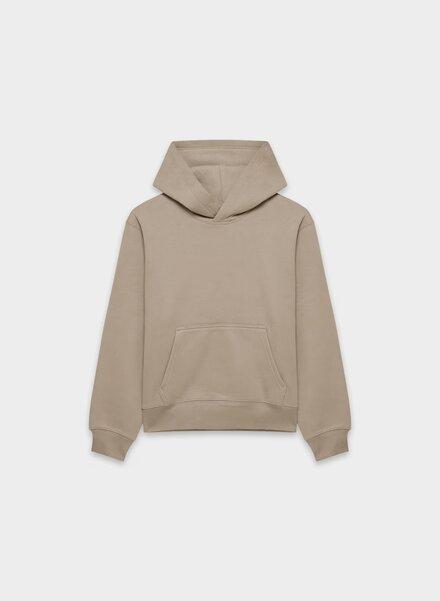
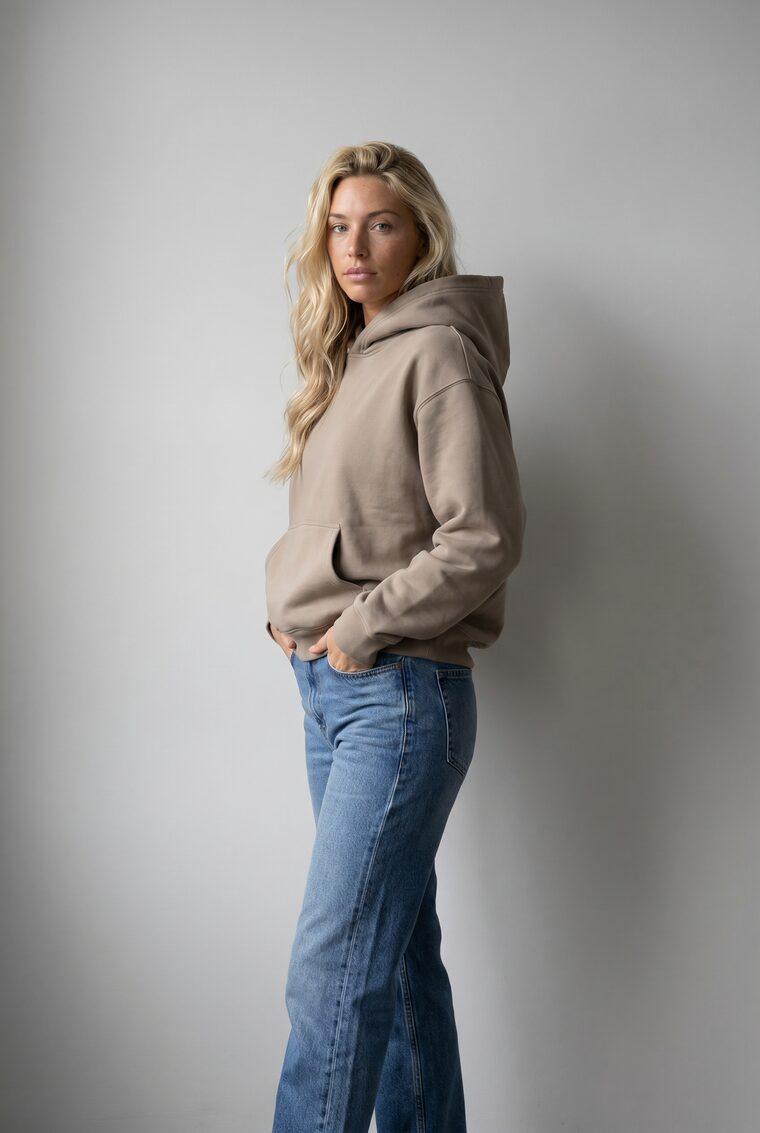
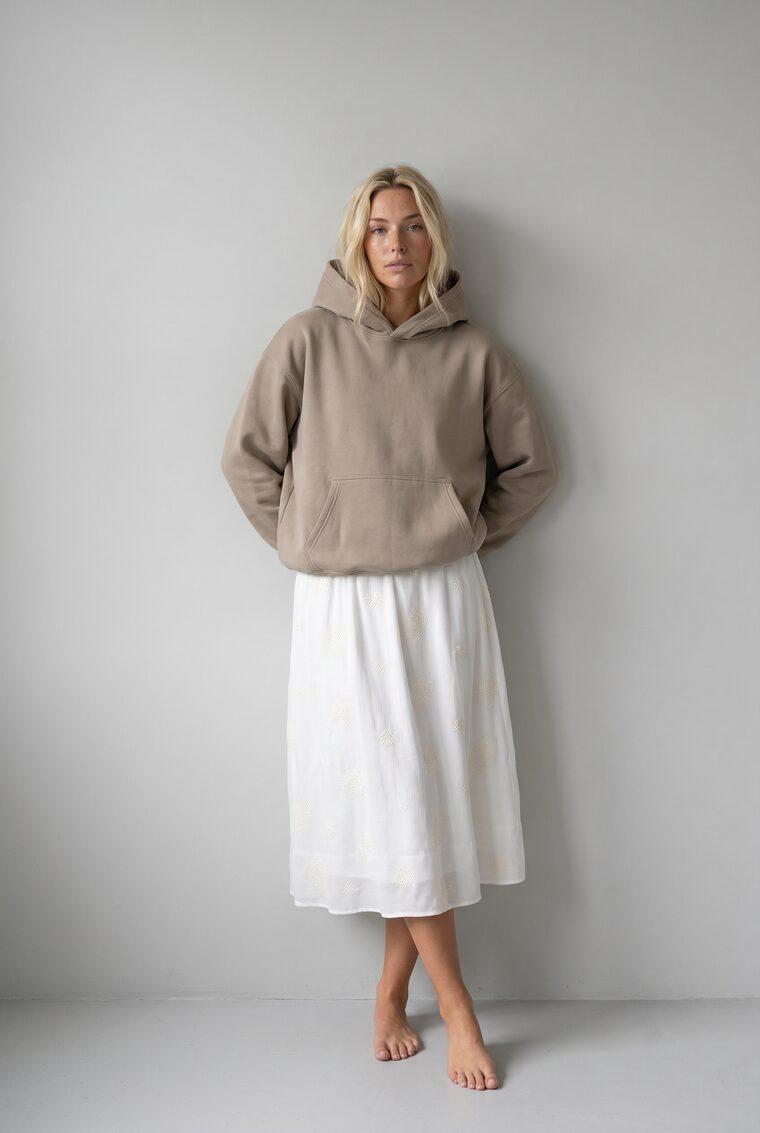


What is Uwear.ai?
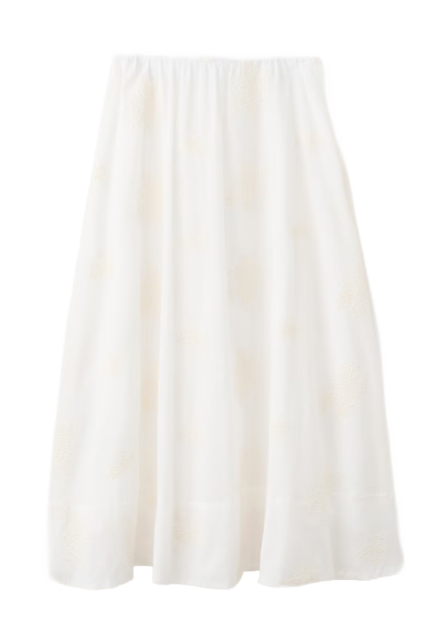
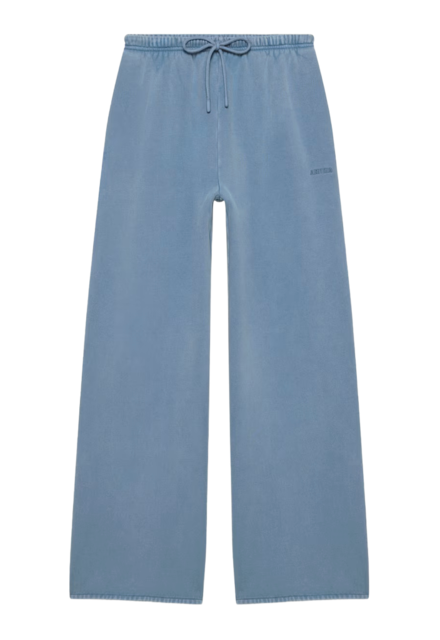
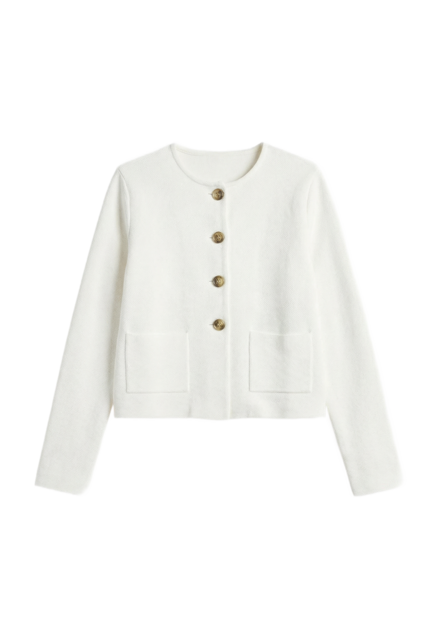
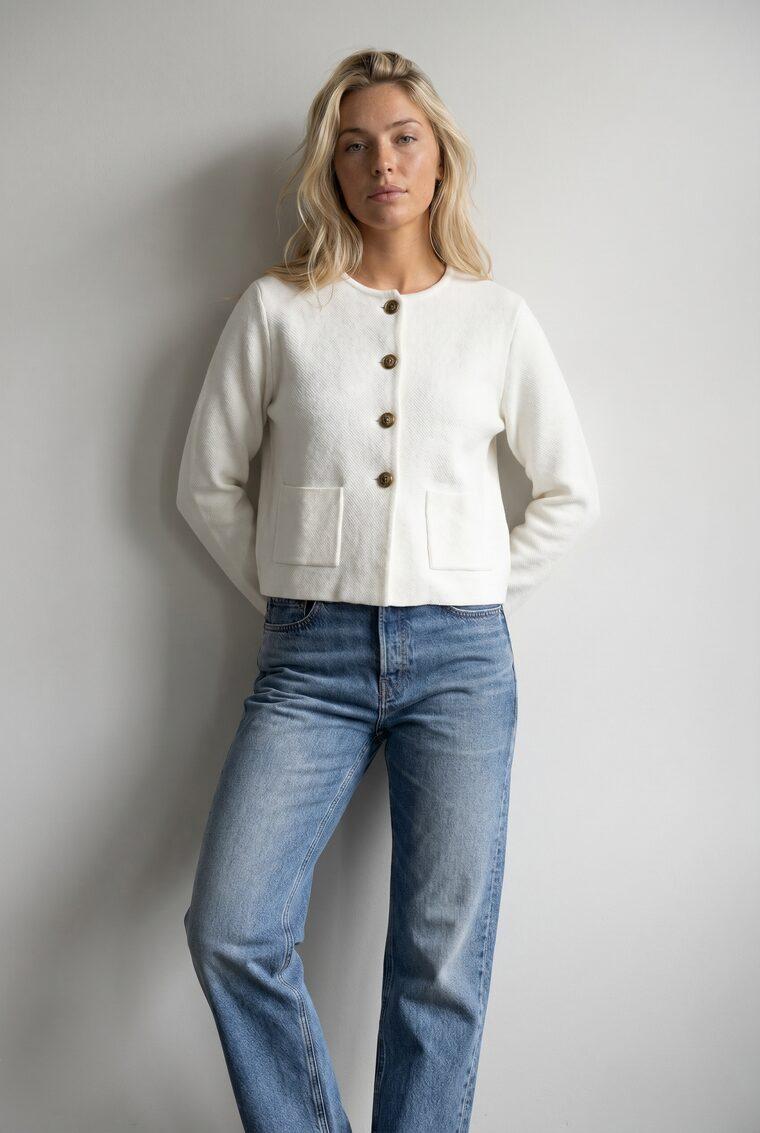
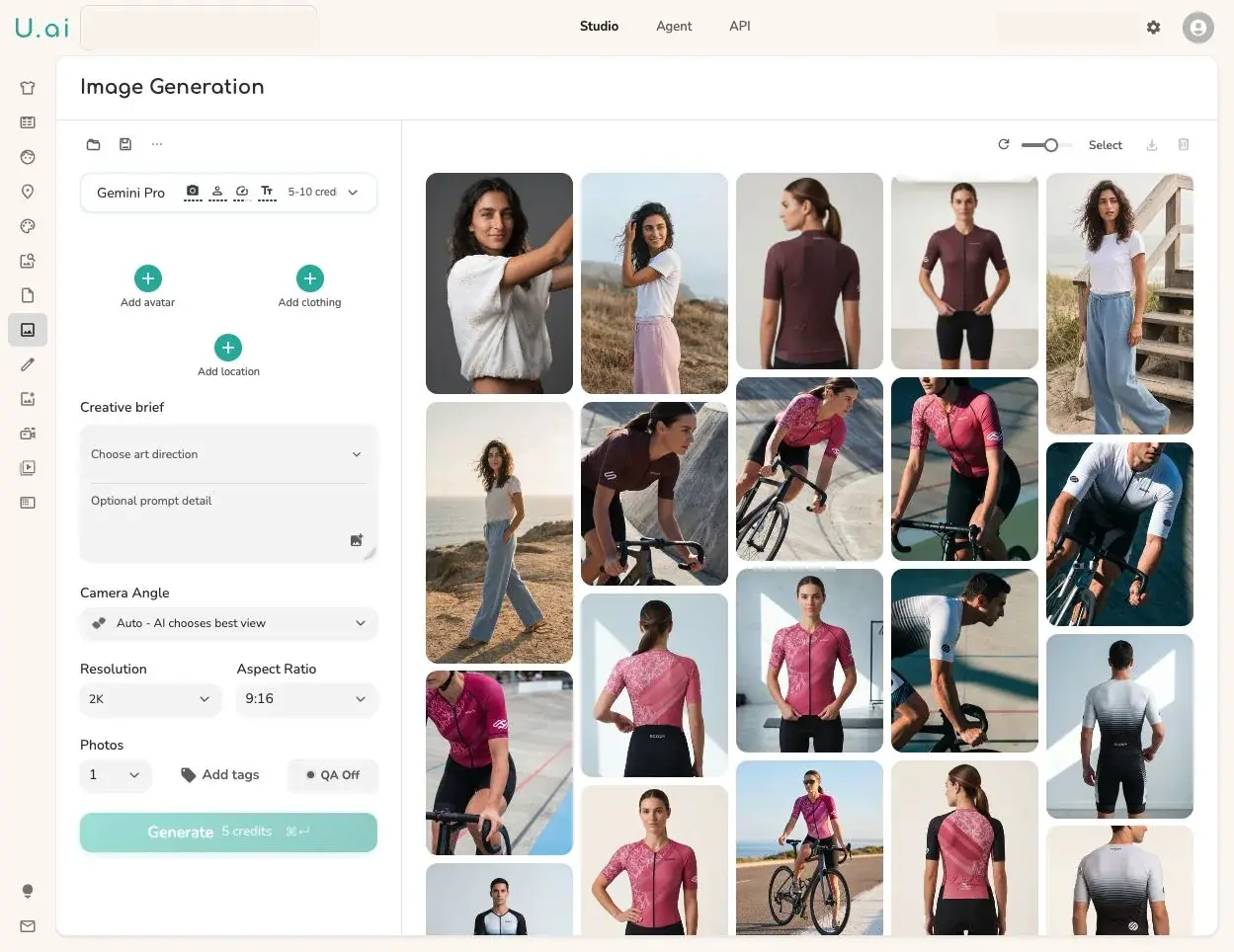
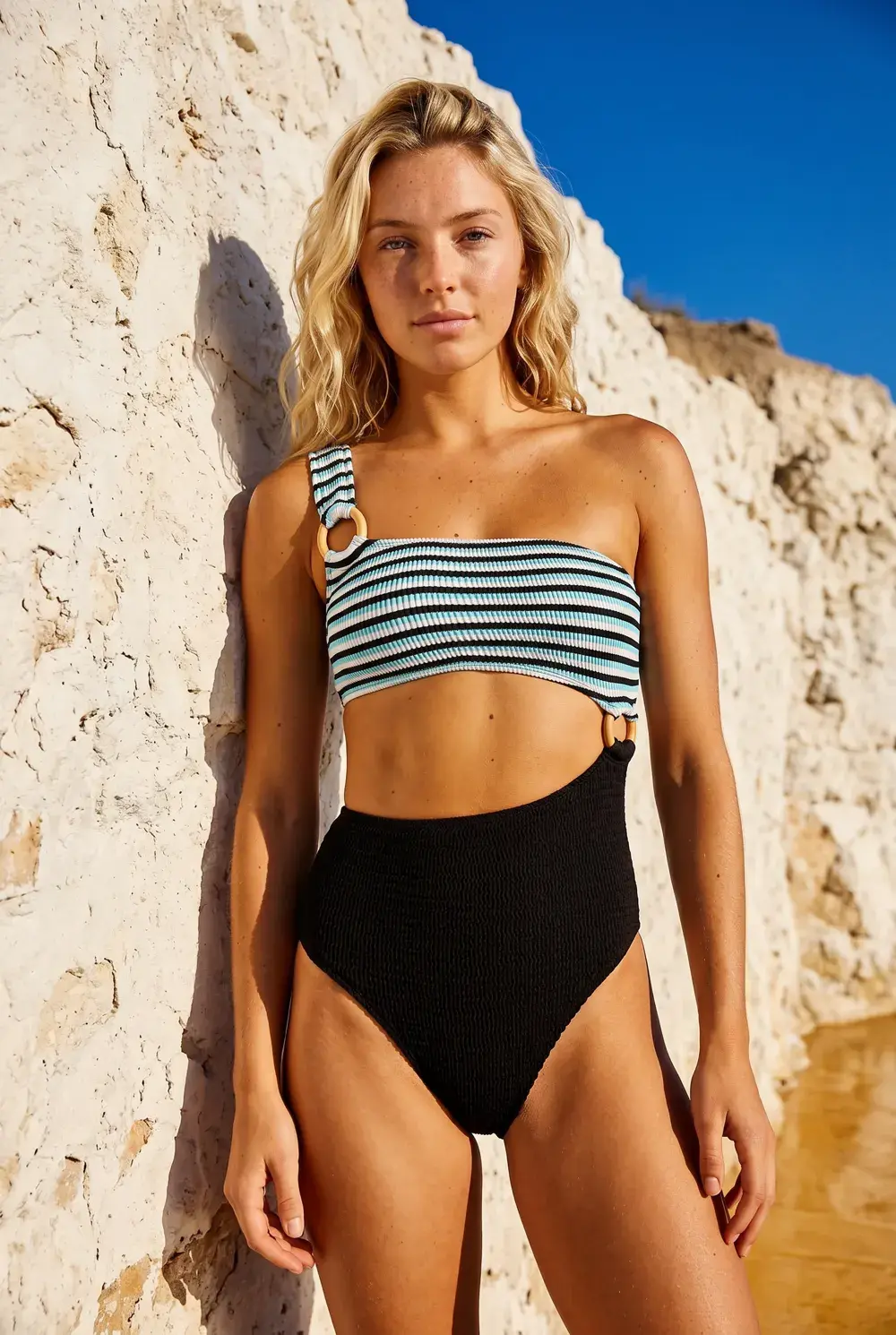
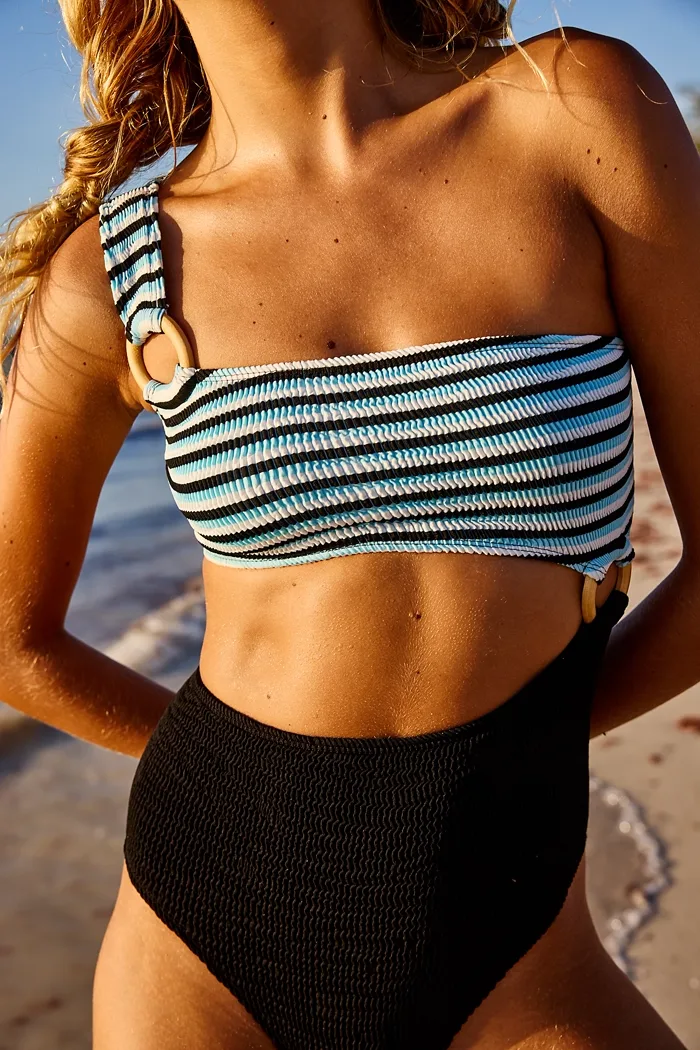
Uwear.ai is an AI visual production platform built specifically for fashion brands and retailers. It removes the logistical cost of traditional photoshoots by letting teams upload the flat or supplier product photos they already have and generating on-model photos and videos from them. The platform reports more than 1.57 million AI fashion visuals generated, with over 119,000 creators and 60+ fashion brands using it for everything from catalog photos to campaign cuts. The core workflow begins with catalog visuals: supplier photos from different studios are converted into one consistent set of on-model product page assets—full body, detail, back, and packshot—at thousands of SKUs per week. The Shop-the-Look engine automatically generates every relevant outfit combination on a model so shoppers can see complete looks. A built-in AI reviewer performs QA on every generated image, checking against the model, prompt, and garments in the look, then retrying failures with the reason attached. Uwear delivers these workflows through three surfaces: a Studio control room for hands-on generation and review, a single API contract for wiring into PIM, DAM, or storefront systems, and MCP connectors that make Uwear a plugin in ChatGPT and Claude. It also offers Production Automation for trigger-based shoots and supports a tiered lineup of frontier image and video models—such as Gemini Pro, Flash 2, and Flash—so teams can route hard garments to Best quality and simple ones to Fast. Pricing is pay-as-you-go at $0.10 per credit with no subscription or seat fees, plus custom enterprise options.
SpecificationsAI-estimated
Key Features of Uwear.ai
Use Cases for Uwear.ai
Catalog visuals at scale
Convert supplier photos from every studio into one consistent set of on-model product page photos, handling thousands of SKUs per week.
Shop the Look
Generate every relevant outfit combination on a model so shoppers can see complete looks that include the exact item they are viewing.
Product videos and loops
Turn approved on-model stills into product page clips, 360 loops, and campaign cuts without a video shoot.
Automatic review and QA
Use the AI reviewer to check every generated image against your model, prompt, and garments, automatically retrying failures at any volume.
Enterprise integration
Wire the Uwear API into your PIM, DAM, or storefront to automate generation, review, and export within existing infrastructure.
MCP-assisted workflows
Use the MCP connector to run Uwear workflows directly inside ChatGPT or Claude for AI-assisted creative and merchandising tasks.
Brand-consistent campaigns
Anchor casting, light, framing, and QA criteria in a saved art direction, then explore scene and pose variations without drifting off brand.
Production automation
Set up triggers so every new clothing upload, tag, or outfit automatically runs your configured shoot, camera edit, and export steps.
How to use Uwear.ai?
Upload product photos
Add flat supplier photos or existing product shots to Uwear Studio to begin a new visual production job.
Set art direction and model
Choose or lock a model, art direction, lighting, framing, poses, and QA criteria so every generated asset stays on brand.
Generate assets
Run generation for still images and/or video, choosing the appropriate quality tier for hard or simple garments.
Review and QA
Let the AI reviewer check each image against your model, prompt, and garments, retrying failures automatically—or use Production Automation to trigger this without manual intervention.
Export and integrate
Download on-model assets or push them via API/MCP to your PIM, DAM, storefront, ChatGPT, or Claude workflow.
Pros & Cons of Uwear.ai
Pros
- Eliminates the need for traditional photoshoots by generating on-model photos and videos from existing product photos
- Scales to thousands of SKUs per week with Production Automation and enterprise workflows
- Built-in AI QA reviewer checks every image and automatically retries failures with reasons attached
- Flexible delivery via Studio, API, and MCP connectors for ChatGPT and Claude
- Pay-as-you-go credits that never expire, with no subscriptions or seat fees
Cons
- AI-generated imagery may still miss subtle fabric drape, texture, or fit details on complex or technical garments.
- High-volume usage requires disciplined credit management; pay-as-you-go costs can add up without an enterprise contract.
- Brand consistency depends on correctly locking art direction and QA criteria, so setup requires some expertise.
- The platform is cloud-hosted and not self-hostable or open source, meaning teams depend on Uwear's infrastructure.
Frequently Asked Questions
What does Uwear.ai do?
Uwear.ai lets fashion brands and retailers upload the product or supplier photos they already have and generate professional on-model photos and videos using AI models, without needing a traditional photoshoot.
How much does Uwear cost?
Uwear is pay-as-you-go at $0.10 per credit, with no subscriptions or seat fees. Credits never expire, auto-pay top-ups are available, and enterprise contracts can be custom-shaped around catalog volume and billing.
Can Uwear generate video?
Yes. Approved on-model photos can be turned into product page clips, 360 loops, and campaign cuts with no video shoot required.
Can I integrate Uwear with my PIM, DAM, or storefront?
Yes. Uwear offers a single API contract that can be wired into PIM, DAM, or storefront systems, plus MCP connectors for ChatGPT and Claude.
Which AI models does Uwear use?
Uwear carries tiered frontier image and video models, including Gemini Pro, Gemini Flash 2, and Gemini Flash. You can route hard garments to Best quality and simple ones to Fast, and switch when newer models ship.
Does Uwear have automation for repeat workflows?
Yes. Production Automation lets you wire reusable settings to triggers, so every new upload, tag, or outfit runs the configured shoot automatically.
Does Uwear QA generated images automatically?
Yes. The AI reviewer checks each image against your model, prompt, and every garment in the look, shipping passes and retrying failures with the reason attached.
Is there a demo available?
Yes, the site offers a "Book a demo" option so you can map your first workflow before deciding between Studio, API, MCP, or a custom path.
Reviews & Ratings0.0
No reviews yet. Be the first to write one!
Top Alternatives & Similar Software
View all alternatives & similar software→No alternatives available yet.
People also viewed


Related searches
About the Product
Is this your tool?
Claim this page to update details, reply to user reviews, and drive more traffic to your product.
Claim this Product →
Tags
Explore Related Topics
Keep up with Uwear.ai alternatives
New alternatives, pricing changes and the week's biggest movers - one email every Tuesday.