


Object Remover
Remove Unwanted Objects from Photos with AI
What is Object Remover?
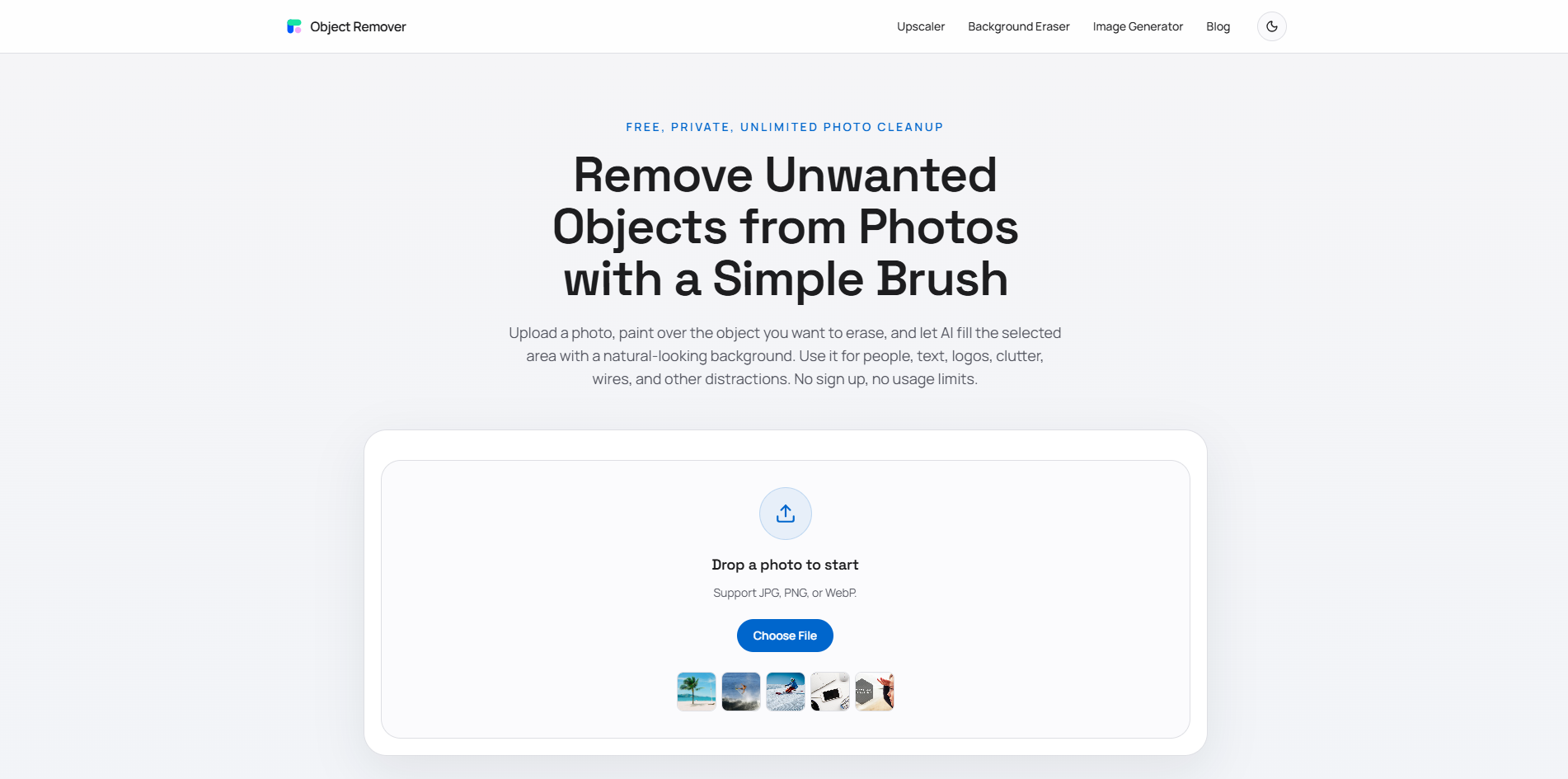
Object Remover is a free AI-powered online tool that removes unwanted objects, people, text, logos, wires, and distractions from photos. Users can brush over an object or describe what to remove, and the AI rebuilds the area naturally. No sign-up, no usage limits, and uploaded files are automatically deleted within 2 hours.
SpecificationsAI-estimated
Key Features of Object Remover
Use Cases for Object Remover
Travel photo cleanup
Remove tourists, cars, signs, and background clutter while preserving landmarks and scenery.
Product photo cleanup
Remove props, dust, reflections, and table clutter for eCommerce listings and ads.
Real estate photo improvement
Erase cords, bins, wall marks, and visual distractions from room photos.
Social media photo cleanup
Remove accidental objects before posting to Instagram, TikTok, Pinterest, or LinkedIn.
Portrait retouching
Remove photobombers, wall marks, signs, or background objects behind a subject.
Food photography polish
Erase crumbs, stains, utensils, napkins, and table distractions.
How to use Object Remover?
Upload Your Photo
Choose a JPG, PNG, or WebP image from your device and open it in the free object remover workspace.
Brush Over the Object
Paint over the person, text, logo, shadow, cable, product prop, or background distraction you want to remove.
Let AI Rebuild the Area
AI inpainting analyzes the surrounding image, fills the selected area, and creates a clean result you can download.
Pros & Cons of Object Remover
Pros
- Free and unlimited use
- No login or registration required
- Privacy-first: auto-deletes uploaded images within 2 hours
- Supports brush-based and prompt-based removal
- No editing skills required
- Natural AI inpainting preserves lighting, texture, and shadows
- Supports JPG, PNG, and WebP images
Cons
- Best results on simple or repetitive backgrounds
- Complex scenes may need multiple passes
- Browser-based only, no offline desktop app
Frequently Asked Questions
Is this AI object remover really free?
Yes. Object Remover is completely free, requires no registration or login, and has no usage limits.
Do I need editing skills to remove objects?
No. You only need to upload a photo, brush over the object you want to remove, and generate the cleanup result.
Can I remove people and text from photos?
Yes. You can remove people, text, logos, captions, signs, cables, clutter, and other unwanted details.
Does it have limits on usage?
No. You can remove unwanted objects as often as needed without buying credits, subscribing, or creating an account.
What image formats are supported?
The cleanup workflow is intended for common web image formats such as JPG, PNG, and WebP.
Are my uploaded photos safe?
Yes. Uploaded images and generated results are automatically removed within 2 hours. No account is required.
Will the background look natural after removal?
AI inpainting uses nearby pixels to rebuild the masked area. Results are strongest on backgrounds with repeatable texture, open space, walls, sky, grass, fabric, or simple surfaces.
Is this the same as a background remover?
No. A background remover separates the main subject from the entire background. This object remover keeps the photo and only erases the brushed area.
Pricing Overview
View full pricing →Detailed plans are not listed. Visit the official website for pricing information.
Reviews & Ratings0.0
No reviews yet. Be the first to write one!
Top Alternatives & Similar Software
View all alternatives & similar software→



People also viewed


Related searches
About the Product
Is this your tool?
Claim this page to update details, reply to user reviews, and drive more traffic to your product.
Claim this Product →
Tags
Explore Related Topics
Keep up with Object Remover alternatives
New alternatives, pricing changes and the week's biggest movers - one email every Tuesday.