



Cleanup.pictures
Remove objects, people, text and defects from any picture for free
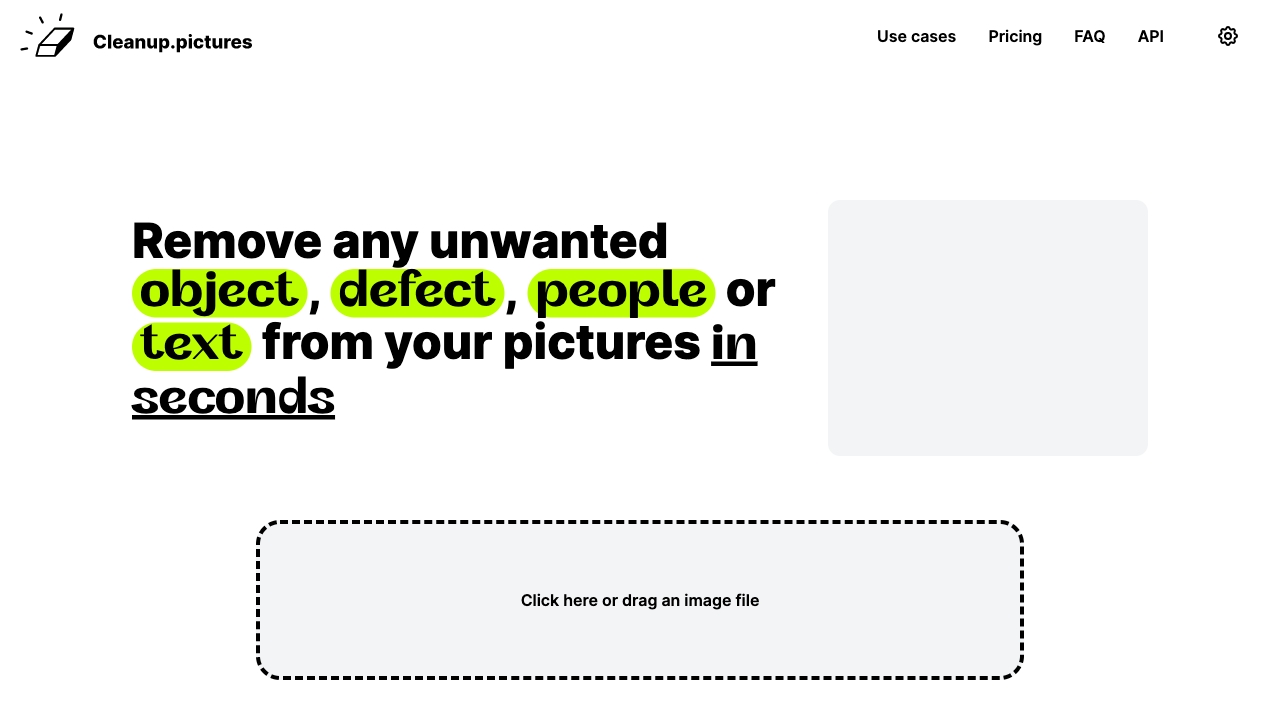
What is Cleanup.pictures?
Cleanup.pictures is an AI-based photo editing tool that removes unwanted objects, people, text, watermarks, defects, and blemishes from images in seconds. It offers free and Pro plans with unlimited resolutions, and provides an API for developers to integrate high-quality inpainting into their products.
SpecificationsAI-estimated
Key Features of Cleanup.pictures
Use Cases for Cleanup.pictures
Photographers
Remove timestamps, tourists, or defects before printing. Create perfect profile pictures.
Creatives
Remix existing photos, replace parts, create stunning visuals without workflow disruption.
Real Estate
Depersonalize and clean room photos for listings.
E-commerce
Create ideal product shots and update social media with clean backgrounds.
Developers
Integrate high-quality inpainting API into apps.
How to use Cleanup.pictures?
Upload image
Click or drag an image file to the browser.
Brush over unwanted content
Select a larger brush and cover the area (including shadows) to ensure best results.
Process
AI reconstructs the background and removes objects in seconds.
Download
Export the cleaned image (free up to 720p; Pro for unlimited resolution).
Pros & Cons of Cleanup.pictures
Pros
- AI-powered inpainting delivers professional results with one click
- Free version supports unlimited images (export up to 720p)
- Simple drag-and-drop interface, no complex tools needed
- Useful for photographers, real estate, e-commerce, and creatives
- API available for developers with high-availability and quality
Cons
- Free export resolution limited to 720p
- Pro subscription required for full resolution and HD refiner
- Refund policy is strict (only in rare cases after payment)
- Individual subscription, limited to 1 user
- Watermark removal usage recommended only for licensed images
Frequently Asked Questions
What is inpainting?
Inpainting is a retouch technology to remove unwanted objects from photos using AI, guessing what was behind the object.
Why is Cleanup.pictures better than other inpainting apps?
It uses AI to guess the background without needing a reference like clone tools, giving better results in fewer clicks.
What image resolutions can I edit?
You can import any size, but free export is limited to 720p; Pro has no limit.
How much does it cost?
Free for basic, Pro is $5/month or $36/year ($3/month) for unlimited resolution and HD quality.
How to cancel subscription?
Manage subscription via 'manage subscription' section on the website.
Can I use it with my team?
Each subscription is individual, limited to 1 user.
How to remove people or objects?
Load image, brush over the unwanted content, and AI removes it. Overflow the brush for better results.
How to remove background?
Cleanup.pictures recommends using ClipDrop for background removal.
Pricing Overview
View full pricing →Cleanup.pictures is free with 720px export limit; Pro is $5 per month or $36 per year ($3 per month) for processing images of any size.
Reviews & Ratings0.0
No reviews yet. Be the first to write one!
Top Alternatives & Similar Software
View all alternatives & similar software→


People also viewed


Related searches
About the Product
Is this your tool?
Claim this page to update details, reply to user reviews, and drive more traffic to your product.
Claim this Product →
Tags
Explore Related Topics
Keep up with Cleanup.pictures alternatives
New alternatives, pricing changes and the week's biggest movers - one email every Tuesday.