



Picture Translate
Translate Image Text Online For Free
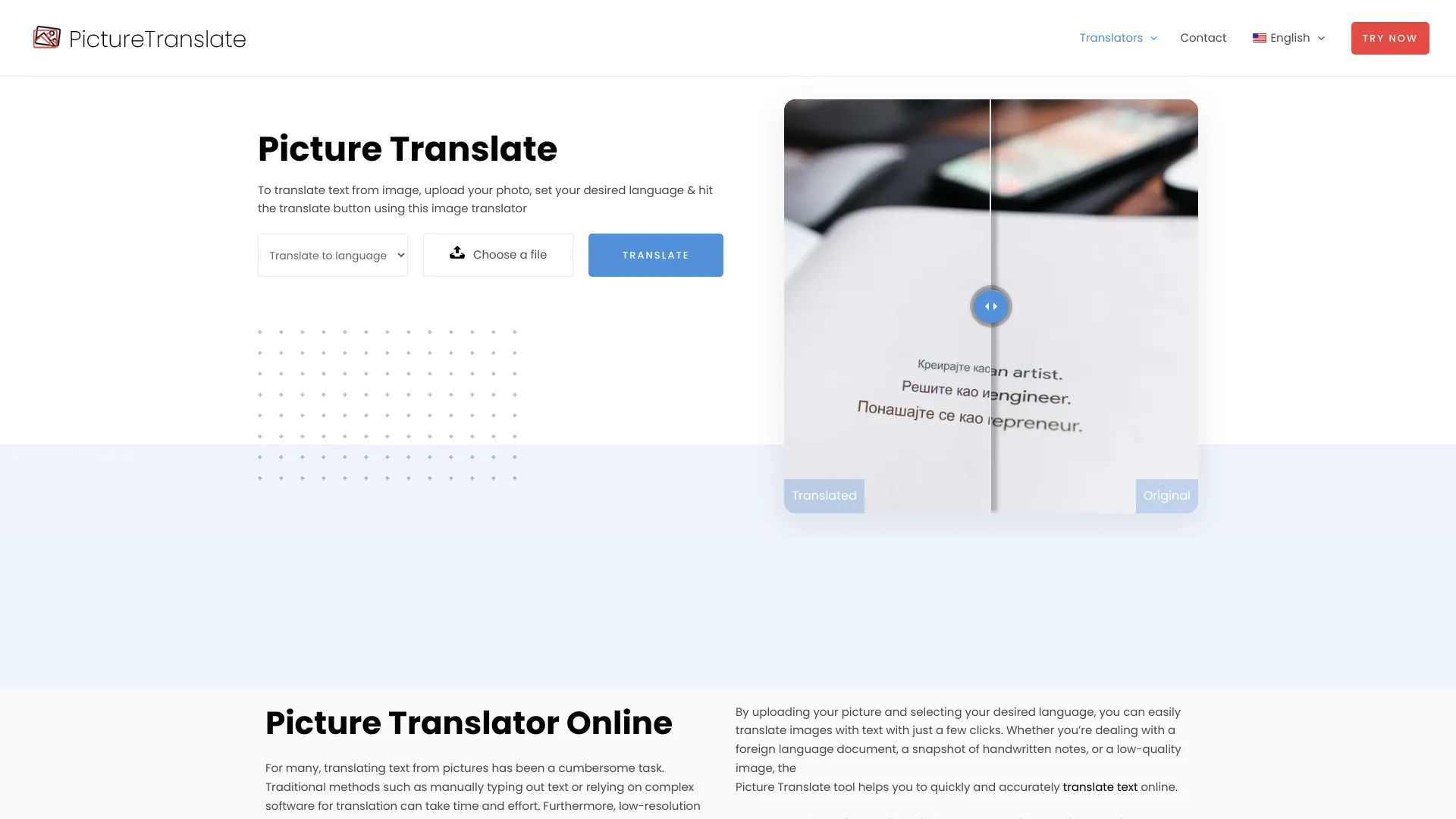
What is Picture Translate?
Picture Translate is a free online tool that uses OCR technology to extract and translate text from images, screenshots, documents, and low-resolution photos. It supports multiple languages, offers real-time translation, and works across devices without requiring software installation.
SpecificationsAI-estimated
Key Features of Picture Translate
Use Cases for Picture Translate
Travel & Tourism
Translate street signs, menus, and transportation schedules
Education
Translate educational materials into native languages
Business Communication
Translate product labels, marketing materials, and business documents
Healthcare
Translate medical forms and prescriptions for patients
Legal
Translate contracts and legal documents
Media & Journalism
Translate news articles and press releases from images
Social Media
Translate text from images on social media posts
Research & Academia
Translate research papers and academic literature
Cultural Preservation
Digitize and translate historical or endangered language texts
Emergency Response
Translate emergency messages and instructions during crises
How to use Picture Translate?
Visit the Website
Go to the Picture Translate website
Upload an Image
Drag and drop your image or click the upload button to select a picture file
Select Languages
Choose the language of the text in the image and the language you want to translate it to
Start Translation
Click the 'Translate' button and wait for the real-time result to appear
Download or Copy
Copy the translated text or download the PNG image with translation overlaid
Pros & Cons of Picture Translate
Pros
- Completely free with no subscription
- Supports multiple languages
- Works on low-resolution images
- Real-time translation
- No installation required, browser-based
- Privacy-focused with encryption
- Simple and intuitive interface
Cons
- No mobile app available (browser-based only)
- Dependent on image quality for OCR accuracy
- Limited formatting preservation for complex layouts
- No batch processing for multiple images
- Potential privacy concerns despite claimed encryption
Frequently Asked Questions
Is my data secure when using Picture Translate?
Yes, the tool processes images entirely in the browser and claims to use robust encryption and privacy measures to safeguard user data.
Can I save or copy the translated text?
Yes, you can download the translated output as a PNG file and also copy the translated text to the clipboard.
Can it handle handwritten or highly stylized fonts?
While it's optimized for various images, very low-quality or heavily distorted text may reduce accuracy. The tool is designed to handle low-resolution images better than many alternatives.
Can it translate entire documents?
Yes, it supports scanned PDFs, screenshots, and photos of documents, though the emphasis is on image-based translation.
Pricing Overview
View full pricing →Picture Translate is completely free to use with no cost or subscription fees.
Reviews & Ratings0.0
No reviews yet. Be the first to write one!
Top Alternatives & Similar Software
View all alternatives & similar software→No alternatives available yet.
People also viewed

.png)


Related searches
About the Product
Is this your tool?
Claim this page to update details, reply to user reviews, and drive more traffic to your product.
Claim this Product →
Tags
Explore Related Topics
Keep up with Picture Translate alternatives
New alternatives, pricing changes and the week's biggest movers - one email every Tuesday.