


Translate Images
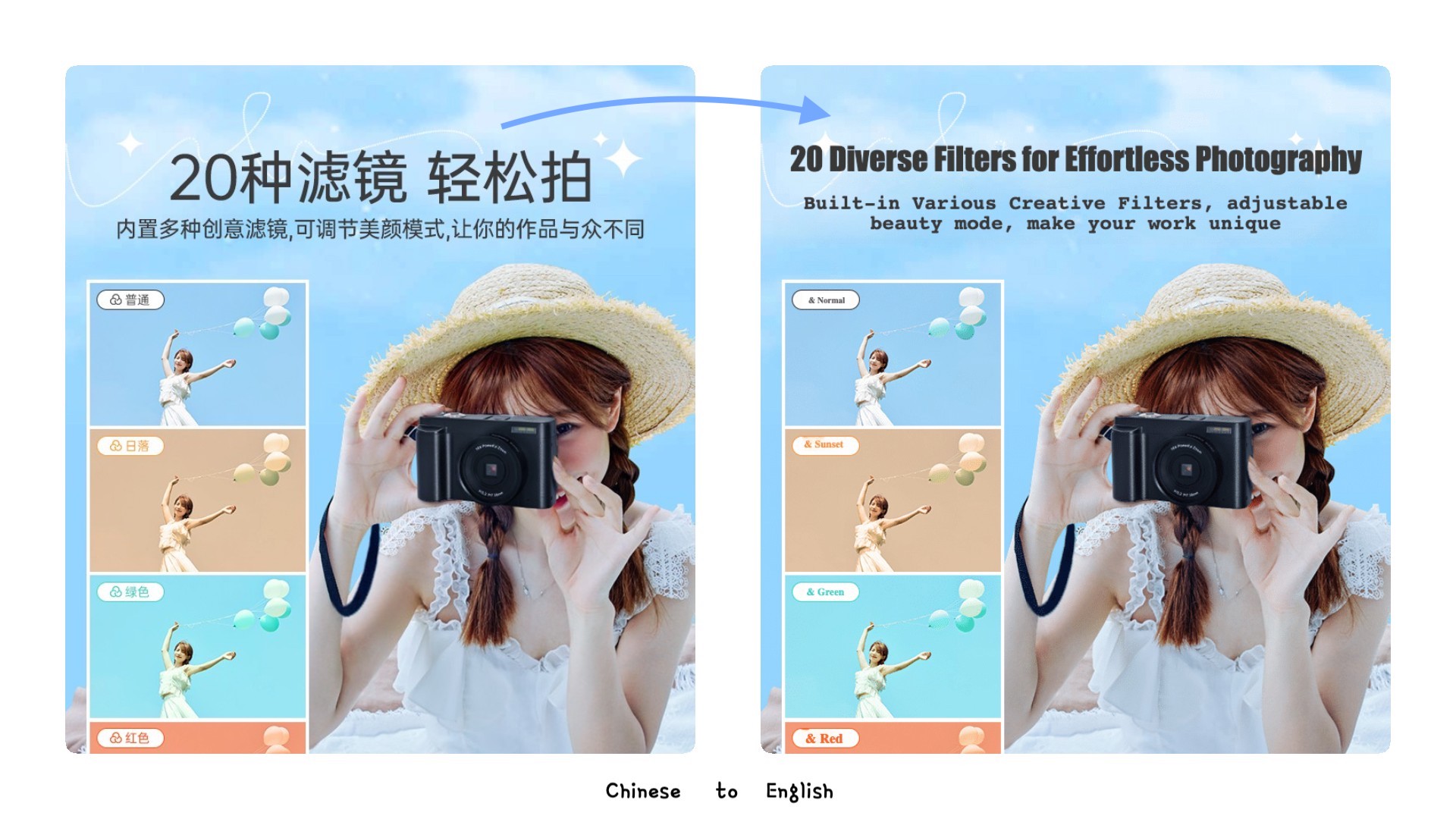
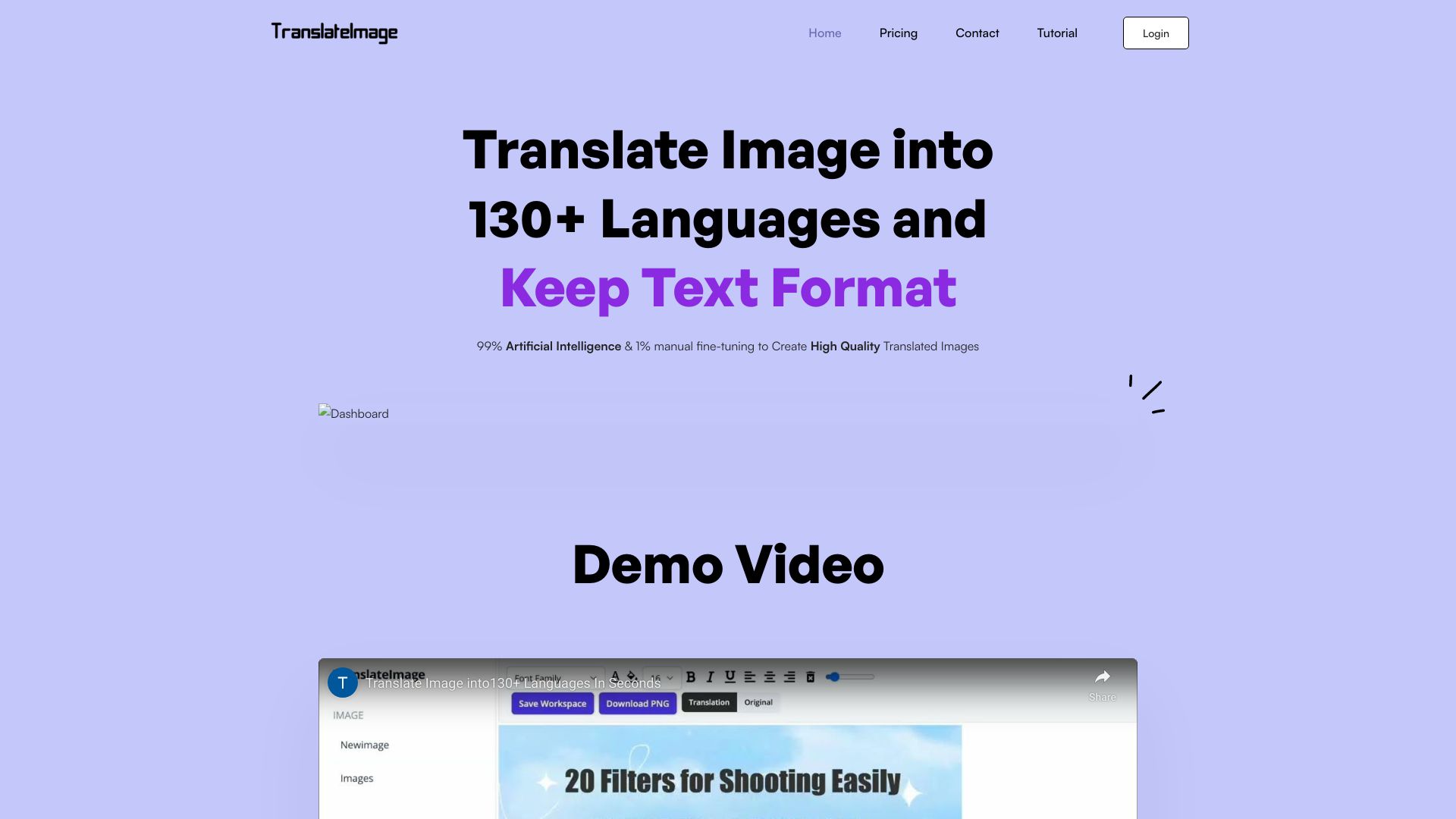
Translate images with OCR while preserving text formats to 130+ languages
What is Translate Images?
AI-powered image translation tool that uses OCR to recognize text in images and translates it into 130+ languages while preserving original fonts, colors, and layouts. It includes features like background inpainting, text editing, and format preservation for professional-quality output.
SpecificationsAI-estimated
Key Features of Translate Images
Use Cases for Translate Images
E-commerce Product Image Translation
Translate product photos, catalog images, and e-commerce listings for global marketplaces like Amazon, eBay, and online stores.
App & Software Screenshot Translation
Translate mobile app screenshots, software interfaces, and UI elements for multi-language app stores and technical documentation.
Marketing & Advertisement Translation
Translate promotional banners, social media graphics, advertisements, and marketing materials for global campaigns.
Technical Document & Diagram Translation
Translate engineering diagrams, flowcharts, architectural blueprints, and technical illustrations for international teams and documentation.
Instruction Manual & Guide Translation
Translate product manuals, assembly instructions, user guides, and how-to documentation into multiple languages.
Educational Content & Research Translation
Translate academic papers, research charts, educational presentations, and learning materials for international collaboration.
How to use Translate Images?
Upload Images & Choose Target Language
Upload photos, documents, or screenshots in JPG, PNG, or GIF format. Select from 130+ supported languages for instant OCR translation.
AI OCR Text Recognition & Translation
Advanced AI OCR technology automatically detects, extracts, and translates all text in your images with 99% accuracy in 1-3 minutes.
Edit & Download Professional Results
Use the powerful image editor to fine-tune text formatting, correct translations, and download high-quality translated images in original format.
Pros & Cons of Translate Images
Pros
- Preserves original fonts, colors, and layouts
- Supports 130+ languages
- 99% OCR accuracy
- Includes smart background inpainting and text removal
- Offers an editor to fine-tune translations and formatting
- Bulk image translation and editing
- Flexible pricing (pay-per-image or subscription)
- High-quality export in JPG, PNG, GIF
- Suitable for e-commerce, app screenshots, marketing, technical docs, etc.
Cons
- No free tier mentioned
- Per-image pricing may add up for large volumes
- AI translation may still require manual correction (as stated in editor)
- Dependent on AI accuracy for complex layouts
Frequently Asked Questions
What types of images are supported?
JPG, PNG, and GIF formats are supported.
How many languages are supported?
130+ languages are supported for both source and target.
Can I edit the translated text?
Yes, the included image text editor allows you to correct translations and adjust text formatting.
What is the processing time?
It typically takes 1-3 minutes per image.
Are there any subscriptions?
Yes, monthly subscription plans are available starting at $19.9/month for 100 images.
Pricing Overview
View full pricing →Offers both one-time per-image packs (US$9.9–US$99.9) and monthly subscription plans (US$19.9–US$99.9/month), with per-image rates from US$0.99 down to US$0.10.
Reviews & Ratings0.0
No reviews yet. Be the first to write one!
Top Alternatives & Similar Software
View all alternatives & similar software→No alternatives available yet.
People also viewed

.png)


Related searches
About the Product
Is this your tool?
Claim this page to update details, reply to user reviews, and drive more traffic to your product.
Claim this Product →
Tags
Explore Related Topics
Keep up with Translate Images alternatives
New alternatives, pricing changes and the week's biggest movers - one email every Tuesday.