



AI Image Translator
Precise and Instant AI Image Translator
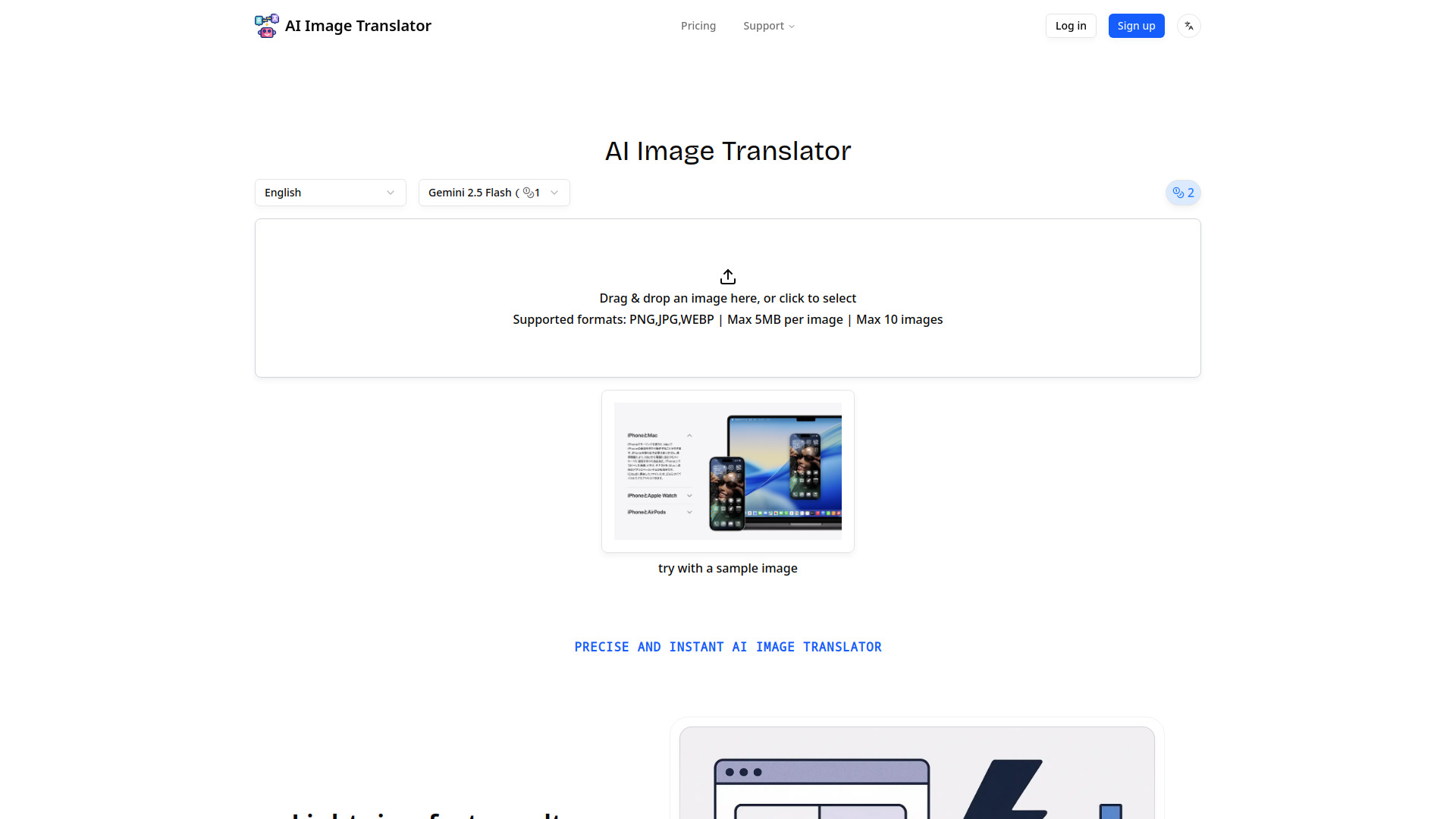
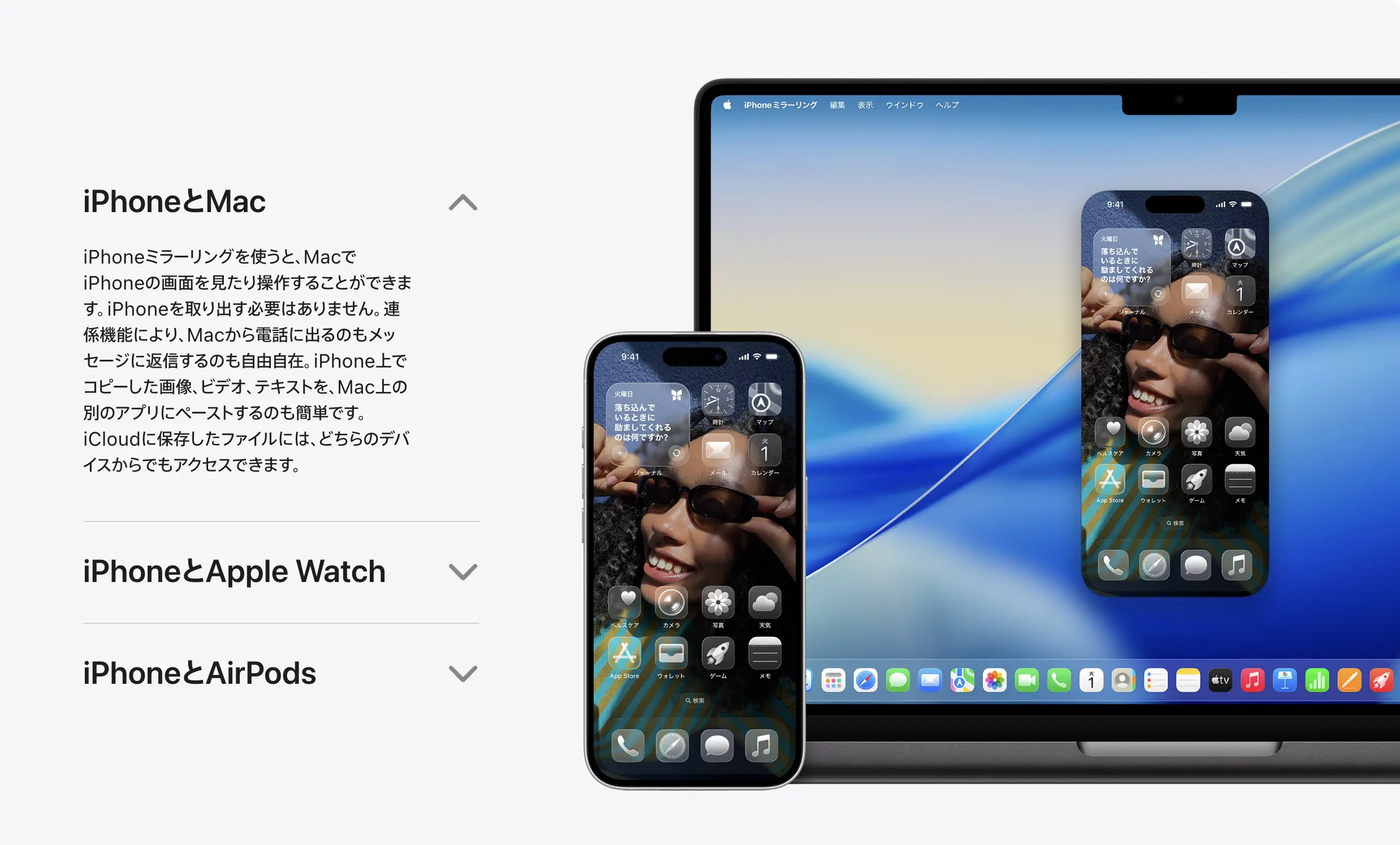
What is AI Image Translator?
AI-powered image translation tool that detects and translates text in images across 100+ languages, with auto-detection, smart text removal, background restoration, and batch processing capabilities.
SpecificationsAI-estimated
Key Features of AI Image Translator
Use Cases for AI Image Translator
Translate images with text for localization
Translate screenshots, signs, documents, or any image with text into over 100 languages while preserving the original layout.
Bulk translation for e-commerce or content
Process up to 10 images at once with parallel processing to quickly translate product images, memes, or UI screenshots.
Clean text removal and background repair
Remove existing text from images and restore backgrounds seamlessly for creating edited visuals without a 'sticker' look.
How to use AI Image Translator?
Upload
Drag & drop an image or click to select. Supported formats: PNG, JPG, WEBP. Max 5MB per image, up to 10 images.
Translate
The tool automatically detects text, translates it into your desired language, and restores the image with the translated text in place.
Export
Get results in seconds. Batch export keeps throughput steady for multiple images.
Pros & Cons of AI Image Translator
Pros
- Supports 100+ languages with automatic detection
- Handles mixed-language content, vertical text, and RTL scripts
- Smart restoration removes text and repairs backgrounds for natural results
- Batch processing with parallel processing and retry logic
- Lightning-fast results designed for scale
- Simple drag-and-drop interface with sample image
Cons
- Free tier limited to 5 credits only
- Max 5MB per image and 10 images per upload
- Only basic models available currently
- More models promised but 'coming soon'
Frequently Asked Questions
What languages are supported?
The tool supports 100+ languages and scripts with automatic detection, including mixed-language content, vertical text, and RTL (Arabic/Hebrew).
How many images can I translate at once?
You can upload up to 10 images per batch, with a max of 5MB per image.
What file formats are accepted?
PNG, JPG, and WEBP formats are supported.
Is there a free plan?
Yes, a free plan with 5 credits is available, but it uses basic models and includes commercial use.
Pricing Overview
View full pricing →Pricing page displays three pricing tiers with credit allowances, but no explicit plan names or dollar amounts are provided in the content.
Detailed plans are not listed. Visit the official website for pricing information.
Reviews & Ratings0.0
No reviews yet. Be the first to write one!
Top Alternatives & Similar Software
View all alternatives & similar software→No alternatives available yet.
People also viewed


Related searches
About the Product
Is this your tool?
Claim this page to update details, reply to user reviews, and drive more traffic to your product.
Claim this Product →
Tags
Explore Related Topics
Keep up with AI Image Translator alternatives
New alternatives, pricing changes and the week's biggest movers - one email every Tuesday.