


Translate.Photo
Create. Translate. Adapt. Agency-grade marketing, in your own hands.
What is Translate.Photo?
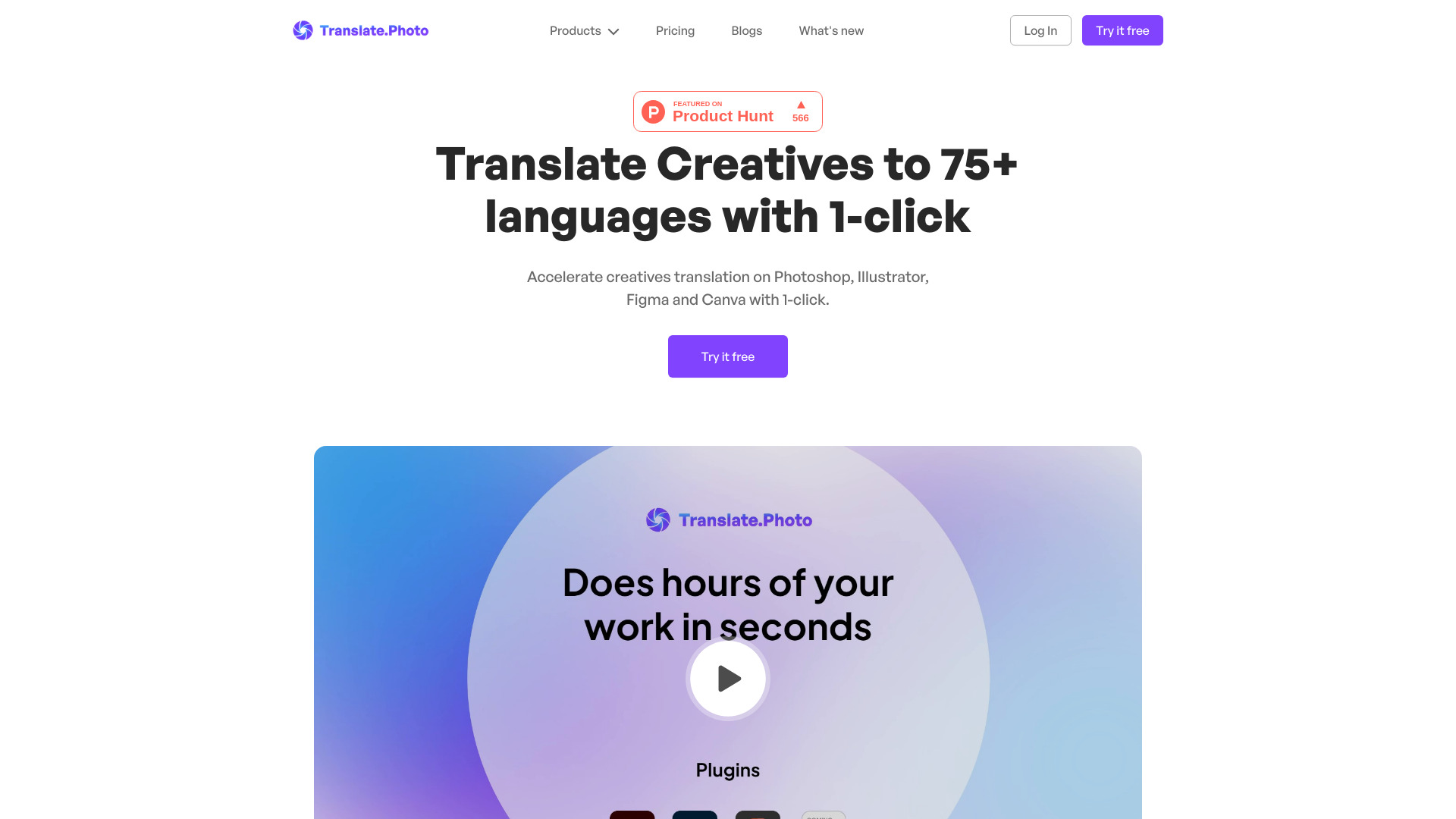
Translate.Photo is an AI-powered marketing creative platform that lets teams create, translate, and adapt campaign assets across 130+ languages. It combines an AI Creative Director, brand enforcement, hyperlocal localization, and channel auto-resizing into one continuous workflow, so marketers can go from voice brief to channel-ready localized creative without source files or agency dependency.
SpecificationsAI-estimated
Key Features of Translate.Photo
Use Cases for Translate.Photo
Regional marketing
Localize one master campaign for multiple markets without central approval bottlenecks.
E-commerce promotions
Launch offers like Black Friday sales in multiple languages and regions quickly.
Social media advertising
Generate and resize ads for Instagram, Facebook, Meta Ads, Amazon, and LinkedIn.
Brand teams
Keep brand guidelines, product names, taglines, and trademarks locked across every output.
Agencies and in-house marketing
Reduce dependency on agencies, source files, and 14-people-on-an-Excel workflows.
How to use Translate.Photo?
Speak the brief
Use voice or text to describe the campaign, such as a Black Friday sneaker promotion.
Answer follow-ups
Vitra asks clarifying questions about style, audience, discount, language, and more.
Approve variations
Vitra generates variations until you approve the direction.
Ship everywhere
Export channel-ready, localized assets in every language and size.
Pros & Cons of Translate.Photo
Pros
- Very fast: 25.6 seconds average per asset
- Supports 130+ languages including Arabic RTL, Japanese vertical, Mandarin, Thai, and Spanish
- Hyperlocal adaptation: local landmarks, calendar, dress code, and tone
- Brand glossary and brand guidelines are auto-applied
- Voice-first AI Creative Director requires no prompt engineering
- One brief automatically multiplies into every locale and channel
- Auto-resize for Instagram, Facebook, Meta Ads, Amazon, LinkedIn, and more
- Integrates with Photoshop and Figma
- Output is designed to be ready to ship without cleanup
Cons
- Credits do not roll over; they reset monthly
- Raw aesthetic quality depends on underlying AI providers
- Deliberately not a pixel-perfect manual editor; Photoshop is still needed for hero-level edits
- No free tier or trial mentioned on the website
- Credit usage can add up for very large teams
- AI routing across multiple models may feel less predictable in edge cases
Frequently Asked Questions
What is Translate.Photo?
Translate.Photo is an AI-powered marketing creative platform for creating, translating, and adapting localized brand assets.
Do I need source files?
No. The platform is designed to work without source files or expert design tools.
How many languages are supported?
Translate.Photo supports 130+ languages, including Arabic RTL, Japanese vertical, Mandarin, Thai, and Spanish.
Does Translate.Photo replace Photoshop?
No. It deliberately does not compete with Photoshop. It focuses on localizing and producing campaign-ready assets quickly, while letting you use Photoshop for hero-level polish.
How does pricing work?
Plans start at $9.5/mo for 5,000 credits, $59/mo for 40,000 credits, and $199/mo for 200,000 credits. Credits do not roll over.
Pricing Overview
View full pricing →Translate.Photo offers three monthly subscription tiers: Standard at $9.5/mo, Pro at $59/mo, and Enterprise at $199/mo, each with a monthly credit allowance.
Reviews & Ratings0.0
No reviews yet. Be the first to write one!
Top Alternatives & Similar Software
View all alternatives & similar software→No alternatives available yet.
People also viewed




Related searches
Is this your tool?
Claim this page to update details, reply to user reviews, and drive more traffic to your product.
Claim this Product →
Tags
Explore Related Topics
Keep up with Translate.Photo alternatives
New alternatives, pricing changes and the week's biggest movers - one email every Tuesday.